Minecraft version
Back to mods 
CurseForge · Minecraft mod
Easy Recipes (KubeJS)
Build KubeJS recipes in-game with a visual editor instead of writing JavaScript — vanilla and Create stations.
Choose a version Pick your version below, then grab the matching file.
Quick answer
Which Easy Recipes (KubeJS) release should I use?
Latest stable file easyrecipes-1.1.0.jar
Game version 1.21.1
Loader NeoForge
Easy Recipes (KubeJS) easyrecipes-1.1.0.jar targets 1.21.1 with NeoForge. The project page does not say whether this file belongs on the client, dedicated server, or both. No extra mods listed for this file.
Where it goes
Is Easy Recipes (KubeJS) required on the client, server, or both?
The project page does not say whether this file belongs on the client, dedicated server, or both.
Client Source doesn’t say
Dedicated server Source doesn’t say
Loader for this release NeoForge
Required install it here Optional supported, not mandatory Not supported do not install here Source doesn’t say do not assume
The source does not explicitly classify this release as client-only or server-only.
What else does Easy Recipes (KubeJS) easyrecipes-1.1.0.jar need?
easyrecipes-1.1.0.jar. Change the file and its required mods may change too.
This file does not list any required mods. Do not add a library just because a different file uses it.
This file does not list any required or optional mods.
Before you install it
Add Easy Recipes (KubeJS) without breaking your instance.
Built for Easy Recipes (KubeJS) easyrecipes-1.1.0.jar. Pick another file and the loader, install side or required mods may change.
- 01
Stick to this file
Use easyrecipes-1.1.0.jar. It targets 1.21.1 with NeoForge; another release may have different loader, side or dependency requirements.
- 02
Bring the mods it needs
This file does not list any required mods. Do not add a library just because a different file uses it.
- 03
Put it on the correct side
The project page does not say whether this file belongs on the client, dedicated server, or both.
- 04
Pick the file you checked
Use the “Get this file” button beside easyrecipes-1.1.0.jar. It opens that exact file at the source.
About this project
What does Easy Recipes (KubeJS) add?
Make recipes in-game instead of writing JavaScript.
Run /easyrecipes, pick a station, press Add, drag items into the slots, press Save. The mod writes the KubeJS script for you, reloads it, and the recipe is live — no files, no syntax errors, no restart.
You can also type an existing recipe id (with Tab-completion) to override or delete it, so "make diamonds cheaper" or "remove TNT" takes about ten seconds.
Recipes are stored on the server, so everything you make applies to everyone playing on it.
Vanilla stations
Crafting table (shaped + shapeless), furnace, blast furnace, smoker, campfire, stonecutter, smithing table.
Create stations
Crushing wheels, millstone, mechanical press, mechanical saw, encased fan (roasting / smelting / washing / haunting), sandpaper polishing, deployer, spout, item drain, mechanical mixer, compacting, and the mechanical crafter at any grid size up to 9×9.
Machines with random results let you build a weighted output list with a chance per item. Fluids are set by dropping a bucket into the fluid slot and typing an amount in mB. Heat and processing time are there where the machine has them.
TACZ guns
All TACZ guns share one item id and keep their identity in NBT, so a plain id would mean "any gun" and craft an empty one. Easy Recipes reads the gun's real NBT id instead — for both crafting a gun and crafting from one. Gun packs and addons with their own gun items work too.
Requires
- KubeJS — the generated scripts do nothing without it.
- KubeJS Create — needed for the Create stations. Create by itself is not enough; the stations stay greyed out until both are installed.
Install Easy Recipes on both the client and the server: the GUI lives on the client, the server owns the script files. Editing recipes requires operator permission.
Known limits
- Editing does not load the original recipe — "override" means remove the old one, add yours, so the editor opens empty and you lay the replacement out from scratch.
- No sequenced assembly (Create) yet.
- No brewing — vanilla brewing is not data-driven, and KubeJS has no server-script API for it.
Project description from CurseForge.
Pick your setup
Easy Recipes (KubeJS) by Minecraft version and loader
Choose the version and loader you play, then open the matching release.
Minecraft version
1.20.1
2 loader buildsCheck the dependencies, then try the file in a copied instance before changing a world you care about.
Recent files
Easy Recipes (KubeJS) versions and loaders
easyrecipes-1.1.0.jar
easyrecipes-1.21.1-1.1.0.jar
13 Sept 2026
Client Source doesn’t say Server Source doesn’t say Dependencies No extras listed Listed on Release listing
Check the 1.21.1 · NeoForge setup 1.21.1NeoForge release
easyrecipes-1.1.0.jar
easyrecipes-1.20.1-1.1.0.jar
13 Sept 2026
Client Source doesn’t say Server Source doesn’t say Dependencies No extras listed Listed on Release listing
Check the 1.20.1 · Forge setup 1.20.1ForgeNeoForge release
easyrecipes-1.0.0.jar
16 Jul 2026
Client Source doesn’t say Server Source doesn’t say Dependencies No extras listed Listed on Release listing
Check the 1.20.1 · Forge setup 1.20.1ForgeNeoForge release
Looking for an older file? The official CurseForge project page is in Resources.
 mod
mod CurseForge · Minecraft
Immersive Fixes
Addon for Immersive Engineering, backporting critical bug fixes and minor content to 1.20.1
 mod
mod CurseForge · Minecraft
Cursed Fate: Ten Shadows Technique
This Mod adds the Ten Shadows Technique to Cursed Fate
 mod
mod CurseForge + Modrinth · Minecraft
Let Me Click And Send for Server
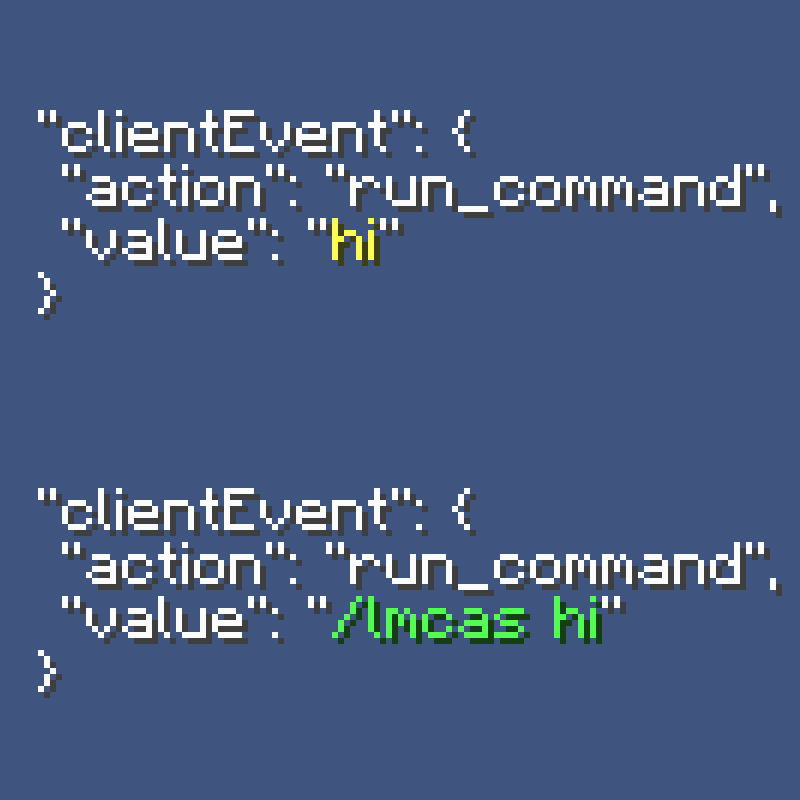
A simple Minecraft server-side mod, that replaces all non-command `run_command` content with a custom command, to bypass client-side restrictions since 1.19.1-rc1