Cloth Config API (Fabric/Forge/NeoForge) Needed by Health Indicator Next v1.02
requiredMatching file found Matched file: [NeoForge 26.2] v26.2.155
CurseForge · Minecraft mod
Displays Player Health and Armor indicators above their names!
Quick answer
Health Indicator Next v1.02 targets 26.2 with NeoForge. The project page does not say whether this file belongs on the client, dedicated server, or both. All 2 required mods have matching files.
Where it goes
The project page does not say whether this file belongs on the client, dedicated server, or both.
The source does not explicitly classify this release as client-only or server-only.
Health Indicator Next v1.02. Change the file and its required mods may change too.
Install Cloth Config API (Fabric/Forge/NeoForge), Architectury API first. We found matching files for this game-version and loader setup.
We only count dependency files that match this setup. A file for another loader does not fill the gap.
Before you install it
Built for Health Indicator Next v1.02. Pick another file and the loader, install side or required mods may change.
Use Health Indicator Next v1.02. It targets 26.2 with NeoForge; another release may have different loader, side or dependency requirements.
Install Cloth Config API (Fabric/Forge/NeoForge), Architectury API first. We found matching files for this game-version and loader setup.
The project page does not say whether this file belongs on the client, dedicated server, or both.
Use the “Get this file” button beside Health Indicator Next v1.02. It opens that exact file at the source.
About this project
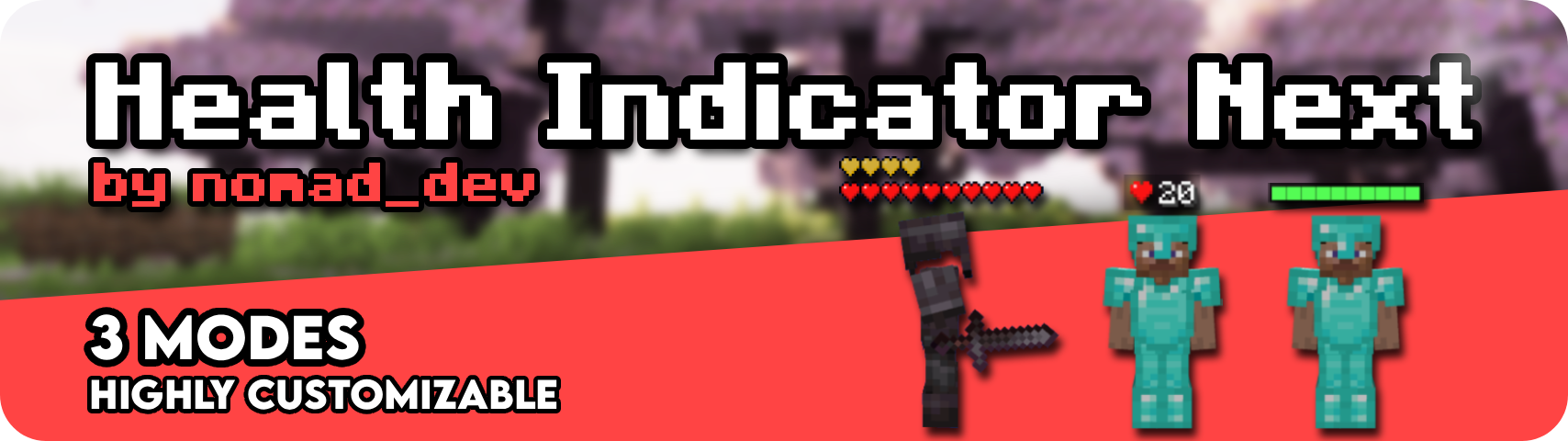
Health Indicator Next is a client only mod that shows configurable health and armor indicators above living entities. No server install needed. Health and armor can be enabled independently, so you can run just one or both.
20/20) or as a HUD style icon + value, with optional float precision
+N label for hidden heartscurrent/max fraction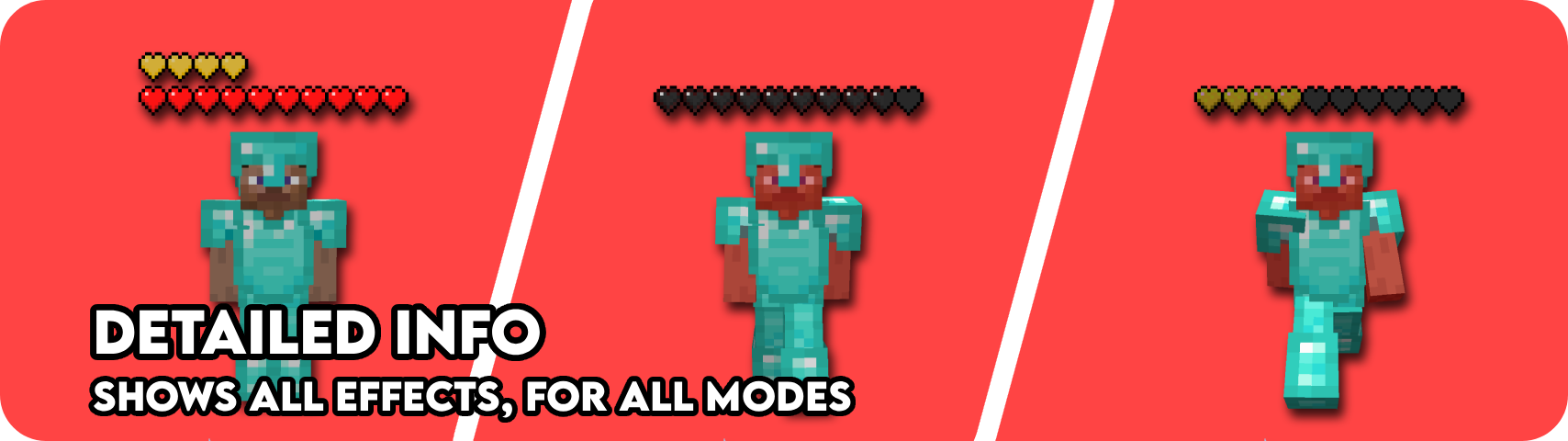
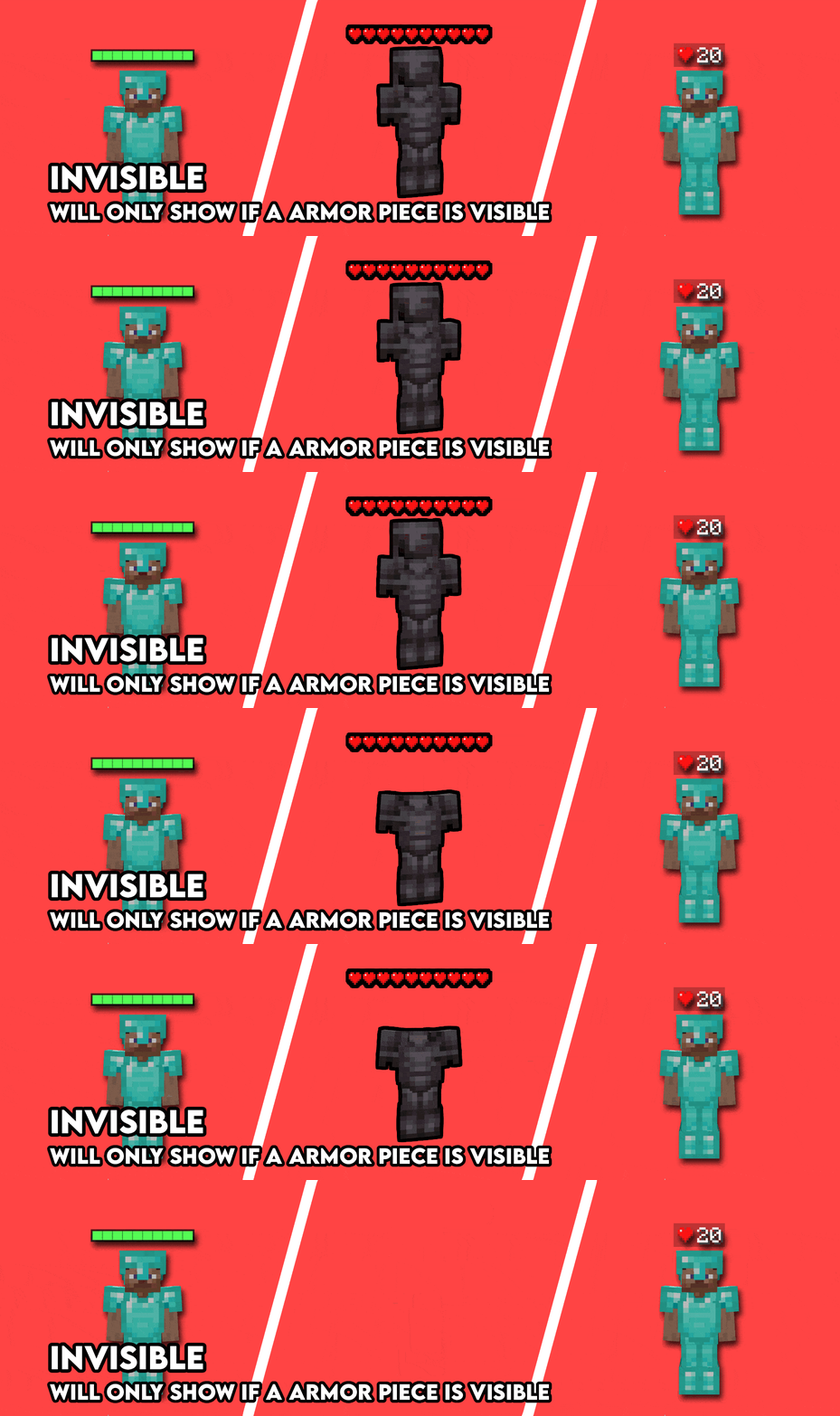
HJPage UpPage DownINote: These are all just the default keybinds. They can be modified by going into Options > Controls > Keybinds or by going to the Mod settings Key binds page.
Project description from CurseForge.
Pick your setup
Choose the version and loader you play, then open the matching release.
Showing the newest 12 of 16 game versions. Older files are in the list below.
Check the dependencies, then try the file in a copied instance before changing a world you care about.
Recent files
healthindicatornext-neoforge-26.2-1.0.2.jar
5 Aug 2026
healthindicatornext-neoforge-26.1-1.0.2.jar
5 Aug 2026
healthindicatornext-neoforge-1.21.11-1.0.2.jar
5 Aug 2026
healthindicatornext-neoforge-1.21.10-1.0.2.jar
5 Aug 2026
healthindicatornext-neoforge-1.21.9-1.0.2.jar
5 Aug 2026
healthindicatornext-neoforge-1.21.8-1.0.2.jar
5 Aug 2026
healthindicatornext-neoforge-1.21.7-1.0.2.jar
5 Aug 2026
healthindicatornext-neoforge-1.21.6-1.0.2.jar
5 Aug 2026
healthindicatornext-neoforge-1.21.5-1.0.2.jar
5 Aug 2026
healthindicatornext-neoforge-1.21.4-1.0.2.jar
5 Aug 2026
healthindicatornext-neoforge-1.21.3-1.0.2.jar
5 Aug 2026
healthindicatornext-neoforge-1.21.2-1.0.2.jar
5 Aug 2026
Looking for an older file? The official CurseForge project page is in Resources.
 mod
modA lightweight add-on for JEI/REI/EMI. Filtering exact items is just a click away!
 mod
modEvery mob has the potential to grow stronger, smarter, and more dangerous as they gain levels. With dynamic scaling of health, damage, and special abilities, each encounter becomes a unique challenge that will test your survival skills
 mod
modAeroIE is an addon for aeronautics, which adds new systems like control system, weapon, turret and more