Architectury API Needed by Health Indicator Simple v1.0.1
requiredMatching file found Matched file: [Fabric 26.3] v22.0.6

CurseForge · Minecraft mod
Simple Player Health and Armor indicators above their names!
Quick answer
Health Indicator Simple v1.0.1 targets 26.3 with Fabric. The project page does not say whether this file belongs on the client, dedicated server, or both. All 3 required mods have matching files.
Where it goes
The project page does not say whether this file belongs on the client, dedicated server, or both.
The source does not explicitly classify this release as client-only or server-only.
Health Indicator Simple v1.0.1. Change the file and its required mods may change too.
Install Architectury API, Cloth Config API (Fabric/Forge/NeoForge), Fabric API first. We found matching files for this game-version and loader setup.
We only count dependency files that match this setup. A file for another loader does not fill the gap.
Before you install it
Built for Health Indicator Simple v1.0.1. Pick another file and the loader, install side or required mods may change.
Use Health Indicator Simple v1.0.1. It targets 26.3 with Fabric; another release may have different loader, side or dependency requirements.
Install Architectury API, Cloth Config API (Fabric/Forge/NeoForge), Fabric API first. We found matching files for this game-version and loader setup.
The project page does not say whether this file belongs on the client, dedicated server, or both.
Use the “Get this file” button beside Health Indicator Simple v1.0.1. It opens that exact file at the source.
About this project

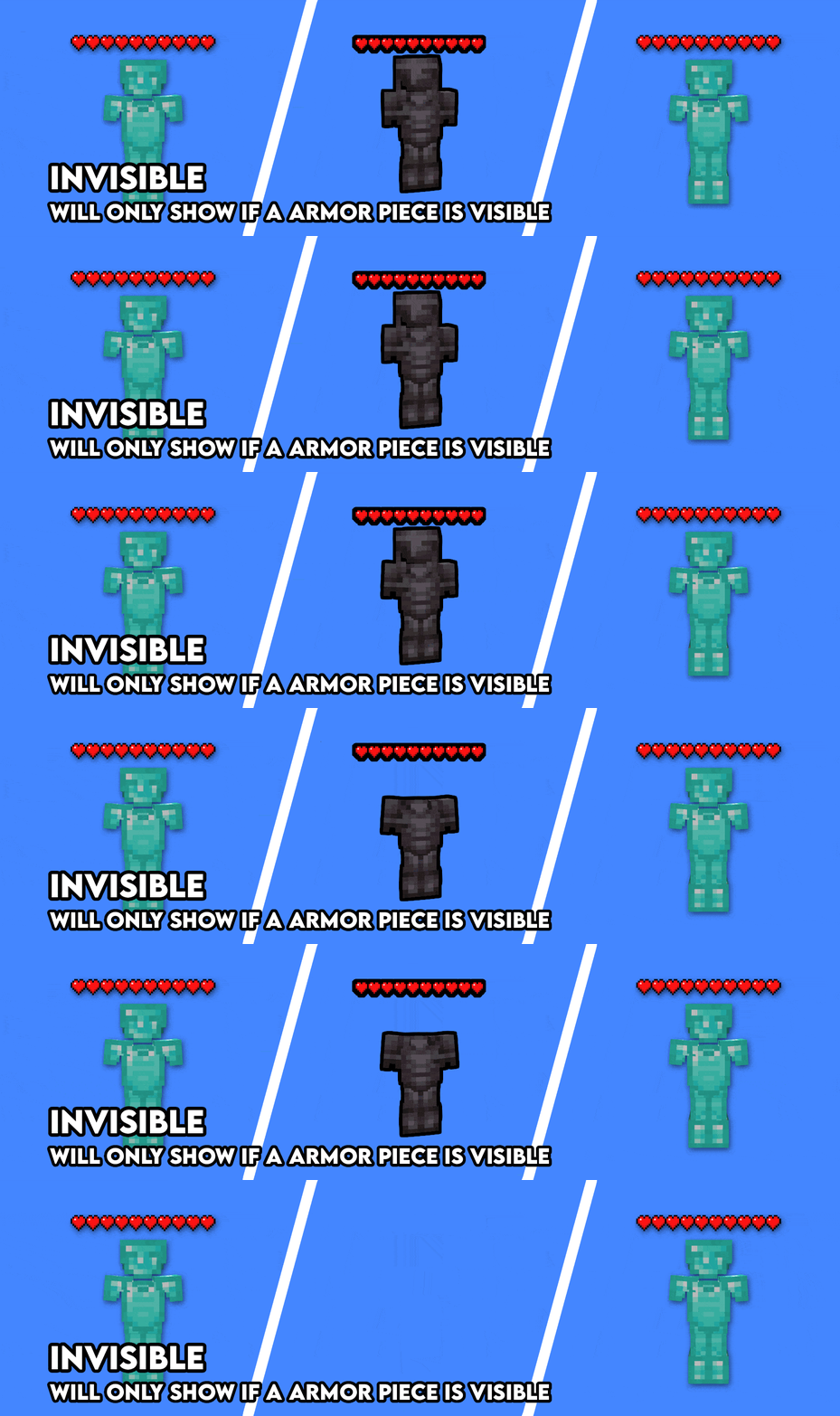
Health Indicator Simple is a client mod that shows configurable health and armor heart/armor icons above entities.
Health and armor can be enabled independently.

+N label for hidden hearts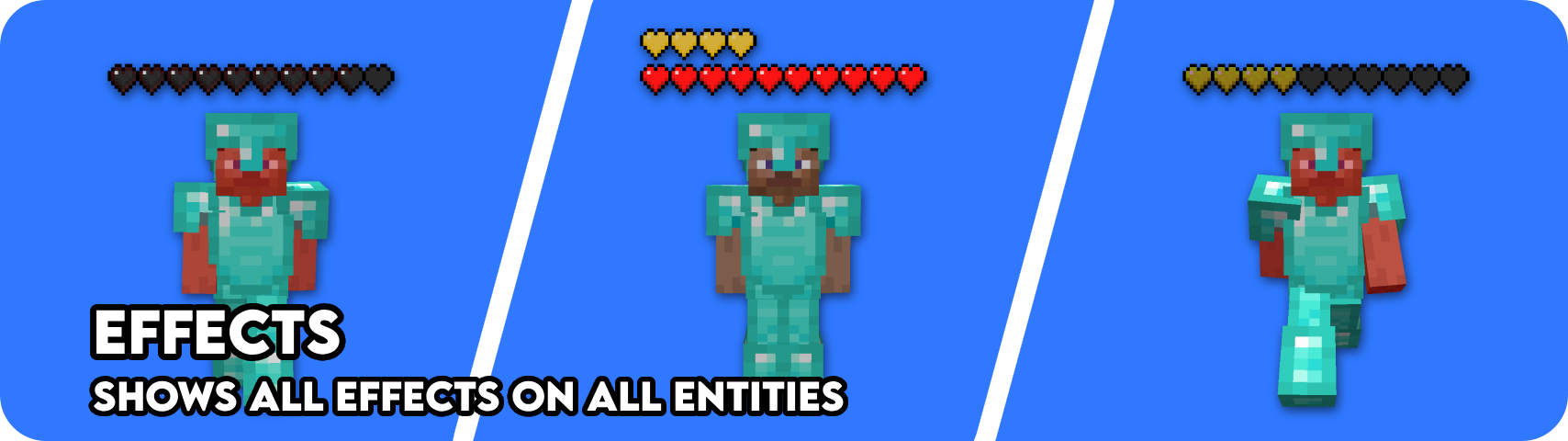
HJPage UpPage DownINote: These are all just the default keybinds. They can be modified by going into Options > Controls > Keybinds or by going to the Mod settings Key binds page.
Project description from CurseForge.
Pick your setup
Choose the version and loader you play, then open the matching release.
Showing the newest 12 of 17 game versions. Older files are in the list below.
Check the dependencies, then try the file in a copied instance before changing a world you care about.
Recent files
healthindicatorsimple-fabric-26.3-1.0.1.jar
30 Sept 2026
healthindicatorsimple-neoforge-26.3-1.0.1.jar
30 Sept 2026
healthindicatorsimple-fabric-26.2-1.0.1.jar
14 Aug 2026
healthindicatorsimple-fabric-26.1-1.0.1.jar
14 Aug 2026
healthindicatorsimple-fabric-1.21.11-1.0.1.jar
14 Aug 2026
healthindicatorsimple-fabric-1.21.10-1.0.1.jar
14 Aug 2026
healthindicatorsimple-fabric-1.21.9-1.0.1.jar
14 Aug 2026
healthindicatorsimple-fabric-1.21.8-1.0.1.jar
14 Aug 2026
healthindicatorsimple-fabric-1.21.7-1.0.1.jar
14 Aug 2026
healthindicatorsimple-fabric-1.21.6-1.0.1.jar
14 Aug 2026
healthindicatorsimple-fabric-1.21.5-1.0.1.jar
14 Aug 2026
healthindicatorsimple-fabric-1.21.4-1.0.1.jar
14 Aug 2026
Looking for an older file? The official CurseForge project page is in Resources.
 mod
TON 618 Addition, an unofficial addon for TON 618: TA-01 Last Light (TON618 evaporates by Hawking radiation and the world comes back) and TA-02 Quasar Jets (feed a star to TON618, its quasar jet hits the Earth). Needs RimuLib.
 mod
This mod introduces Reset Scroll. It allows you to keep your gear forever without worrying about the vanilla anvil repair limits.No Anvil Expensive,No Expensive Never Too Expensive
 mod
Enhance fluid logistics and processing system for Create