Create Needed by Create: Auto Assembly 1.5.0
requiredMatching file found Matched file: Create 6.0.10 for mc1.21.1

CurseForge · Minecraft mod
Automate/Lock Sable Physics Assembling and Disassembling
Quick answer
Create: Auto Assembly 1.5.0 targets 1.21.1 with NeoForge. The project page does not say whether this file belongs on the client, dedicated server, or both. All 3 required mods have matching files.
Where it goes
The project page does not say whether this file belongs on the client, dedicated server, or both.
The source does not explicitly classify this release as client-only or server-only.
Create: Auto Assembly 1.5.0. Change the file and its required mods may change too.
Install Create, Create Aeronautics, Sable first. We found matching files for this game-version and loader setup. 1 comes through another mod in the chain.
1 extra mod was pulled in by another dependency. Indented rows show who needs each one. We only count dependency files that match this setup. A file for another loader does not fill the gap.
Before you install it
Built for Create: Auto Assembly 1.5.0. Pick another file and the loader, install side or required mods may change.
Use Create: Auto Assembly 1.5.0. It targets 1.21.1 with NeoForge; another release may have different loader, side or dependency requirements.
Install Create, Create Aeronautics, Sable first. We found matching files for this game-version and loader setup. 1 comes through another mod in the chain.
The project page does not say whether this file belongs on the client, dedicated server, or both.
Use the “Get this file” button beside Create: Auto Assembly 1.5.0. It opens that exact file at the source.
About this project
Ever wanted to make a automated missile silo or airship printer? This mod adds a simple and clean way to automate the assembly (rather than making the sublevel on a sublevel) and disassembly of sable sublevels. This mod also can be used to lock the assembly/disassemble of sublevels and areas.
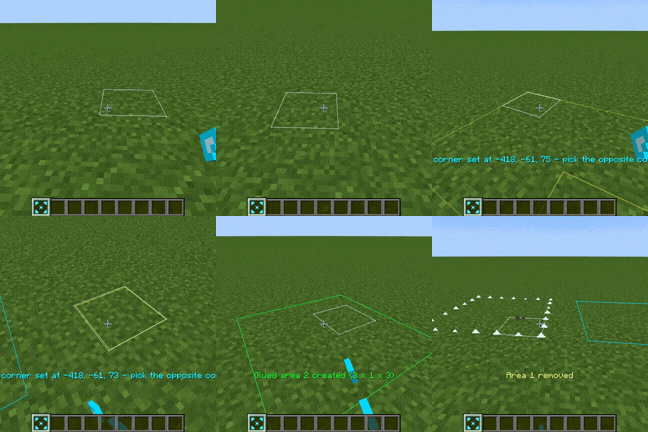
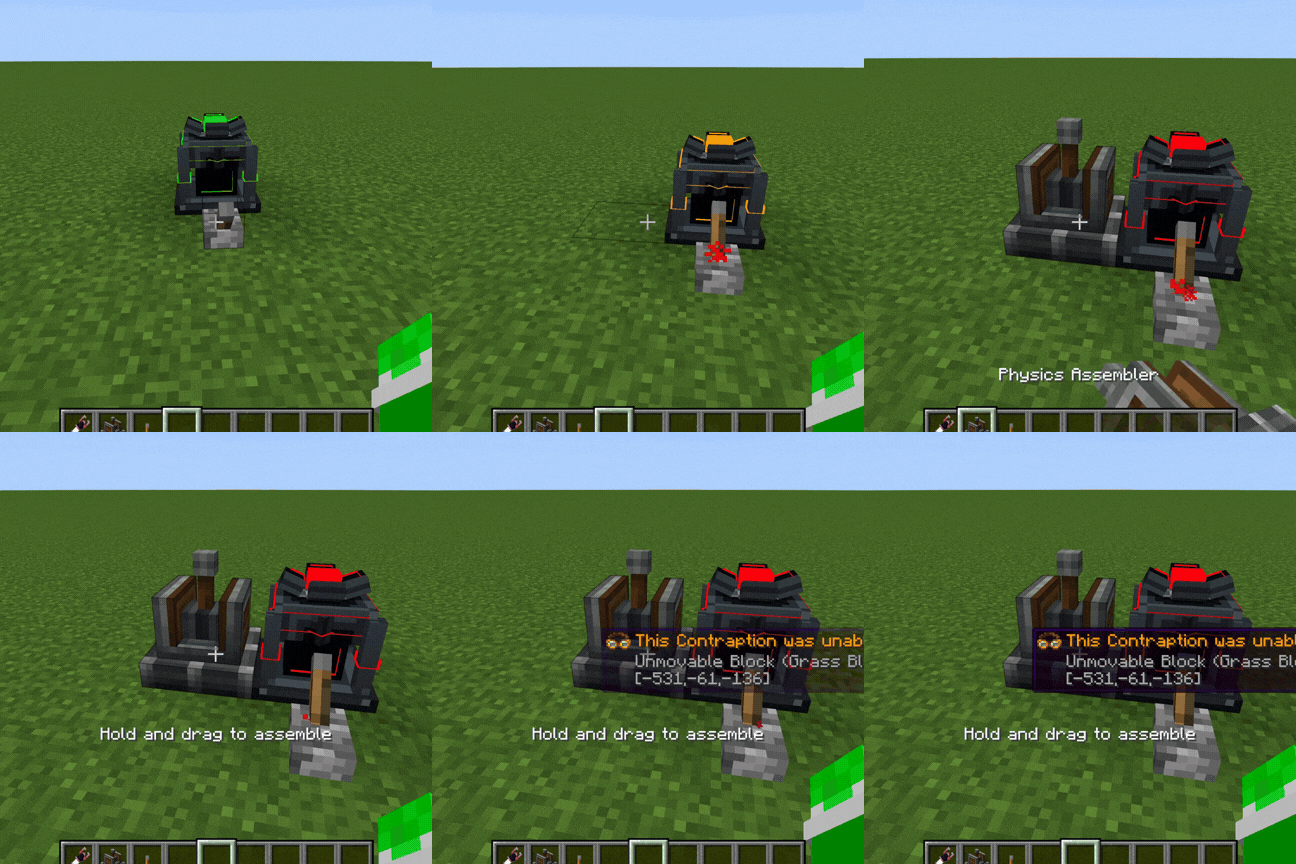
Assembly Area - Works like super glue but it saves the selected areas and is paired with an Automatic Physics Assembler.
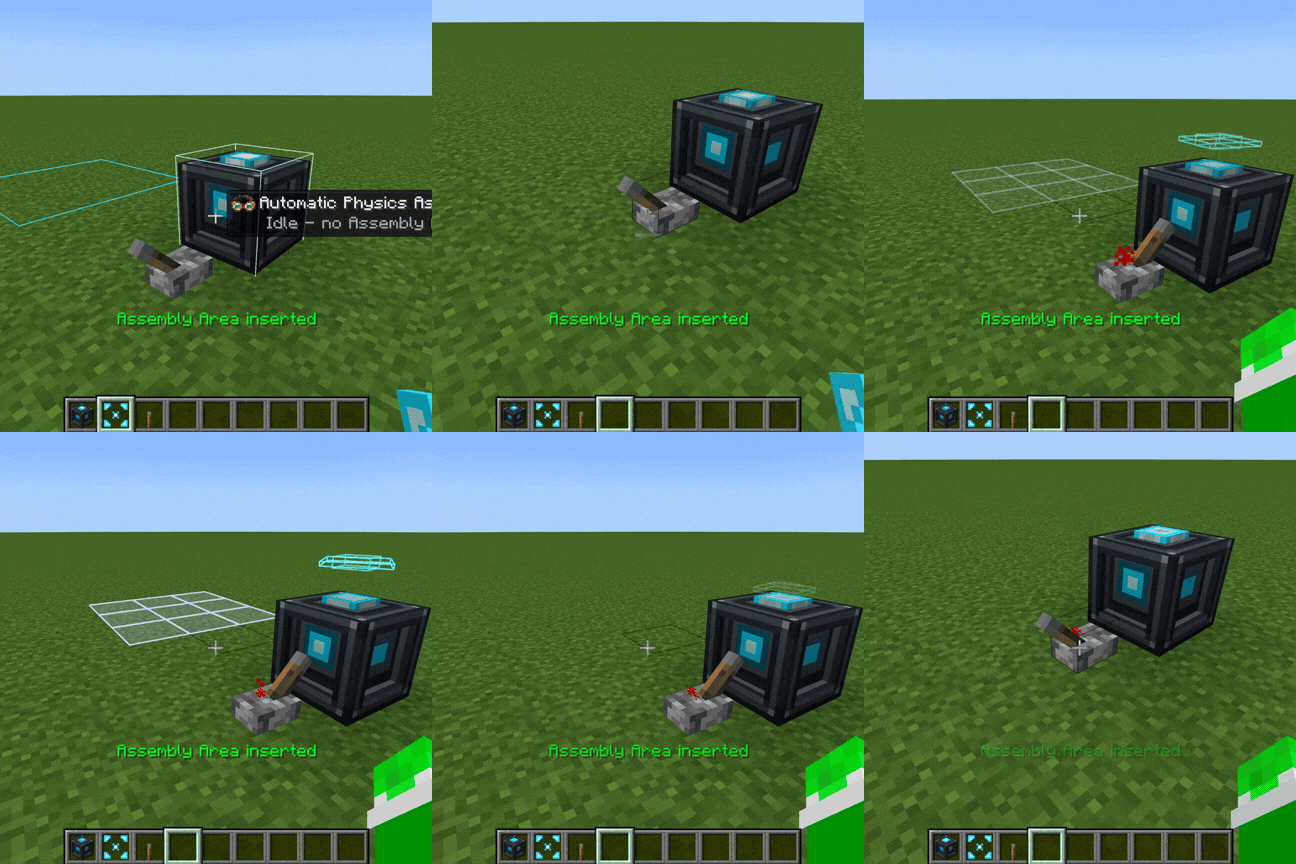
Automatic Physics Assembler - Right click with an Assembly Area to insert it and then power it with a continous redstone signal to assemble the selected area.
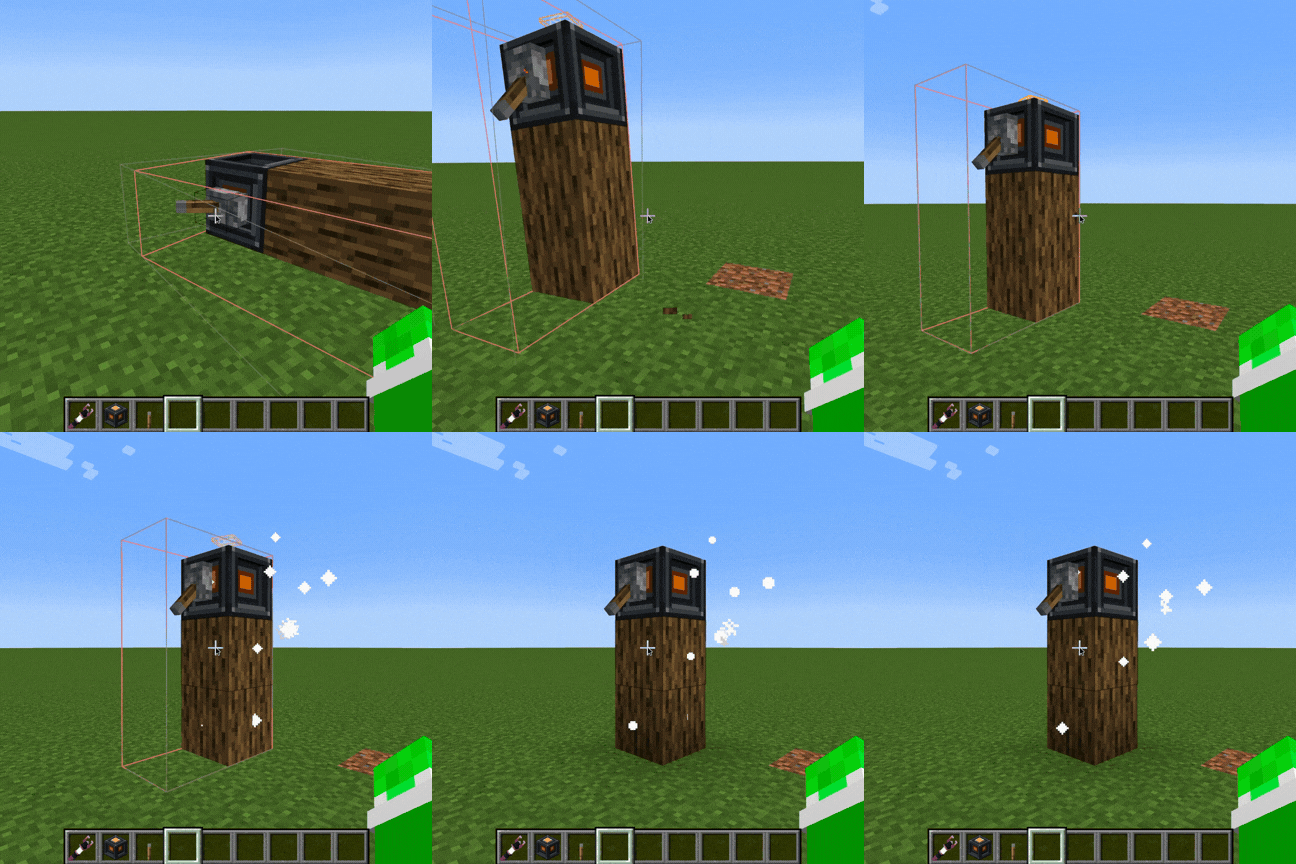
Automatic Physics Disassembler - Disassemble the currrent sublevel when given a continuos redstone signal.
Physics Lock - If on a sublevel - Prevents the disassembly of the sublevel:
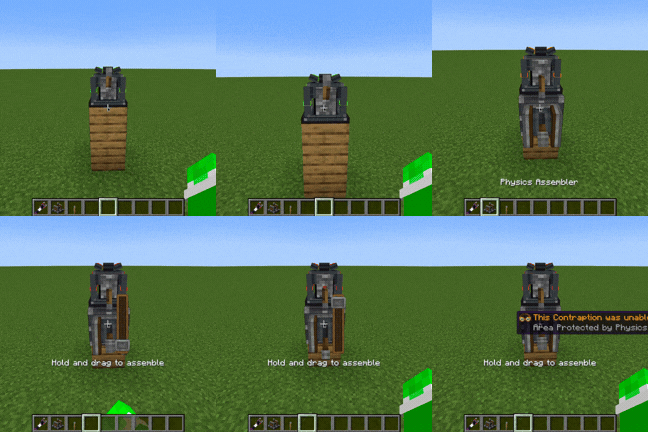
If on the ground - Prevents assembly of blocks within an 8 block radius.
Physics Schematicannon - Print schematics automatically and assemble them.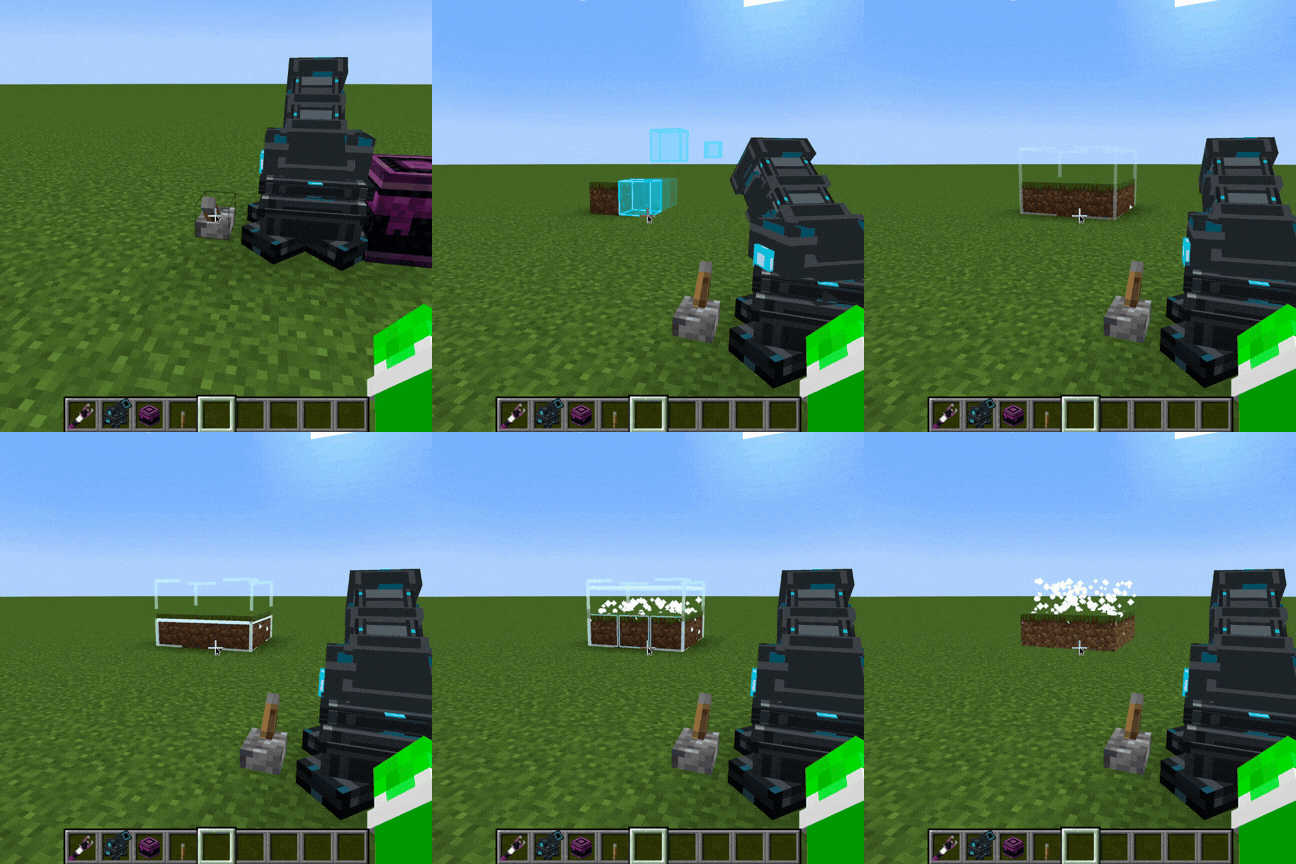
Commands
/createautoassembly disassemble at/area/selection/all
Compatability
WorldEdit - //Disassemble (disassemble sublevels in your selected area).
Planned Features:
Project Developed Using Claude Code.
Project description from CurseForge.
Pick your setup
Choose the version and loader you play, then open the matching release.
Check the dependencies, then try the file in a copied instance before changing a world you care about.
Recent files
createautoassembly-1.21.1-1.5.0.jar
22 Aug 2026
createautoassembly-1.21.1-1.1.1.jar
18 Aug 2026
createautoassembly-1.21.1-1.0.0.jar
18 Aug 2026
createautoassembly-1.21.1-1.0.0.jar
18 Aug 2026
createautoassembly-1.21.1-1.1.0.jar
16 Aug 2026
createautoassembly-1.21.1-1.0.0.jar
15 Aug 2026
Looking for an older file? The official CurseForge project page is in Resources.
 mod
modMinecraft’s oceans were never meant to stay flat. With Sablewaves you can experience Minecraft the way it was meant to be.
 mod
modAdds new machines to Modern Industrialization
 mod
modBuild a functional Minecraft kitchen to cook, fry, bake, steam, and boil food with specialized cooking stations.