Minecraft version
Back to mods 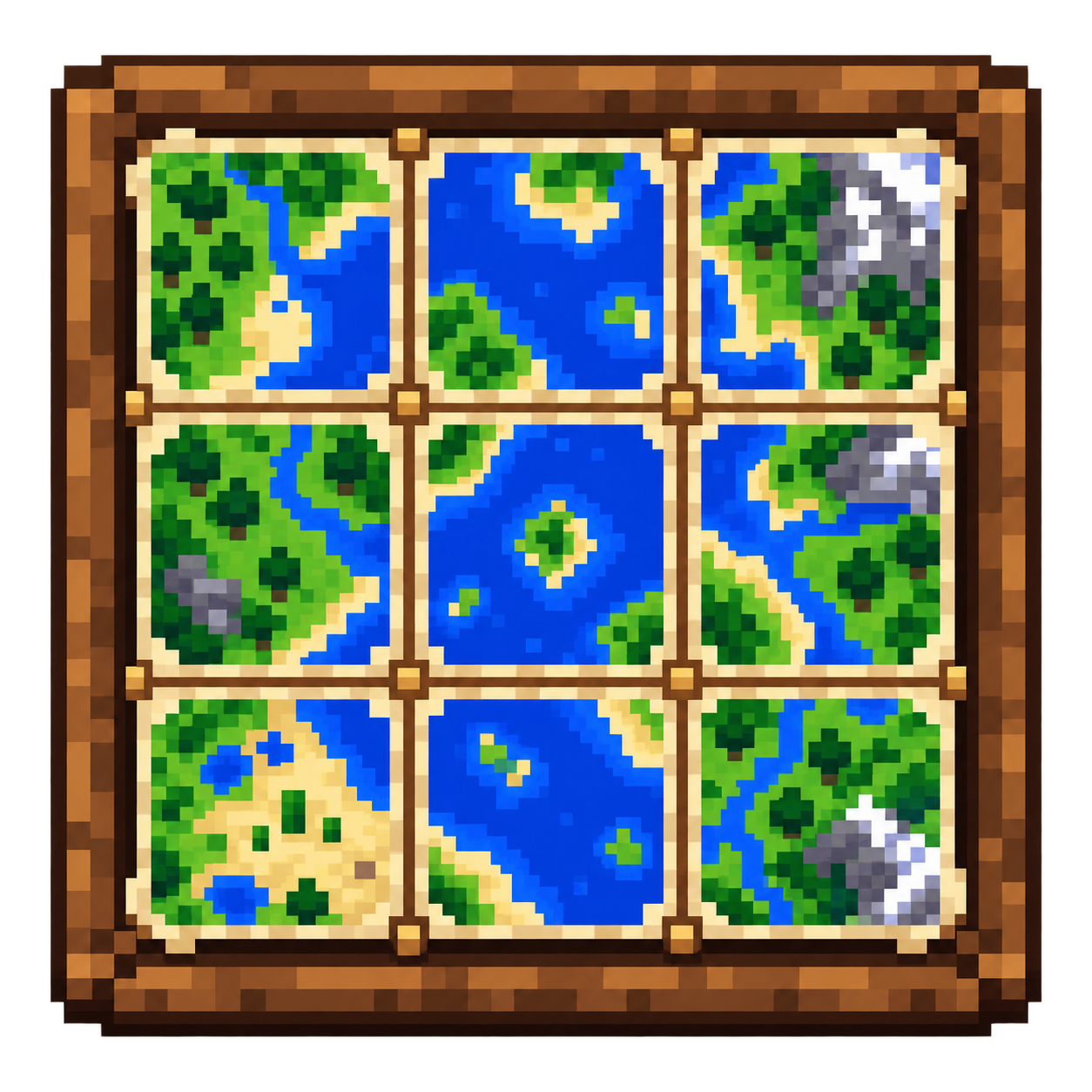
CurseForge · Minecraft mod
Item Frame Cache for Items & Maps
Keep huge Minecraft map walls and floors visible beyond server item-frame tracking distance, with persistent map caching, optimized RAM usage, and fully client-side Fabric support.
Choose a version Pick your version below, then grab the matching file.
Quick answer
Which Item Frame Cache for Items & Maps release should I use?
Latest stable file ItemFrameCache-2.0.0-Minecraft-26.x.jar
Game version 26.1, 26.1.1, 26.1.2
Loader Fabric
Item Frame Cache for Items & Maps ItemFrameCache-2.0.0-Minecraft-26.x.jar targets 26.1, 26.1.1, 26.1.2 with Fabric. The project page does not say whether this file belongs on the client, dedicated server, or both. No extra mods listed for this file.
Where it goes
Is Item Frame Cache for Items & Maps required on the client, server, or both?
The project page does not say whether this file belongs on the client, dedicated server, or both.
Client Source doesn’t say
Dedicated server Source doesn’t say
Loader for this release Fabric
Required install it here Optional supported, not mandatory Not supported do not install here Source doesn’t say do not assume
The source does not explicitly classify this release as client-only or server-only.
What else does Item Frame Cache for Items & Maps ItemFrameCache-2.0.0-Minecraft-26.x.jar need?
ItemFrameCache-2.0.0-Minecraft-26.x.jar. Change the file and its required mods may change too.
This file does not list any required mods. Do not add a library just because a different file uses it.
This file does not list any required or optional mods.
Before you install it
Add Item Frame Cache for Items & Maps without breaking your instance.
Built for Item Frame Cache for Items & Maps ItemFrameCache-2.0.0-Minecraft-26.x.jar. Pick another file and the loader, install side or required mods may change.
- 01
Stick to this file
Use ItemFrameCache-2.0.0-Minecraft-26.x.jar. It targets 26.1, 26.1.1, 26.1.2 with Fabric; another release may have different loader, side or dependency requirements.
- 02
Bring the mods it needs
This file does not list any required mods. Do not add a library just because a different file uses it.
- 03
Put it on the correct side
The project page does not say whether this file belongs on the client, dedicated server, or both.
- 04
Pick the file you checked
Use the “Get this file” button beside ItemFrameCache-2.0.0-Minecraft-26.x.jar. It opens that exact file at the source.
About this project
What does Item Frame Cache for Items & Maps add?
Item Frame Cache
Item Frame Cache is a lightweight, client-side Fabric mod that keeps previously seen item frames visible after the server stops tracking them.
It was originally created for huge map walls and map floors, but version 2.0 expands the cache to support regular items and optionally empty item frames too.
This makes it useful for:
- 🗺️ Huge map walls and map floors
- 🖼️ Decorative item frame builds
- 📦 Storage rooms using item frames as labels
- 🏛️ Museums and display halls
- 🛒 Shops and item showcases
- 🧱 Large builds containing thousands of item frames
Everything runs client-side. No server installation is required.
✨ What Item Frame Cache does
Minecraft servers stop sending item-frame entities to the client after a certain tracking distance.
When that happens, the item frame and its contents normally disappear even if the surrounding terrain is still being rendered.
Item Frame Cache remembers previously seen item frames and can continue rendering them after the server stops tracking them.
Version 2.0 can cache:
- Filled maps
- Regular items
- Empty item frames, optionally
Each category can be enabled or disabled independently.
🗺️ Large map displays
Item Frame Cache is especially useful for very large map walls and map floors.
Once a map frame has been seen, the mod can keep its cached render state available even after the server stops sending that item frame to your client.
The persistent map cache can also store previously received map pixel data locally, allowing known multiplayer maps to be restored when the server is no longer providing that data.
Only the map image data is stored persistently.
Item-frame positions and normal displayed items are session-only and are not permanently stored.
🖼️ Regular items in item frames
Item Frame Cache 2.0 is no longer limited to filled maps.
Regular items displayed in item frames can also remain visible beyond the server's normal entity tracking distance.
This is useful for builds such as:
- Storage systems
- Item displays
- Museums
- Shops
- Decorative interiors
- Large technical or themed builds
Regular-item caching is enabled by default and can be disabled independently from map caching.
⬜ Empty item frames
Empty item frames can also be cached.
This option is disabled by default because keeping very large numbers of empty frames in memory may not be useful for every player.
It can be enabled from the configuration file or ModMenu.
📏 Configurable render distance
Item Frame Cache supports two render-distance modes.
Fixed distance
Uses a specific distance in blocks.
For example, cached item frames can remain visible up to 512 blocks away regardless of Minecraft's current render-distance setting.
Minecraft distance
Automatically follows Minecraft's current render distance.
A multiplier can be applied to make the cached-frame distance shorter or longer.
Examples:
0.5x— half Minecraft's render distance1.0x— match Minecraft's render distance1.5x— 150% of Minecraft's render distance2.0x— twice Minecraft's render distance
This mode is useful if you want cached item frames to stay within roughly the same visual range as the world around them.
👁️ Frustum culling
Cached item frames outside the camera view can be skipped automatically.
This reduces unnecessary rendering work for cached frames that cannot currently be seen.
Frustum culling is enabled by default.
🧠 Cache limits
Large servers can contain enormous numbers of item frames, so Item Frame Cache includes a configurable maximum cache size.
The default limit is:
10,000 cached item frames
Setting the limit to 0 disables the cap.
This allows players to balance maximum retained visibility against memory usage.
💾 Persistent map cache
Previously seen multiplayer map pixel data can be stored locally.
The persistent map cache includes:
- Per-server cache separation
- CRC validation
- Corruption detection
- Asynchronous disk I/O
- Atomic file replacement where supported
- Configurable in-memory map cache
- Automatic cache age cleanup
The persistent map cache is independent from the runtime item-frame cache.
⚙️ Configuration
Item Frame Cache 2.0 uses:
config/itemframecache.json
The configuration file controls:
- Map caching
- Regular-item caching
- Empty-frame caching
- Render-distance mode
- Fixed render distance
- Minecraft render-distance multiplier
- Frustum culling
- Maximum cached frames
- Persistent map cache
- Map states kept in RAM
- Maximum persistent map cache age
- Diagnostic cache logging
Manual JSON values are validated and constrained to safe ranges.
🖥️ Optional ModMenu support
If ModMenu is installed, Item Frame Cache can be configured directly from Minecraft.
ModMenu is completely optional.
The configuration screen includes controls for all major settings, and every option includes a short tooltip explaining what it does.
Changes made through ModMenu are saved to the same JSON configuration file.
🔄 Upgrading from older versions
Existing users can upgrade directly from Item Frame Cache 1.5.x.
If the old:
config/itemframecache.properties
file exists and no JSON configuration has been created yet, Item Frame Cache automatically imports the old settings.
The original properties file is left untouched.
The persistent map cache remains compatible.
Players who only want the previous map-focused behavior can disable regular items and empty frames:
Project description from CurseForge.
Pick your setup
Item Frame Cache for Items & Maps by Minecraft version and loader
Choose the version and loader you play, then open the matching release.
Minecraft version
26.1.2
1 loader buildMinecraft version
26.1.1
1 loader buildMinecraft version
26.1
1 loader buildMinecraft version
1.21.11-snapshot
1 loader buildMinecraft version
1.21.11
1 loader buildMinecraft version
1.21.10
1 loader buildMinecraft version
1.21.9-snapshot
1 loader buildMinecraft version
1.21.9
1 loader buildMinecraft version
1.21.8
1 loader buildMinecraft version
1.21.7
1 loader buildMinecraft version
1.21.6-snapshot
1 loader buildShowing the newest 12 of 24 game versions. Older files are in the list below.
Check the dependencies, then try the file in a copied instance before changing a world you care about.
Recent files
Item Frame Cache for Items & Maps versions and loaders
ItemFrameCache-2.0.0-Minecraft-26.x.jar
1 Sept 2026
Client Source doesn’t say Server Source doesn’t say Dependencies No extras listed Listed on Release listing
Check the 26.2 · Fabric setup Fabric26.126.1.126.1.2 release
ItemFrameCache-2.0.0-Minecraft-1.21.2-1.21.8.jar
1 Sept 2026
Client Source doesn’t say Server Source doesn’t say Dependencies No extras listed Listed on Release listing
Check the 1.21.8 · Fabric setup 1.21.2-Snapshot1.21.6-snapshotFabric1.21.8 release
ItemFrameCache-2.0.0-Minecraft-1.21.9-1.21.11.jar
1 Sept 2026
Client Source doesn’t say Server Source doesn’t say Dependencies No extras listed Listed on Release listing
Check the 1.21.11-snapshot · Fabric setup Fabric1.21.9-snapshot1.21.91.21.10 release
ItemFrameCache-2.0.0-Minecraft-1.21-1.21.1.jar
1 Sept 2026
Client Source doesn’t say Server Source doesn’t say Dependencies No extras listed Listed on Release listing
Check the 1.21.1-Snapshot · Fabric setup 1.211.21.1-SnapshotFabric1.21.1 release
ItemFrameCache-1.5.0-Minecraft-1.21-1.21.1-FINAL.jar
23 Aug 2026
Client Source doesn’t say Server Source doesn’t say Dependencies No extras listed Listed on Release listing
Check the 1.21.1-Snapshot · Fabric setup 1.211.21.1-SnapshotFabric1.21.1 release
ItemFrameCache-1.5.0-Minecraft-1.21.2-1.21.8-FINAL.jar
23 Aug 2026
Client Source doesn’t say Server Source doesn’t say Dependencies No extras listed Listed on Release listing
Check the 1.21.8 · Fabric setup 1.21.2-Snapshot1.21.6-snapshotFabric1.21.8 release
ItemFrameCache-1.5.0-Minecraft-1.21.9-1.21.11-FINAL.jar
23 Aug 2026
Client Source doesn’t say Server Source doesn’t say Dependencies No extras listed Listed on Release listing
Check the 1.21.11-snapshot · Fabric setup Fabric1.21.9-snapshot1.21.91.21.10 release
ItemFrameCache-1.5.0-Minecraft-26.x-Universal-FINAL.jar
23 Aug 2026
Client Source doesn’t say Server Source doesn’t say Dependencies No extras listed Listed on Release listing
Check the 26.2 · Fabric setup Fabric26.126.1.126.1.2 release
Looking for an older file? The official CurseForge project page is in Resources.
 mod
mod CurseForge · Minecraft
Night Vision Carrot
Add a night vision carrot that helps see clearly in the night, and other useful tools
 mod
mod CurseForge · Minecraft
Player Hurt Sound
Add some player hurt sound and floating damage number, hurt visual effects to make player feel personally on the scene
 mod
mod CurseForge · Minecraft
Creators Capes
Modpack Devs, Server owners - Add you own custom capes!