Minecraft version
Back to mods 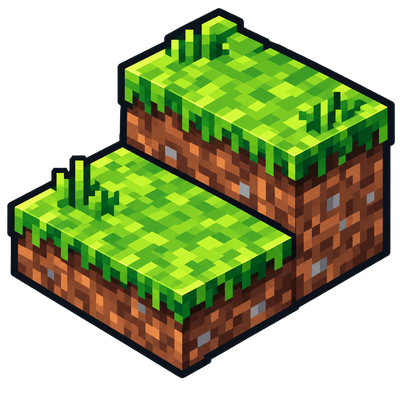
CurseForge · Minecraft mod
skysgrassslabs
Provides grassy slabs into world generation to smooth the overworld, plus grass block, slab and turf recipes.
Choose a version Pick your version below, then grab the matching file.
Quick answer
Which skysgrassslabs release should I use?
beta file Sky's Grass Slabs 0.2.0 for Forge 1.18.2
Game version 1.18.2
Loader Forge
skysgrassslabs Sky's Grass Slabs 0.2.0 for Forge 1.18.2 targets 1.18.2 with Forge. The project page does not say whether this file belongs on the client, dedicated server, or both. No extra mods listed for this file.
Where it goes
Is skysgrassslabs required on the client, server, or both?
The project page does not say whether this file belongs on the client, dedicated server, or both.
Client Source doesn’t say
Dedicated server Source doesn’t say
Loader for this release Forge
Required install it here Optional supported, not mandatory Not supported do not install here Source doesn’t say do not assume
The source does not explicitly classify this release as client-only or server-only.
What else does skysgrassslabs Sky's Grass Slabs 0.2.0 for Forge 1.18.2 need?
Sky's Grass Slabs 0.2.0 for Forge 1.18.2. Change the file and its required mods may change too.
This file does not list any required mods. Do not add a library just because a different file uses it.
This file does not list any required or optional mods.
Before you install it
Add skysgrassslabs without breaking your instance.
Built for skysgrassslabs Sky's Grass Slabs 0.2.0 for Forge 1.18.2. Pick another file and the loader, install side or required mods may change.
- 01
Stick to this file
Use Sky's Grass Slabs 0.2.0 for Forge 1.18.2. It targets 1.18.2 with Forge; another release may have different loader, side or dependency requirements.
- 02
Bring the mods it needs
This file does not list any required mods. Do not add a library just because a different file uses it.
- 03
Put it on the correct side
The project page does not say whether this file belongs on the client, dedicated server, or both.
- 04
Pick the file you checked
Use the “Get this file” button beside Sky's Grass Slabs 0.2.0 for Forge 1.18.2. It opens that exact file at the source.
About this project
What does skysgrassslabs add?
Sky’s Grass Slabs
Smooth out Minecraft’s blocky terrain with natural grass slabs and turf.
Sky’s Grass Slabs places natural looking grass slabs on suitable terrain transitions during new Overworld generation. It also adds fully usable dirt, grass and path slabs, together with a thin layer of cuttable turf.
Grass behaves naturally across vanilla blocks, slabs and turf: it spreads, responds to light and cover, supports snow and vegetation, and retains Minecraft’s biome colouring.
Features
- Dirt, grass and lowered dirt path slabs
- Top, bottom, double and waterlogged slab placement
- Natural grass spreading between vanilla blocks, slabs and turf
- Biome tinted and snowy grass slab textures
- Shovel paths: use a compatible shovel on dirt or grass slabs
- Carpet height turf that spreads grass while supported by dirt
- Use turf directly on dry dirt slabs to turn them into grass slabs
- Grass block, grass slab and turf crafting recipes
- Snow, plant and bonemeal support on top grass slabs
- Smoothing of suitable slopes in newly generated Overworld terrain
Crafting Turf
Craft a grass block or grass slab together with a vanilla or Forge compatible shovel.
The shovel is returned undamaged, while the corresponding dirt block or dirt slab remains.
Turf can also be used directly on a dry dirt slab to convert it into the matching grass slab.
World Generation
Terrain smoothing is enabled by default and affects newly generated Overworld chunks only. It does not modify existing terrain or perform automatic retrogen.
World generation can be disabled in the common configuration:
worldgen.generateGrassSlabs=false
Project description from CurseForge.
Pick your setup
skysgrassslabs by Minecraft version and loader
Choose the version and loader you play, then open the matching release.
Check the dependencies, then try the file in a copied instance before changing a world you care about.
Recent files
skysgrassslabs versions and loaders
Sky's Grass Slabs 0.2.0 for Forge 1.18.2
SkysGrassSlabs-0.2.0.118021.jar
1 Sept 2026
Client Source doesn’t say Server Source doesn’t say Dependencies No extras listed Listed on Release listing
Check the 1.18.2 · Forge setup Forge1.18.2 beta
Looking for an older file? The official CurseForge project page is in Resources.
 mod
mod CurseForge + Modrinth · Minecraft
Hovering Hotbar
Makes your hotbar seemingly float in place by shifting it a few pixels upward.
 mod
mod CurseForge · Minecraft
HideName (Nick), Nickname & Player Health - Minecraft Mod
Hide player names, add custom nicknames and prefixes, and display player health.
 mod
mod CurseForge · Minecraft
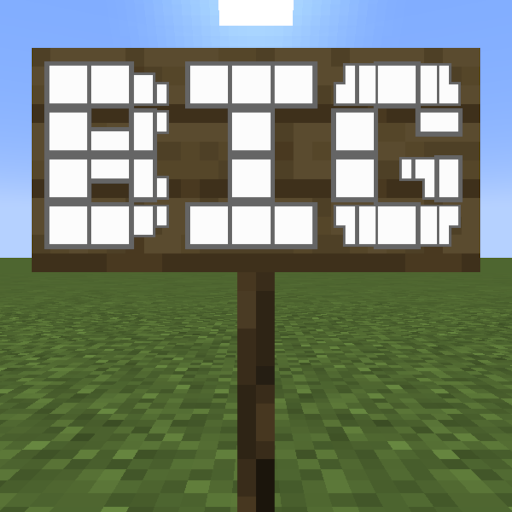
Big Sign Writer
Allows for easy writing of large multi-line characters on signs!