Puzzles Lib Needed by Hovering Hotbar [NEOFORGE] [1.21.1] v21.1.1
requiredMatching file found Matched file: [NEOFORGE] [1.21.1] v21.1.60

CurseForge · Minecraft mod
Makes your hotbar seemingly float in place by shifting it a few pixels upward.
Quick answer
Hovering Hotbar [NEOFORGE] [1.21.1] v21.1.1 targets 1.21.1 with NeoForge. The project page does not say whether this file belongs on the client, dedicated server, or both. All 1 required mods have matching files.
Where it goes
The project page does not say whether this file belongs on the client, dedicated server, or both.
The source does not explicitly classify this release as client-only or server-only.
[NEOFORGE] [1.21.1] v21.1.1. Change the file and its required mods may change too.
Install Puzzles Lib first. We found matching files for this game-version and loader setup.
We only count dependency files that match this setup. A file for another loader does not fill the gap.
Before you install it
Built for Hovering Hotbar [NEOFORGE] [1.21.1] v21.1.1. Pick another file and the loader, install side or required mods may change.
Use [NEOFORGE] [1.21.1] v21.1.1. It targets 1.21.1 with NeoForge; another release may have different loader, side or dependency requirements.
Install Puzzles Lib first. We found matching files for this game-version and loader setup.
The project page does not say whether this file belongs on the client, dedicated server, or both.
Use the “Get this file” button beside [NEOFORGE] [1.21.1] v21.1.1. It opens that exact file at the source.
About this project
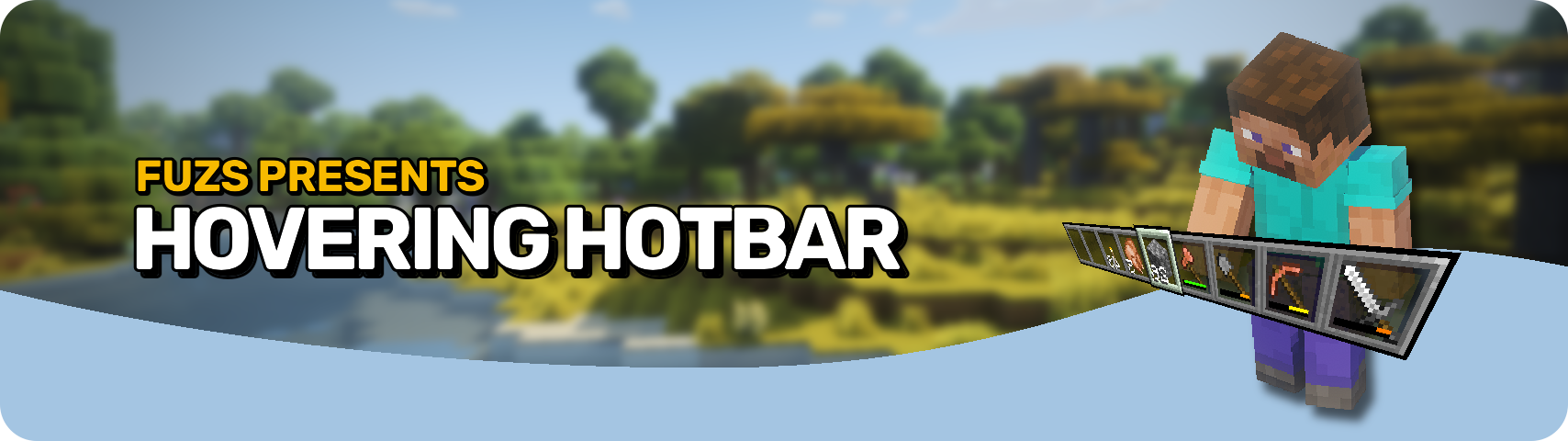







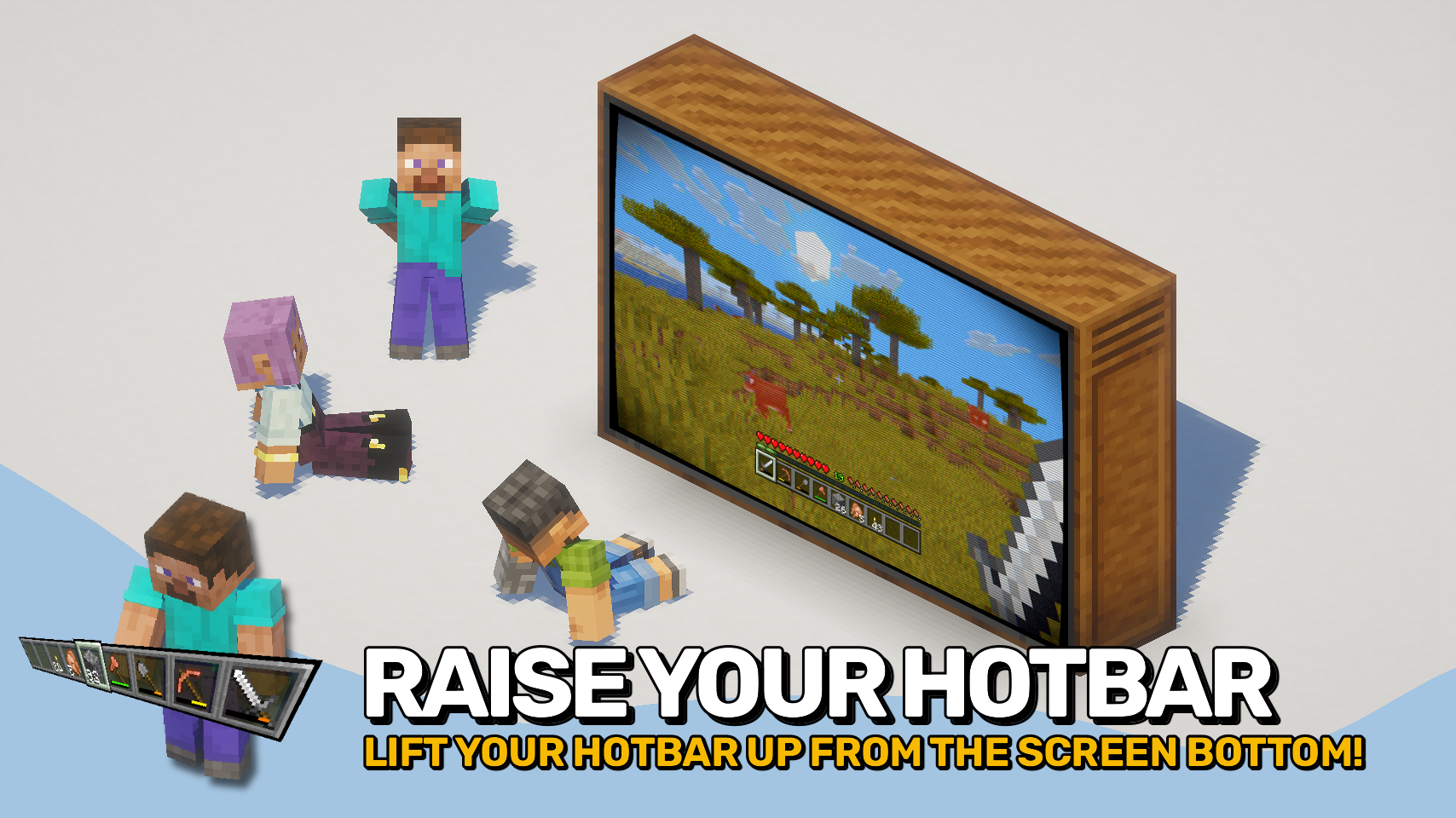
Hovering Hotbar brings the elevated hotbar style from Bedrock Edition and Legacy Console Edition to Java Edition. 🎮
By moving the hotbar away from the bottom edge of the screen, it appears to float in place, creating a cleaner and more modern HUD layout. This also allows the full selection highlight to be rendered instead of being partially cut off by the screen border. ✨
The hotbar offset is fully configurable, letting you position it exactly where you want it. To complete the console-inspired look, the experience level display can also be moved above the experience bar. ⚙️



⏩ INSTALLATION REQUIRED ON CLIENT
⏩ REQUIRES PUZZLES LIB TO BE INSTALLED (FABRIC & NEOFORGE)
⏩ REQUIRES FABRIC API TO BE INSTALLED (FABRIC)
⏩ REQUIRES FORGE CONFIG API PORT TO BE INSTALLED (FABRIC)

If available for a mod, configuration is possible directly from in-game using the mod menu (requires Mod Menu by Prospector to be installed on Fabric).
For manual configuration using an external text editor all files are found at .minecraft/config, named as MOD_ID-client.toml, MOD_ID-common.toml, or MOD_ID-server.toml, depending on the type of config. Not all types might exist for a mod, if any at all.
 |
 |
|
|---|---|---|
 |
 |
|
 |
 |
|
 |
 |
|
 |
 |
|

© 2026 @heyitsfuzs. All rights reserved. This page was last edited on 11 September 2026, at 06:44 (UTC).
Project description from CurseForge.
Pick your setup
Choose the version and loader you play, then open the matching release.
Check the dependencies, then try the file in a copied instance before changing a world you care about.
Recent files
HoveringHotbar-v21.1.1-mc1.21.1-NeoForge.jar
6 Sept 2026
HoveringHotbar-v21.1.1-mc1.21.1-Fabric.jar
6 Sept 2026
HoveringHotbar-v21.10.0+mc1.21.10-NeoForge.jar
1 Sept 2026
HoveringHotbar-v21.10.0+mc1.21.10-Fabric.jar
1 Sept 2026
HoveringHotbar-v21.10.0+mc1.21.10-Fabric.jar
1 Sept 2026
HoveringHotbar-v21.10.0+mc1.21.10-NeoForge.jar
1 Sept 2026
HoveringHotbar-v21.11.0-mc1.21.11-Fabric.jar
1 Sept 2026
HoveringHotbar-v21.11.0-mc1.21.11-NeoForge.jar
1 Sept 2026
HoveringHotbar-v21.8.0-1.21.8-Fabric.jar
1 Sept 2026
HoveringHotbar-v21.8.0-1.21.8-NeoForge.jar
1 Sept 2026
HoveringHotbar-v21.5.0-1.21.5-Fabric.jar
1 Sept 2026
HoveringHotbar-v21.5.0-1.21.5-NeoForge.jar
1 Sept 2026
Looking for an older file? The official CurseForge project page is in Resources.
 mod
modA food temperature system as an addon for cold sweat.
 mod
modScoreboard ranking mod: web dashboard access, historical data query, point lookup for arbitrary post-install dates.
 mod
modLoad mods from version-specific folders (mods///). Supports Fabric, Forge, and NeoForge.
