Minecraft version
Back to mods 
CurseForge · Minecraft mod
players-vs-scavenger
players-vs-scavenger - You need to obtain the item as in the original mod, but in multiplayer you need to find a way to disable the opponent.
Choose a version Pick your version below, then grab the matching file.
Quick answer
Which players-vs-scavenger release should I use?
Latest stable file players-vs-scavenger-fabric-26.2-1.3.1+26.2.jar
Game version 26.2
Loader Fabric
players-vs-scavenger-fabric-26.2-1.3.1+26.2.jar targets 26.2 with Fabric. The project page does not say whether this file belongs on the client, dedicated server, or both. No extra mods listed for this file.
Where it goes
Is players-vs-scavenger required on the client, server, or both?
The project page does not say whether this file belongs on the client, dedicated server, or both.
Client Source doesn’t say
Dedicated server Source doesn’t say
Loader for this release Fabric
Required install it here Optional supported, not mandatory Not supported do not install here Source doesn’t say do not assume
The source does not explicitly classify this release as client-only or server-only.
What else does players-vs-scavenger-fabric-26.2-1.3.1+26.2.jar need?
players-vs-scavenger-fabric-26.2-1.3.1+26.2.jar. Change the file and its required mods may change too.
This file does not list any required mods. Do not add a library just because a different file uses it.
This file does not list any required or optional mods.
Before you install it
Add players-vs-scavenger without breaking your instance.
Built for players-vs-scavenger-fabric-26.2-1.3.1+26.2.jar. Pick another file and the loader, install side or required mods may change.
- 01
Stick to this file
Use players-vs-scavenger-fabric-26.2-1.3.1+26.2.jar. It targets 26.2 with Fabric; another release may have different loader, side or dependency requirements.
- 02
Bring the mods it needs
This file does not list any required mods. Do not add a library just because a different file uses it.
- 03
Put it on the correct side
The project page does not say whether this file belongs on the client, dedicated server, or both.
- 04
Pick the file you checked
Use the “Get this file” button beside players-vs-scavenger-fabric-26.2-1.3.1+26.2.jar. It opens that exact file at the source.
About this project
What does players-vs-scavenger add?
This mod is an improvement of the “scavenger” mod with a modification for multiplayer featuring competition elements. Unfortunately, you will have to delete the original and replace it with this one for the multiplayer to work.
You also select an item and a difficulty level for obtaining it using a roulette system, after which you open the network for players to join. As soon as there are two players, the mod mode will switch to the updated part.
The player who gets the item first is marked as the hunter; their task is to prevent the second player from obtaining the item.
The hunter cannot be killed directly by the player; he will survive with 0.1 heart and will receive a maximum‑level slowdown and a debuff for 20 seconds so that the one searching for the item can break free. It’s important that the hunter himself can kill you.
If the second player also obtains the item, only one player who has completed the extraction goal needs to survive — then the victory screen will appear.
The mod itself also works in single‑player mode, just like the original.
Here, just like in the original, a config mod has been added regarding PvP. During world creation, you can enable or disable the hunters’ speed rules. Specifically, if the hunter is more than 170 blocks away from the target, their speed will be 170–30, and they will have a second‑level slowdown within a 30‑block radius from the player, without any effects (you can also change this in the config).
original mod - https://modrinth.com/mod/scavenger-mod
Project description from CurseForge.
Pick your setup
players-vs-scavenger by Minecraft version and loader
Choose the version and loader you play, then open the matching release.
Check the dependencies, then try the file in a copied instance before changing a world you care about.
Recent files
players-vs-scavenger versions and loaders
players-vs-scavenger-fabric-26.2-1.3.1+26.2.jar
8 Sept 2026
Client Source doesn’t say Server Source doesn’t say Dependencies No extras listed Listed on Release listing
Check the 26.2 · Fabric setup Fabric26.2 release
Looking for an older file? The official CurseForge project page is in Resources.
 mod
mod CurseForge · Minecraft
Jeff's Pets
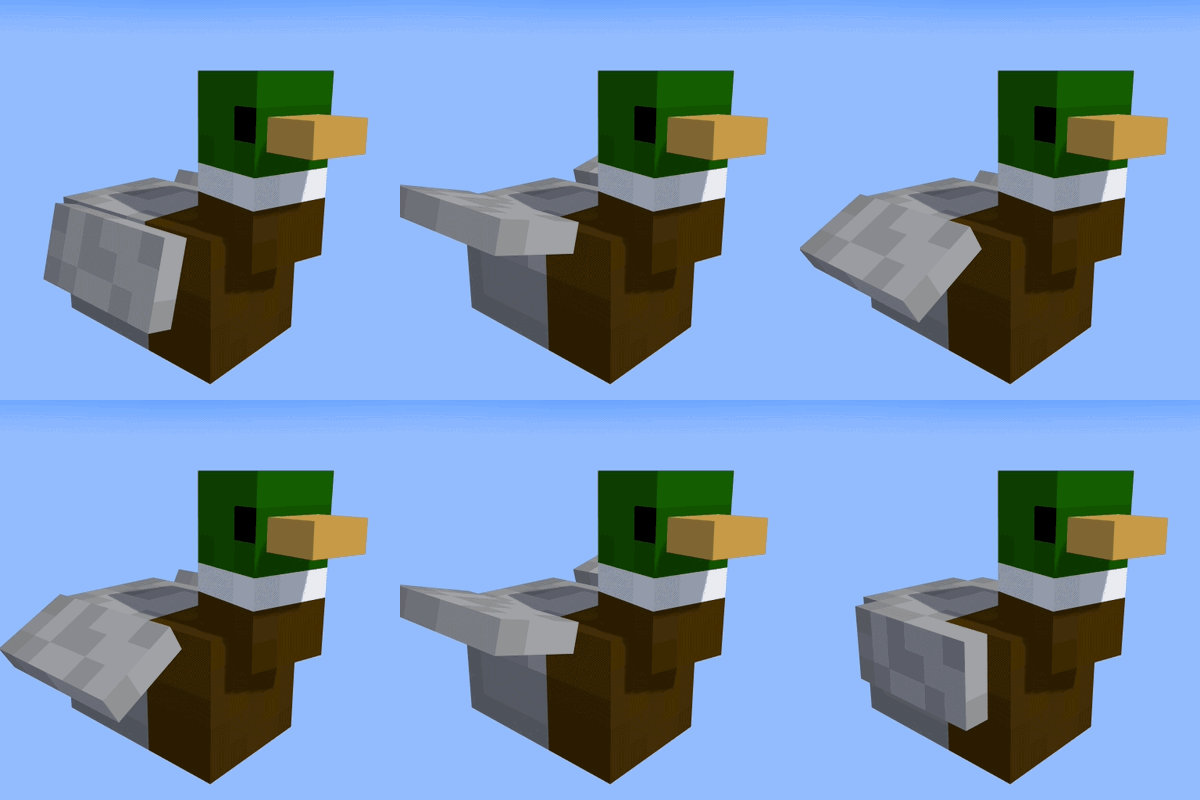
Adds completely client-sided pets to your game. Supports every vanilla mob, some custom ones, and will work on any server, including in singleplayer!
 mod
mod CurseForge · Minecraft
broken abyss
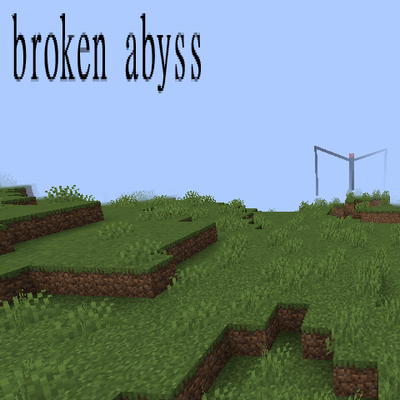
a large horror mod with multiple deadly entities
 mod
mod CurseForge · Minecraft
Apothic Ascension
Adds new item tiers, gem tiers, loot rarity scaling systems, and overall massively raises the late-game ceiling for Apotheosis based packs.