Minecraft version
Back to mods 
CurseForge · Minecraft mod
World Presets
The World Presets mod allows defining world presets; templates that modpack authors can make to replace standard world creation.
Choose a version Pick your version below, then grab the matching file.
Quick answer
Which World Presets release should I use?
Latest stable file worldpresets-1.0.0.jar
Game version 1.20.2-Snapshot, 1.20.5-Snapshot, 1.20.2
Loader Forge
World Presets worldpresets-1.0.0.jar targets 1.20.2-Snapshot, 1.20.5-Snapshot, 1.20.2 with Forge. The project page does not say whether this file belongs on the client, dedicated server, or both. No extra mods listed for this file.
Where it goes
Is World Presets required on the client, server, or both?
The project page does not say whether this file belongs on the client, dedicated server, or both.
Client Source doesn’t say
Dedicated server Source doesn’t say
Loader for this release Forge
Required install it here Optional supported, not mandatory Not supported do not install here Source doesn’t say do not assume
The source does not explicitly classify this release as client-only or server-only.
What else does World Presets worldpresets-1.0.0.jar need?
worldpresets-1.0.0.jar. Change the file and its required mods may change too.
This file does not list any required mods. Do not add a library just because a different file uses it.
This file does not list any required or optional mods.
Before you install it
Add World Presets without breaking your instance.
Built for World Presets worldpresets-1.0.0.jar. Pick another file and the loader, install side or required mods may change.
- 01
Stick to this file
Use worldpresets-1.0.0.jar. It targets 1.20.2-Snapshot, 1.20.5-Snapshot, 1.20.2 with Forge; another release may have different loader, side or dependency requirements.
- 02
Bring the mods it needs
This file does not list any required mods. Do not add a library just because a different file uses it.
- 03
Put it on the correct side
The project page does not say whether this file belongs on the client, dedicated server, or both.
- 04
Pick the file you checked
Use the “Get this file” button beside worldpresets-1.0.0.jar. It opens that exact file at the source.
About this project
What does World Presets add?
About
The World Presets mod allows defining world presets, which are templates that modpack authors can make to replace standard world creation. These can be as simple as pre-filled world settings, or as complicated as placing structures, spawning in alternate spawn dimensions, or loading an entire pre-made world. After presets are defined, they will appear in a new tab on the Create World screen.
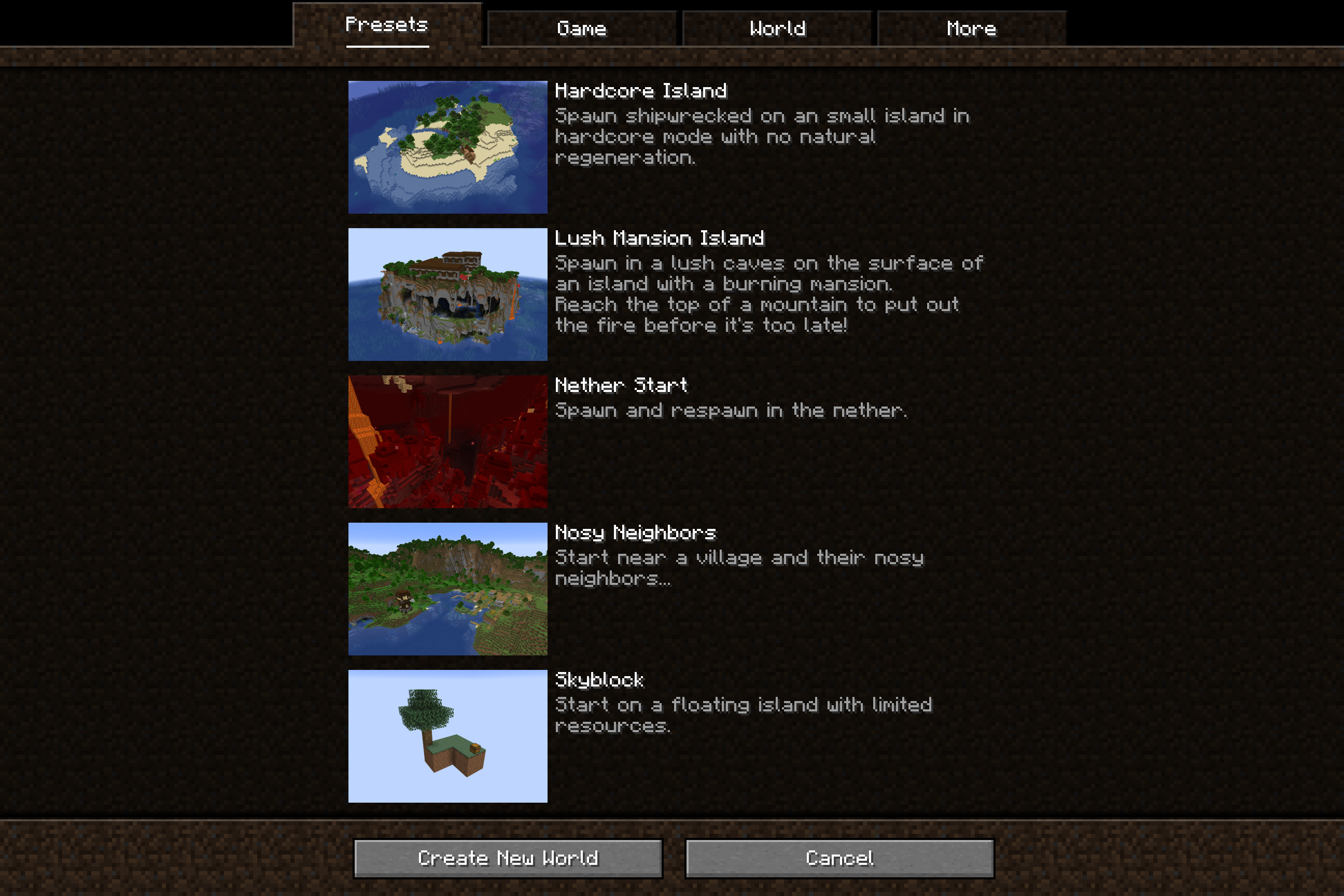
This mod is intended to be played as part of a modpack, it will not change anything until a modpack author configures world presets.
Features
Basic World Settings: Presets can pre-fill most world creation settings, including the world's name, gamemode, difficulty, seed, cheats, and world type.
Default Gamerules: Presets can define the default gamerules for the world.
Spawn Location: Presets can relocate the world spawn location to different coordinates. These can set to an exact coordinate or an offset from spawn, and can be set to run different versions of vanilla's spawn location finder to place the player.
Spawn Dimension: Presets can relocate the world spawn to another dimension. By default, players will respawn in this dimension after death as well, with their spawn dimension relocating whenever their spawnpoint is set in a new dimension. The respawn behavior can be configured in more detail if needed.
Starting Structures: Presets can spawn structures as the world is created, any data-defined structure is valid. The placement will attempt to run through the full vanilla structure generation process including proper registration, terrain adaptation, and jigsaw placement.
Bundled Worlds: Presets can include an entire pre-generated world to copy into the player's saves folder. Any world setting changes on the world creation menu like the world name, gamemode, or difficulty are applied onto the existing world.
Documentation
Documentation on how to make presets can be found on the wiki.
Suggestions
You can reach me with suggestions or bug reports by making an issue on the GitHub page. If preferred, I will respond to any messages in the Discord server for my current modpack, Desolate Planet. Feel free to reach out to me there as well.


Project description from CurseForge.
Pick your setup
World Presets by Minecraft version and loader
Choose the version and loader you play, then open the matching release.
Minecraft version
1.20.5-Snapshot
1 loader buildMinecraft version
1.20.5
1 loader buildMinecraft version
1.20.4
1 loader buildMinecraft version
1.20.3-Snapshot
1 loader buildMinecraft version
1.20.3
1 loader buildMinecraft version
1.20.2-Snapshot
1 loader buildMinecraft version
1.20.2
1 loader buildMinecraft version
1.20.1
1 loader buildMinecraft version
1.20
1 loader buildCheck the dependencies, then try the file in a copied instance before changing a world you care about.
Recent files
World Presets versions and loaders
worldpresets-1.0.0.jar
20 Sept 2026
Client Source doesn’t say Server Source doesn’t say Dependencies No extras listed Listed on Release listing
Check the 1.20.6 · Forge setup 1.20.2-Snapshot1.20.5-Snapshot1.20.21.20.5 release
Looking for an older file? The official CurseForge project page is in Resources.
 mod
mod CurseForge · Minecraft
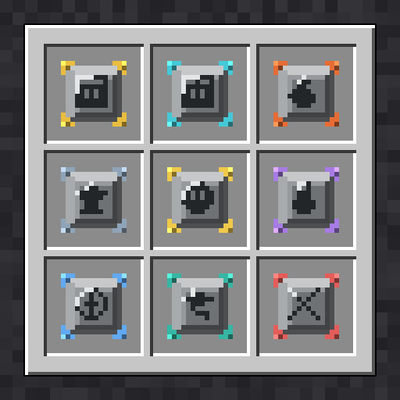
Modular Inventory
Start with only a hotbar. Craft and find modules that unlock storage slots and built-in furnace, anvil and brewing tabs.
 mod
mod CurseForge · Minecraft
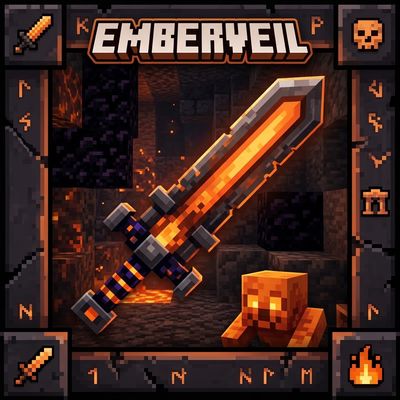
EmberVeil
EmberVeil adds new powerful swords, dangerous dungeons, unique mobs, and mysterious structures to expand your Minecraft adventure and exploration!
 mod
mod CurseForge · Minecraft
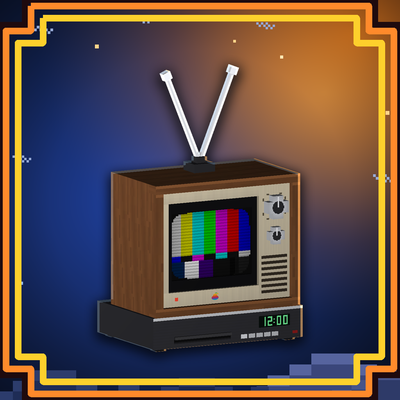
CineBloco
TVs, big screens, projectors, radios and a phone that play real video, music and images in your world — and everyone sees the same moment.