Veil Lib Optional for Lumen Rigs 1.4.0
optionalMatching file found Matched file: Veil 4.5.2 Neoforge

CurseForge · Minecraft mod
Aimable spotlights, floodlights, searchlights and soft panels with colored light and visible beams.
Quick answer
Lumen Rigs 1.4.0 targets 1.21.1 with NeoForge. The project page does not say whether this file belongs on the client, dedicated server, or both. No extra mods listed for this file.
Where it goes
The project page does not say whether this file belongs on the client, dedicated server, or both.
The source does not explicitly classify this release as client-only or server-only.
Lumen Rigs 1.4.0. Change the file and its required mods may change too.
This file does not list any required mods. Do not add a library just because a different file uses it.
2 extra mods were pulled in by other dependencies. Indented rows show who needs each one. We only count dependency files that match this setup. A file for another loader does not fill the gap.
Before you install it
Built for Lumen Rigs 1.4.0. Pick another file and the loader, install side or required mods may change.
Use Lumen Rigs 1.4.0. It targets 1.21.1 with NeoForge; another release may have different loader, side or dependency requirements.
This file does not list any required mods. Do not add a library just because a different file uses it.
The project page does not say whether this file belongs on the client, dedicated server, or both.
Use the “Get this file” button beside Lumen Rigs 1.4.0. It opens that exact file at the source.
About this project
Stage lighting for Minecraft - aimable spotlights, floodlights, searchlights and soft panels with coloured light and visible beams.
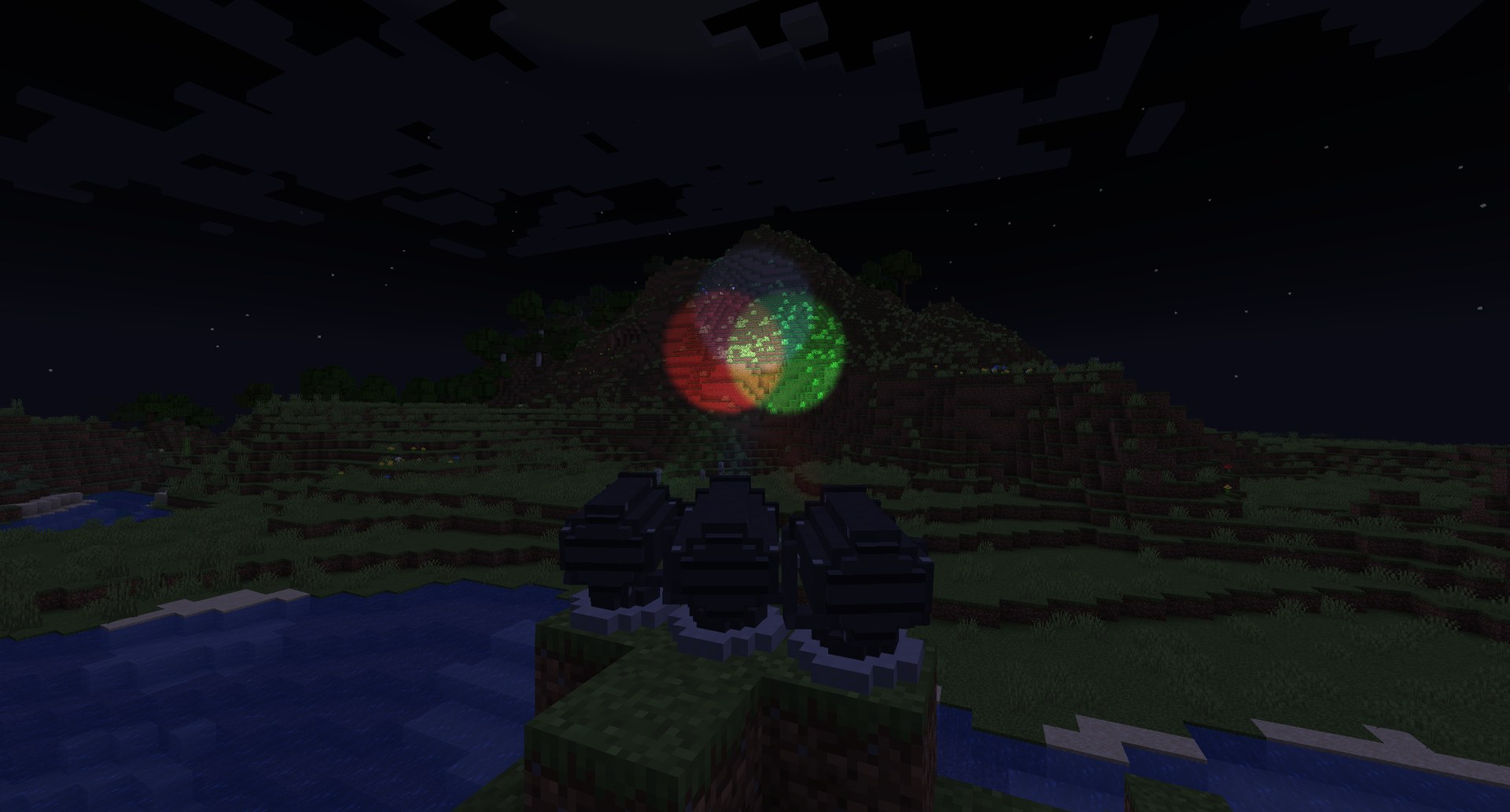
📦 Requires NeoForge 1.21.1 on client and server · optional Veil for per-pixel lighting
Exact shapes in JEI or the recipe book.
 ✅ Veil (optional, recommended) - realistic per-pixel lights, soft cone edges, block shadows and beams scattering in the air.
 ✅ Sodium - the built-in light works.
 ✅ Iris (shader packs) - Veil turns its lights off with Iris, so the built-in light and beams are used.
 ❌ Embeddium - its chunk renderer bypasses the built-in light: fixtures and beams show, blocks are not lit.
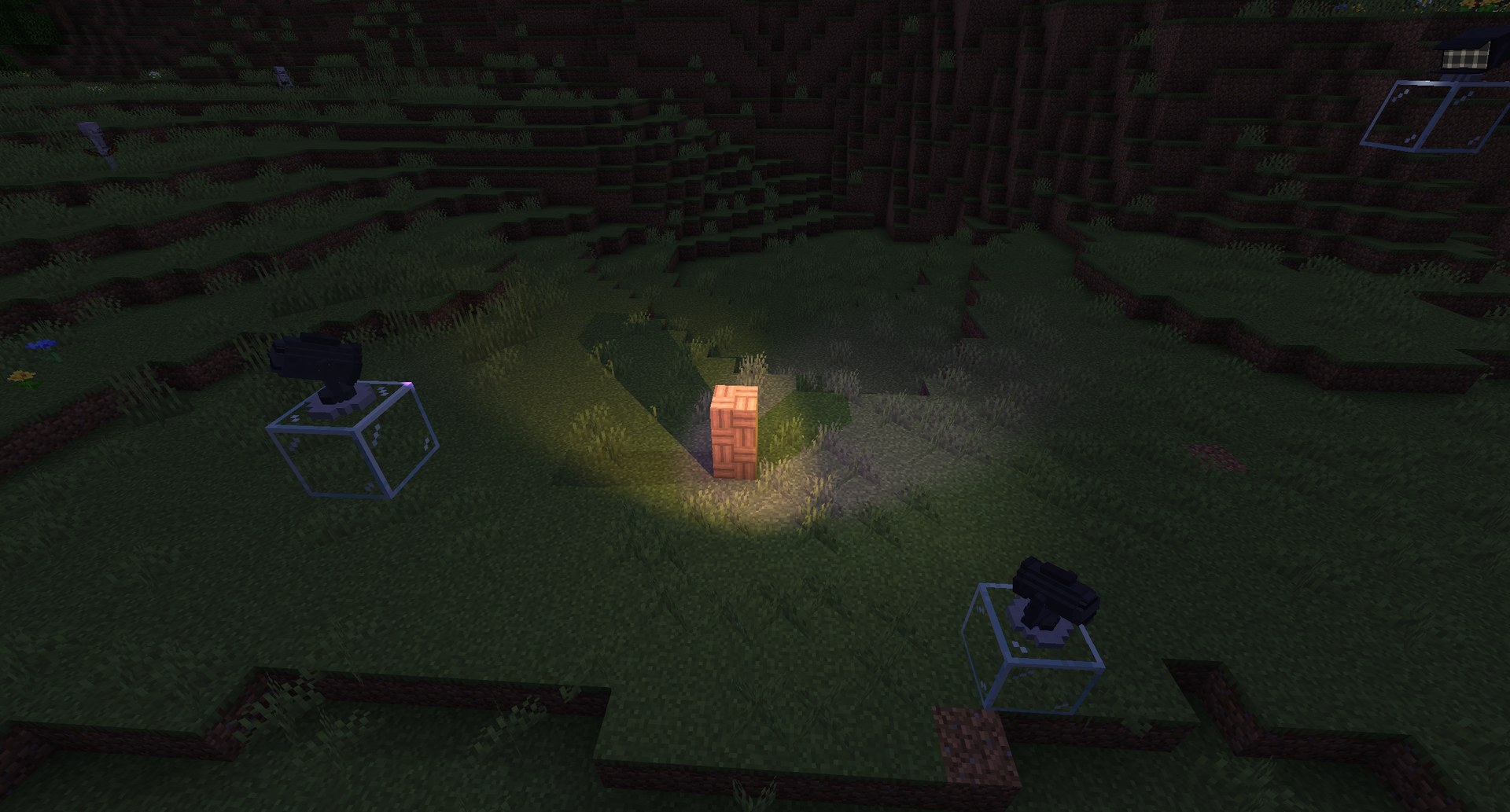
Spotlights on glass stands lighting a block at dusk
Made by Pocky · source code
🌦️ Weather & nature
 Hoarfrost: Snow & Blizzards - seven kinds of snowfall, a living wind and soft snow on the land
 Petrichor: Rain & Storms - realistic rain, puddles, drips and branching lightning
 Rustling Leaves - falling leaves and leaf piles you can wade through and rake, client-side
💡 Light
 Neon Glowsticks - throwable glowsticks that bounce, roll and light up the dark
🎨 Graphics & performance
 Turbo for Distant Horizons - Distant Horizons terrain generated several times faster
 Pocky Shaders - a cosy, natural shader pack that shows the weather of these mods
⚔️ Gear & gameplay
 Holy Staff - a healing staff with three skills and flying heal numbers
 Rancher's Vacpack - a Slime Rancher vacuum gun for items and small mobs
🔮 Magic
 HexTale - hextech magic to research, distil and bind with runes, inspired by Arcane and Thaumcraft
⚡ Tech & energy
 Mekanism Advanced Generators - nine tiers of solar panels, big solar generators, cubes and cables for Mekanism
🛠️ Server tools
 Inventory Backups - inventory and ender chest backups with one-click restore for admins
Project description from CurseForge.
Pick your setup
Choose the version and loader you play, then open the matching release.
Check the dependencies, then try the file in a copied instance before changing a world you care about.
Recent files
lumen_rigs-neoforge-1.21.1-1.4.0.jar
13 Oct 2026
lumen_rigs-neoforge-1.21.1-1.3.0.jar
12 Oct 2026
lumen_rigs-neoforge-1.21.1-1.2.0.jar
9 Oct 2026
lumen_rigs-forge-1.20.1-1.1.0.jar
8 Oct 2026
lumen_rigs-neoforge-1.21.1-1.1.0.jar
7 Oct 2026
lumen_rigs-neoforge-1.21.1-1.0.1.jar
6 Oct 2026
lumen_rigs-neoforge-1.21.1-1.0.0.jar
5 Oct 2026
Looking for an older file? The official CurseForge project page is in Resources.
 mod
Enhances vanilla wolves with unique personalities (Aggressive, Pacifist, Normal), smarter AI, safety behaviors, and combat improvements.
 mod
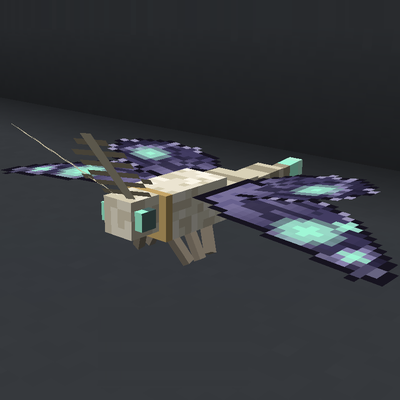
Raise a glowing companion moth, catch, jar and breed 48 wild moths, fly a Great Lumen, and wear a Mothman shawl that opens into wings.
 mod
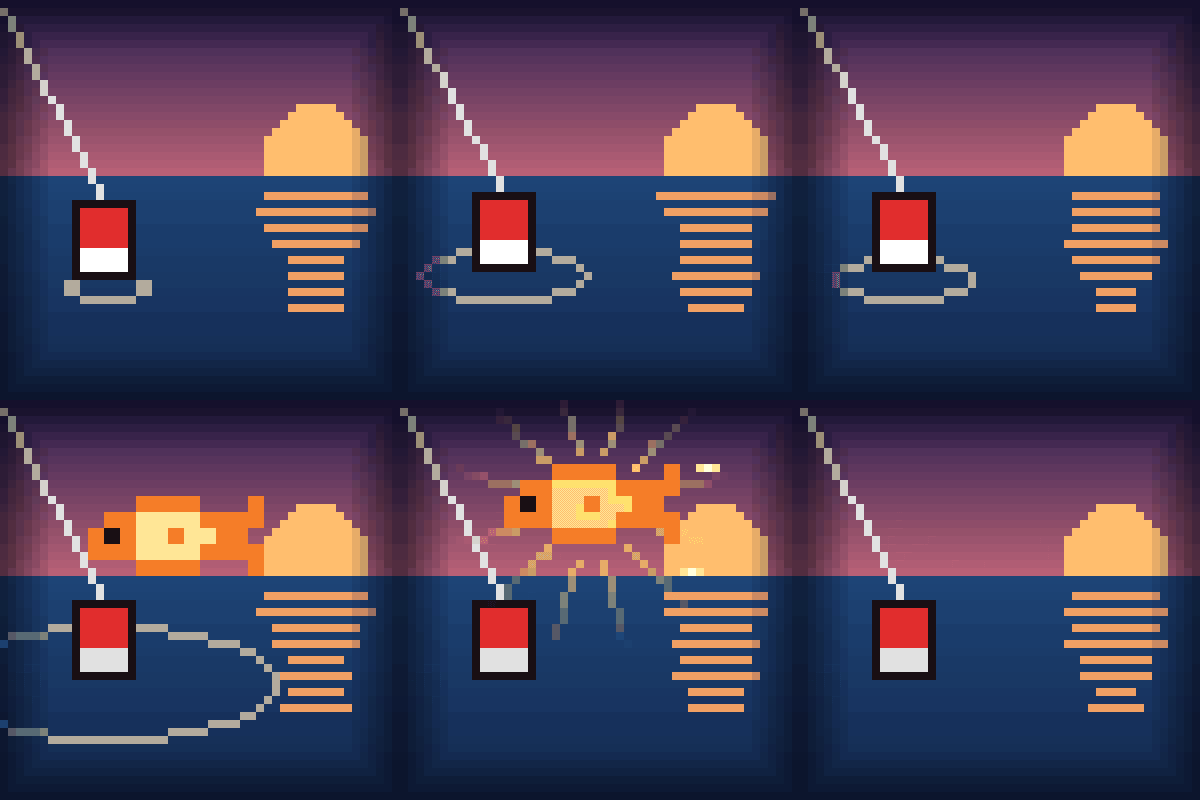
Fishing gets calm and cinematic: the HUD steps aside, the camera zooms on the bite and every catch gets a small moment sized by its rarity. Works with Starcatcher (its minigame and rarities), Aquaculture and Fishing Real. Client-side.