Project 1733211 Needed by Slate Config 1.1.0 (NeoForge 1.21.1)
requiredStill checking
CurseForge · Minecraft mod
The game's settings and every mod's settings in one screen
Quick answer
Slate Config 1.1.0 (NeoForge 1.21.1) targets 1.21.1 with NeoForge. The project page does not say whether this file belongs on the client, dedicated server, or both. 1 required mod needs checking.
Where it goes
The project page does not say whether this file belongs on the client, dedicated server, or both.
The source does not explicitly classify this release as client-only or server-only.
Slate Config 1.1.0 (NeoForge 1.21.1). Change the file and its required mods may change too.
Install project 1733211 first. 1 required mod still needs checking for this exact setup.
We only count dependency files that match this setup. A file for another loader does not fill the gap.
Before you install it
Built for Slate Config 1.1.0 (NeoForge 1.21.1). Pick another file and the loader, install side or required mods may change.
Use Slate Config 1.1.0 (NeoForge 1.21.1). It targets 1.21.1 with NeoForge; another release may have different loader, side or dependency requirements.
Install project 1733211 first. 1 required mod still needs checking for this exact setup.
The project page does not say whether this file belongs on the client, dedicated server, or both.
Use the “Get this file” button beside Slate Config 1.1.0 (NeoForge 1.21.1). It opens that exact file at the source.
About this project
Beta. An early build of Slate: expect bugs, you can report them on the Discord.
Slate Config puts the game's settings and every mod's settings in one screen: categories down the side, tabs across the top, and one search over all of it.
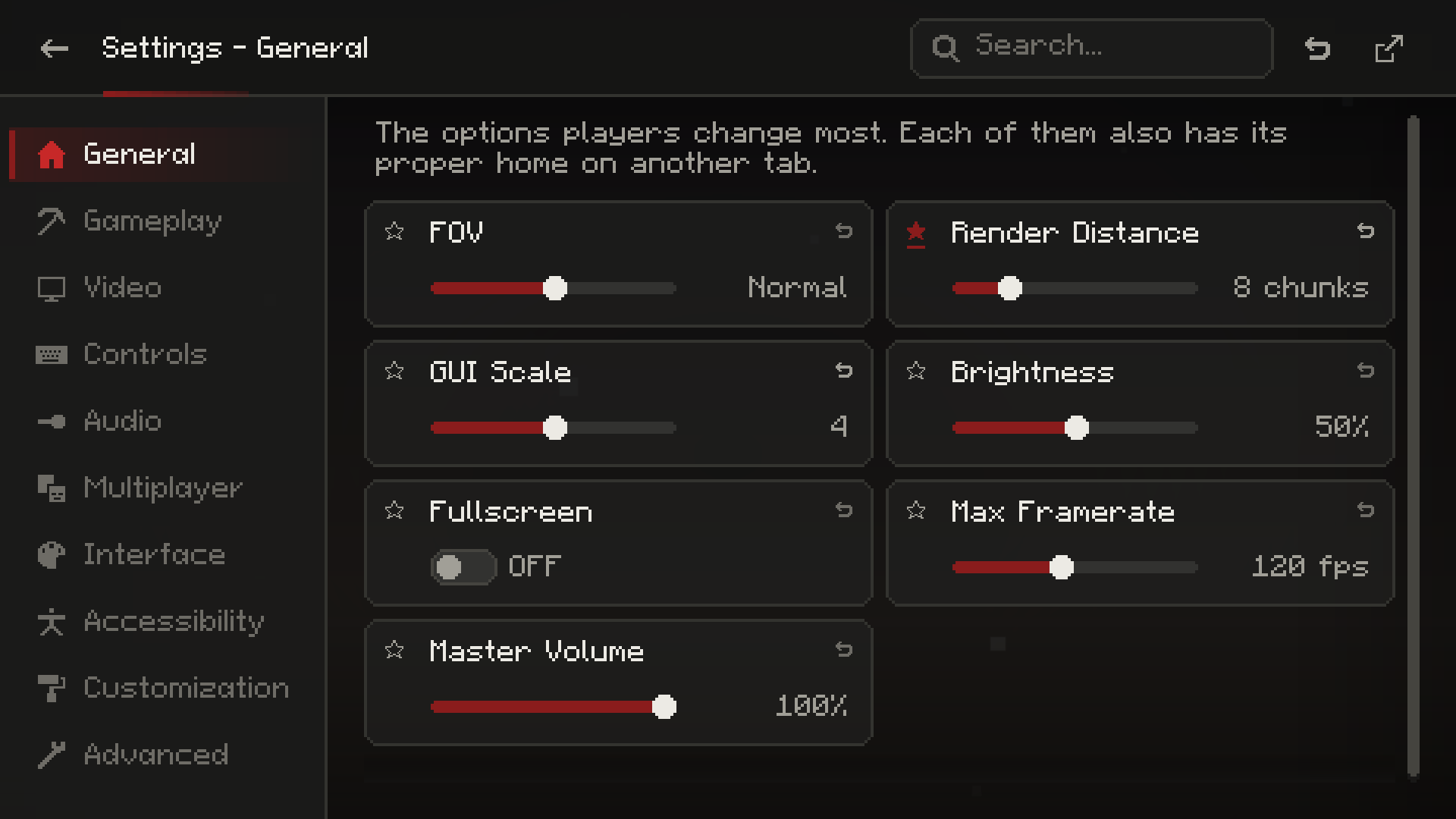
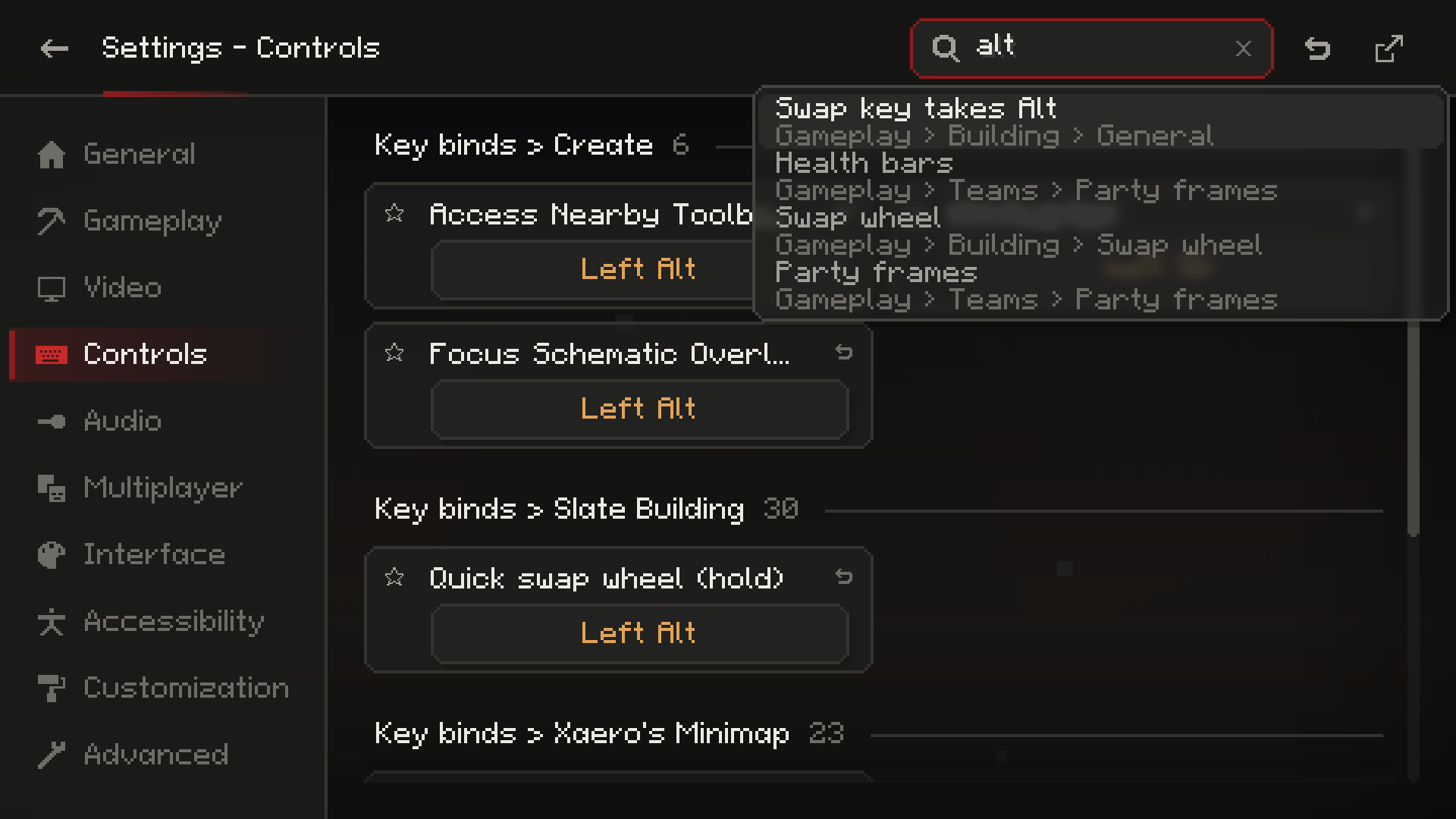
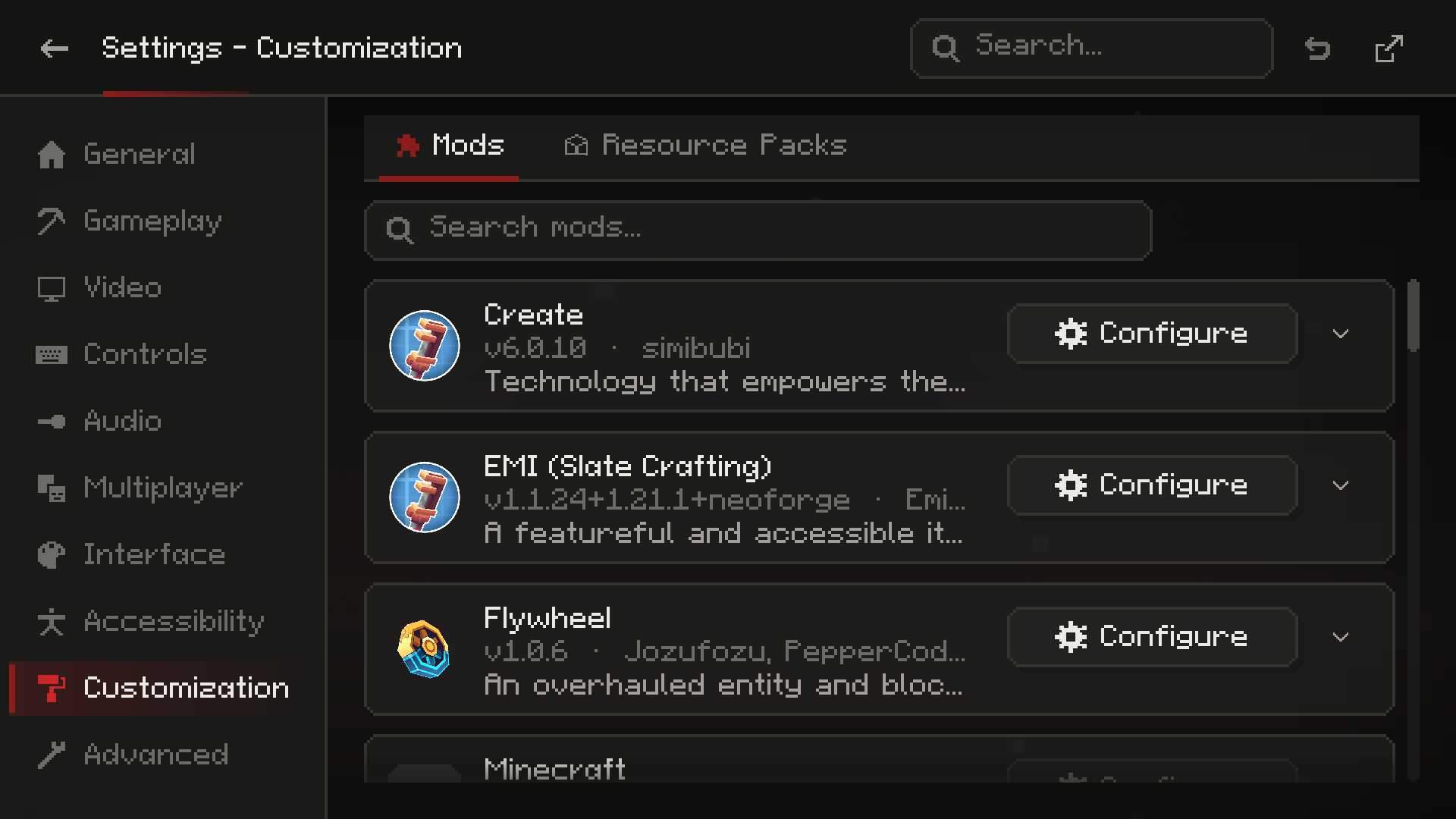
config/slate/config/pages/.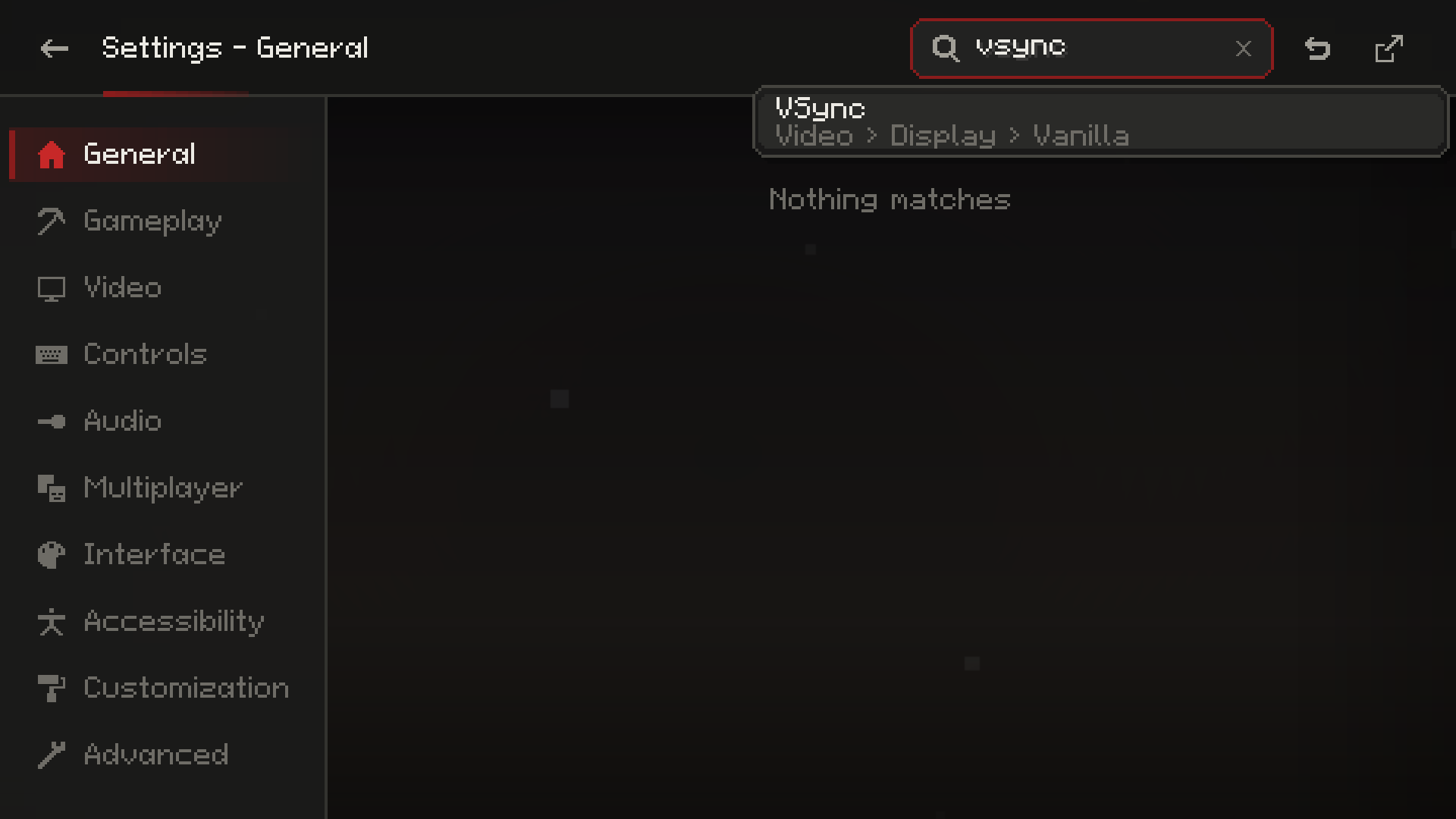
Minecraft 1.21.1 (NeoForge or Fabric, Java 21) and 1.20.1 (Forge or Fabric, Java 17); on Fabric with Fabric API. Needs Slate Core. Client only. Optional: Sodium or Embeddium, Iris or Oculus, Simple Voice Chat, Mod Menu, and Slate UI (its Options button opens this screen).

Related mods

The rest of the Slate line


NeoForge and Fabric for 1.21.1, Forge and Fabric for 1.20.1. Free to use in modpacks.
Project description from CurseForge.
Pick your setup
Choose the version and loader you play, then open the matching release.
Check the dependencies, then try the file in a copied instance before changing a world you care about.
Recent files
slate-config-neoforge-1.21.1-1.1.0.jar
15 Oct 2026
slate-config-forge-1.20.1-1.1.0.jar
15 Oct 2026
slate-config-fabric-1.21.1-1.1.0.jar
15 Oct 2026
slate-config-fabric-1.20.1-1.1.0.jar
15 Oct 2026
slate-config-neoforge-1.21.1-1.0.3.jar
10 Oct 2026
slate-config-forge-1.20.1-1.0.3.jar
10 Oct 2026
slate-config-fabric-1.21.1-1.0.3.jar
10 Oct 2026
slate-config-fabric-1.20.1-1.0.3.jar
10 Oct 2026
slate-config-fabric-1.20.1-1.0.1.jar
9 Oct 2026
slate-config-forge-1.20.1-1.0.1.jar
9 Oct 2026
slate-config-fabric-1.21.1-1.0.1.jar
9 Oct 2026
slate-config-neoforge-1.21.1-1.0.1.jar
9 Oct 2026
Looking for an older file? The official CurseForge project page is in Resources.
 mod
modAn extremely simple mod that casts moving shadows beneath clouds!
 mod
modA comprehensive all-in-one suite featuring custom UI panels, an interactive chunk claim map, in-game quest editor with rewards, RPG jobs progression with perks, team management, teleports, and full server administration controls.
 mod
modImproves performance by tweaking mob despawn rules. Say bye to pesky unintentional persistent mobs.