Fabric API Needed by God Authority · Spatial Lock GodAuthority-SpatialLock-1.2.0+26.3 🌟
requiredMatching file found Matched file: [1.21.11] Fabric API 0.141.6+1.21.11
CurseForge · Minecraft mod
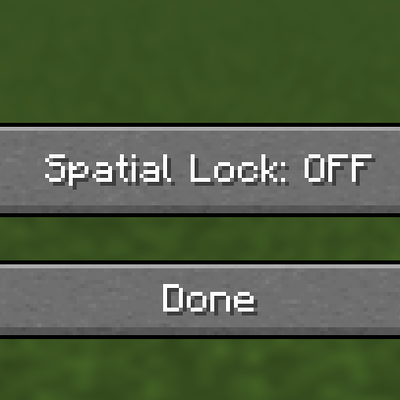
Freeze creature movement and behavior with a simple F6 control panel while other world systems continue running.
Quick answer
God Authority · Spatial Lock GodAuthority-SpatialLock-1.2.0+26.3 🌟 targets 1.21.11 with Fabric. The project page does not say whether this file belongs on the client, dedicated server, or both. All 1 required mods have matching files.
Where it goes
The project page does not say whether this file belongs on the client, dedicated server, or both.
The source does not explicitly classify this release as client-only or server-only.
GodAuthority-SpatialLock-1.2.0+26.3 🌟 . Change the file and its required mods may change too.
Install Fabric API first. We found matching files for this game-version and loader setup.
We only count dependency files that match this setup. A file for another loader does not fill the gap.
Before you install it
Built for God Authority · Spatial Lock GodAuthority-SpatialLock-1.2.0+26.3 🌟. Pick another file and the loader, install side or required mods may change.
Use GodAuthority-SpatialLock-1.2.0+26.3 🌟 . It targets 1.21.11 with Fabric; another release may have different loader, side or dependency requirements.
Install Fabric API first. We found matching files for this game-version and loader setup.
The project page does not say whether this file belongs on the client, dedicated server, or both.
Use the “Get this file” button beside GodAuthority-SpatialLock-1.2.0+26.3 🌟 . It opens that exact file at the source.
About this project
God Authority · Spatial Lock
Freeze creatures in place without freezing time.
Spatial Lock is a focused control utility that immobilizes creatures while the surrounding world continues to operate normally. Unlike Tick Freeze, it does not pause the entire world or suspend the target's damage and death processing.
Why use Spatial Lock?
Controls
Spatial Lock is designed for controlled combat and creature-behavior testing. It is not the same as freezing all ticks: the key advantage is stopping creatures' actions while keeping them vulnerable to repeated attacks until death.
Project description from CurseForge.
Pick your setup
Choose the version and loader you play, then open the matching release.
Check the dependencies, then try the file in a copied instance before changing a world you care about.
Recent files
GodAuthority-SpatialLock-1.2.0-26.3.jar
26 Nov 2026
GodAuthority-SpatialLock-1.2.0+1.21.11.jar
10 Oct 2026
Looking for an older file? The official CurseForge project page is in Resources.
 mod
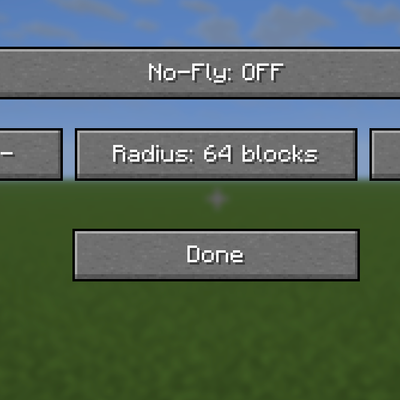
Control a no-flight area with an F9 panel and adjustable radius.
 mod
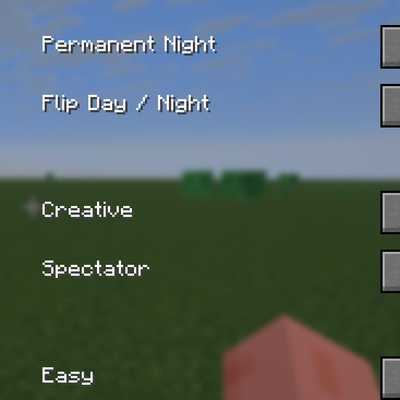
A command-free Fabric 1.21.11 world-control panel for instantly managing time, game mode, difficulty, weather, and special testing utilities from an in-game GUI.
 mod
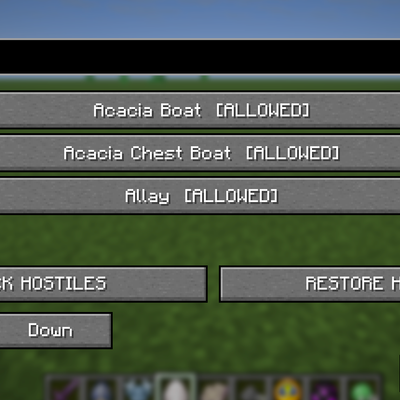
Search and block registered entity types with reversible hostile restrictions and an F7 control panel.