Slate Config Optional for Slate HUD 1.1.0 (NeoForge 1.21.1)
optionalMatching file found Matched file: Slate Config 1.1.0 (NeoForge 1.21.1)
CurseForge · Minecraft mod
Slate style overhaul of the Minecraft HUD
Quick answer
Slate HUD 1.1.0 (NeoForge 1.21.1) targets 1.21.1 with NeoForge. The project page does not say whether this file belongs on the client, dedicated server, or both. 1 required mod needs checking.
Where it goes
The project page does not say whether this file belongs on the client, dedicated server, or both.
The source does not explicitly classify this release as client-only or server-only.
Slate HUD 1.1.0 (NeoForge 1.21.1). Change the file and its required mods may change too.
Install project 1733211 first. 1 required mod still needs checking for this exact setup.
We only count dependency files that match this setup. A file for another loader does not fill the gap.
Before you install it
Built for Slate HUD 1.1.0 (NeoForge 1.21.1). Pick another file and the loader, install side or required mods may change.
Use Slate HUD 1.1.0 (NeoForge 1.21.1). It targets 1.21.1 with NeoForge; another release may have different loader, side or dependency requirements.
Install project 1733211 first. 1 required mod still needs checking for this exact setup.
The project page does not say whether this file belongs on the client, dedicated server, or both.
Use the “Get this file” button beside Slate HUD 1.1.0 (NeoForge 1.21.1). It opens that exact file at the source.
About this project
Beta. An early build of Slate: expect bugs, you can report them on the Discord.
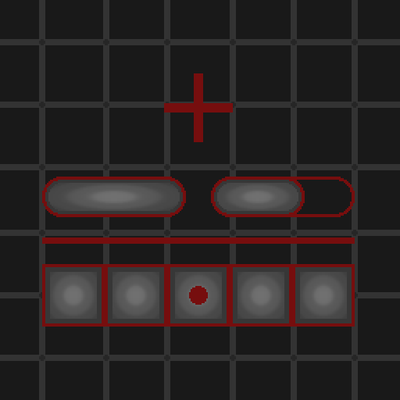
Slate HUD draws parts of Minecraft's own HUD in Slate's look: the hotbar, the status effects and the held item's name. The experience bar is the game's own on a ground in Slate's tones, and hearts, armour and hunger stay the game's icons. Every part keeps the game's place and size, so what other mods add to the HUD stays in place. With Slate's Vanilla style the HUD is the game's own.
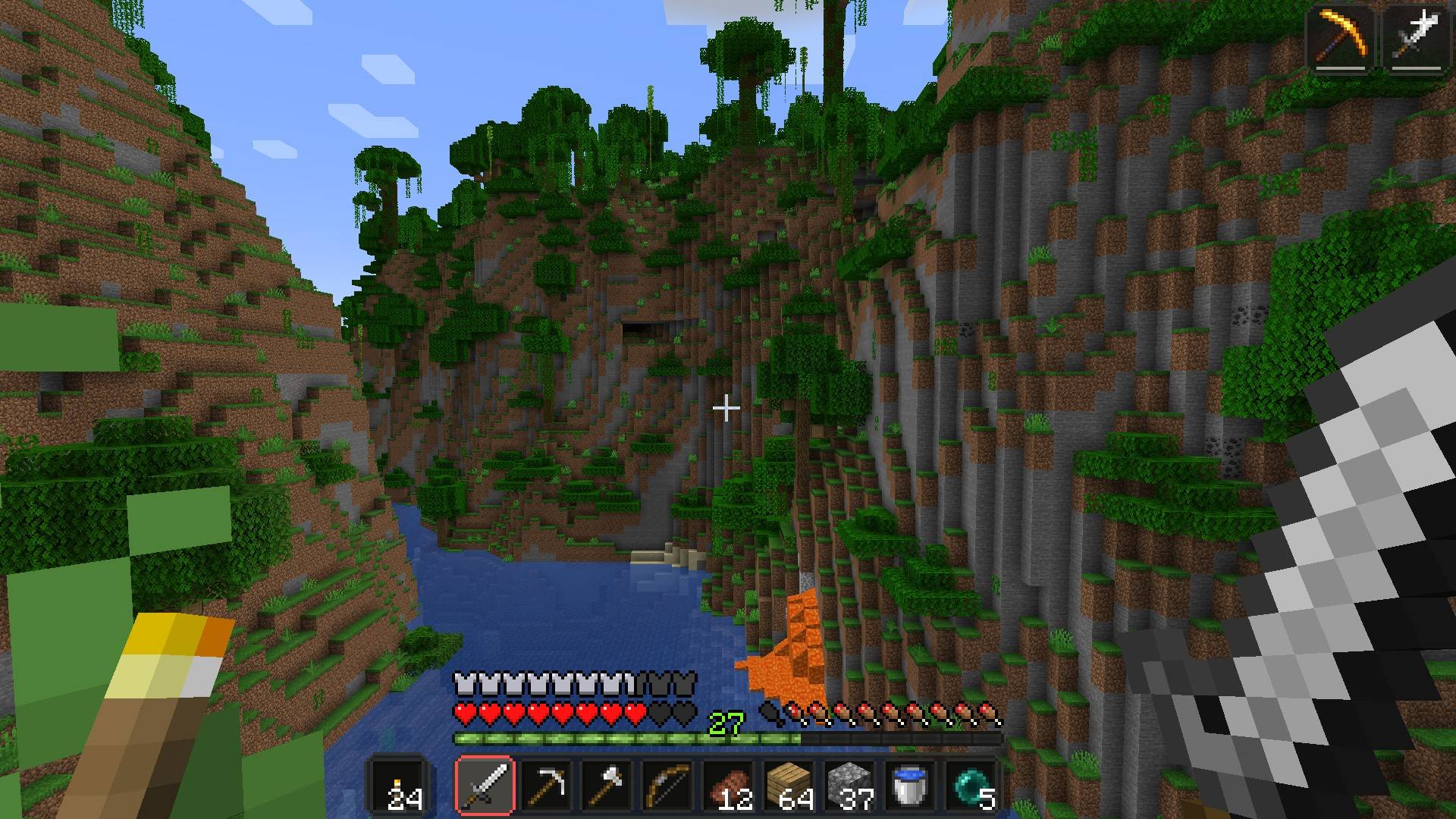
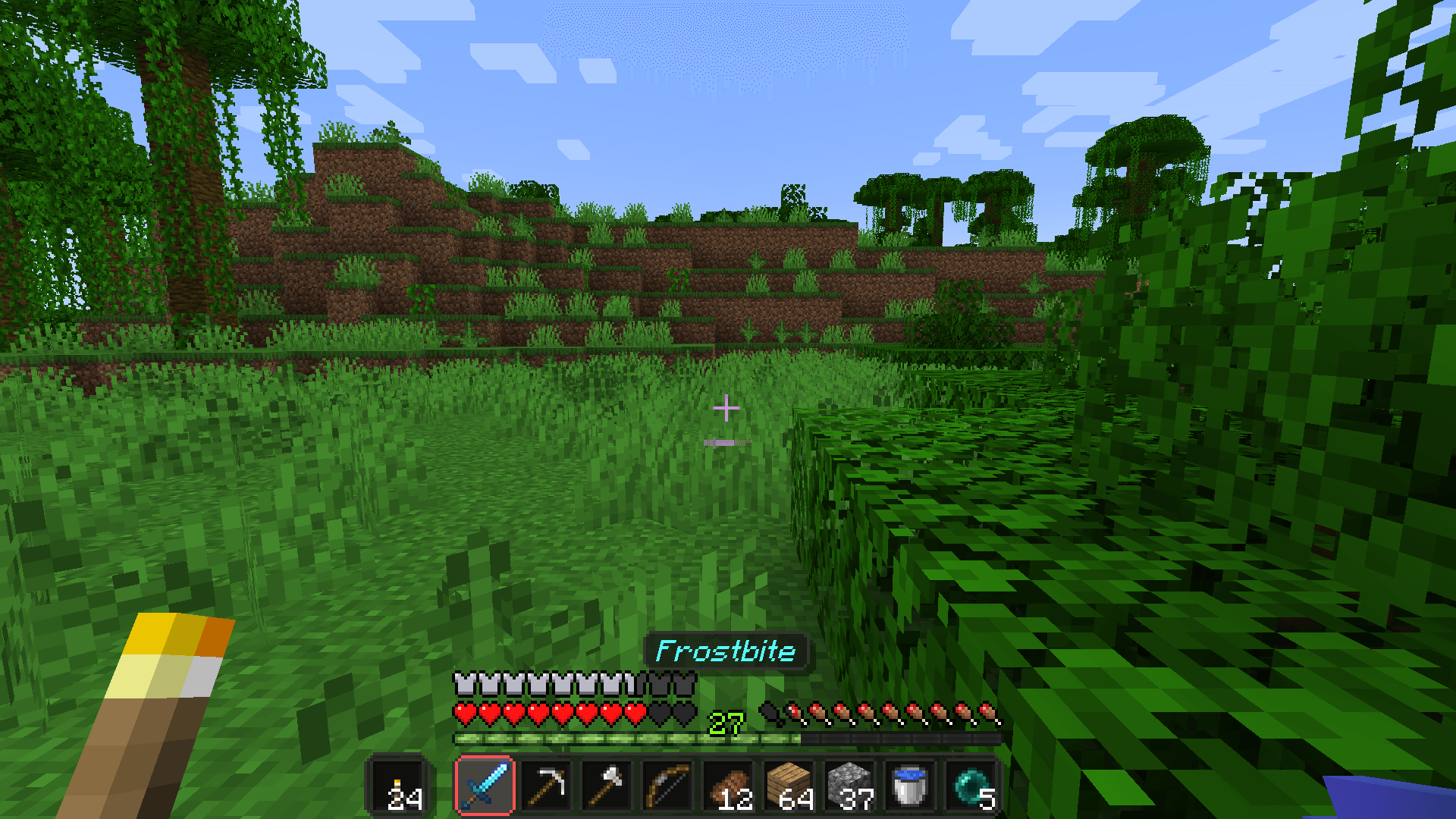
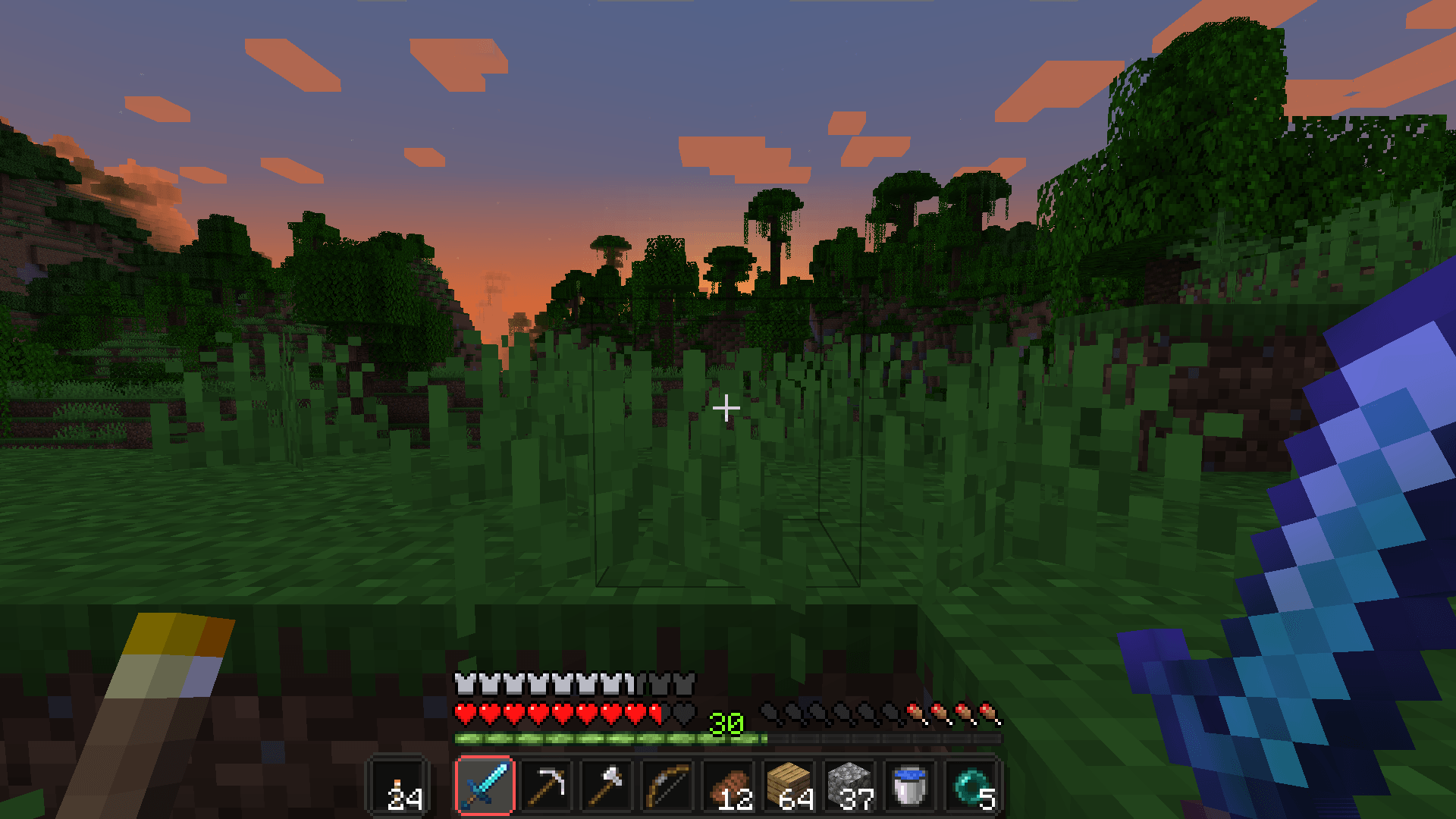
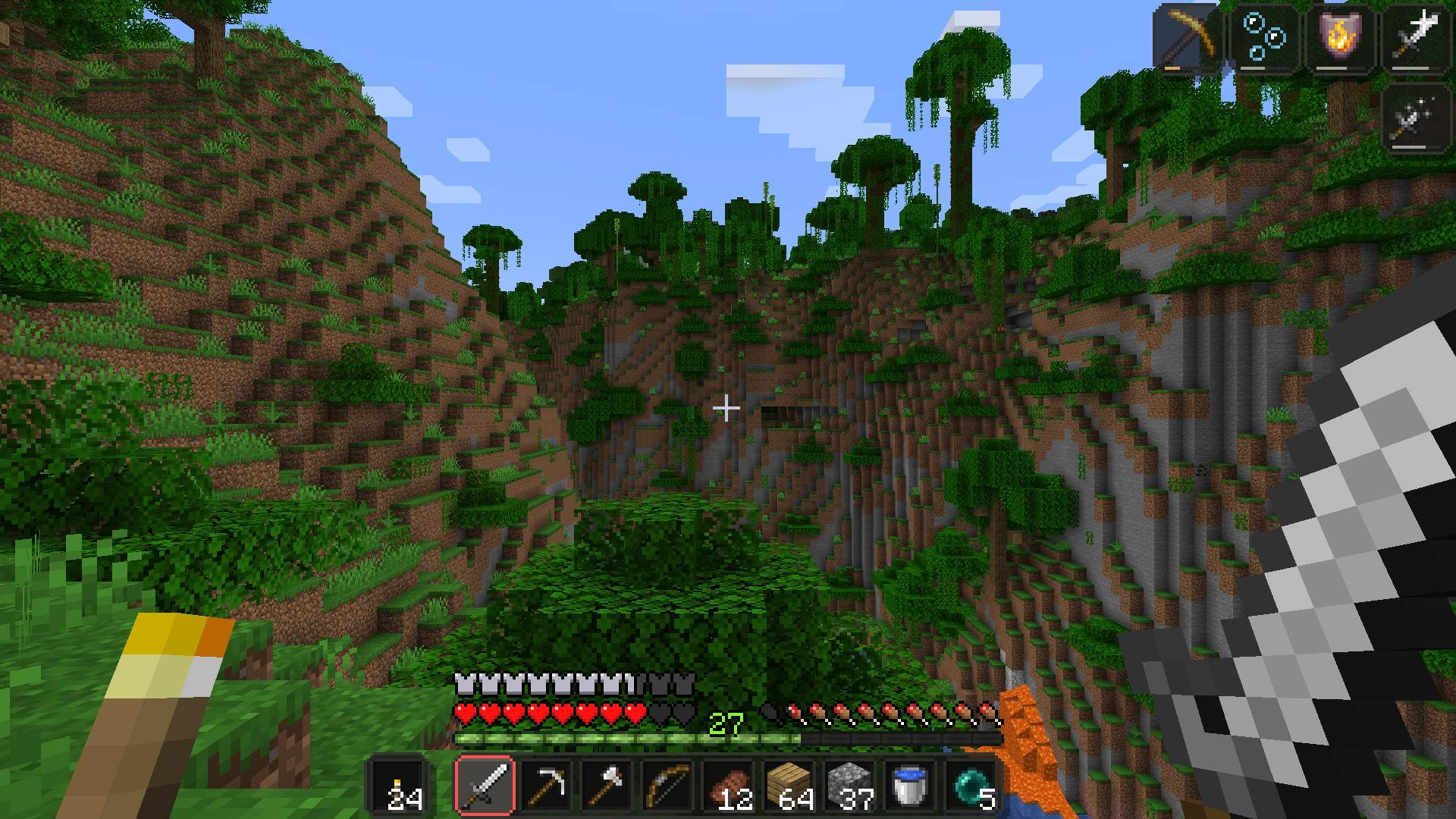
config/slate/hud.json without it.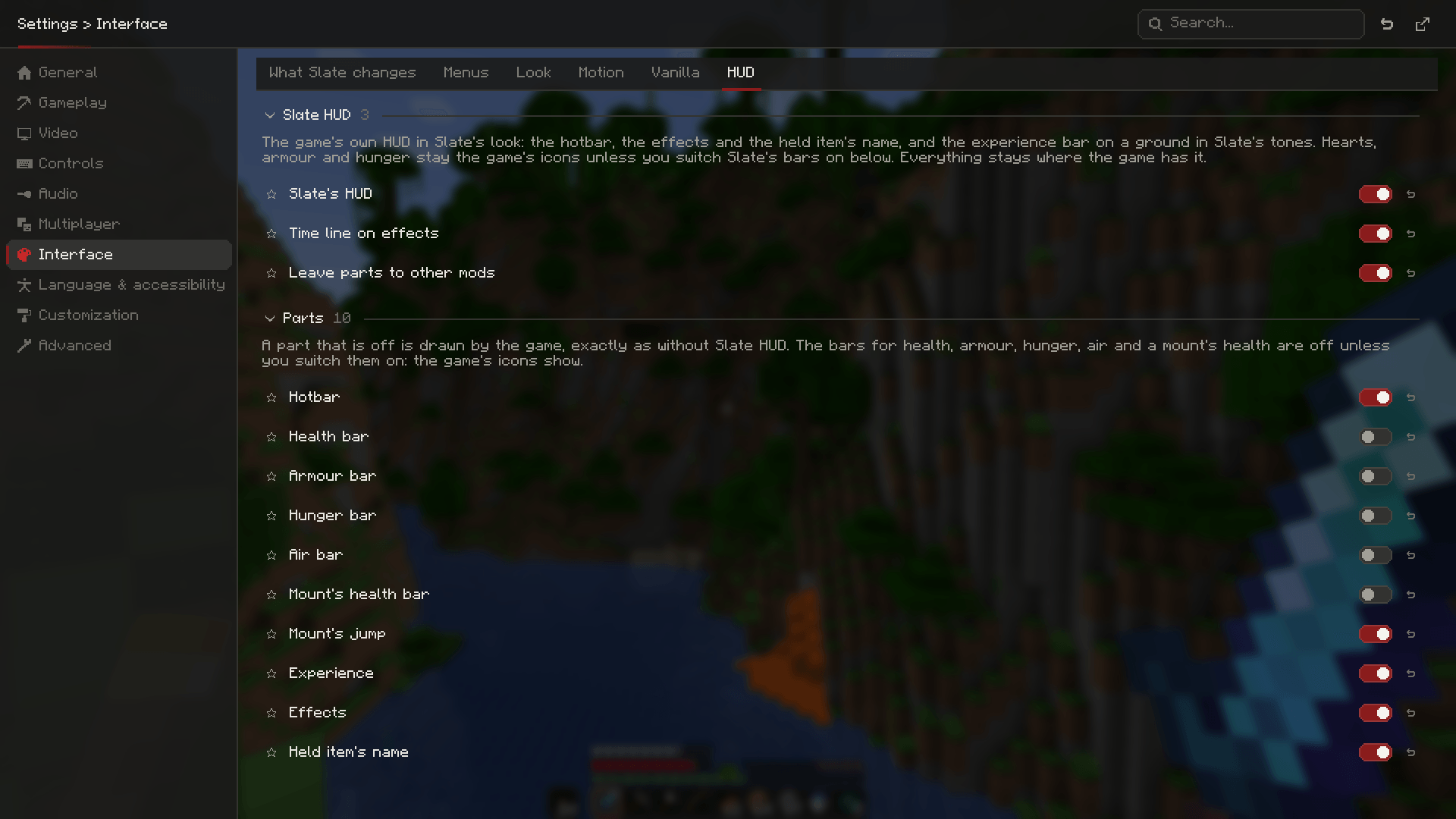
Minecraft 1.21.1 (NeoForge or Fabric, Java 21) and 1.20.1 (Forge or Fabric, Java 17); on Fabric with Fabric API. Needs Slate Core of the same version. Client only. Optional: Slate Config, for the settings tab.

The rest of the Slate line

NeoForge and Fabric for 1.21.1, Forge and Fabric for 1.20.1. Free to use in modpacks.
Project description from CurseForge.
Pick your setup
Choose the version and loader you play, then open the matching release.
Check the dependencies, then try the file in a copied instance before changing a world you care about.
Recent files
slate-hud-neoforge-1.21.1-1.1.0.jar
15 Oct 2026
slate-hud-forge-1.20.1-1.1.0.jar
15 Oct 2026
slate-hud-fabric-1.21.1-1.1.0.jar
15 Oct 2026
slate-hud-fabric-1.20.1-1.1.0.jar
15 Oct 2026
slate-hud-fabric-1.20.1-1.0.3.jar
11 Oct 2026
slate-hud-forge-1.20.1-1.0.3.jar
11 Oct 2026
slate-hud-fabric-1.21.1-1.0.3.jar
11 Oct 2026
slate-hud-neoforge-1.21.1-1.0.3.jar
11 Oct 2026
slate-hud-fabric-1.20.1-1.0.3.jar
11 Oct 2026
slate-hud-forge-1.20.1-1.0.3.jar
11 Oct 2026
slate-hud-fabric-1.21.1-1.0.3.jar
11 Oct 2026
slate-hud-neoforge-1.21.1-1.0.3.jar
11 Oct 2026
Looking for an older file? The official CurseForge project page is in Resources.
 mod
modClient-side config screen for Minecraft mods
 mod
modAxes, hoes and shovels work even with a shield in your off-hand, and the shield sits lower on screen so it covers less of your view.
 mod
modThis mod introduces a book for books. Reducing inventory space for all the other mod books out there in one easy to access location.