Cloth Config API (Fabric/Forge/NeoForge) Needed by Scroll Walk 1.4.0+1.21.11 (NeoForge)
requiredMatching file found Matched file: [NeoForge 1.21.11] v21.11.153
CurseForge · Minecraft mod
Hold Alt and scroll to change your walking speed. Unofficial port.
Quick answer
Scroll Walk 1.4.0+1.21.11 (NeoForge) targets 1.21.11 with NeoForge. The project page does not say whether this file belongs on the client, dedicated server, or both. All 1 required mods have matching files.
Where it goes
The project page does not say whether this file belongs on the client, dedicated server, or both.
The source does not explicitly classify this release as client-only or server-only.
Scroll Walk 1.4.0+1.21.11 (NeoForge). Change the file and its required mods may change too.
Install Cloth Config API (Fabric/Forge/NeoForge) first. We found matching files for this game-version and loader setup.
We only count dependency files that match this setup. A file for another loader does not fill the gap.
Before you install it
Built for Scroll Walk 1.4.0+1.21.11 (NeoForge). Pick another file and the loader, install side or required mods may change.
Use Scroll Walk 1.4.0+1.21.11 (NeoForge). It targets 1.21.11 with NeoForge; another release may have different loader, side or dependency requirements.
Install Cloth Config API (Fabric/Forge/NeoForge) first. We found matching files for this game-version and loader setup.
The project page does not say whether this file belongs on the client, dedicated server, or both.
Use the “Get this file” button beside Scroll Walk 1.4.0+1.21.11 (NeoForge). It opens that exact file at the source.
About this project
Hold Alt and scroll your mouse wheel to adjust your walking speed on the fly. Slow down for careful building, roleplay, or just taking in the scenery, without needing to sneak.
This is an UNOFFICIAL PORT of Scroll Walk by Naw7k, updated to run on more Minecraft versions and expanded to support additional mod loaders. All credit for the mod's idea and code goes to the original author.
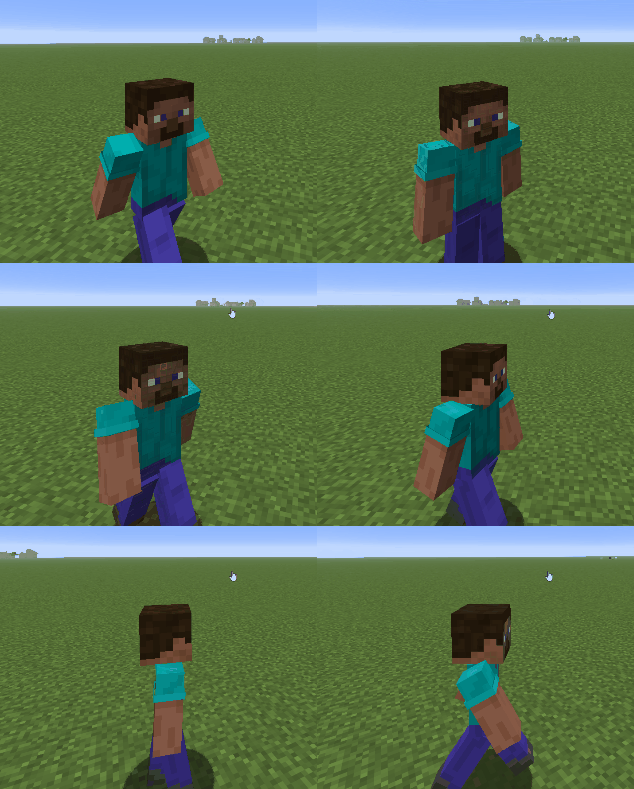
Where possible, Scroll Walk lets other mods that use the same scroll keys (like Create's schematic scrolling) go first. If you still get a clash, change the Modifier Key in the settings.
Tip: If the screen zooms in and out as your speed changes, turn off the "FOV Effects" slider in Minecraft's accessibility settings.
Client-side only. You don't need to install it on a server.
These ports update the mod to work on more Minecraft versions, add NeoForge and Forge versions, and add the extras listed above.
Project description from CurseForge.
Pick your setup
Choose the version and loader you play, then open the matching release.
Check the dependencies, then try the file in a copied instance before changing a world you care about.
Recent files
scrollwalk-neoforge-mc1.21.11-1.4.0.jar
24 Nov 2026
scrollwalk-1.4-1.21.11.jar
24 Nov 2026
scrollwalk-forge-mc26.3-1.4.0.jar
20 Nov 2026
scrollwalk-neoforge-mc26.3-1.4.0.jar
20 Nov 2026
scrollwalk-1.4-26.3.jar
20 Nov 2026
scrollwalk-forge-mc26.2-1.4.0.jar
20 Nov 2026
scrollwalk-neoforge-mc26.2-1.4.0.jar
20 Nov 2026
scrollwalk-1.4-26.2.jar
20 Nov 2026
scrollwalk-forge-mc1.21.1-1.4.0.jar
20 Nov 2026
scrollwalk-neoforge-mc1.21.1-1.4.0.jar
20 Nov 2026
scrollwalk-1.4-1.21.1.jar
20 Nov 2026
scrollwalk-forge-mc1.20.2-1.4.0.jar
20 Nov 2026
Looking for an older file? The official CurseForge project page is in Resources.
 mod
A map mod focused on ease of use, api strength, and beautiful aspects of your world.
 mod
Inventory, accessory, backpack, and backup administration for Minecraft servers.
 mod
This mod introduces Reset Scroll. It allows you to keep your gear forever without worrying about the vanilla anvil repair limits.No Anvil Expensive,No Expensive Never Too Expensive