Minecraft version
Back to mods 
CurseForge · Minecraft mod
YBLK Zones
Create zones. Lots of configuration options and the ability to write scripts.
Choose a version Pick your version below, then grab the matching file.
Quick answer
Which YBLK Zones release should I use?
Latest stable file yblk_zones-1.20.1-1.0.0.jar
Game version 1.20.1
Loader Forge
YBLK Zones yblk_zones-1.20.1-1.0.0.jar targets 1.20.1 with Forge. The project page does not say whether this file belongs on the client, dedicated server, or both. No extra mods listed for this file.
Where it goes
Is YBLK Zones required on the client, server, or both?
The project page does not say whether this file belongs on the client, dedicated server, or both.
Client Source doesn’t say
Dedicated server Source doesn’t say
Loader for this release Forge
Required install it here Optional supported, not mandatory Not supported do not install here Source doesn’t say do not assume
The source does not explicitly classify this release as client-only or server-only.
What else does YBLK Zones yblk_zones-1.20.1-1.0.0.jar need?
yblk_zones-1.20.1-1.0.0.jar. Change the file and its required mods may change too.
This file does not list any required mods. Do not add a library just because a different file uses it.
This file does not list any required or optional mods.
Before you install it
Add YBLK Zones without breaking your instance.
Built for YBLK Zones yblk_zones-1.20.1-1.0.0.jar. Pick another file and the loader, install side or required mods may change.
- 01
Stick to this file
Use yblk_zones-1.20.1-1.0.0.jar. It targets 1.20.1 with Forge; another release may have different loader, side or dependency requirements.
- 02
Bring the mods it needs
This file does not list any required mods. Do not add a library just because a different file uses it.
- 03
Put it on the correct side
The project page does not say whether this file belongs on the client, dedicated server, or both.
- 04
Pick the file you checked
Use the “Get this file” button beside yblk_zones-1.20.1-1.0.0.jar. It opens that exact file at the source.
About this project
What does YBLK Zones add?
YBLK Zones
Create zones. Lots of configuration options and the ability to write scripts.
Minecraft 1.20.1 · Forge · Client & Server · GitHub
✨ Overview
YBLK Zones lets you draw world areas and turn them into claims, shops, ambience pockets, or scripted events. It is built for adventure maps and servers that need more control than a simple protected region — flags, visuals, buyable plots, raids, and short scripts in one editor.
🧩 Features
Use the Zone Wand to draw box or polygon zones in the world, then open the two-panel editor to set flags, HUD, ambience, particles, potion effects, and owner tools.
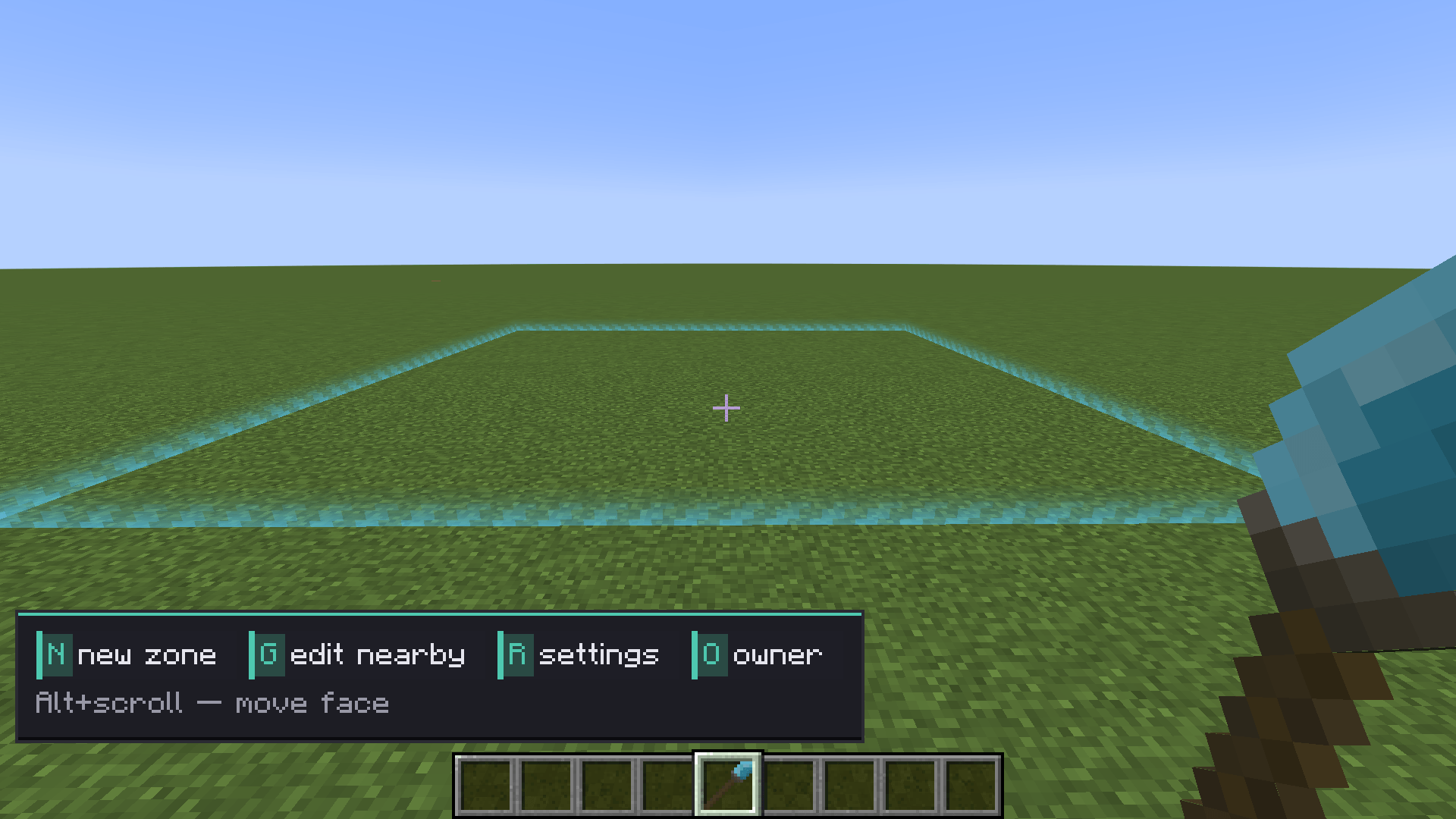
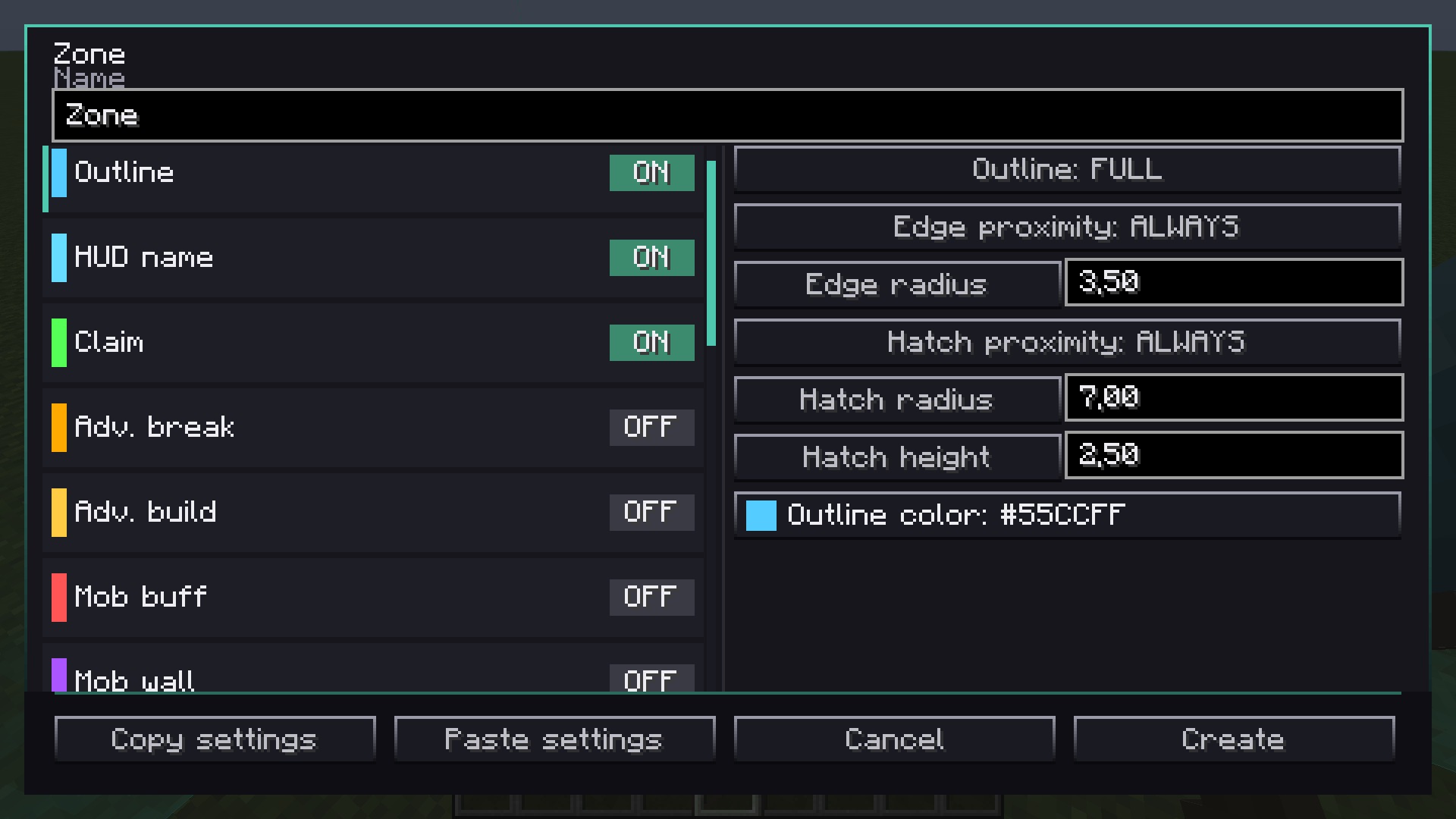
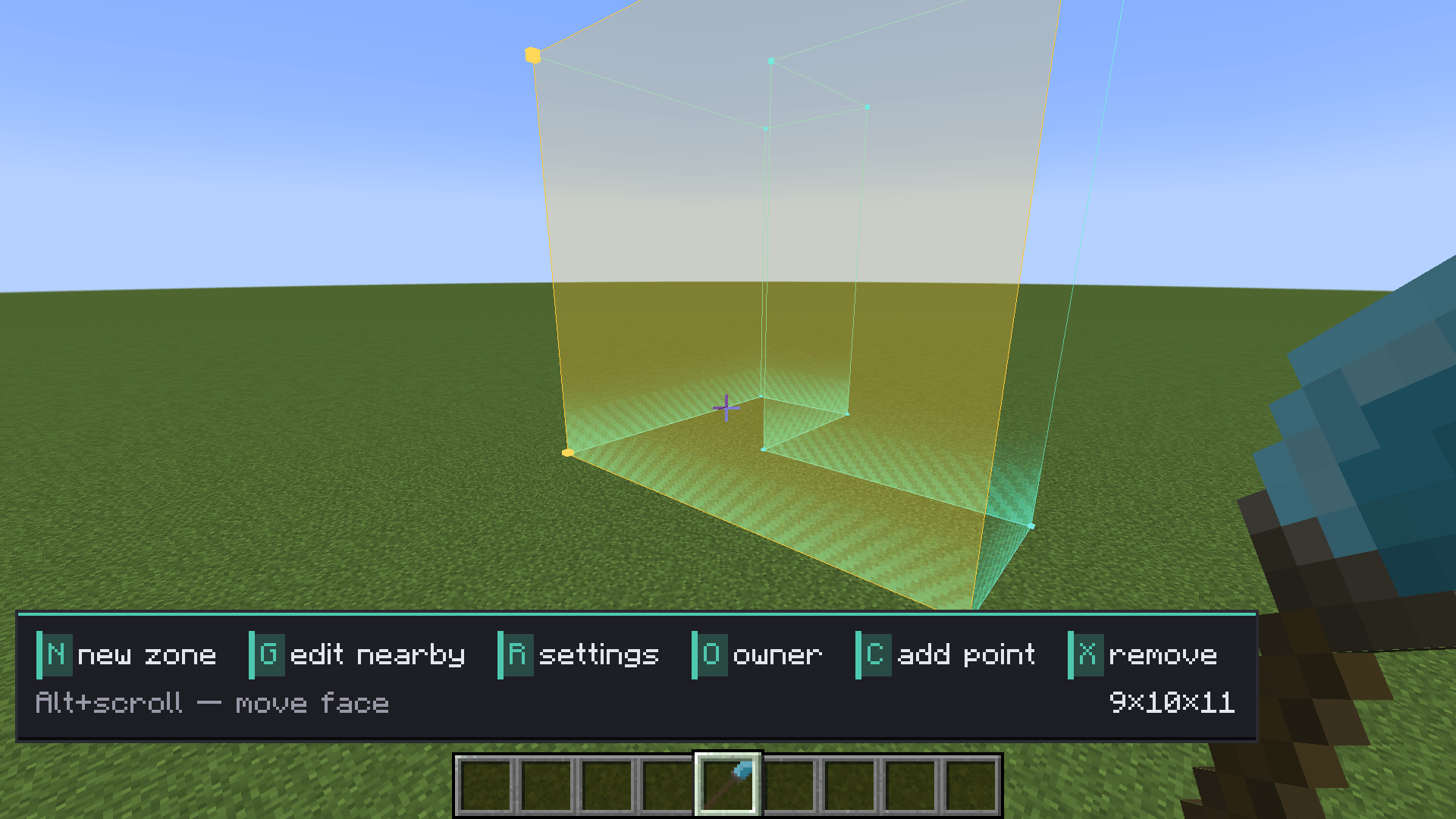
Zones can be sold as plots, saved as templates, and reused. Events / raids support waves, clear-to-advance, and rewards. Scripts run on start, end, enter, and exit — edit them in a text editor, save bundles, and import them between zones.
🎮 How to use
Take the Zone Wand, mark corners (or polygon points), create the zone, then open the editor. Toggle flags on the left, tune settings and scripts on the right. For raids, set spawn rules and wave counts, then trigger On Start.
More mods by yab1oko
Feedback
Bugs, balance notes, and ideas: join the Discord — yab1oko mods.
Project description from CurseForge.
Pick your setup
YBLK Zones by Minecraft version and loader
Choose the version and loader you play, then open the matching release.
Check the dependencies, then try the file in a copied instance before changing a world you care about.
Recent files
YBLK Zones versions and loaders
yblk_zones-1.20.1-1.0.0.jar
9 Nov 2026
Client Source doesn’t say Server Source doesn’t say Dependencies No extras listed Listed on Release listing
Check the 1.20.1 · Forge setup 1.20.1Forge release
Looking for an older file? The official CurseForge project page is in Resources.
 mod
CurseForge · Minecraft
Cybernetic Enhancements
Cybernetic body upgrades and android progression for Minecraft
 mod
CurseForge · Minecraft
Great Cobblemon NPCs
Create custom humanoid and Pokémon NPCs with an in-game editor. Build trainers, shops, and branching dialogues with custom skins, poses, teams, rewards, cooldowns, and per-player battle limits.
 mod
CurseForge · Minecraft
Quiet Please
Mute music track by track: turn any song in your modpack down or off, build your own playlist, skip songs and keep favorites.