Fabric API Needed by Safe Deposit 0.1.0
requiredMatching file found Matched file: [26.3] Fabric API 0.166.2+26.3
CurseForge · Minecraft mod
One button empties your inventory into a chest. Hold Left Alt and click a slot to lock it, so your tools, torches and food stay with you.
Quick answer
Safe Deposit 0.1.0 targets 26.3 with Fabric. The project page does not say whether this file belongs on the client, dedicated server, or both. All 1 required mods have matching files.
Where it goes
The project page does not say whether this file belongs on the client, dedicated server, or both.
The source does not explicitly classify this release as client-only or server-only.
Safe Deposit 0.1.0. Change the file and its required mods may change too.
Install Fabric API first. We found matching files for this game-version and loader setup.
We only count dependency files that match this setup. A file for another loader does not fill the gap.
Before you install it
Built for Safe Deposit 0.1.0. Pick another file and the loader, install side or required mods may change.
Use Safe Deposit 0.1.0. It targets 26.3 with Fabric; another release may have different loader, side or dependency requirements.
Install Fabric API first. We found matching files for this game-version and loader setup.
The project page does not say whether this file belongs on the client, dedicated server, or both.
Use the “Get this file” button beside Safe Deposit 0.1.0. It opens that exact file at the source.
About this project
You get back from the mine with every slot full. Now it's shift-click, shift-click, shift-click, thirty-odd times, and somewhere in there you shift-click your pickaxe into the chest too.
Safe Deposit gives the chest one button that moves the lot, and leaves alone the slots you told it to keep.
| Key | Does |
|---|---|
| Left Alt (held) + click a slot | Lock or unlock that slot |
Rebindable in Options, Controls, under Safe Deposit.
The server moves the items, so the button needs the mod on the server too. One jar, both sides.
| Where | What works |
|---|---|
| Singleplayer | Everything |
| LAN world you host | Everything |
| Server with the mod | Everything |
| Server without the mod | Locks still show, the button is greyed out and says the server needs the mod |
Players without the mod can still join a server that has it. Each deposit is one small request, checked by the server (you must have the container open and nothing on your cursor) and limited to four a second.
Tested in a real launcher with Sodium, Iris, Litematica and MiniHUD installed. If you also use Stardew Chest Buttons, the Safe Deposit button sits under its two buttons in the same column.
MIT.
Project description from CurseForge.
Pick your setup
Choose the version and loader you play, then open the matching release.
Check the dependencies, then try the file in a copied instance before changing a world you care about.
Recent files
safedeposit-0.1.0.jar
9 Nov 2026
Looking for an older file? The official CurseForge project page is in Resources.
 mod
Protects all the tamed pets like a guardian angle!
 mod
The little CRT robot from bubie.gg as your helper: it chops trees, digs, quarries, farms and mines, then stores everything in your chest.
 mod
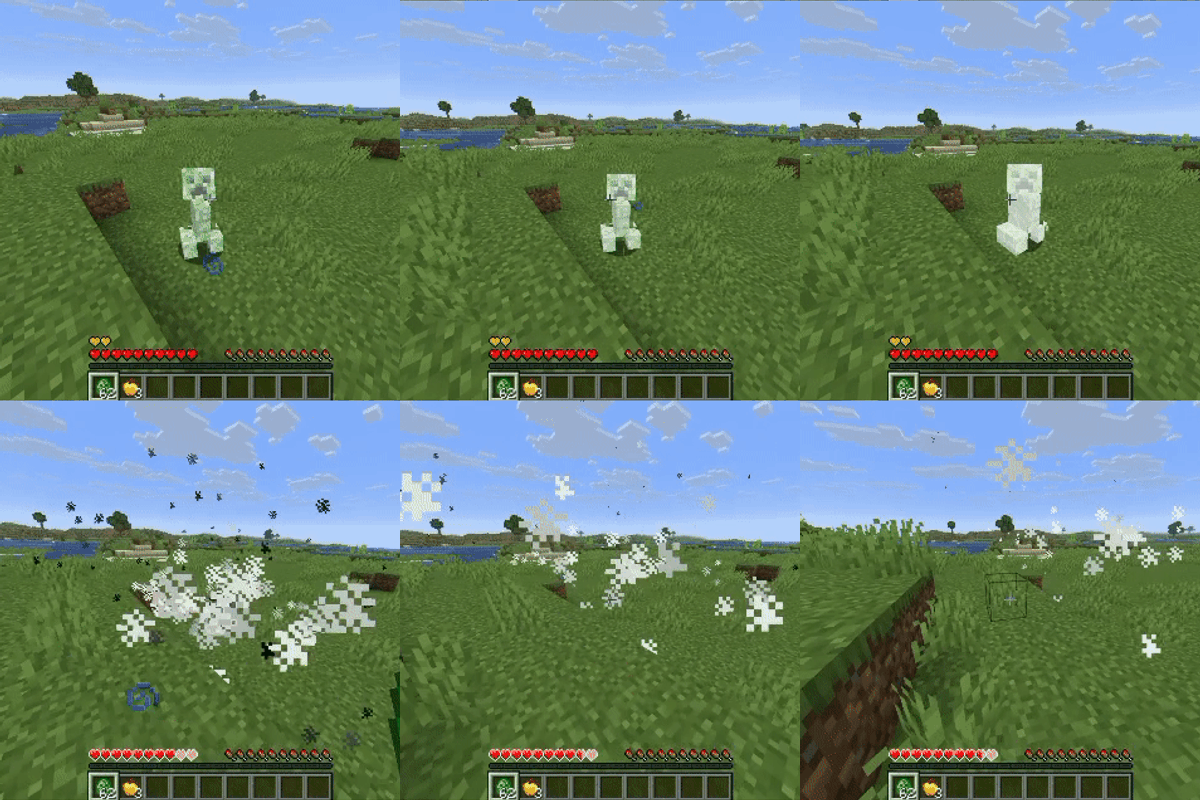
Stop grieving about griefing. Creepers keep the blast, you keep your builds.