PneumaticCraft: Repressurized Optional for Overdrive it overdrive-1.1.0.jar
optionalMatching file found Matched file: "PneumaticCraft: Repressurized" 8.2.24 MC-1.21.1

CurseForge · Minecraft mod
Overclock any machine from any mod, up to 64× speed. The catch is energy cost that grows with the square of the speed, heat you have to cool, and chip wear.
Quick answer
Overdrive it overdrive-1.1.0.jar targets 1.21.1 with NeoForge. The project page does not say whether this file belongs on the client, dedicated server, or both. No extra mods listed for this file.
Where it goes
The project page does not say whether this file belongs on the client, dedicated server, or both.
The source does not explicitly classify this release as client-only or server-only.
overdrive-1.1.0.jar. Change the file and its required mods may change too.
This file does not list any required mods. Do not add a library just because a different file uses it.
2 extra mods were pulled in by other dependencies. Indented rows show who needs each one. We only count dependency files that match this setup. A file for another loader does not fill the gap.
Before you install it
Built for Overdrive it overdrive-1.1.0.jar. Pick another file and the loader, install side or required mods may change.
Use overdrive-1.1.0.jar. It targets 1.21.1 with NeoForge; another release may have different loader, side or dependency requirements.
This file does not list any required mods. Do not add a library just because a different file uses it.
The project page does not say whether this file belongs on the client, dedicated server, or both.
Use the “Get this file” button beside overdrive-1.1.0.jar. It opens that exact file at the source.
About this project
Overclock any machine from any mod, but it'll cost you.
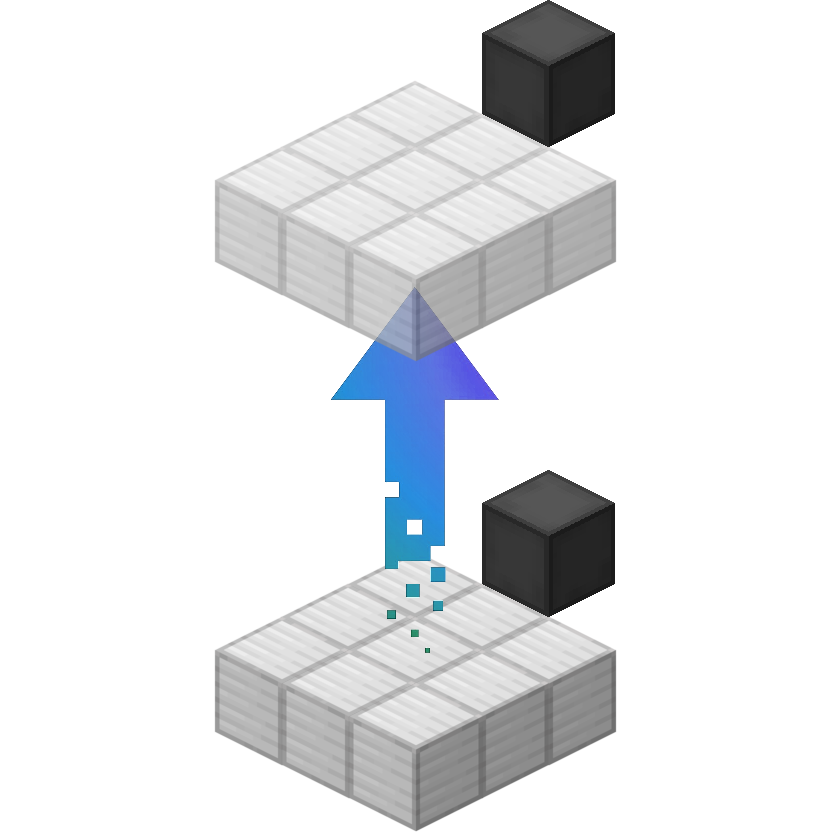
Place an Overdrive against a machine, choose a speed multiplier, and the machine runs that many times faster. It works with furnaces, crushers, assemblers and almost anything else that runs on a block entity, from any mod.
The cost is high. Energy cost grows with the square of the speed, the block heats up, and the Overclock Chip inside wears out. Push it too far and it melts down.
overdrive:overclock and overdrive:meltdown for packs and quest mods.serverconfig/overdrive-server.toml.#overdrive:blacklisted are never accelerated. This includes spawners and the AE2 controller, and you can add more.Minecraft 1.21.1 · NeoForge
About AI: This mod was made with AI assistance. Parts of the code, textures and logo were created with the help of an AI coding assistant (Claude by Anthropic), then reviewed, tested and balanced by me. If you find a bug, please report it.
Project description from CurseForge.
Pick your setup
Choose the version and loader you play, then open the matching release.
Check the dependencies, then try the file in a copied instance before changing a world you care about.
Recent files
28 Nov 2026
10 Nov 2026
Looking for an older file? The official CurseForge project page is in Resources.