Chisels & Bits - For Forge Needed by Chisels & Bytes ChiselsBytes-1.9.4-0.4.jar
requiredNo matching file

CurseForge · Minecraft mod
Chisels & Bytes is an addon for Chisels & Bits by AlgorithmX2. The mod allows you to export a Chisels & Bits block as a descriptive file for the OpenComputers 3d printer and works client-side only.
Quick answer
Chisels & Bytes ChiselsBytes-1.9.4-0.4.jar targets 1.9.4, 1.10.2, 1.10. The project page does not say whether this file belongs on the client, dedicated server, or both. 1 required mod needs a matching file.
Where it goes
The project page does not say whether this file belongs on the client, dedicated server, or both.
The source does not explicitly classify this release as client-only or server-only.
ChiselsBytes-1.9.4-0.4.jar on 1.10. Every mod below is checked against that same setup.
Install Chisels & Bits - For Forge first, but 1 required mod has no matching file for this setup. Do not mix loader builds to force a match.
We only count dependency files that match this setup. A file for another loader does not fill the gap.
Before you install it
Built for Chisels & Bytes ChiselsBytes-1.9.4-0.4.jar on 1.10. Pick another file and the loader, install side or required mods may change.
Use ChiselsBytes-1.9.4-0.4.jar. It targets 1.9.4, 1.10.2, 1.10; another release may have different loader, side or dependency requirements.
Install Chisels & Bits - For Forge first, but 1 required mod has no matching file for this setup. Do not mix loader builds to force a match.
The project page does not say whether this file belongs on the client, dedicated server, or both.
Use the “Get this file” button beside ChiselsBytes-1.9.4-0.4.jar. It opens that exact file at the source.
About this project
Chisels & Bytes
Chisels & Bytes is an addon for Chisels & Bits by AlgorithmX2. The mod allows you to export Chisels & Bits blocks or designs (since v0.4) as a descriptive file for the OpenComputers 3D printer and works client-side only.
There are two prominent advantages of a 3D print over the Chisels & Bits block:
This mod requires Java 8.
Usage
After installing the mod, hold a Chisels & Bits block in your hand and (by default) press the Next/Page Up key. The script will be copied to your clipboard and can be directly pasted into the in-game OpenComputers Editor or, out of game, into your favourite text editor for adjustment. The data is formatted for use with the print3d program available via the OpenComputers package manager oppm.
If you have a Chisels & Bits block in the hotbar slot to the right of your active item (or offhand since v0.4), it will be used as the active state for the 3D print.
Version 0.4 adds limited fluid support. Sneaking toggles between using the still and flowing texture for fluid bits. Also if the C&B block/design contains light emitting bits, the respective option will be set in the descriptive file.
Limits
Project description from CurseForge.
Pick your setup
Choose the version and loader you play, then open the matching release.
Check the dependencies, then try the file in a copied instance before changing a world you care about.
Recent files
14 Jul 2016
24 Jun 2016
Looking for an older file? The official CurseForge project page is in Resources.
 mod
Overhaul survival with many changes to existing mechanics. Weapon rebalance, enchanting rework, and much more
 mod
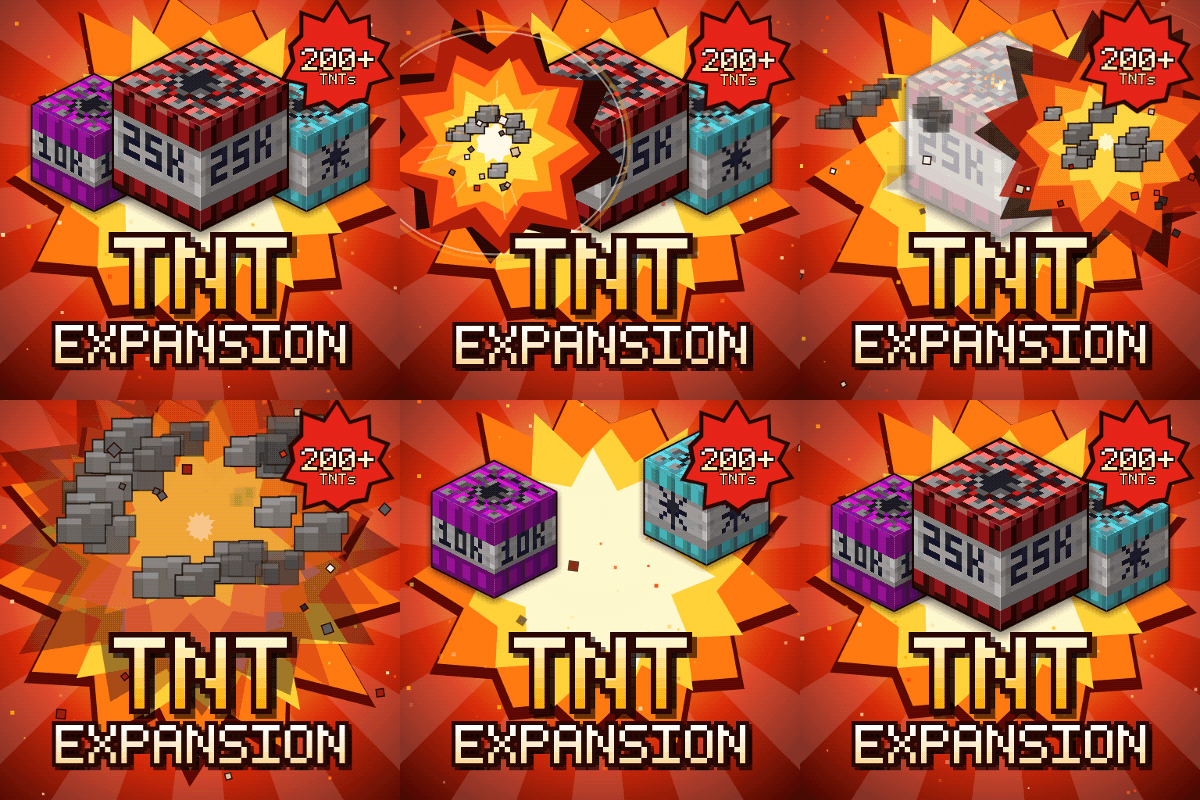
Over 200 craftable TNTs for Minecraft, from harmless mini TNTs to nukes, meteors, tornadoes, volcanoes, black holes, and the Brutal Cataclysm. Or leave the world with TNT Error 404: say goodbye to your entire world!
 mod
50+ medieval weapons with their own stats and unique abilities: rapiers, katanas, greatswords, warhammers, halberds, scythes, slingshots, throwing knives and new shields.