Mantle Needed by Ceramics 1.8.0 for 1.20.1
requiredMatching file found Matched file: Mantle 1.11.104 for 1.20.1
CurseForge · Minecraft mod
Make early game tools out of clay, then keep using them in the late game.
Quick answer
Ceramics 1.8.0 for 1.20.1 targets 1.20.1 with Forge, NeoForge. The project page does not say whether this file belongs on the client, dedicated server, or both. All 1 required mods have matching files.
Where it goes
The project page does not say whether this file belongs on the client, dedicated server, or both.
The source does not explicitly classify this release as client-only or server-only.
Ceramics 1.8.0 for 1.20.1. Change the file and its required mods may change too.
Install Mantle first. We found matching files for this game-version and loader setup.
We only count dependency files that match this setup. A file for another loader does not fill the gap.
Before you install it
Built for Ceramics 1.8.0 for 1.20.1. Pick another file and the loader, install side or required mods may change.
Use Ceramics 1.8.0 for 1.20.1. It targets 1.20.1 with Forge, NeoForge; another release may have different loader, side or dependency requirements.
Install Mantle first. We found matching files for this game-version and loader setup.
The project page does not say whether this file belongs on the client, dedicated server, or both.
Use the “Get this file” button beside Ceramics 1.8.0 for 1.20.1. It opens that exact file at the source.
About this project
Ceramics is a mod designed to increase Minecraft's gameplay using clay. Originally inspired by the clay bucket from Iguana Tinker Tweaks, this mod simply added a clay bucket, but now it adds quite a few other features made from clay to both improve the early game and be used in long term builds.
In the mods current form, it adds features in three categories.
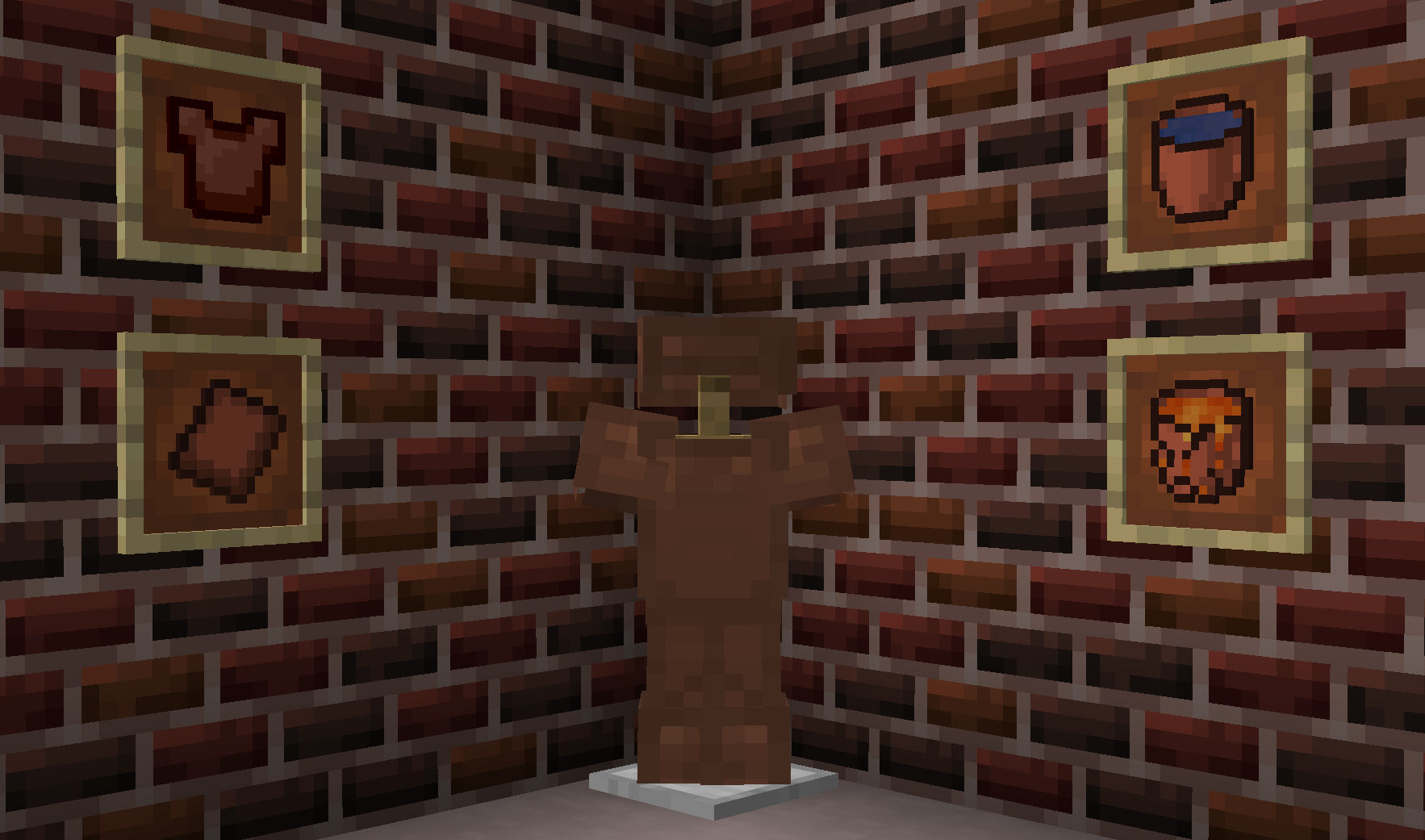
Ceramics adds various tools designed to extend options for tools using clay. Available tools include:
Terracotta buckets: Early game bucket alternative.
Terracotta plate armor: Alternative to leather armor early game.
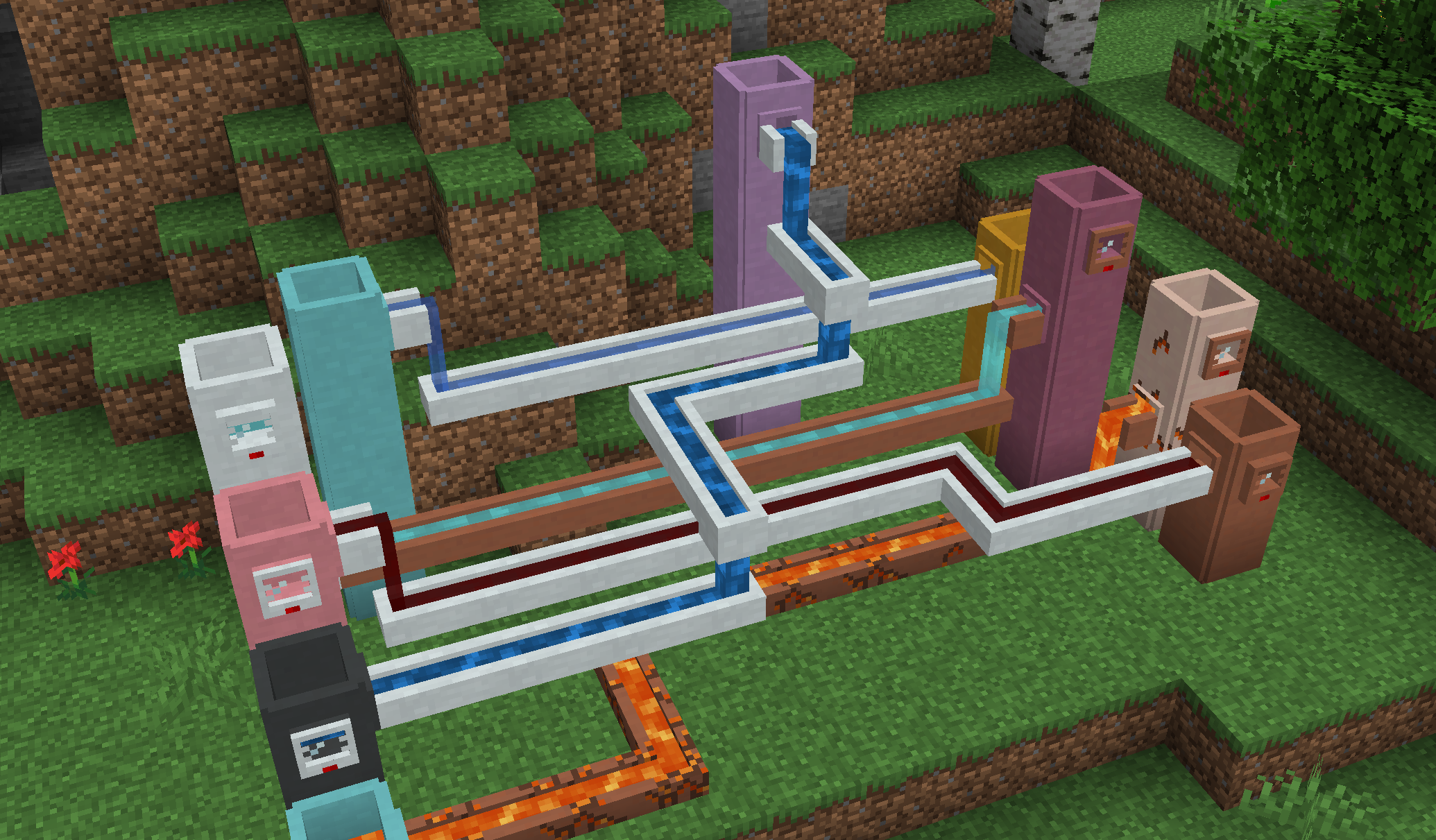
Ceramics adds several different fluid related blocks to store and transport fluids in world.
Cisterns: An extendable liquid storage block.
Gauges: Read fluid level.
Faucets: Allow simple fluid extraction.
Channels: Allow simple fluid transport.
All fluid blocks come in two variants:
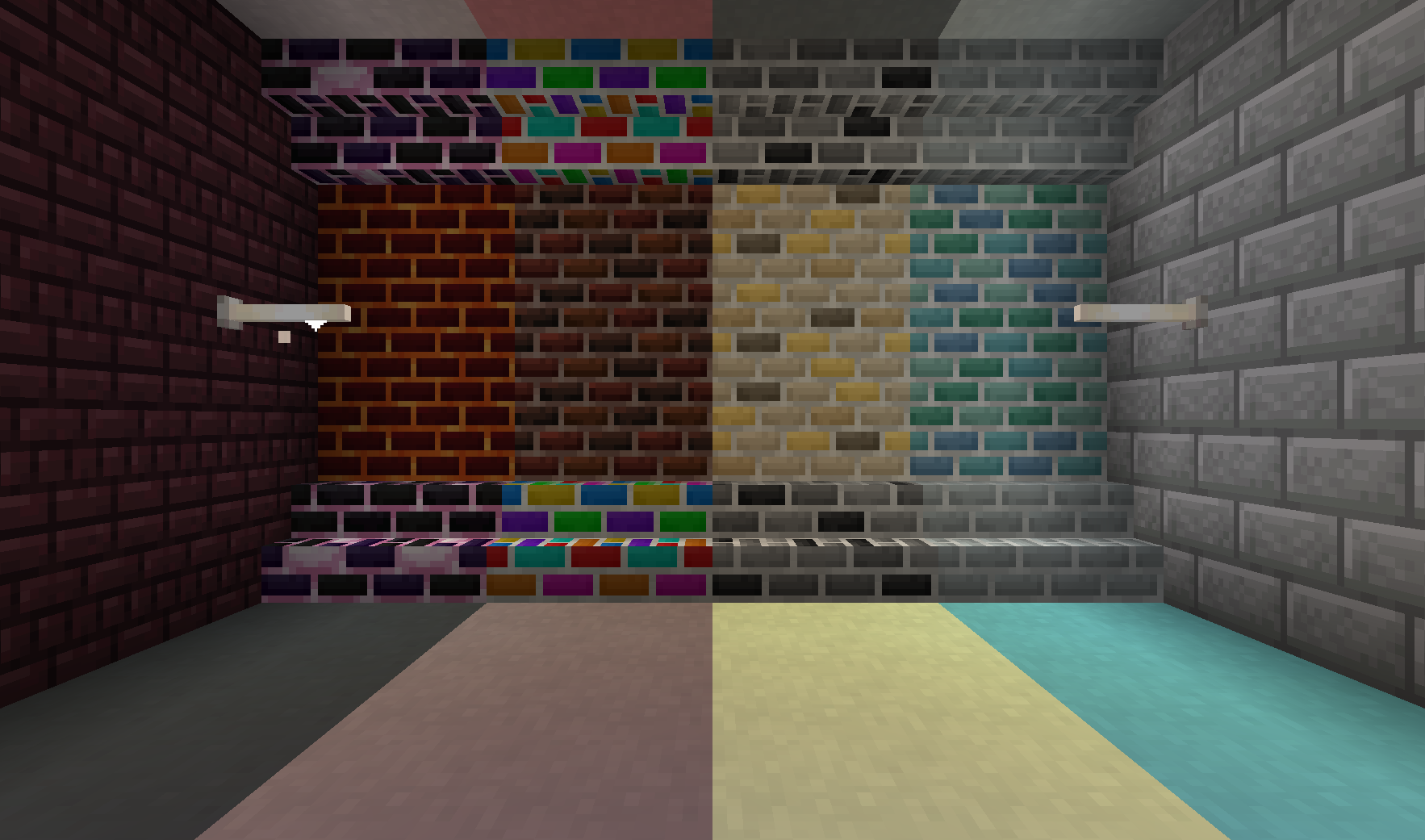
Apart from functional blocks, Ceramics adds a range of decorative blocks to spruce up any base.
Porcelain: Decorative block that is similar to stained terracotta or concrete, but in pastel colors.
Porcelain Bricks: White variant of bricks. Can be made into slabs, stairs, and walls
Fancy Bricks: Six additional styles of bricks with a slightly more random pattern. Each type comes in slabs, stairs, and walls.
Rainbow Bricks and Clay: feature a colorful, but gradual rainbow animation.
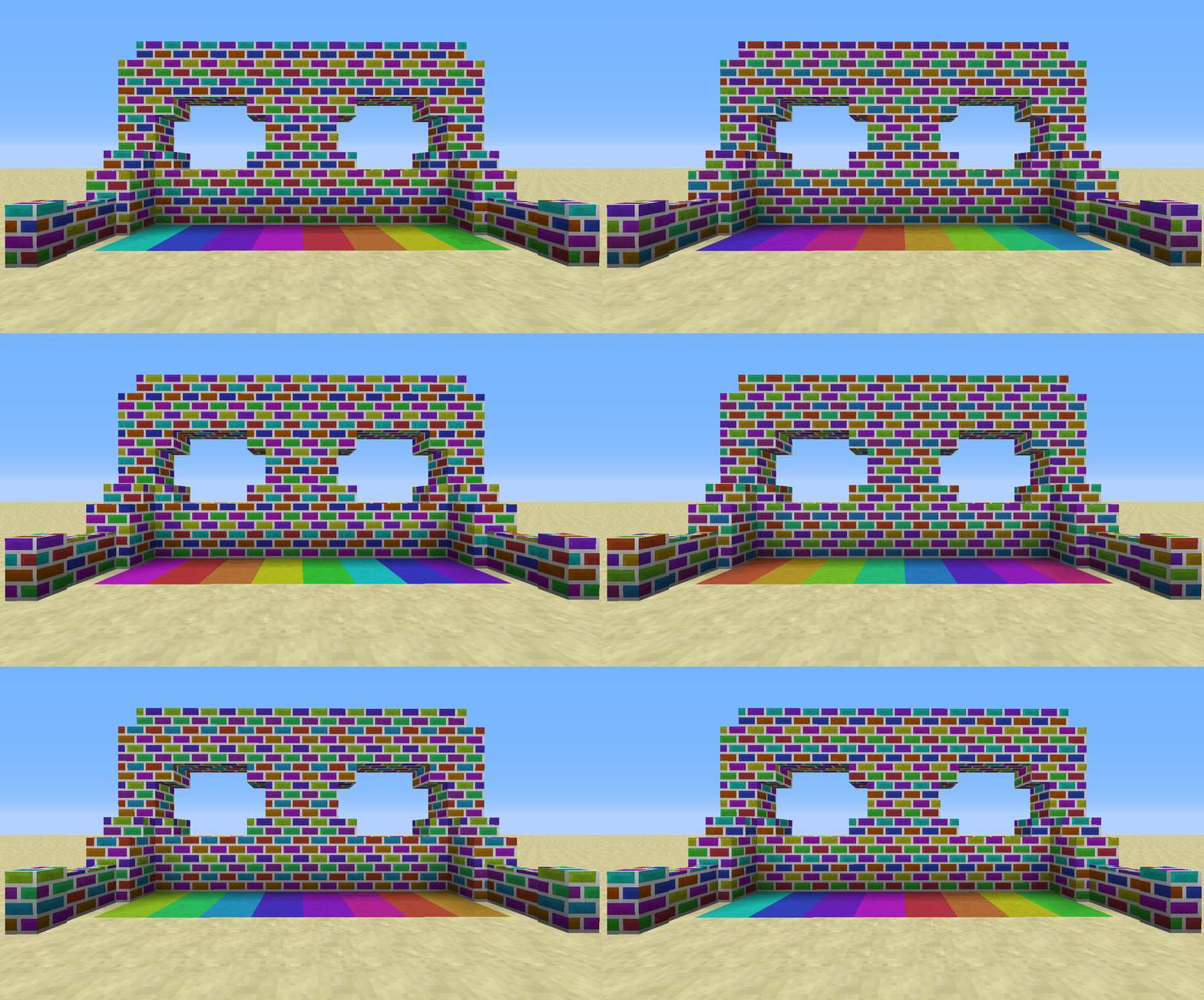
For information on 1.12 and earlier, check out the images tab or read about Ceramics on the official Feed the Beast Wiki. You can also come discuss Ceramics on the SlimeKnights Discord.
Feel free to use this mod in a mod pack, provided you give a link back to this page
If you want to support me on Patreon, use the following link:
Project description from CurseForge.
Pick your setup
Choose the version and loader you play, then open the matching release.
Showing the newest 12 of 13 game versions. Older files are in the list below.
Check the dependencies, then try the file in a copied instance before changing a world you care about.
Recent files
Ceramics-1.20.1-1.8.0.jar
10 Jun 2025
Ceramics-1.18.2-1.7.1.jar
24 Oct 2022
Ceramics-1.16.5-1.6.3.jar
10 Jun 2021
Ceramics-1.16.5-1.6.2.jar
10 Mar 2021
Ceramics-1.16.5-1.6.1.jar
16 Jan 2021
Ceramics-1.12-1.3.7b.jar
5 Jan 2021
Ceramics-1.16.4-1.6.0.jar
3 Jan 2021
Ceramics-1.16.4-1.5.2.jar
3 Nov 2020
Ceramics-1.16.3-1.5.1.jar
11 Oct 2020
Ceramics-1.16.1-1.5.0.jar
11 Aug 2020
Ceramics-1.15.2-1.4.0.jar
31 May 2020
Ceramics-1.15.2-1.2.0.jar
28 May 2020
Looking for an older file? The official CurseForge project page is in Resources.
 mod
modBring your shield to life with your own animated GIF. Pick an image from a simple in-game gallery, adjust the speed, and show it off in singleplayer or with friends.
 mod
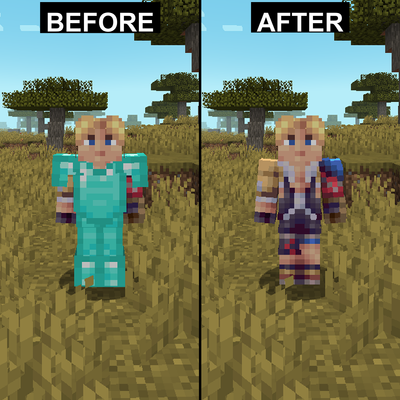
modHides armor on yourself and other players with configuration options
 mod
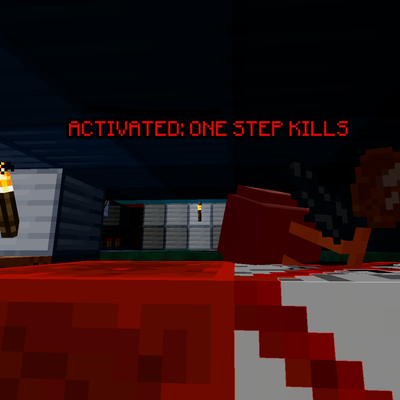
modA deadly block that instantly kills any player stepping on it, turning a single step into a lethal trap.