Minecraft version
Back to mods 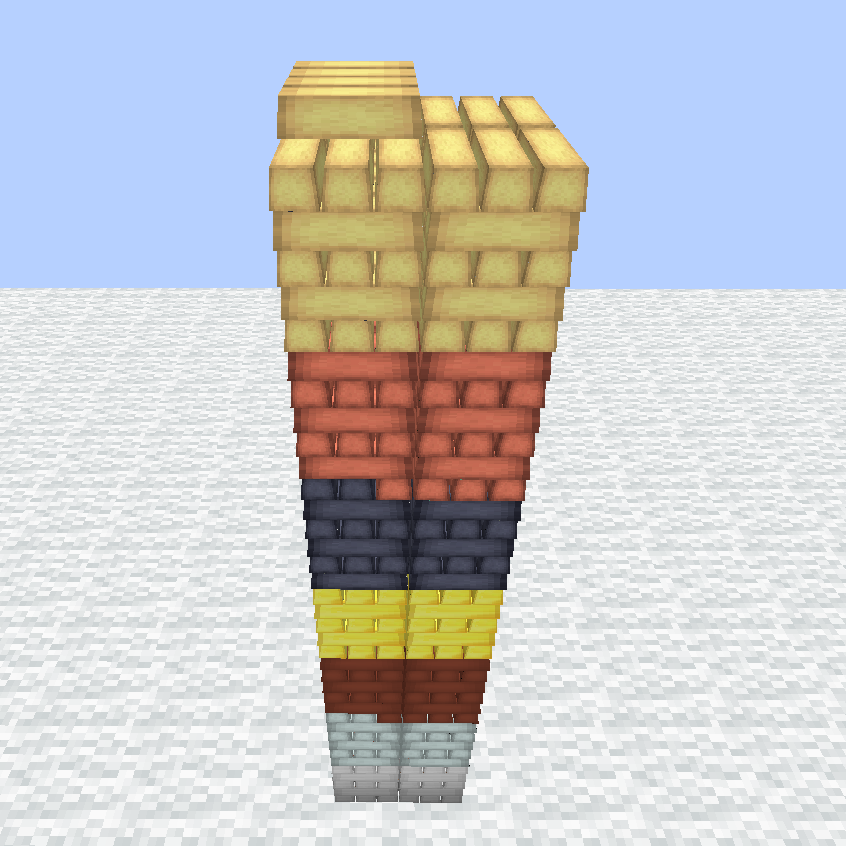
CurseForge · Minecraft mod
Stackable
Place your items in the world and build piles.
Choose a version Pick your version below, then grab the matching file.
Quick answer
Which Stackable release should I use?
Latest stable file stackable-1.12.2-1.3.3.jar
Game version 1.12.1, 1.12, 1.12.2
Loader Not required
stackable-1.12.2-1.3.3.jar targets 1.12.1, 1.12, 1.12.2. The project page does not say whether this file belongs on the client, dedicated server, or both. No extra mods listed for this file.
Where it goes
Is Stackable required on the client, server, or both?
The project page does not say whether this file belongs on the client, dedicated server, or both.
Client Source doesn’t say
Dedicated server Source doesn’t say
Loader for this release No loader listed
Required install it here Optional supported, not mandatory Not supported do not install here Source doesn’t say do not assume
The source does not explicitly classify this release as client-only or server-only.
What else does stackable-1.12.2-1.3.3.jar need?
stackable-1.12.2-1.3.3.jar. Change the file and its required mods may change too.
This file does not list any required mods. Do not add a library just because a different file uses it.
This file does not list any required or optional mods.
Before you install it
Add Stackable without breaking your instance.
Built for stackable-1.12.2-1.3.3.jar. Pick another file and the loader, install side or required mods may change.
- 01
Stick to this file
Use stackable-1.12.2-1.3.3.jar. It targets 1.12.1, 1.12, 1.12.2; another release may have different loader, side or dependency requirements.
- 02
Bring the mods it needs
This file does not list any required mods. Do not add a library just because a different file uses it.
- 03
Put it on the correct side
The project page does not say whether this file belongs on the client, dedicated server, or both.
- 04
Pick the file you checked
Use the “Get this file” button beside stackable-1.12.2-1.3.3.jar. It opens that exact file at the source.
About this project
What does Stackable add?
This mod is the spiritual successor to StacksOnStacks.
With this mod you can build piles of items in your world.
There a 2 types of piles:
Ingot Pile for ingots
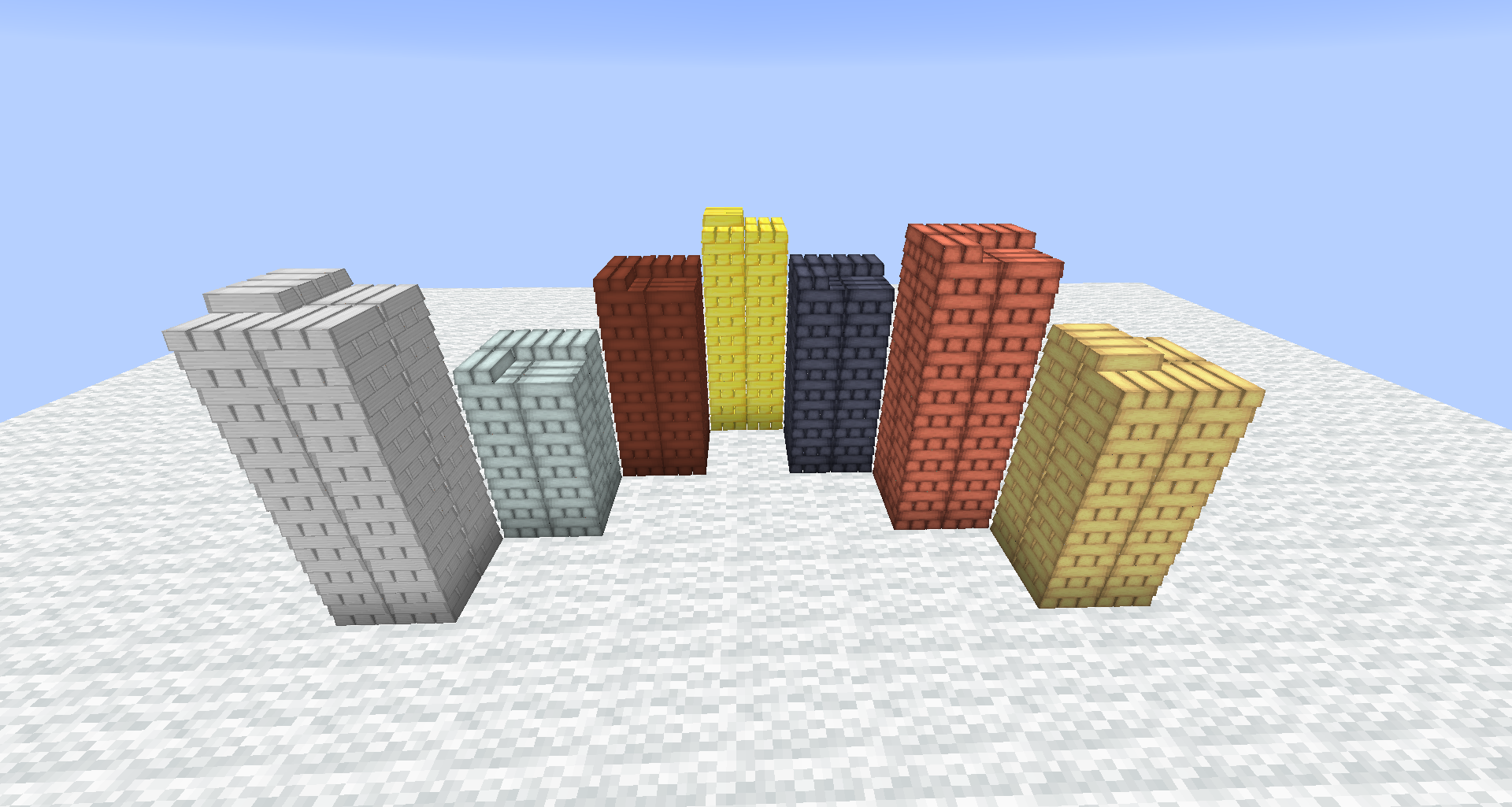
and Any Pile which accepts any item.
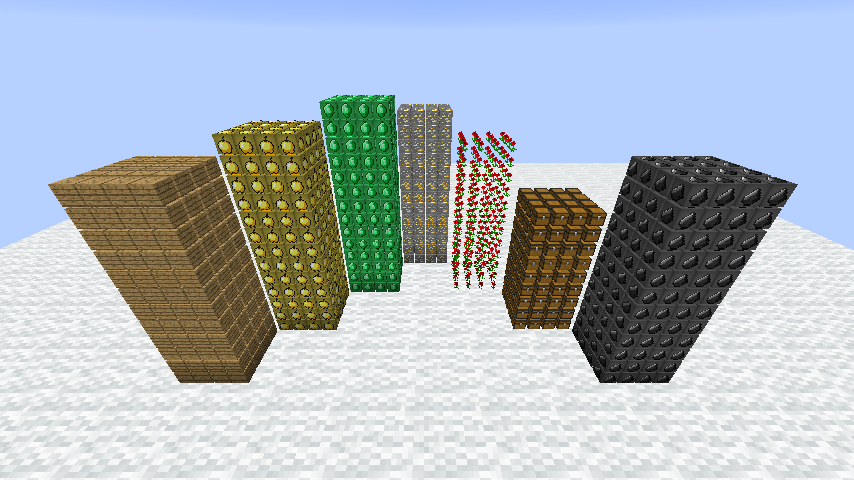
____________________
To place a pile, press key P (configurable) while holding an item in your main hand.
If you hold an ingot, an Ingot Pile will be placed. Otherwise it's an Any Pile.
It should work with any ingot that is registered in the ore dictionary.
If an ingot is not registered ,you can add it manually in the config.
____________________
Pile Stick - A stick you can change properties of a pile with.
Right-click on a pile to change properties
Right-click anywhere to change the mode of the stick.
To adjust the number of the stick open your inventory, hover over the stick and use the scroll wheel. (-1 to remove the property)
Persistence - If enabled the pile can't be emptied. It will stay with one item at least
Black/White - Change between blacklist and whitelist
Black+ - Add items to blacklist
Black- - Remove items from blacklist
White+ - Add items to whitelist
White- - Remove items from whitelist
Minimum - Set minimum amount for an item
Maximum - Set maximum amount for an item
Move - Move the pile to another location
To adjust item-related properties (blacklist, whitelist,...) put the relevant item right next to the stick into your hotbar.
____________________
Hoppers, pipes and storage systems can interact with the bottom block a pile.
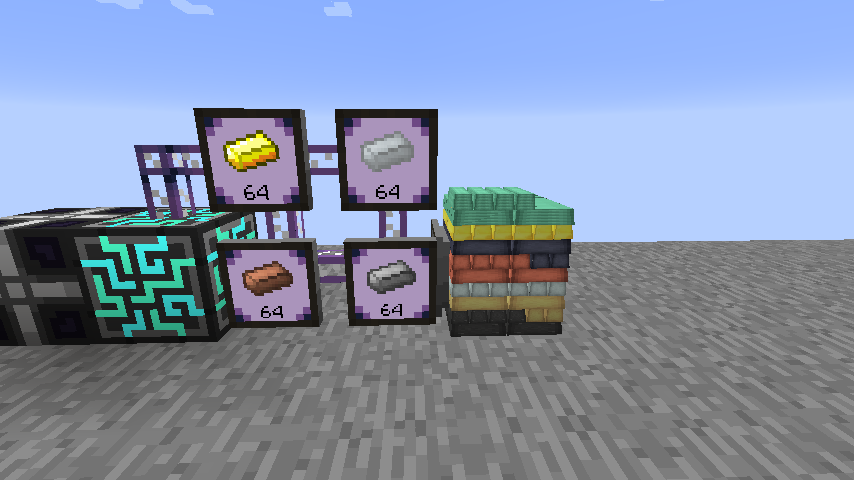
____________________
The amount of items per block and visual items per item are configurable.
____________________
- Left-Click: Extract one item from the pile.
- Left-Click+Shift: Extract an entire stack from the pile.
- Right-Click: Insert held stack into the pile.
- Right-Click+Ctrl: Insert one item from held stack into the pile.
- Right-Click with empty hand: Insert every item from your inventory that equals the item, the player is looking at, into the pile.
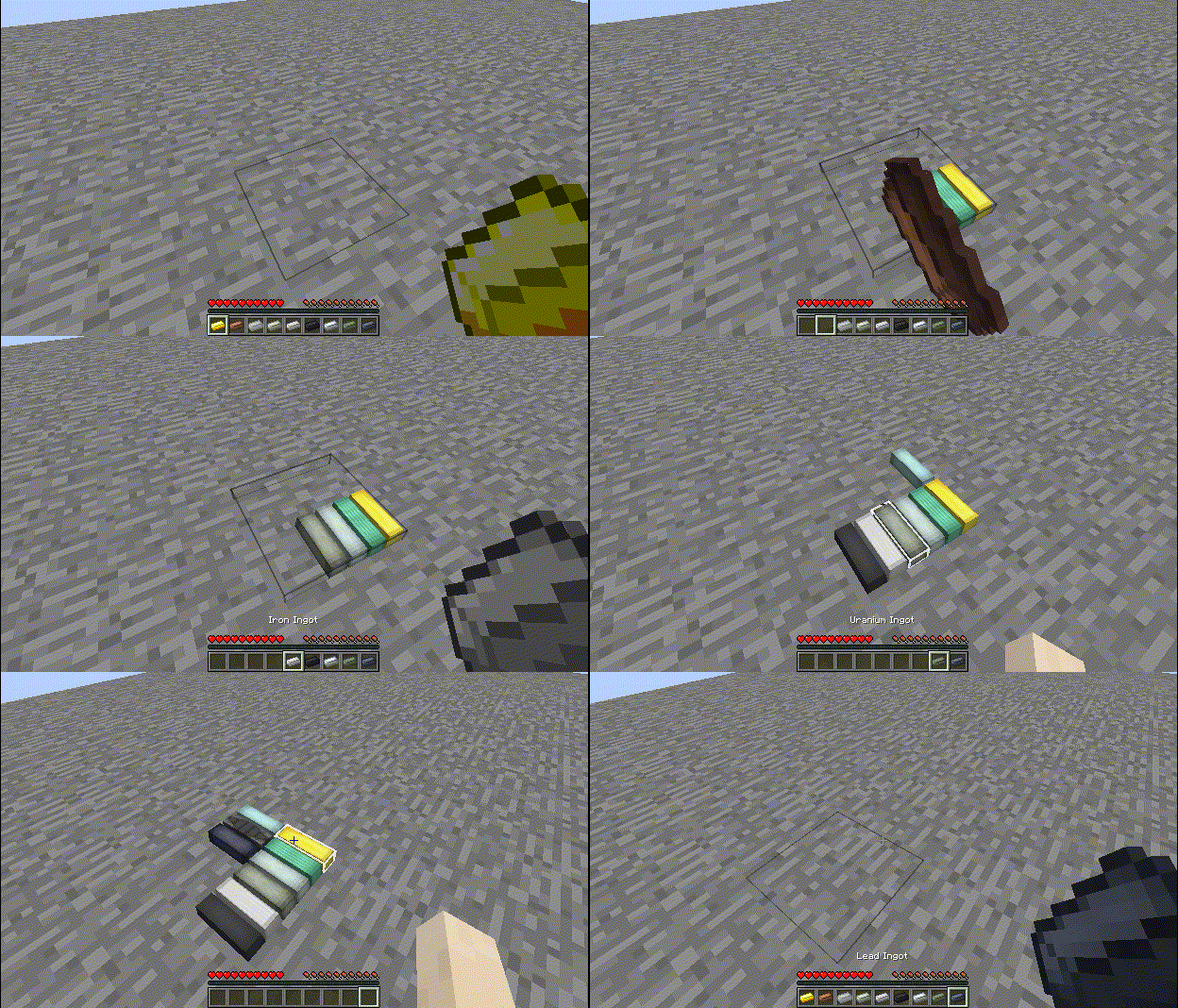
Project description from CurseForge.
Pick your setup
Stackable by Minecraft version and loader
Choose the version and loader you play, then open the matching release.
Minecraft version
1.12.1
1 loader buildMinecraft version
1.12
1 loader buildCheck the dependencies, then try the file in a copied instance before changing a world you care about.
Recent files
Stackable versions and loaders
stackable-1.12.2-1.3.3.jar
3 Nov 2018
Client Source doesn’t say Server Source doesn’t say Dependencies No extras listed Listed on Release listing
Check the 1.12.2 setup 1.12.11.121.12.2 release
stackable-1.12.2-1.3.2.jar
16 Sept 2018
Client Source doesn’t say Server Source doesn’t say Dependencies No extras listed Listed on Release listing
Check the 1.12.2 setup 1.12.11.121.12.2 release
stackable-1.12.2-1.3.1.jar
13 Sept 2018
Client Source doesn’t say Server Source doesn’t say Dependencies No extras listed Listed on Release listing
Check the 1.12.2 setup 1.12.11.121.12.2 release
stackable-1.12.2-1.3.0.jar
7 Sept 2018
Client Source doesn’t say Server Source doesn’t say Dependencies No extras listed Listed on Release listing
Check the 1.12.2 setup 1.12.11.121.12.2 release
stackable-1.12.2-1.2.3.jar
28 Aug 2018
Client Source doesn’t say Server Source doesn’t say Dependencies No extras listed Listed on Release listing
Check the 1.12.2 setup 1.12.11.121.12.2 release
stackable-1.12.2-1.2.2.jar
27 Aug 2018
Client Source doesn’t say Server Source doesn’t say Dependencies No extras listed Listed on Release listing
Check the 1.12.2 setup 1.12.11.121.12.2 release
stackable-1.12.2-1.2.1.jar
16 Aug 2018
Client Source doesn’t say Server Source doesn’t say Dependencies No extras listed Listed on Release listing
Check the 1.12.2 setup 1.12.11.121.12.2 beta
stackable-1.12.2-1.2.0.jar
9 Aug 2018
Client Source doesn’t say Server Source doesn’t say Dependencies No extras listed Listed on Release listing
Check the 1.12.2 setup 1.12.11.121.12.2 beta
stackable-1.12.2-1.1.0.jar
7 Aug 2018
Client Source doesn’t say Server Source doesn’t say Dependencies No extras listed Listed on Release listing
Check the 1.12.2 setup 1.12.11.121.12.2 beta
stackable-1.12.2-1.0.0.jar
1 Aug 2018
Client Source doesn’t say Server Source doesn’t say Dependencies No extras listed Listed on Release listing
Check the 1.12.2 setup 1.12.11.121.12.2 beta
Looking for an older file? The official CurseForge project page is in Resources.
 mod
mod CurseForge · Minecraft
Tame ervery Mob
Tame every regular Minecraft mob, control their behavior, store them in Mob Pockets, and upgrade them with custom pet equipment.
 mod
mod CurseForge · Minecraft
SecurityCraft for Fabric
Fabric port of SecurityCraft: keypads, security cameras, mines, reinforced blocks, lasers and much more to protect your base from intruders.
 mod
mod CurseForge · Minecraft
Kindred
A pet bonding and summoning mod. Call your pets or mounts from anywhere and dismiss them to keep them safe. A spiritual successor to Callable Horses.