
Minecraft version
Back to mods 
CurseForge · Minecraft mod
XenCraft
XenCraft adds Xen crystals which can be used to craft different fancy decoration blocks
Choose a version Pick your version below, then grab the matching file.
Quick answer
Which XenCraft release should I use?
Latest stable file XenCraft-1.0.0.4.jar
Game version 1.12.2
Loader Not required
XenCraft-1.0.0.4.jar targets 1.12.2. The project page does not say whether this file belongs on the client, dedicated server, or both. No extra mods listed for this file.
Where it goes
Is XenCraft required on the client, server, or both?
The project page does not say whether this file belongs on the client, dedicated server, or both.
Client Source doesn’t say
Dedicated server Source doesn’t say
Loader for this release No loader listed
Required install it here Optional supported, not mandatory Not supported do not install here Source doesn’t say do not assume
The source does not explicitly classify this release as client-only or server-only.
What else does XenCraft-1.0.0.4.jar need?
XenCraft-1.0.0.4.jar. Change the file and its required mods may change too.
This file does not list any required mods. Do not add a library just because a different file uses it.
This file does not list any required or optional mods.
Before you install it
Add XenCraft without breaking your instance.
Built for XenCraft-1.0.0.4.jar. Pick another file and the loader, install side or required mods may change.
- 01
Stick to this file
Use XenCraft-1.0.0.4.jar. It targets 1.12.2; another release may have different loader, side or dependency requirements.
- 02
Bring the mods it needs
This file does not list any required mods. Do not add a library just because a different file uses it.
- 03
Put it on the correct side
The project page does not say whether this file belongs on the client, dedicated server, or both.
- 04
Pick the file you checked
Use the “Get this file” button beside XenCraft-1.0.0.4.jar. It opens that exact file at the source.
About this project
What does XenCraft add?
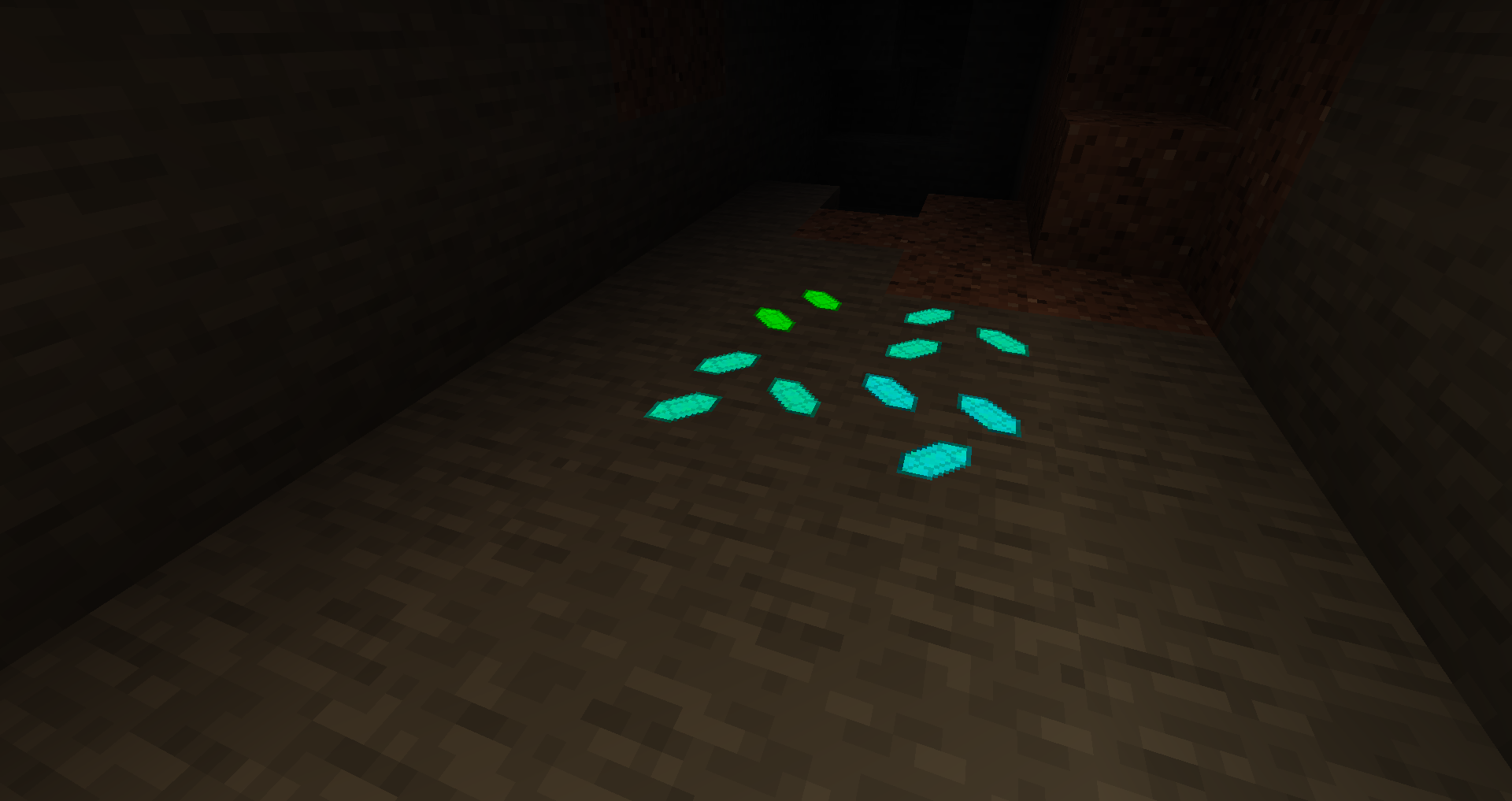
First step is to find the Xen Ore. It doesn't matter what color you break, it will always drop the same Xen gem.
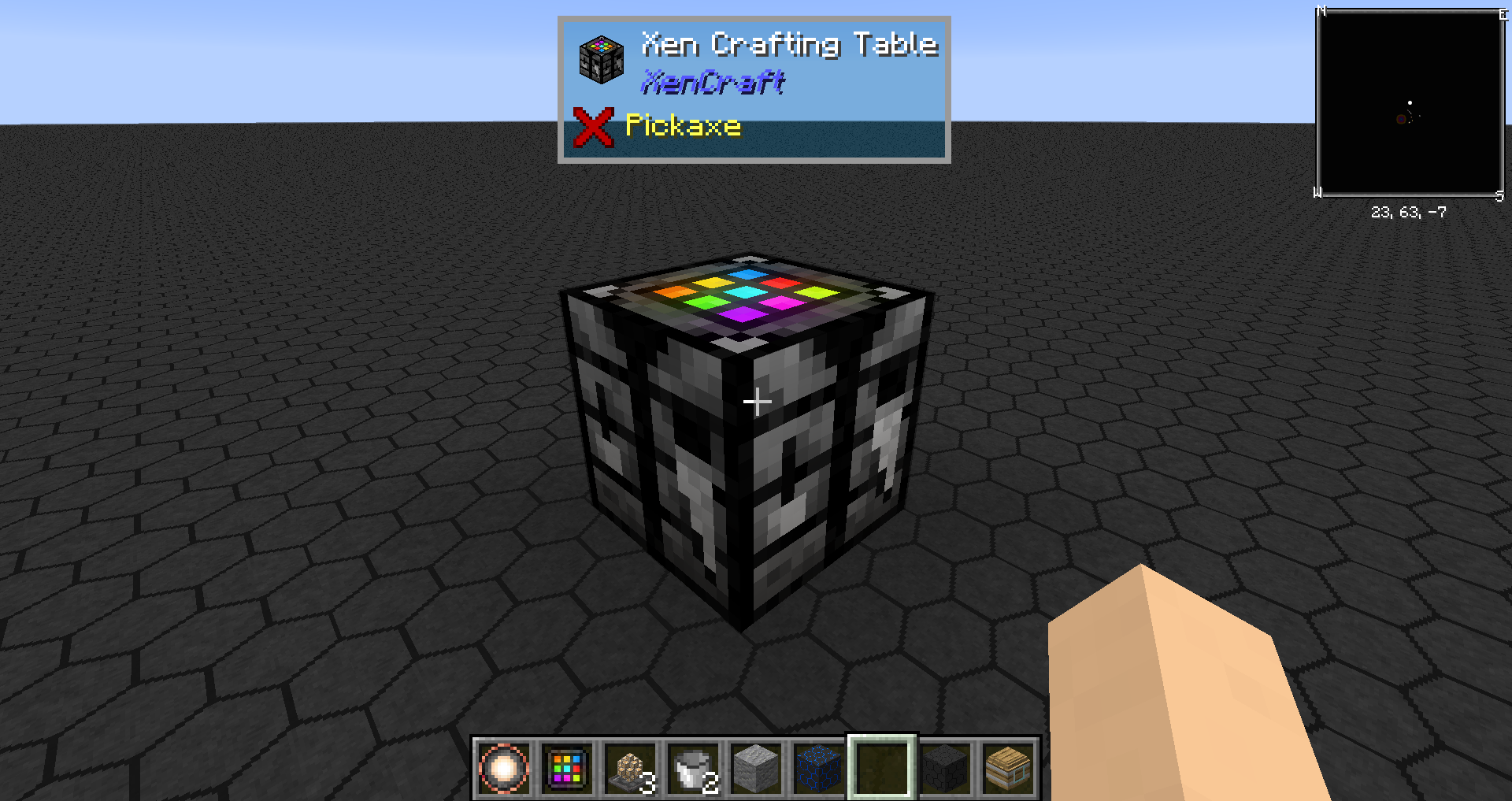
Next, you craft yourself some Xenstone and a Xen Crafting Table.
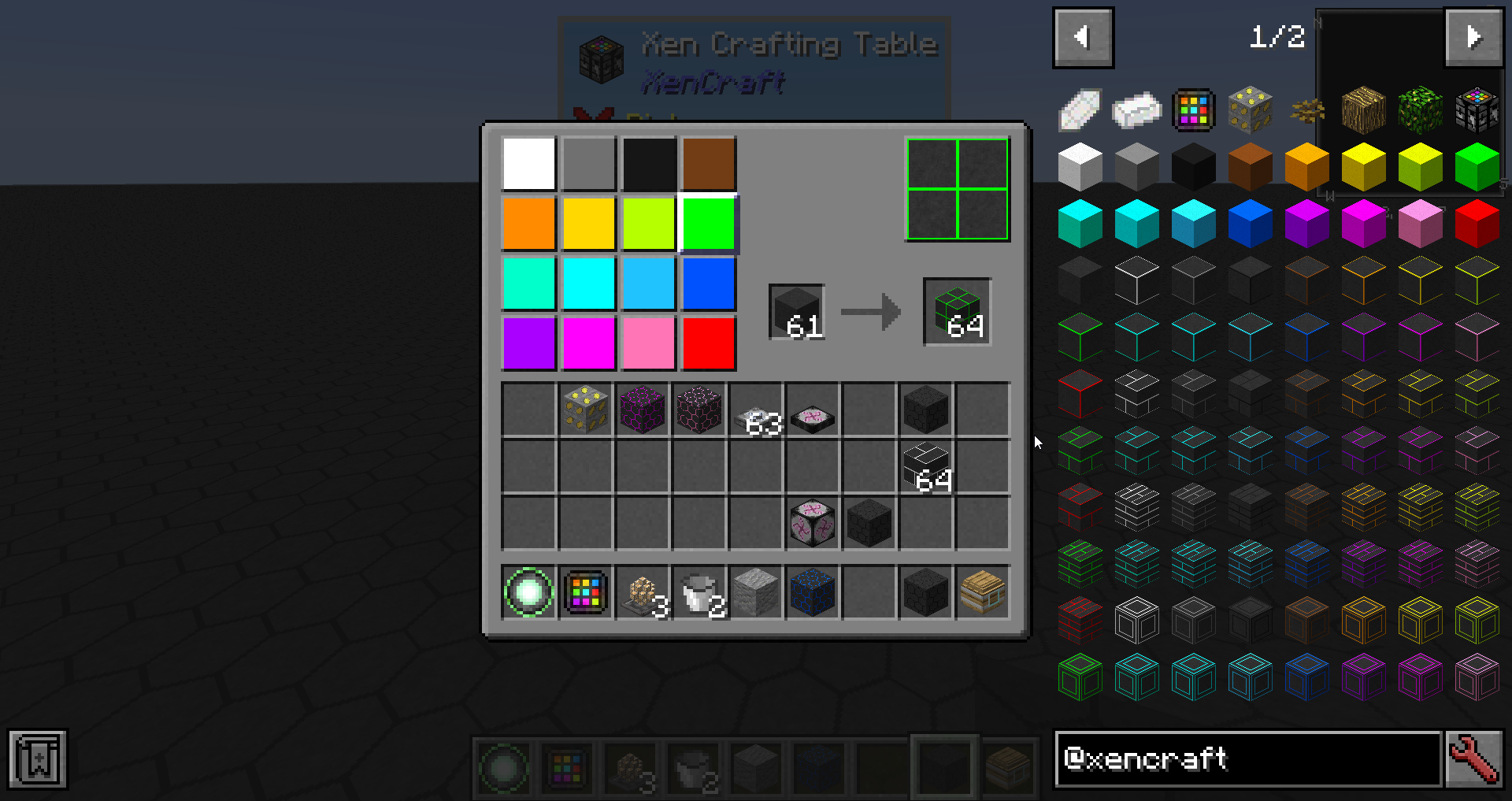
Here, you can select the color by clicking on the small color buttons and pattern by clicking on the large button. Then place Xenstone or any previously crafted block in the input slot and you will get new variant in output slot.
Have fun!

Project description from CurseForge.
Pick your setup
XenCraft by Minecraft version and loader
Choose the version and loader you play, then open the matching release.
Check the dependencies, then try the file in a copied instance before changing a world you care about.
Recent files
XenCraft versions and loaders
XenCraft-1.0.0.4.jar
28 Apr 2019
Client Source doesn’t say Server Source doesn’t say Dependencies No extras listed Listed on Release listing
Check the 1.12.2 setup 1.12.2 release
XenCraft-1.0.0.3.jar
17 Apr 2019
Client Source doesn’t say Server Source doesn’t say Dependencies No extras listed Listed on Release listing
Check the 1.12.2 setup 1.12.2 release
XenCraft-1.0.0.2.jar
18 Mar 2019
Client Source doesn’t say Server Source doesn’t say Dependencies No extras listed Listed on Release listing
Check the 1.12.2 setup 1.12.2 release
XenCraft-1.0.0.1.jar
10 Mar 2019
Client Source doesn’t say Server Source doesn’t say Dependencies No extras listed Listed on Release listing
Check the 1.12.2 setup 1.12.2 release
Looking for an older file? The official CurseForge project page is in Resources.
 mod
mod Modrinth · Minecraft
EVATEX-Background
Video, GIF and photo backgrounds for Minecraft menus. Astral controls, automatic pause when unfocused and an optional custom home. Fabric.
 mod
mod Modrinth · Minecraft
OFF Client
MiniMap, Shoulder Surfing, Better F3, Zoom, Freecam, Mouse Tweaks & inventory sorting. Fullbright, Auto Totem, armor/HP HUDs, waypoints, chat heads & animations, entity hiding, day counter, stopwatch & reload splash hiding in one Fabric mod.
 mod
mod Modrinth · Minecraft
LOD Server Support
Voxy multiplayer support and Distant Horizons compatability (unofficial). See fully rendered chunks and players thousands of blocks away in multiplayer.