Lootr (Forge & NeoForge) Optional for Mana and Artifice mna-forge-1.20.1-3.1.11-all.jar
optionalNo matching file

CurseForge · Minecraft mod
A splash of magic returns to Minecraft!
Quick answer
Mana and Artifice mna-forge-1.20.1-3.1.11-all.jar targets 1.20.1 with NeoForge, Forge. The project page does not say whether it belongs on the client. The project page does not say whether it belongs on the dedicated server. All 2 required mods have matching files.
Where it goes
The project page does not say whether it belongs on the client. The project page does not say whether it belongs on the dedicated server.
The source does not explicitly classify this release as client-only or server-only.
mna-forge-1.20.1-3.1.11-all.jar. Change the file and its required mods may change too.
Install GeckoLib, Curios API first. We found matching files for this game-version and loader setup. 10 come through another mod in the chain.
10 extra mods were pulled in by other dependencies. Indented rows show who needs each one. We only count dependency files that match this setup. A file for another loader does not fill the gap.
Before you install it
Built for Mana and Artifice mna-forge-1.20.1-3.1.11-all.jar. Pick another file and the loader, install side or required mods may change.
Use mna-forge-1.20.1-3.1.11-all.jar. It targets 1.20.1 with NeoForge, Forge; another release may have different loader, side or dependency requirements.
Install GeckoLib, Curios API first. We found matching files for this game-version and loader setup. 10 come through another mod in the chain.
The project page does not say whether it belongs on the client. The project page does not say whether it belongs on the dedicated server.
Use the “Get this file” button beside mna-forge-1.20.1-3.1.11-all.jar. It opens that exact file at the source.
About this project
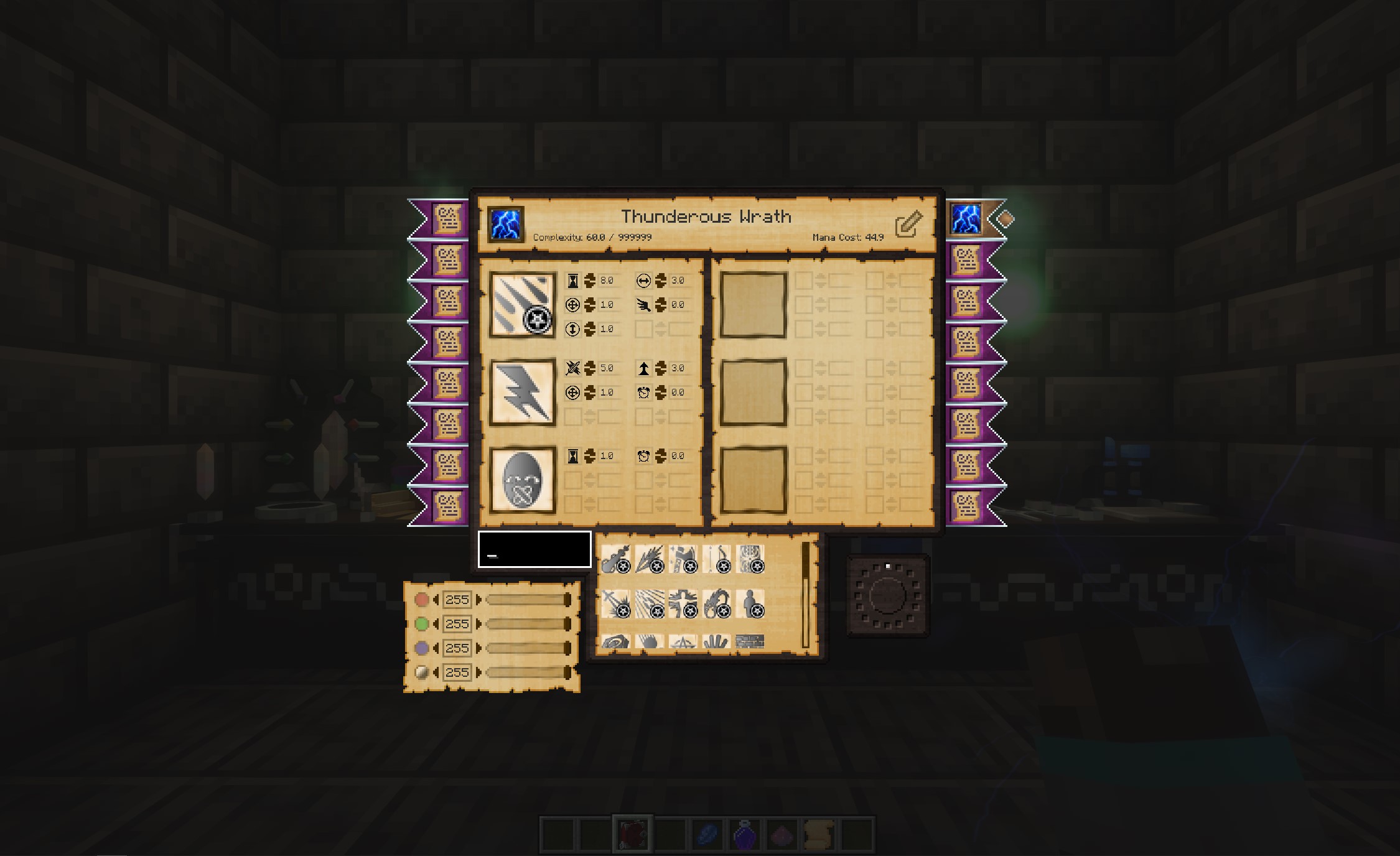
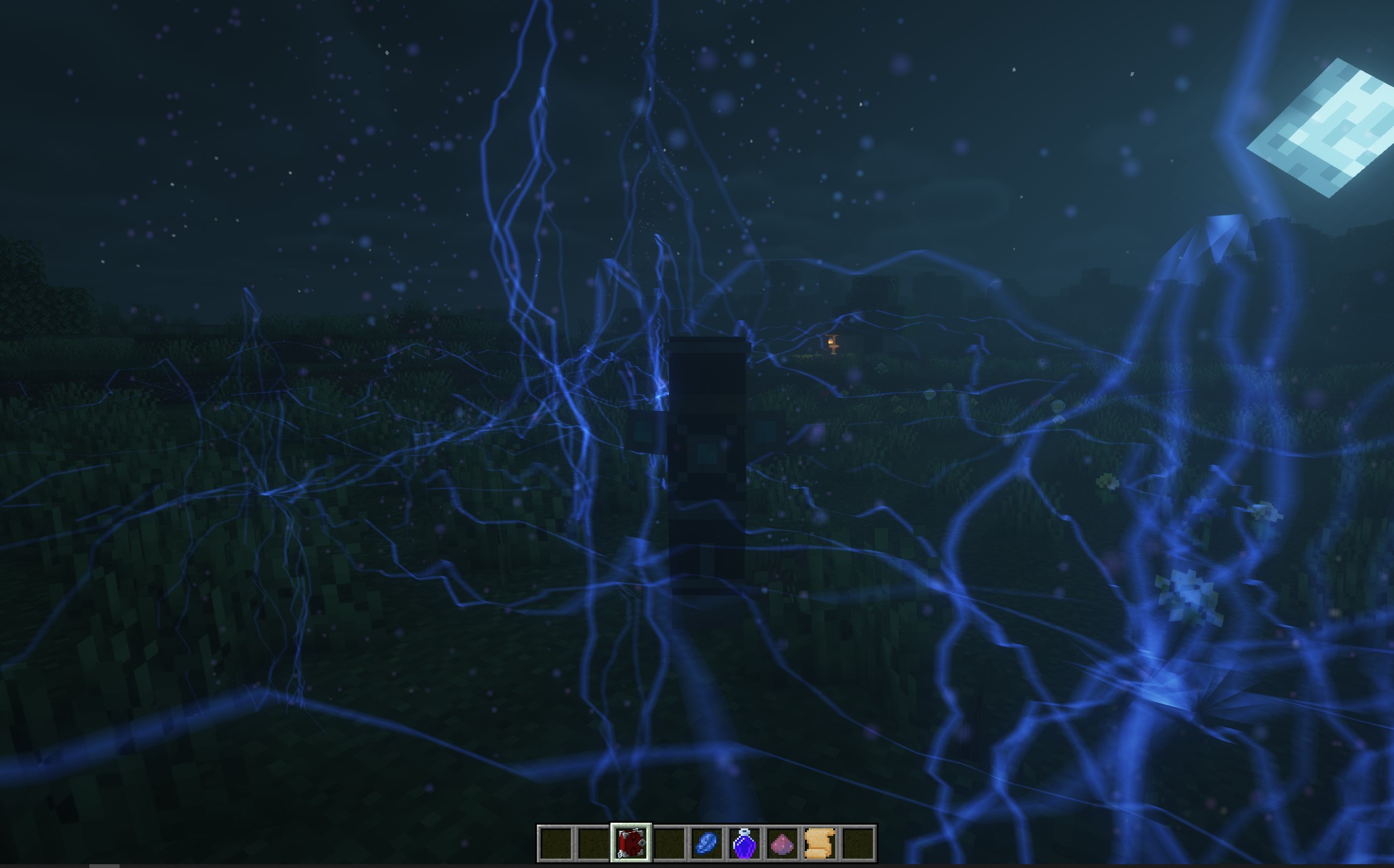
With Mana and Artifice, you have much more control over all of the aspects of your spells.
The familiar Shapes, Components, and Modifiers return, but with more of a focus on balance and stability. With more than 70 shapes, components, and modifiers to choose from (and more on the way), you can become the wizard you always dreamed you could be!
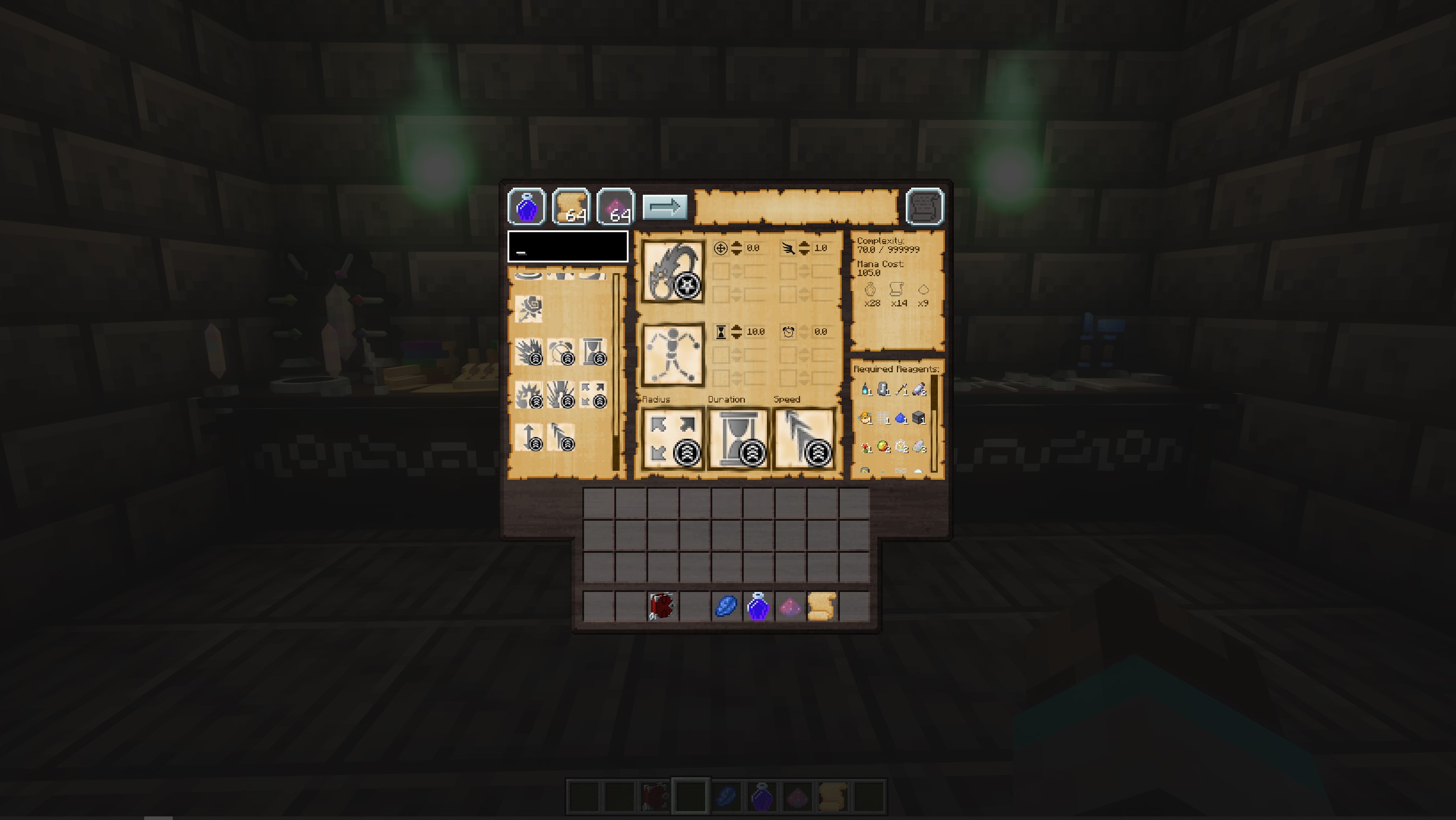
Combine multiple components as you progress to make even more powerful spells!
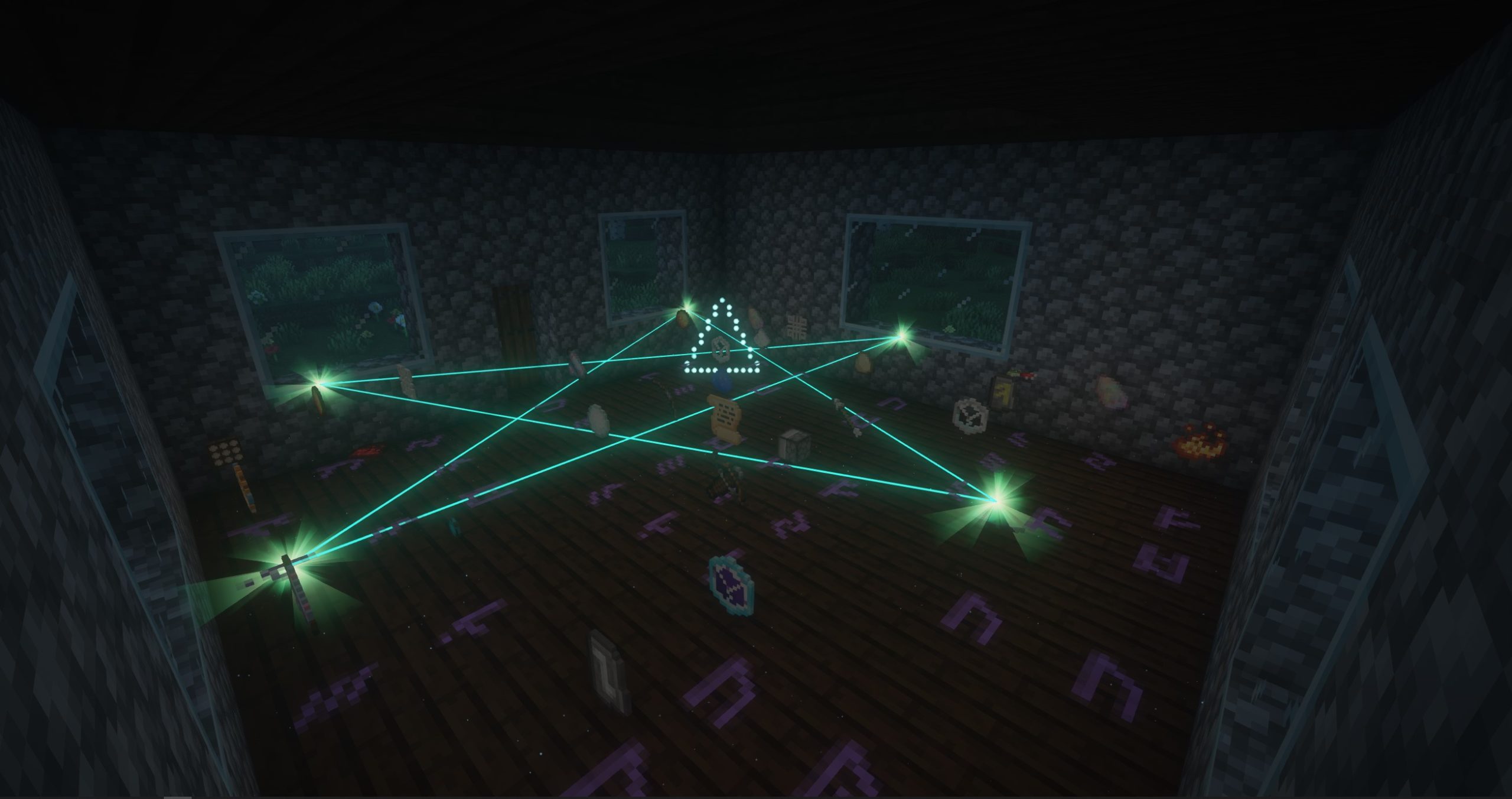
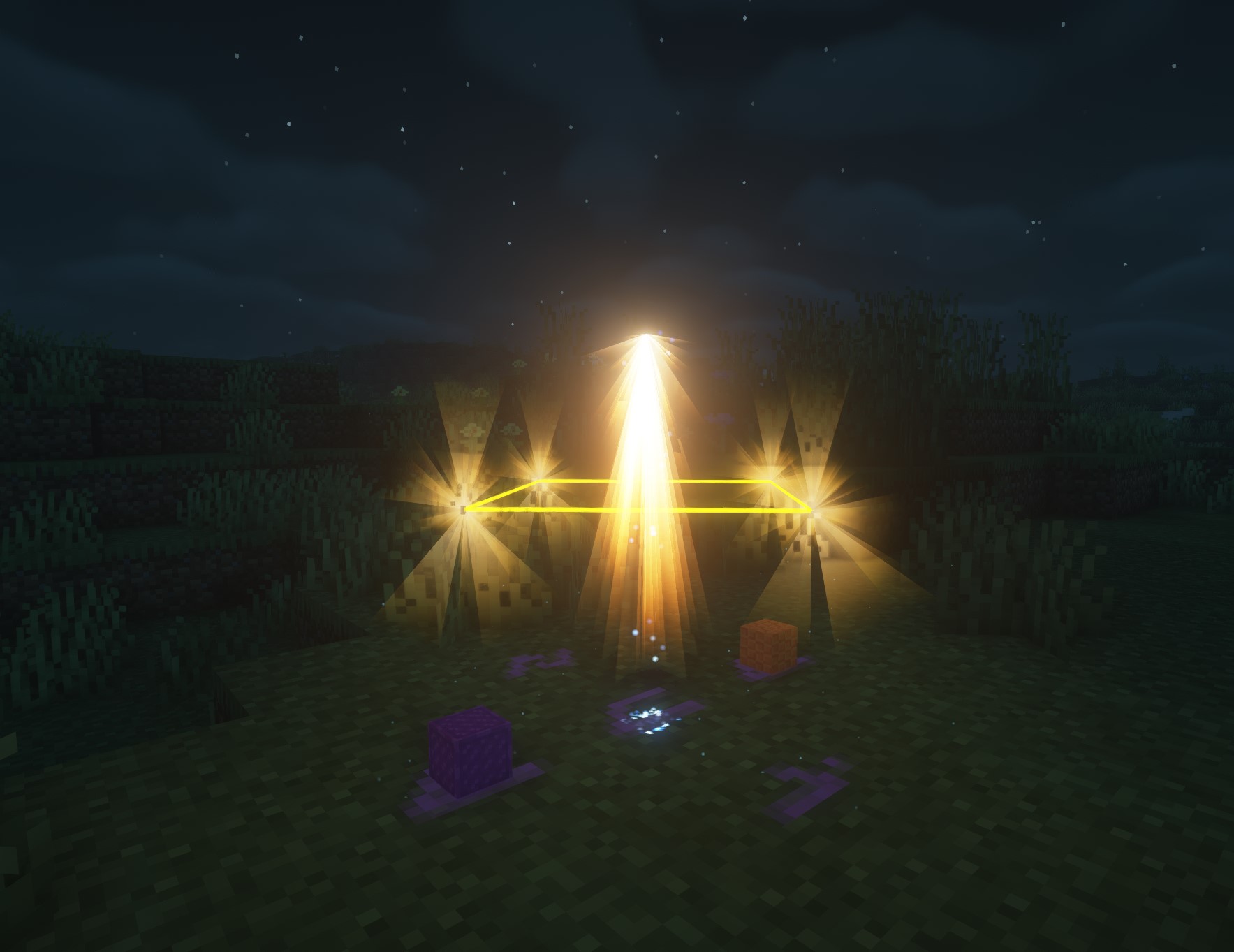
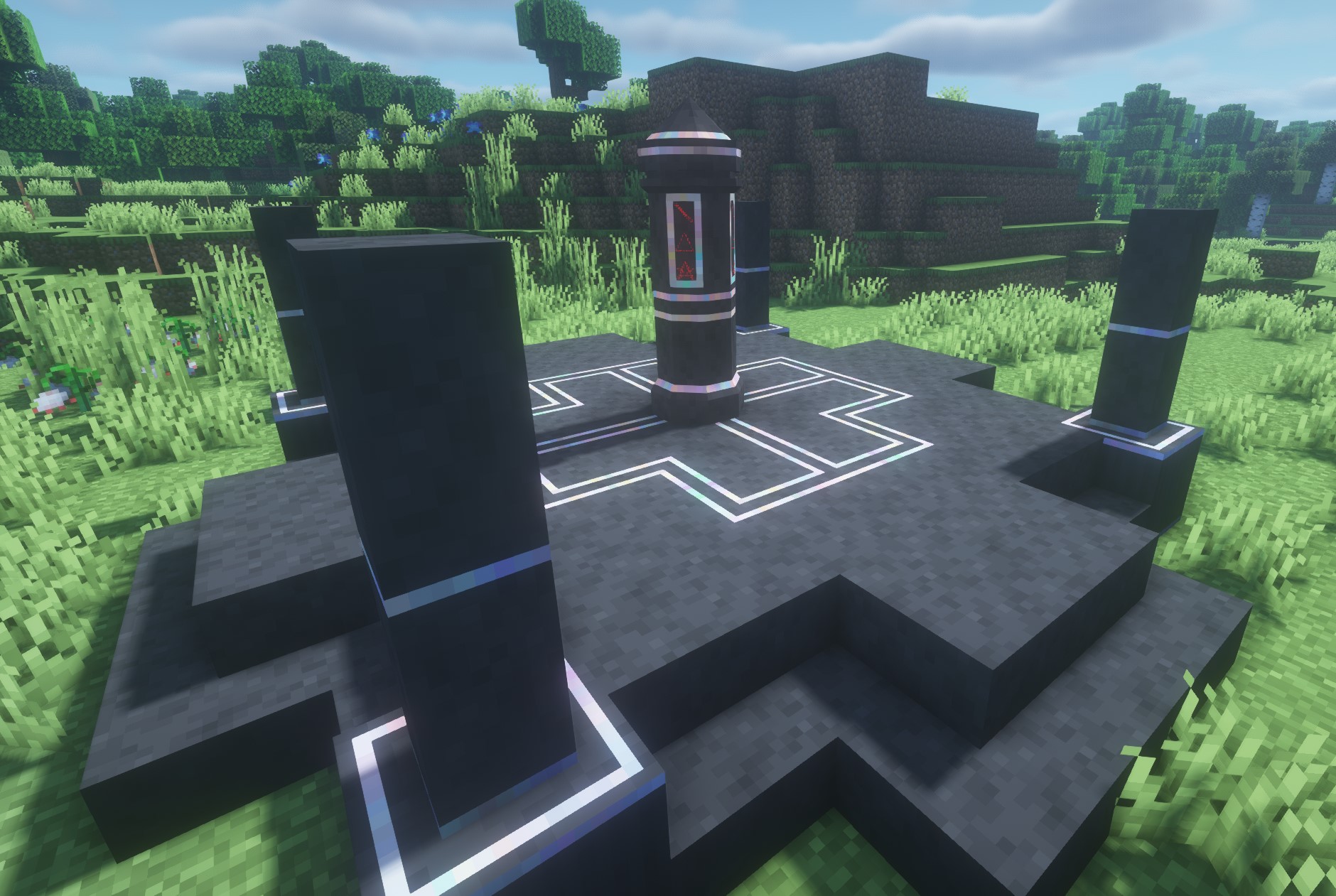
Rituals are a way to establish the much more powerful effects. They require a great deal of setup and preparation, but can cause some truly amazing things to happen!
Create portals allowing travel over long distances, controlling time and the weather, travelling to or summoning other players, or making powerful alliances.
Enchanting is now an involved but fun process with a great reward: you can choose which enchantment you get!
Go from firing clay plates to smelting things in an arcane furnace, hammering out the rune on a mystical anvil and infusing your own mana into it (along with a few required reagents) - the process truly feels magical and powerful.
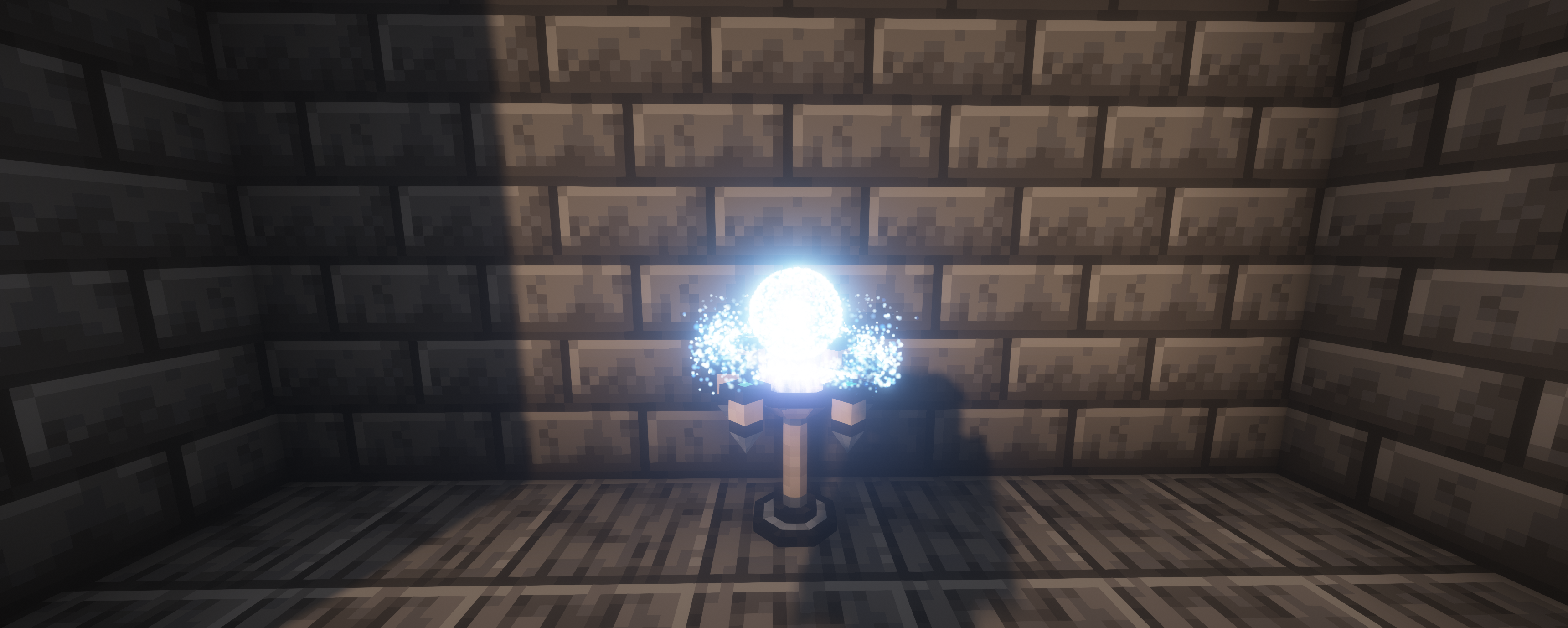
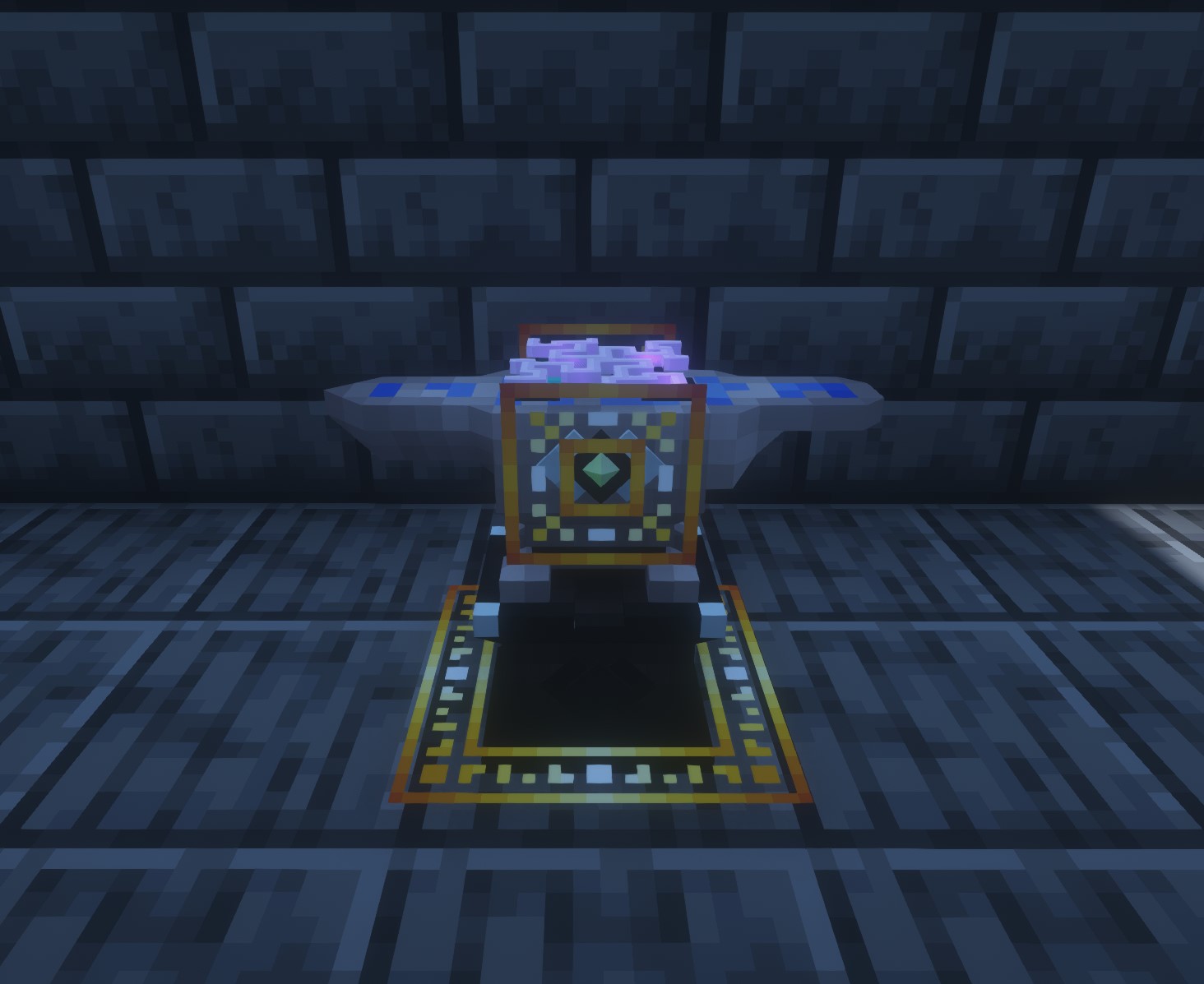
Feel like a true wizard as you engage in several new crafting options throughout the mod.
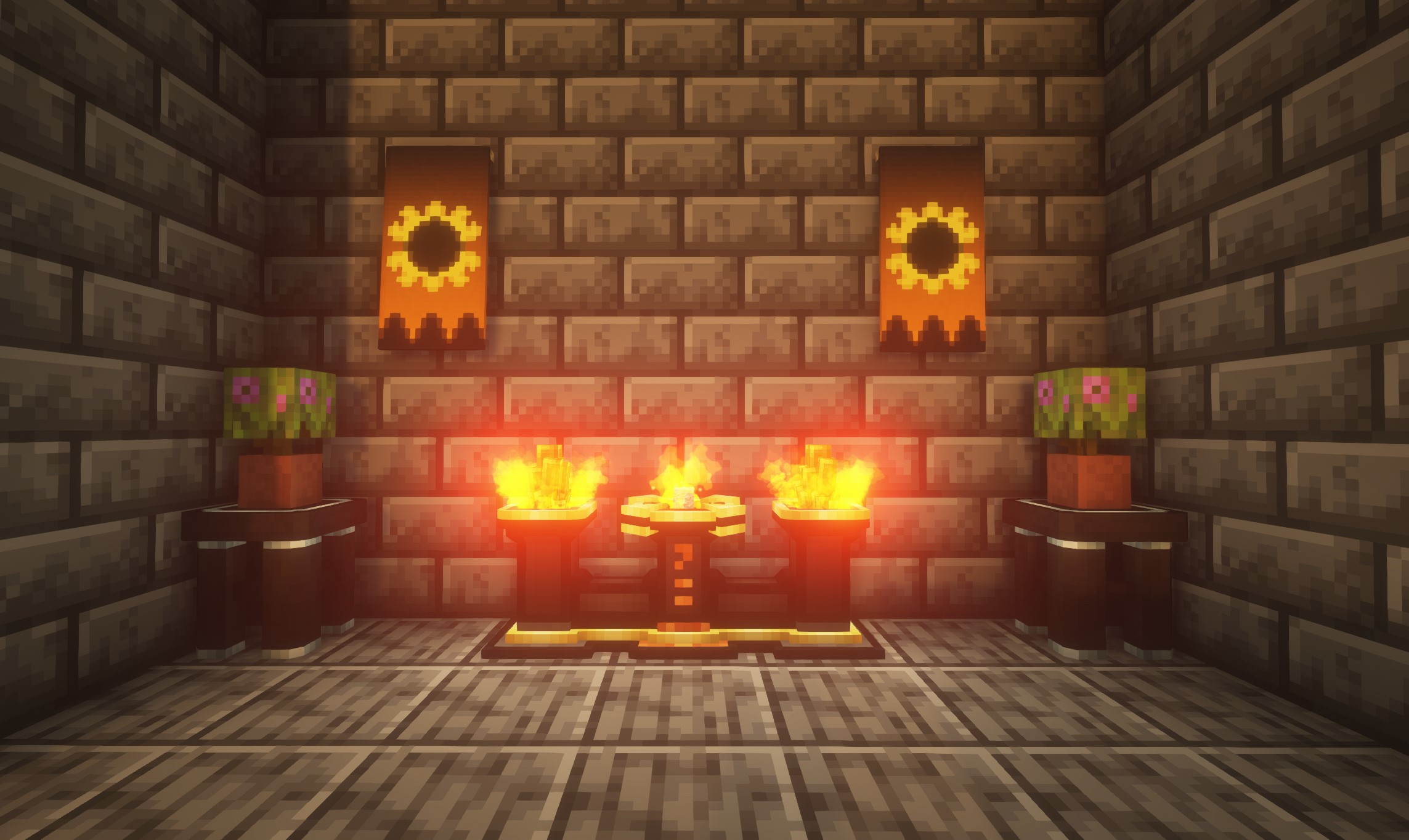
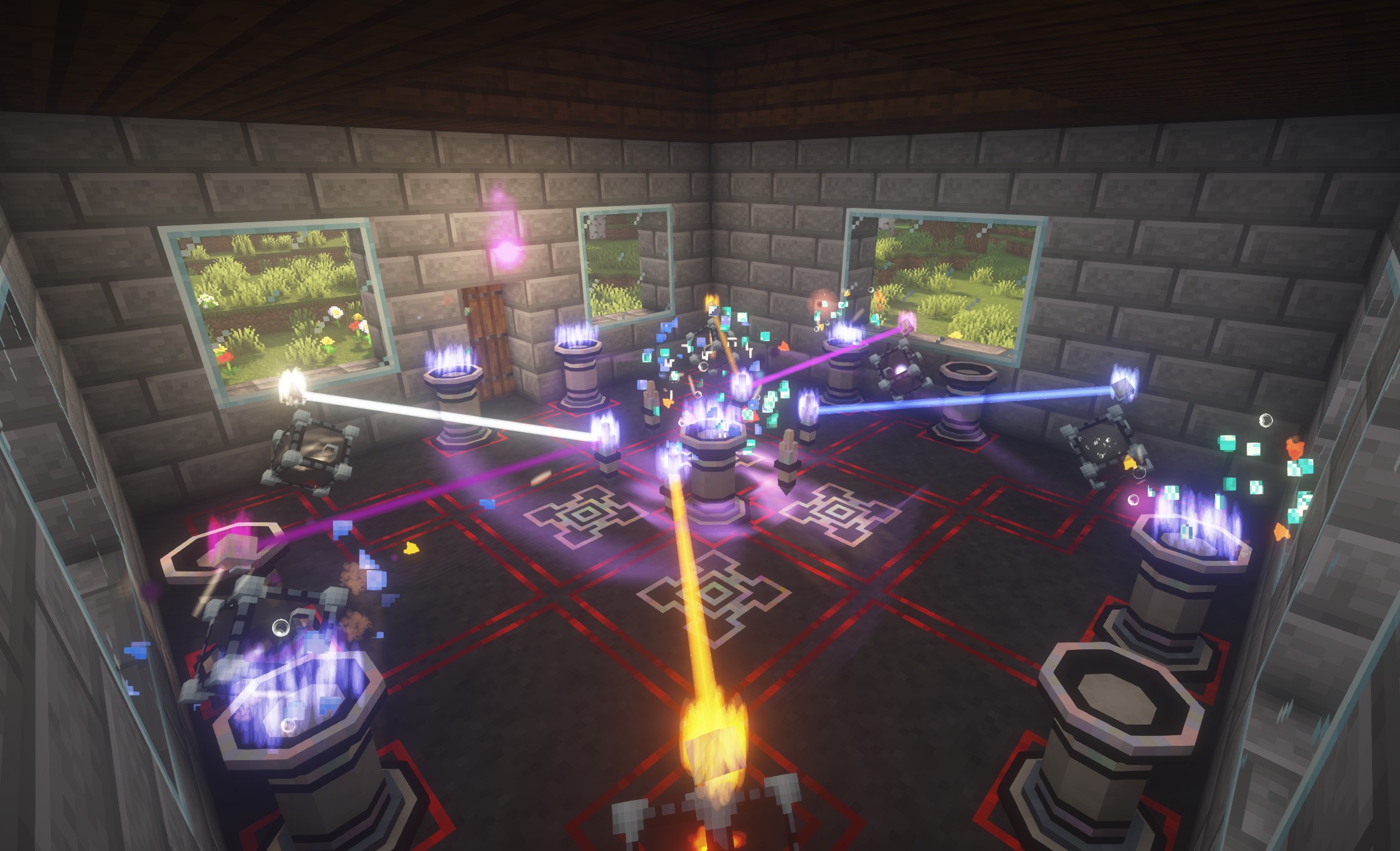
With the new Manaweaving mechanic, an array of powerful magical effects are right at your fingertips!
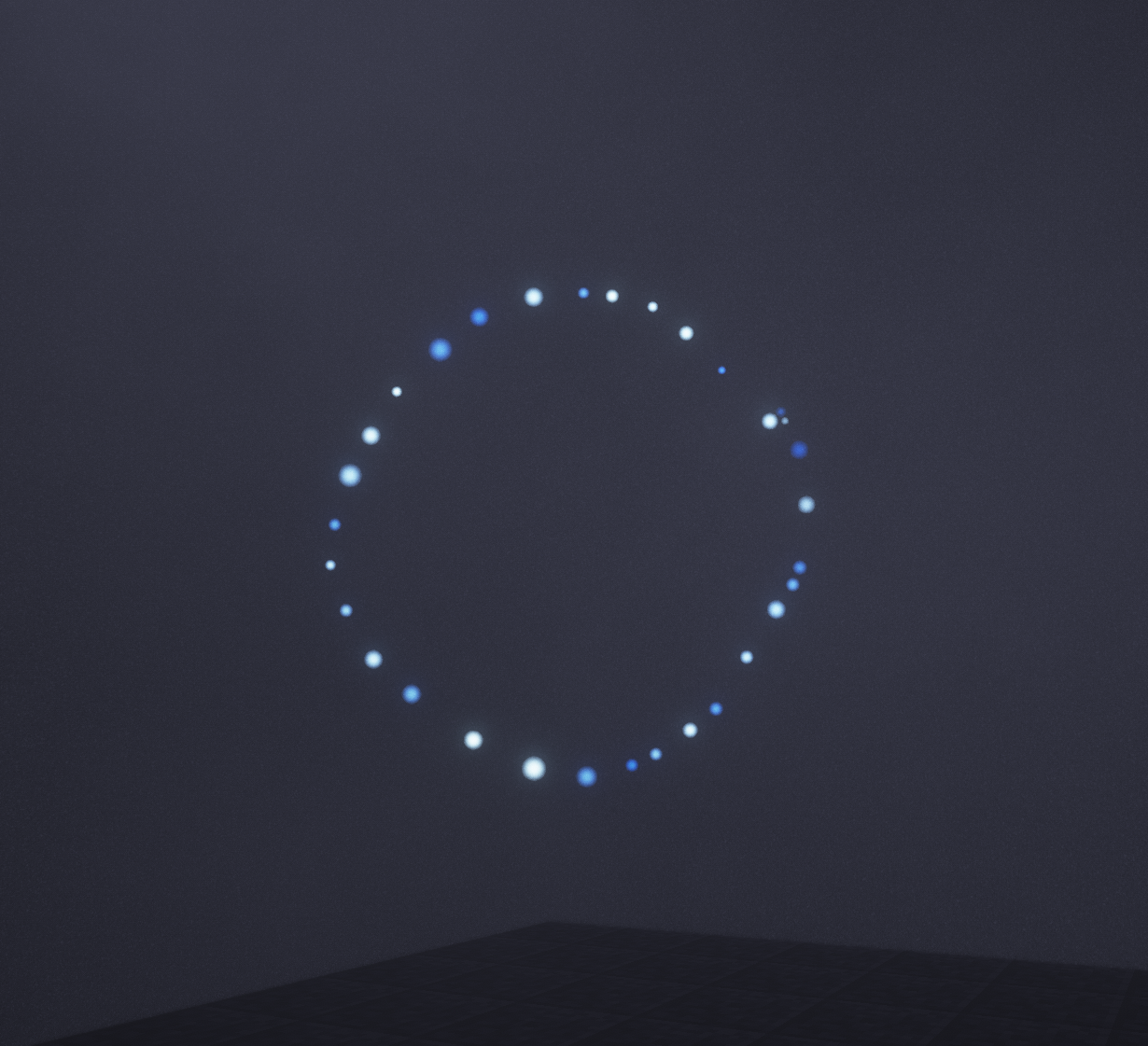
Using a special wand, you channel your own mana into drawn shapes right in the air in front of you, weaving together complex effects like summoning a grimoire (an ender-chest-like spellbook) or as a way to add magic into rituals.
As an accessibility option, or for those who simply don't care for the mechanic, there is also a block that can draw the patterns for you. Play how you want to play!
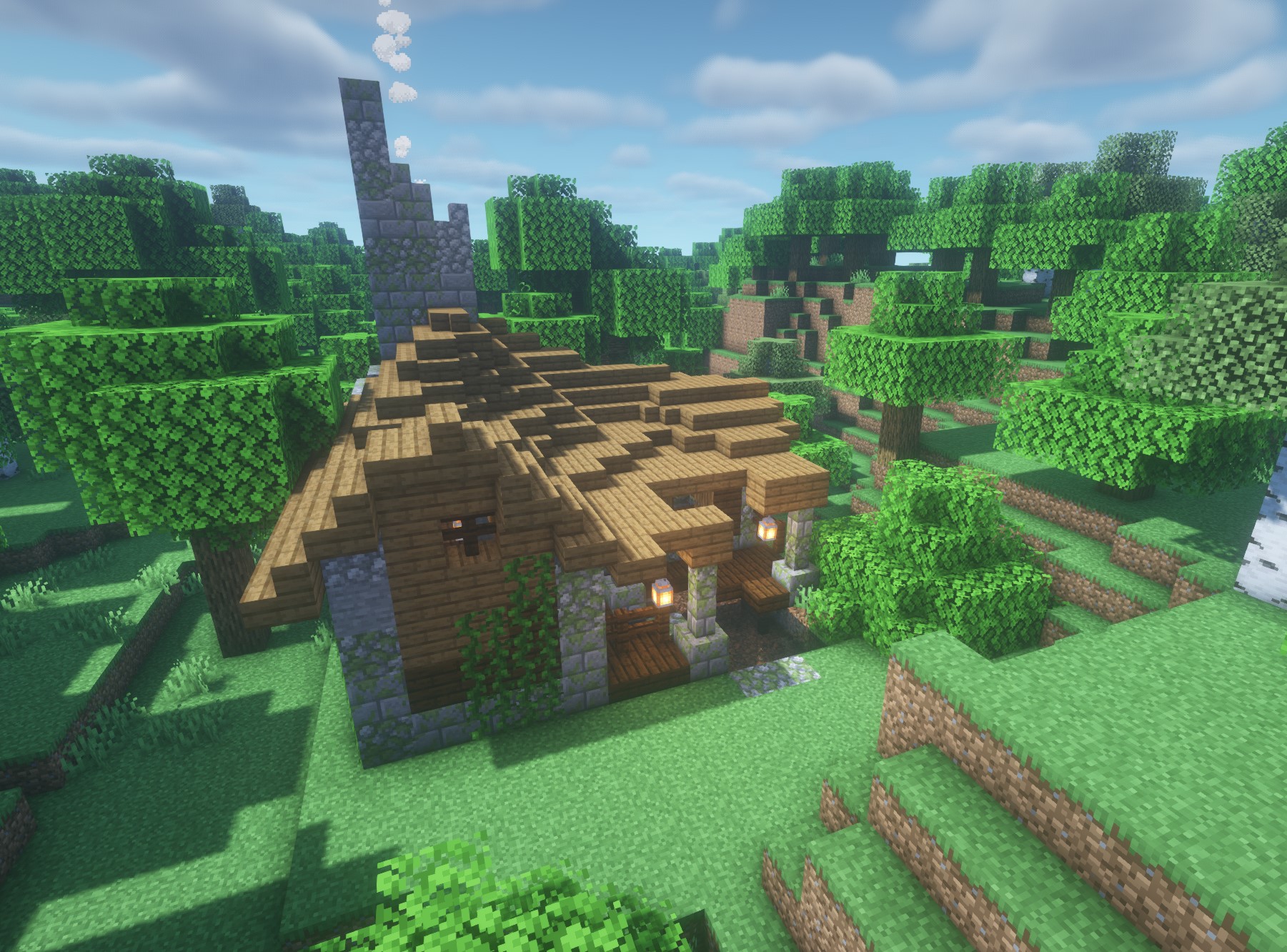
With dozens of new structures to find, the world is varied and interesting.
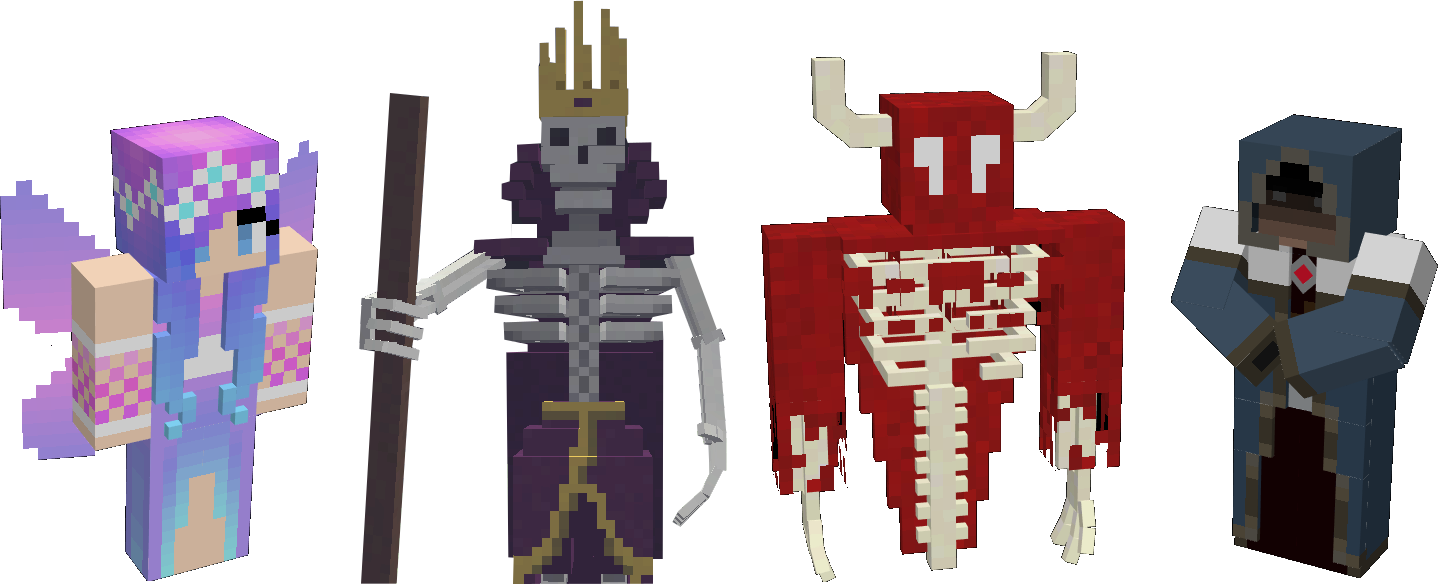
Through a faction system, ally yourself with the ancient wizards of old, the courts of the fey, or even the demons of the nether!
Each faction has powerful benefits and drawbacks, making each playthrough feel unique and fresh.
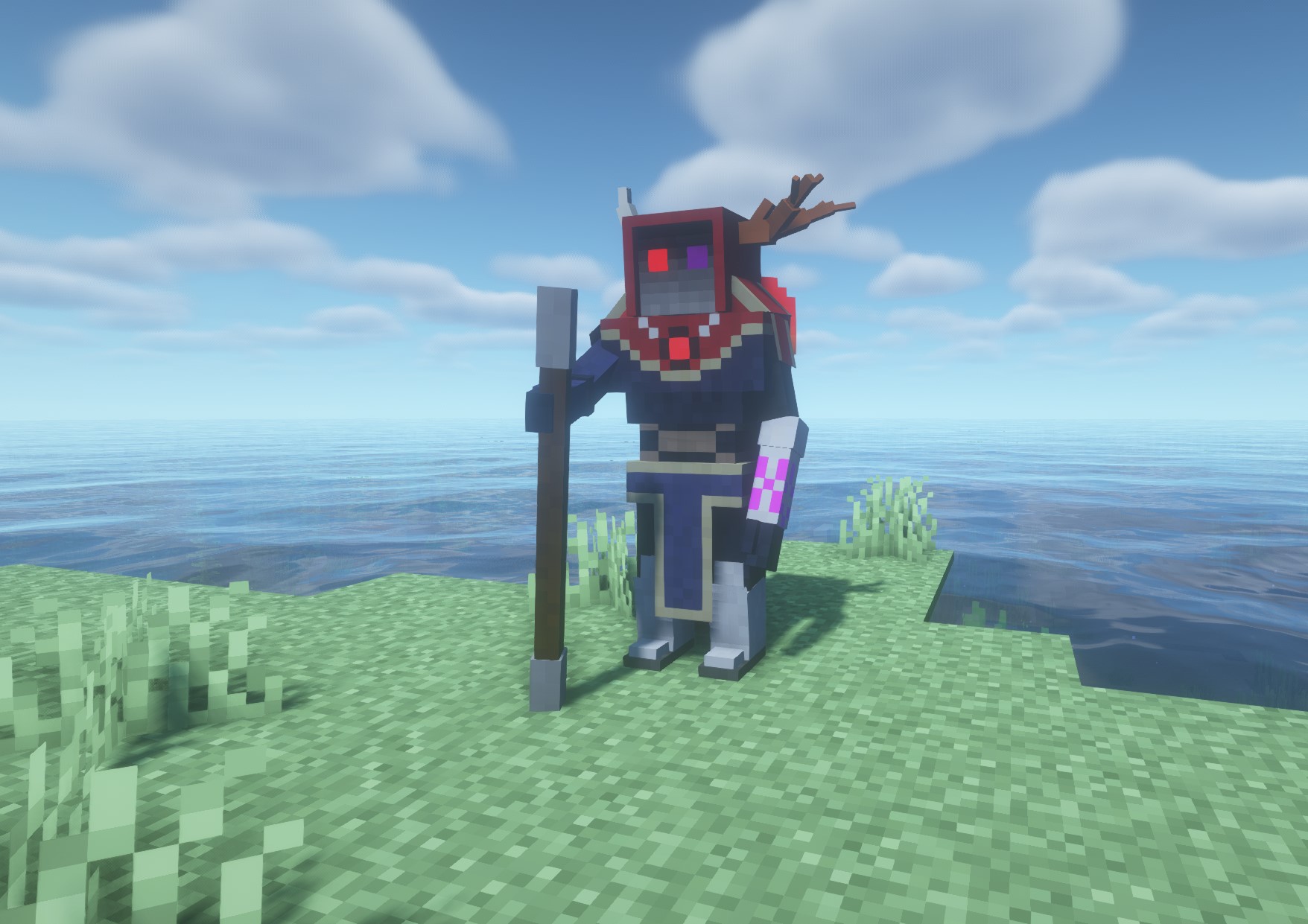
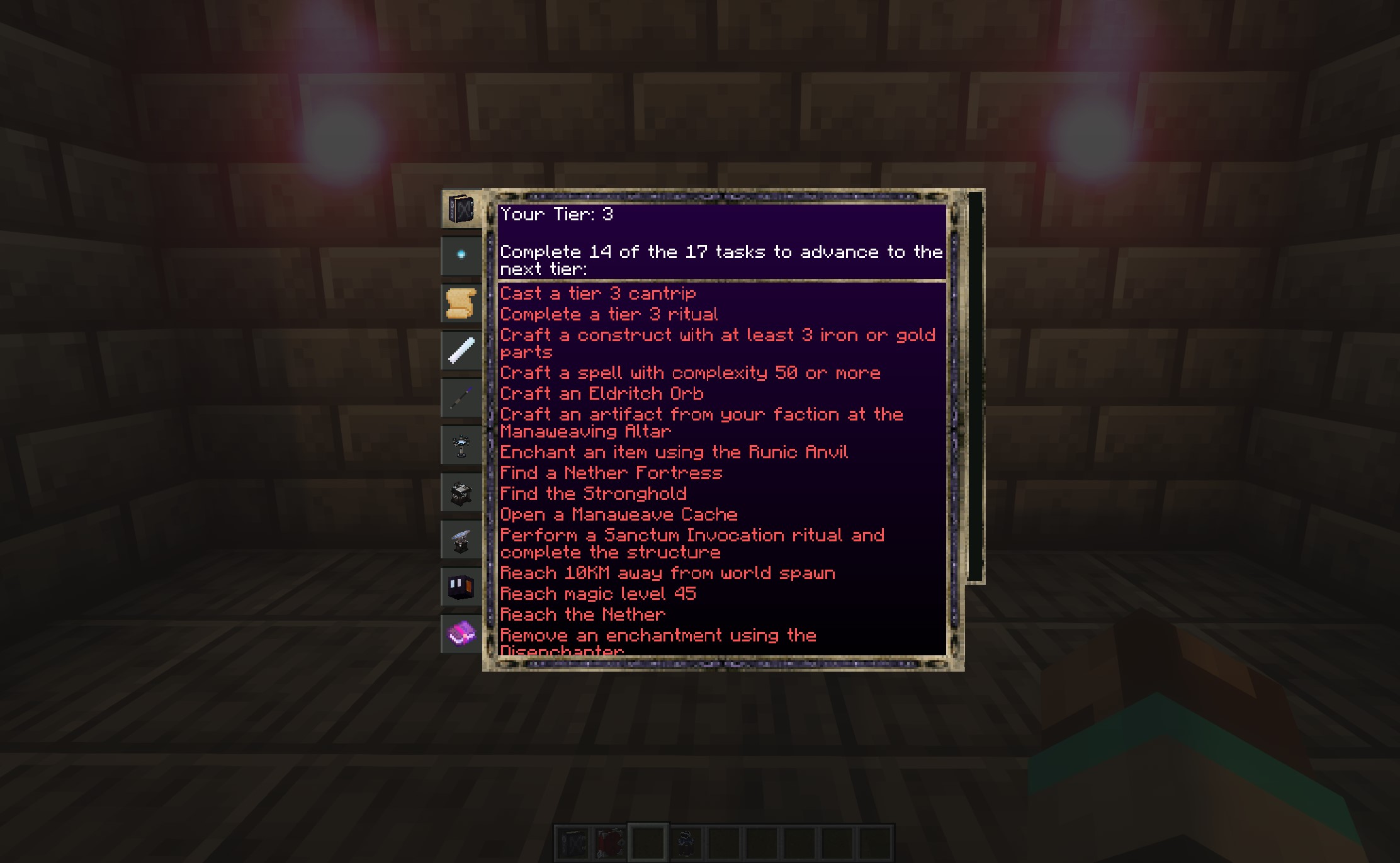
Early on in the mod, you gain access to a useful block called the Occulus. It tells you what you need to do to progress, as well as what you can craft at your current progression, all grouped by category.
Instead of having to research every single thing in the mod, you instead progress through tiers. These have logical requirements and tie in with natural progression through the game, so you progress just by playing!
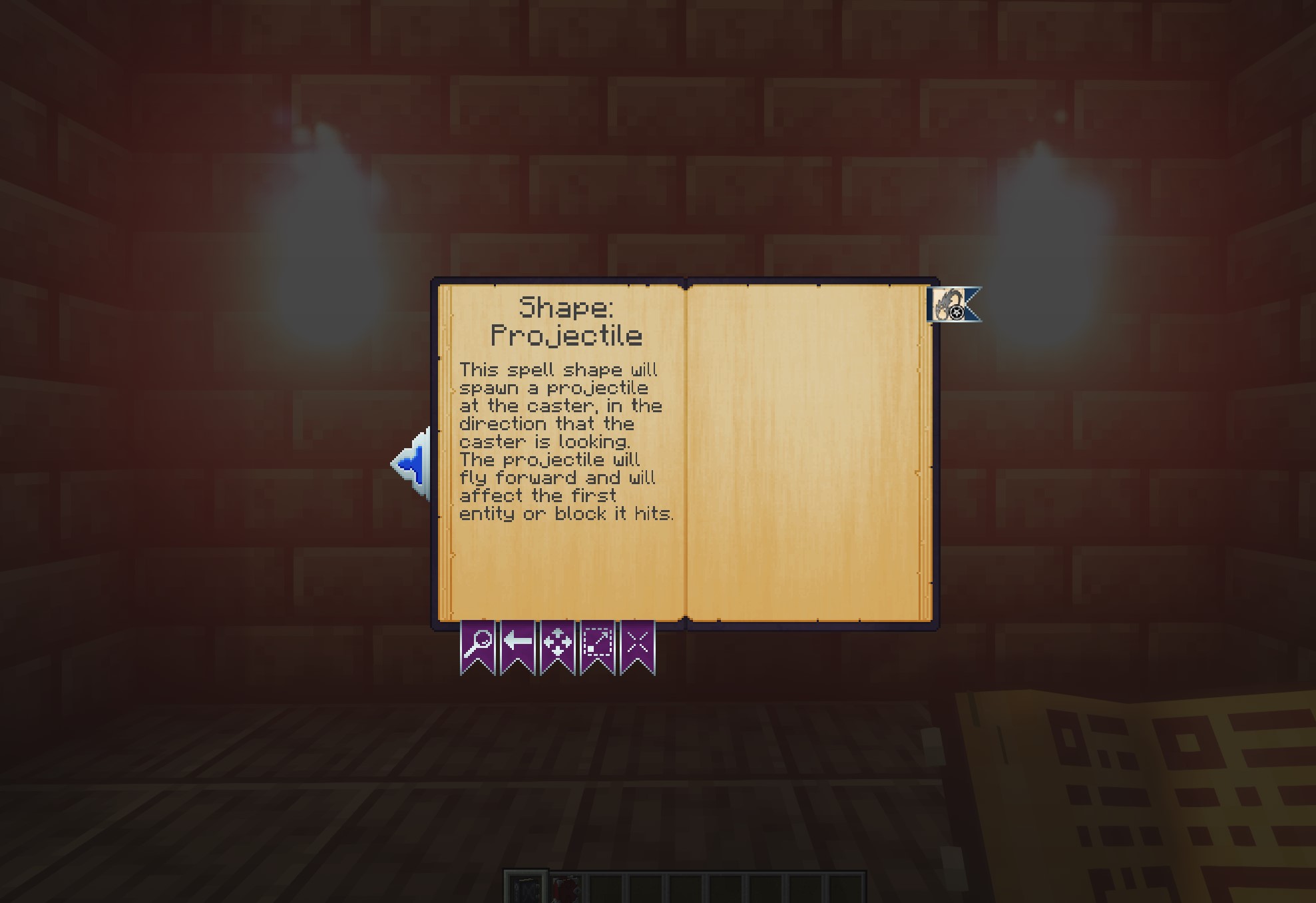
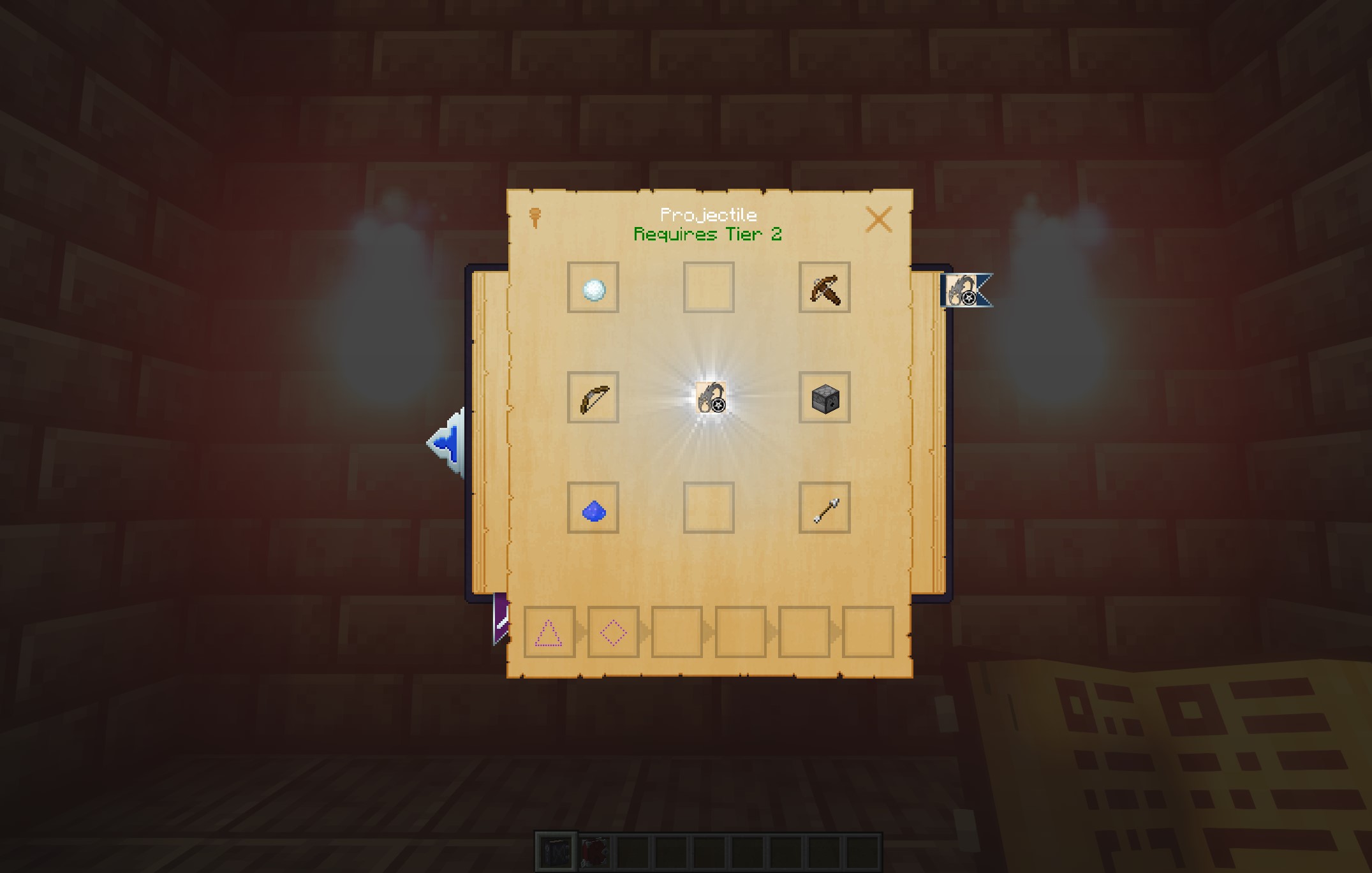
The Codex Arcana is a tool that synchronizes with your current tier to show you more information about what you can craft without feeling overwhelming. If the Occulus is *what* you can craft, the Codex is *how*.
Conveniently laid out pages and recipes show you exactly what you need to do and how to do it.
Constructs are a rewarding form of automation that lets you do amazing things - interact with blocks, sort items, refill furnaces, and more! Even the act of crafting them in the first pace is a work of magic.
They are completely modular.
Each construct is composed of five pieces: head, torso, legs, left arm, right arm. Each of those pieces gives it various capabilities, things like carrying items, attacking, water breathing, etc.
Each piece can be made from any one of six materials: Wood, Stone, Iron, Gold, Diamond, or Obsidian. You can mix and match too! The material composition changes things like the construct's overall movement speed, fire resistance, whether or not it can float, and more.
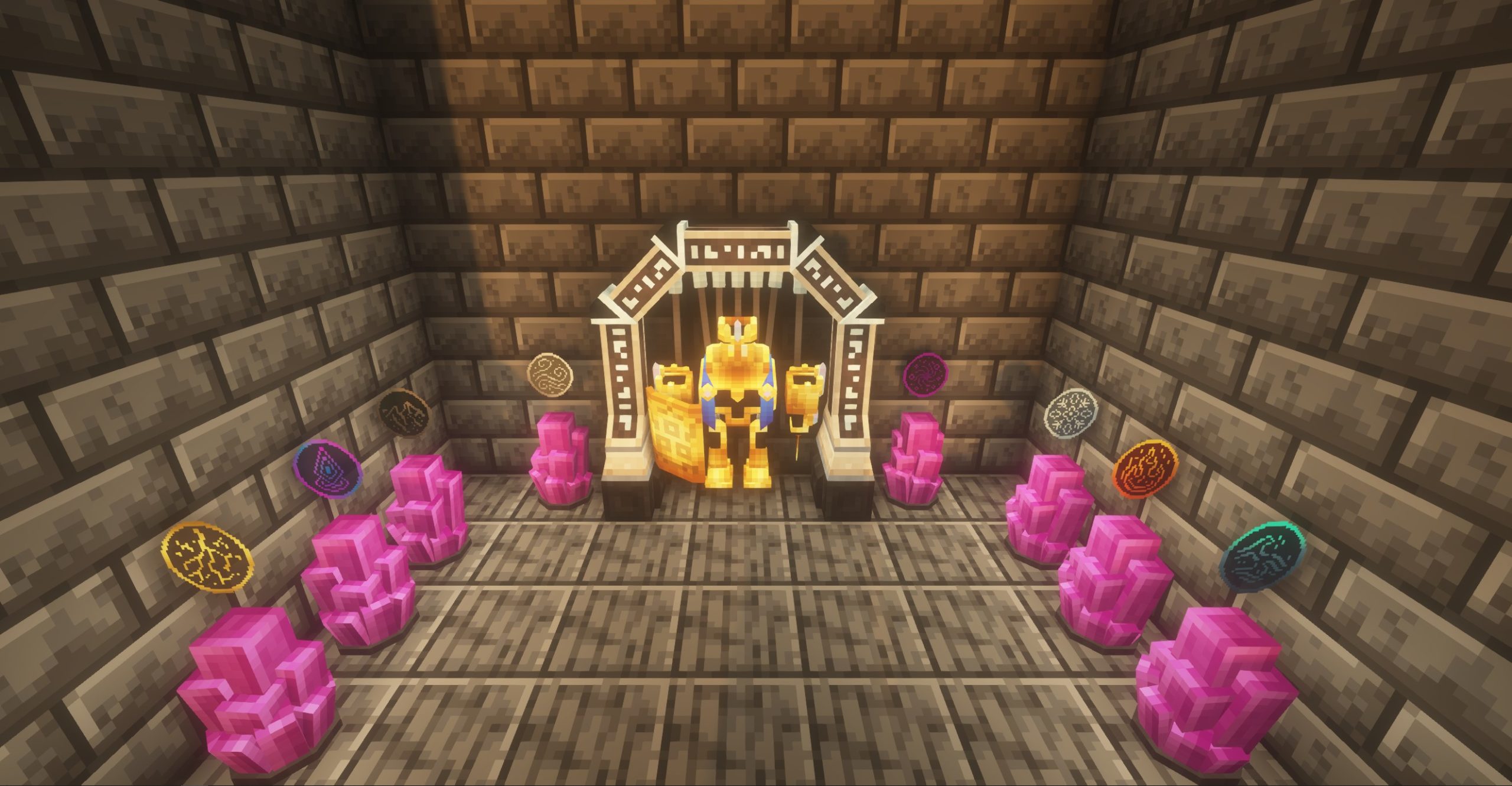
Lastly, when you finally craft your construct, you infuse each of the 8 crystals surrounding your workbench with an affinity. You do this by casting spells at them. The overall affinity can also change properties like giving physical resistance for earth affinity, move speed for air, and more. The Codex goes into detail on all of it so you don't need to spend time guessing. It also looks and feels very magical.
Between part types, materials, and affinity, there is a ton of possibility for creating the perfect construct for your situation! And, you can modify them at any time by commanding them to return to a workbench!
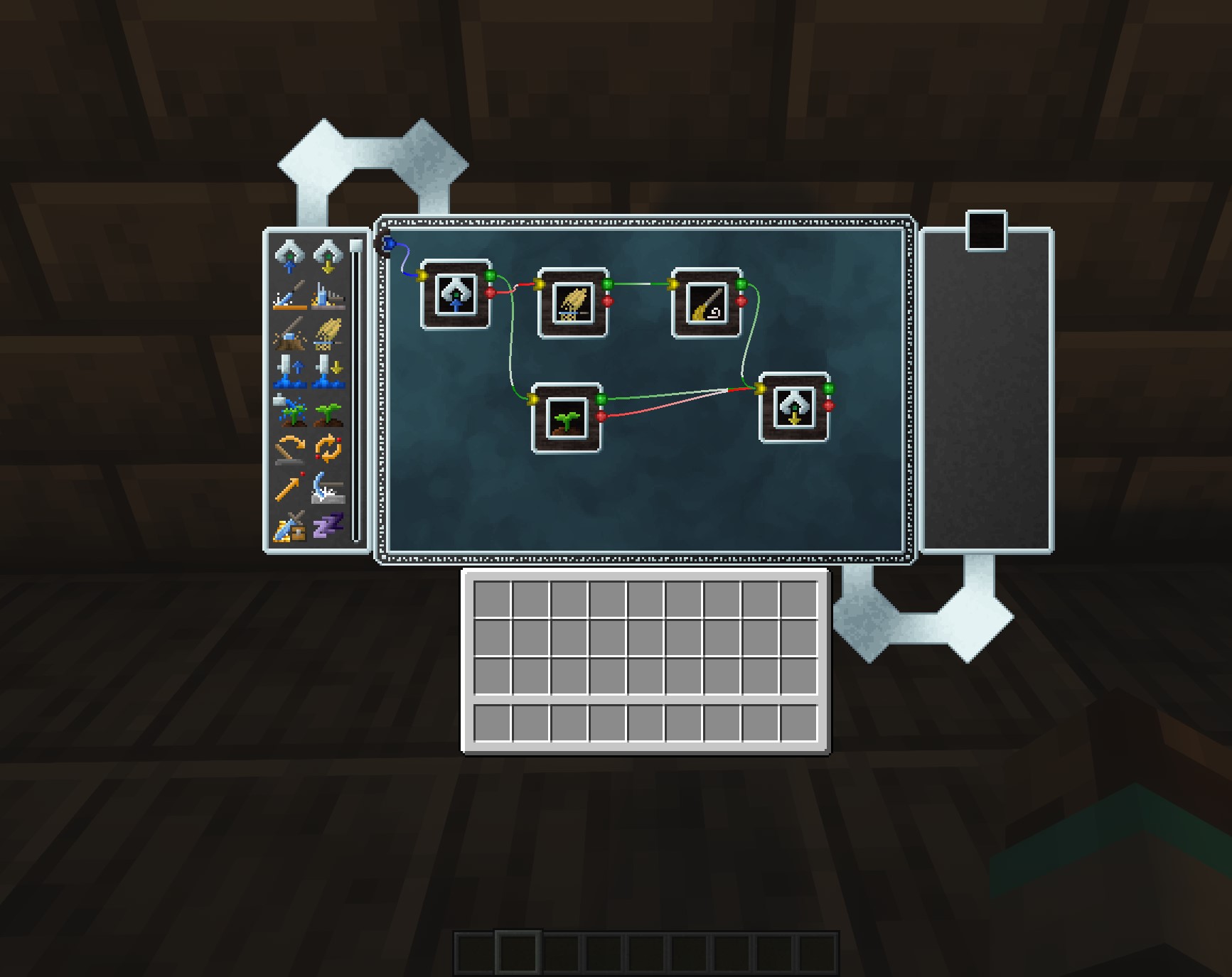
Once you have constructs, you can command them using a bell of bidding for basic things (follow me, return to workbench, stay). If you want something more advanced, you can use a Lodestar block to create kind of a job board for them to follow. Assigning one or more constructs to a Lodestar will cause them to start executing the tasks, one at a time. The only limit is your creativity and imagination!
Vallen from Mischief of Mice has been so kind as to do a video guide; and he nailed it! It's a fantastic guide on all things mana ... and artifice! New videos on this guide are still coming out, so consider tossing him a subscribe!
Check out the getting started guide at https://manaandartifice.com/getting-started/
Project description from CurseForge.
Pick your setup
Choose the version and loader you play, then open the matching release.
Check the dependencies, then try the file in a copied instance before changing a world you care about.
Recent files
4 Aug 2025
2 Aug 2025
2 Apr 2025
30 Mar 2025
30 Mar 2025
8 Mar 2025
5 Jan 2025
1 Jan 2025
31 Dec 2024
14 Sept 2024
12 Sept 2024
25 Aug 2024
Looking for an older file? The official CurseForge project page is in Resources.