Moonlight Lib Needed by Map Atlases [Forge] map_atlases-1.21-6.7.3-neoforge
requiredMatching file found Matched file: moonlight-1.21.1-3.6.4-neoforge
![Map Atlases [Forge] project artwork](https://media.forgecdn.net/avatars/878/615/638305506575137108.png)
CurseForge · Minecraft mod
A vanilla-friendly minimap / world-map mod using vanilla Maps, introducing the "Atlas".
Quick answer
Map Atlases [Forge] map_atlases-1.21-6.7.3-neoforge targets 1.21.1 with NeoForge. The project page does not say whether this file belongs on the client, dedicated server, or both. All 1 required mods have matching files.
Where it goes
The project page does not say whether this file belongs on the client, dedicated server, or both.
The source does not explicitly classify this release as client-only or server-only.
map_atlases-1.21-6.7.3-neoforge. Change the file and its required mods may change too.
Install Moonlight Lib first. We found matching files for this game-version and loader setup.
We only count dependency files that match this setup. A file for another loader does not fill the gap.
Before you install it
Built for Map Atlases [Forge] map_atlases-1.21-6.7.3-neoforge. Pick another file and the loader, install side or required mods may change.
Use map_atlases-1.21-6.7.3-neoforge. It targets 1.21.1 with NeoForge; another release may have different loader, side or dependency requirements.
Install Moonlight Lib first. We found matching files for this game-version and loader setup.
The project page does not say whether this file belongs on the client, dedicated server, or both.
Use the “Get this file” button beside map_atlases-1.21-6.7.3-neoforge. It opens that exact file at the source.
About this project

A vanilla-friendly mini-map/world-view mod using vanilla Maps, introducing the "Atlas".
Fabric version found HERE
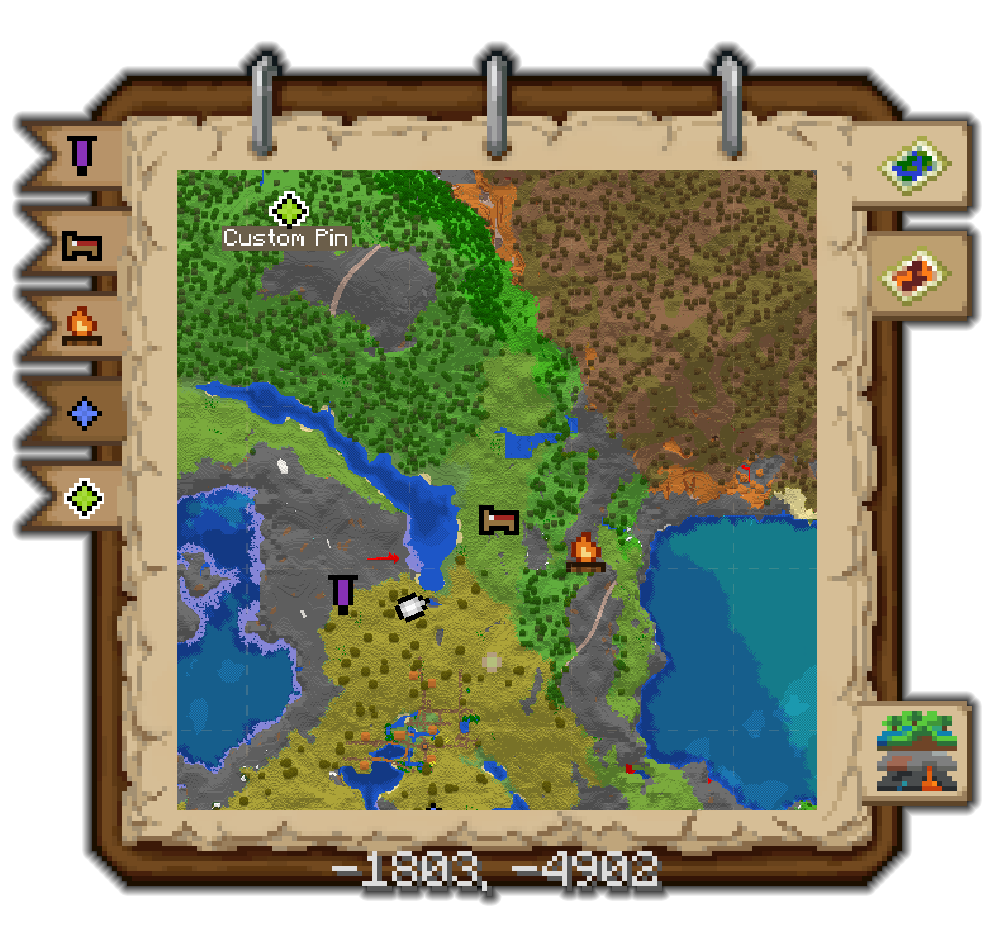
Who knew this whole time, all you had to do to get a mini-map was slap a map onto a book?



A World Map is also added:

Atlas will have additional functionality with the following mods:
Moonlight Lib:
Waypoints can be added by clicking on the waypoint "red pin" button or by pressing "b".
Waypoints are client only, other palyers wont see them.
Hold shift to place a named waypoint or change the color.
While in the placed named waypoint screen you can click on the waypoint icon or use scroll wheel to change its color
Placed waypoints cannot be edited but can be removed by shift clicking.
You can target a waypoint by pressing click + "ctrl".
Targeted waypoints will always be displayed on the edge of your minimap.
Xaero Minimap waypoints can be automatically converted by turning it on in the configs.
Entity Radar can be enabled, allowing to view nearby mobs as small markers on your minimap.
Supplementaries
Custom Map Markers can be added to the atlas like normal markers. See Supplementaries Wiki for supported blocks.
Slice Maps can be added to the atlas.
This will allow you to map out the Nether.
You can switch the current viewed slice by using keybind or throught the World Map "Slice Map" bookmark.
Once on a slice the atlas will continue generating maps for that slice.
Configs are there to automatically switch the Minimap view to the slice with closest Y level.
Antique Ink can be used to create an Antique Atlas.
The "Map Type" button will be added to the bottom of your World Map. Use its arrow keys to cycle Y level. Click on the button to cycle map type (i.e. from TF Maze Maps to Vanilla Maps).
Maps will follow biome colors using the mod Colored Maps feature.
Maps will use block light at night.
Death marker when holding a recovery compass
Curio
Twilight Forest
Heartstones
📸 Media📸
Minimap in action
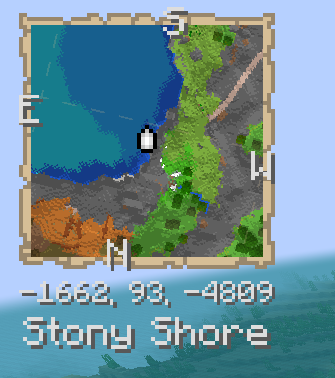
Adding a custom Waypoint
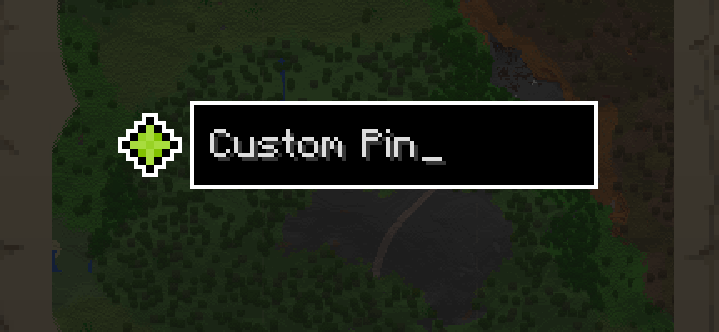
Removing a map
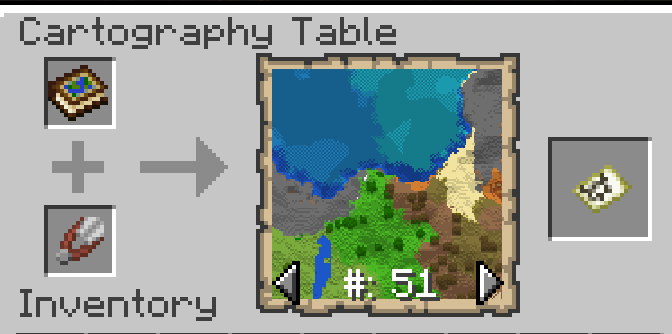
Focusing a Waypoint
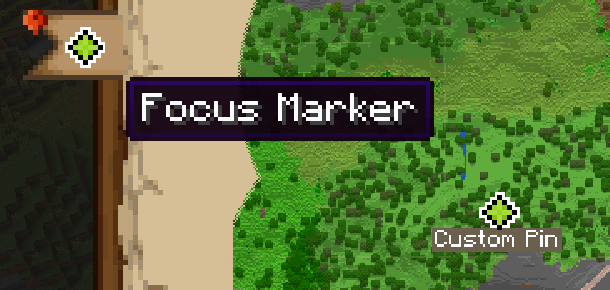


Antique Atlas
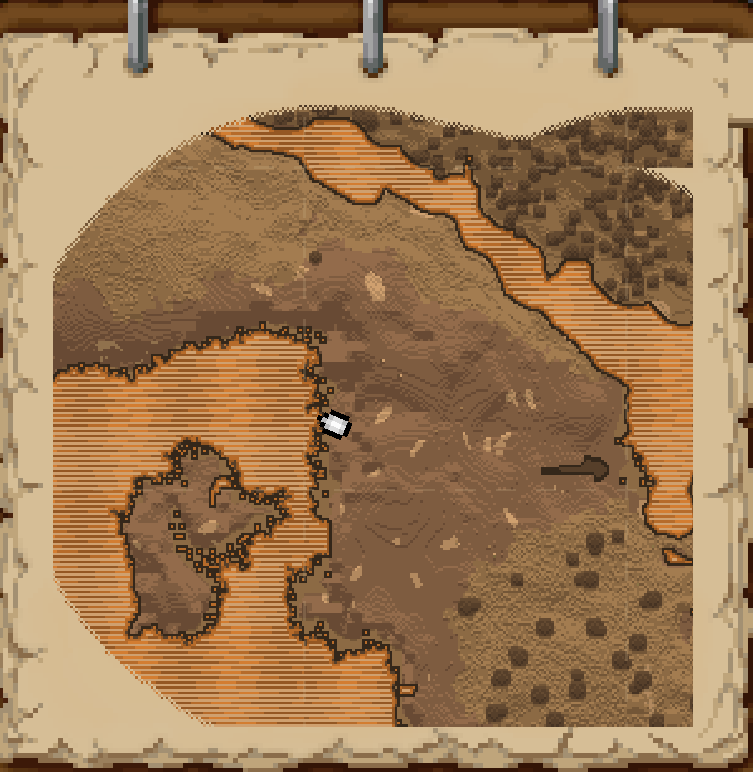
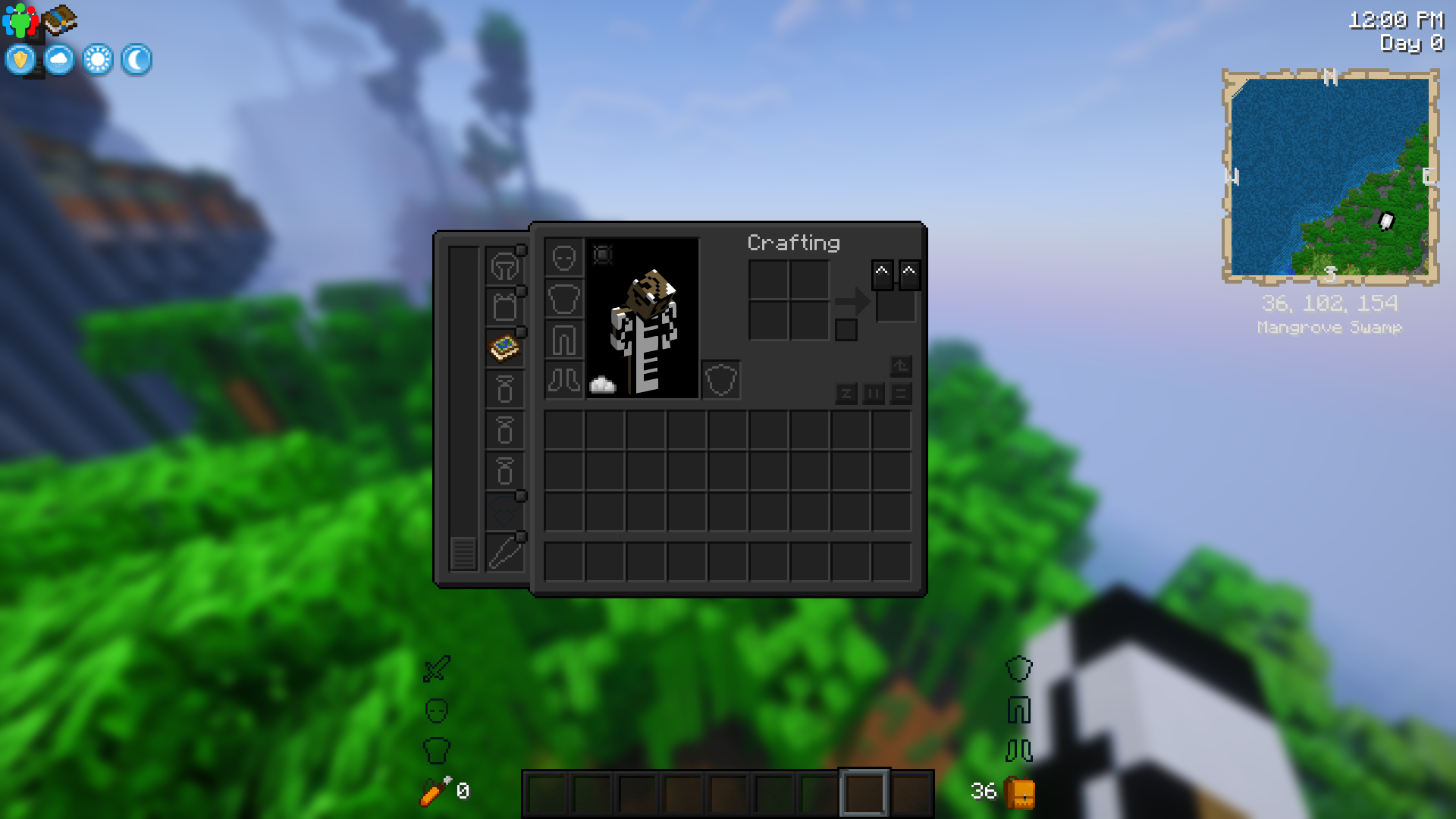
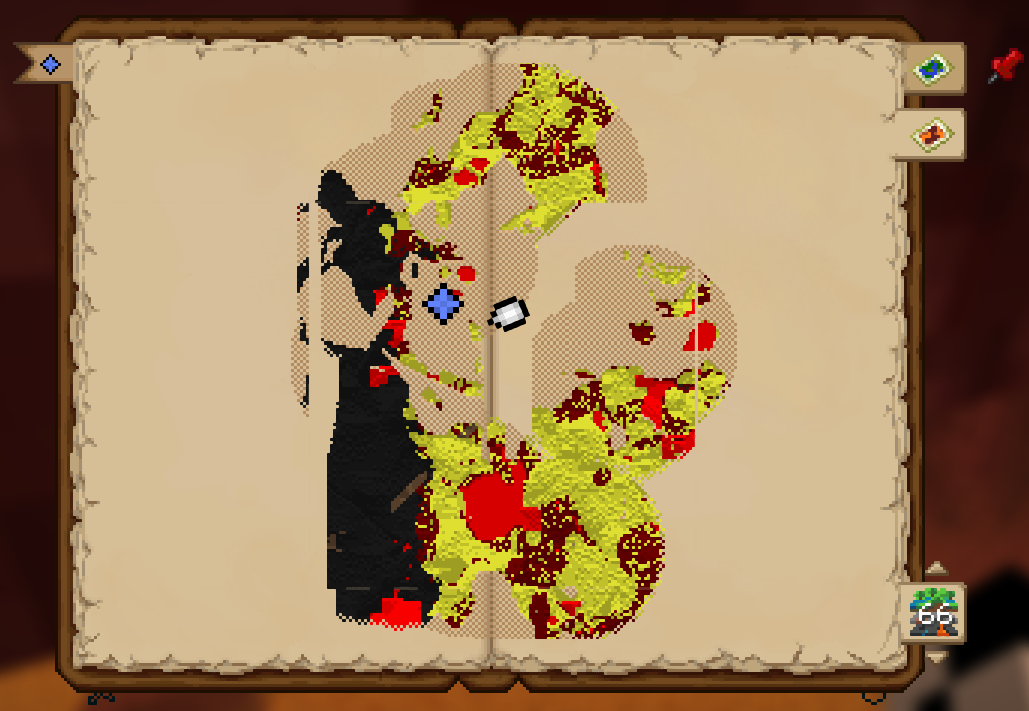


The mod is highly configurable (Use a config menu mod like Configured, YACL or edit them manually).
⛓ Relations ⛓
Optional Dependencies:
Curios (Hand Slot)
Moonlight Lib (Pins, Entity Radar, Light Map, Xaero Waypoint Support)
Supplementaries (Slice Maps, Explorable Caves & Nether)
Immediately Fast (Faster Map rendering)
Twilight Forest (Magic and Maze map support)
Known Incompatibilities
Recommended Additions
Project description from CurseForge.
Pick your setup
Choose the version and loader you play, then open the matching release.
Check the dependencies, then try the file in a copied instance before changing a world you care about.
Recent files
map_atlases-1.21-6.7.3-neoforge.jar
1 Sept 2026
map_atlases-1.21-6.7.2-neoforge.jar
17 Aug 2026
map_atlases-1.21-6.7.1-neoforge.jar
12 Aug 2026
map_atlases-1.21-6.7.0-neoforge.jar
9 Aug 2026
map_atlases-1.21-6.7.0-neoforge.jar
6 Aug 2026
map_atlases-1.21-6.6.4-neoforge.jar
6 Aug 2026
25 May 2026
24 May 2026
map_atlases-neoforge-1.21-6.6.0.jar
24 May 2026
3 Mar 2026
3 Mar 2026
21 Feb 2026
Looking for an older file? The official CurseForge project page is in Resources.
 mod
modOne Kick - Kick anything flying, anytime, anywhere.
 mod
modForge your destiny through collectible classes, powerful evolutions, dangerous mobs, and endless RPG progression.
 mod
modAdds new shields with a parry mechanic based on ULTRAKILL!