Fabric API Needed by Client Data Command 1.0
requiredMatching file found Matched file: 0.116.17+1.21.1
Modrinth · Minecraft mod
Add client-sided Data command
Quick answer
Client Data Command 1.0 targets 1.21, 1.21-pre2, 1.21-pre3 with Fabric. It must be installed on the client. Do not install it on the dedicated server. All 1 required mods have matching files.
Where it goes
It must be installed on the client. Do not install it on the dedicated server.
This file is marked client-only.
1.0. Change the file and its required mods may change too.
Install Fabric API first. We found matching files for this game-version and loader setup. 1 comes through another mod in the chain.
1 extra mod was pulled in by another dependency. Indented rows show who needs each one. We only count dependency files that match this setup. A file for another loader does not fill the gap.
Before you install it
Built for Client Data Command 1.0. Pick another file and the loader, install side or required mods may change.
Use 1.0. It targets 1.21, 1.21-pre2, 1.21-pre3 with Fabric; another release may have different loader, side or dependency requirements.
Install Fabric API first. We found matching files for this game-version and loader setup. 1 comes through another mod in the chain.
It must be installed on the client. Do not install it on the dedicated server.
Use the “Get this file” button beside 1.0. It opens that exact file at the source.
About this project


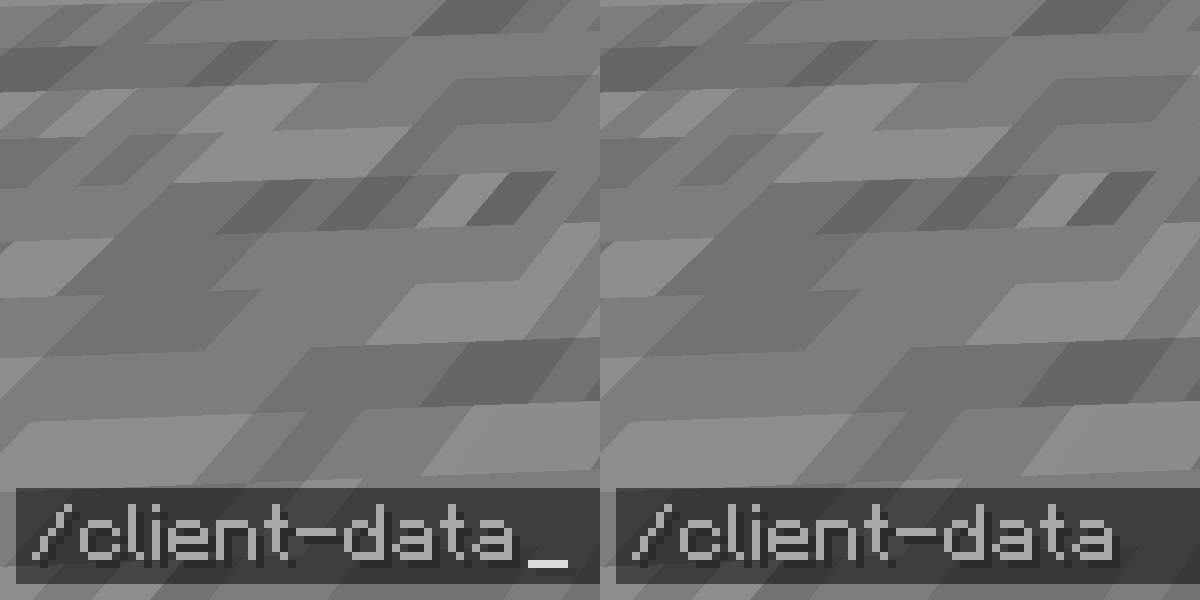
Add client-sided Data command. View NBT easier without permission.
client-data
    ... get <TARGET> [<path>] [<scale>]
    ... merge <TARGET> <nbt>
    ... modify <TARGET> <targetPath> <MODIFICATION>
        ... from <SOURCE> [<sourcePath>]
        ... string <SOURCE> [<sourcePath>] [<start>] [<end>]
        ... value <value>
    ... remove <TARGET> <path>
<TARGET> = (block <targetPos> | entity <target>)<MODIFICATION> = (append|insert <index>|merge|prepend|set)<SOURCE> = (block <sourcePos> | entity <source>)About this command, please visit Commands/data page of Minecraft Wiki.
Storage data is not supported and there are no plans about.
datac (get|merge|modify|remove) ...
Shorthand version of Client-Data command.
(mod name)-(mod loader)-(mod version)+mc(built minecraft version).jarFabricModTemplate-fabric-1.0+mc1.21.jarProject description from Modrinth.
Pick your setup
Choose the version and loader you play, then open the matching release.
Check the dependencies, then try the file in a copied instance before changing a world you care about.
Recent files
ClientDataCommand-fabric-1.0+mc1.21.jar
20 Aug 2024
Looking for an older file? The official Modrinth project page is in Resources.
 mod
See the world before you make it. Genesis puts a live biome map, seed tools and world pre-generation on the Create New World screen, so you can compare seeds and pre-build the terrain before you ever spawn in.
 mod
An immersive and fully functioning computer that provides an anternative to the stale and overused quest book and guide book
 mod
well uhh, its a mod, that uhh, adds a backpack... which gives you like storage space and stuff...




