Sinytra Connector Optional for furnish-31.jar
optionalNo matching file
CurseForge · Minecraft mod
Lovely and useful furniture for Minecraft
Quick answer
furnish-31.jar targets 1.21.11 with Fabric, Quilt. The project page does not say whether this file belongs on the client, dedicated server, or both. No extra mods listed for this file.
Where it goes
The project page does not say whether this file belongs on the client, dedicated server, or both.
The source does not explicitly classify this release as client-only or server-only.
furnish-31.jar. Change the file and its required mods may change too.
This file does not list any required mods. Do not add a library just because a different file uses it.
We only count dependency files that match this setup. A file for another loader does not fill the gap.
Before you install it
Built for furnish-31.jar. Pick another file and the loader, install side or required mods may change.
Use furnish-31.jar. It targets 1.21.11 with Fabric, Quilt; another release may have different loader, side or dependency requirements.
This file does not list any required mods. Do not add a library just because a different file uses it.
The project page does not say whether this file belongs on the client, dedicated server, or both.
Use the “Get this file” button beside furnish-31.jar. It opens that exact file at the source.
About this project
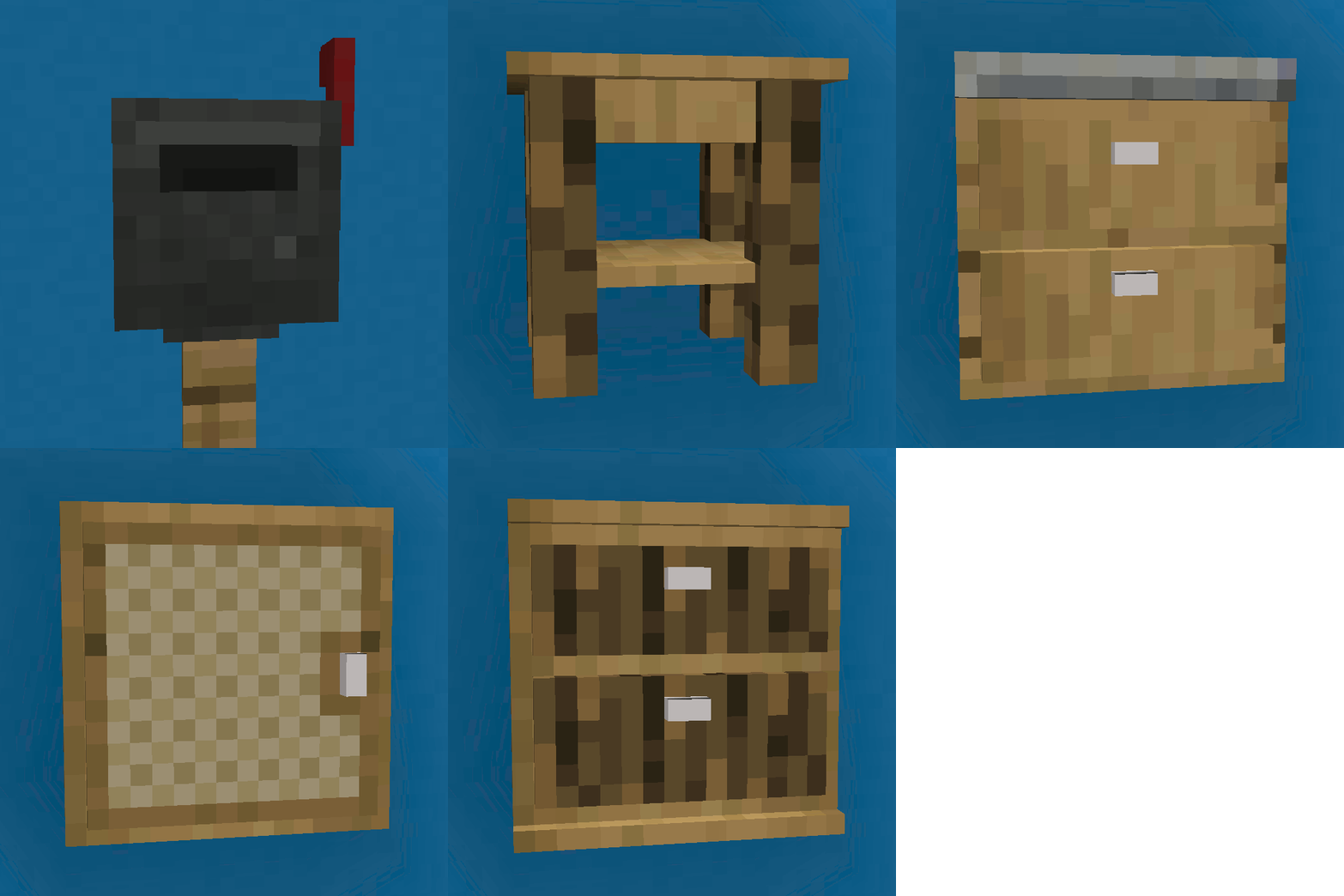
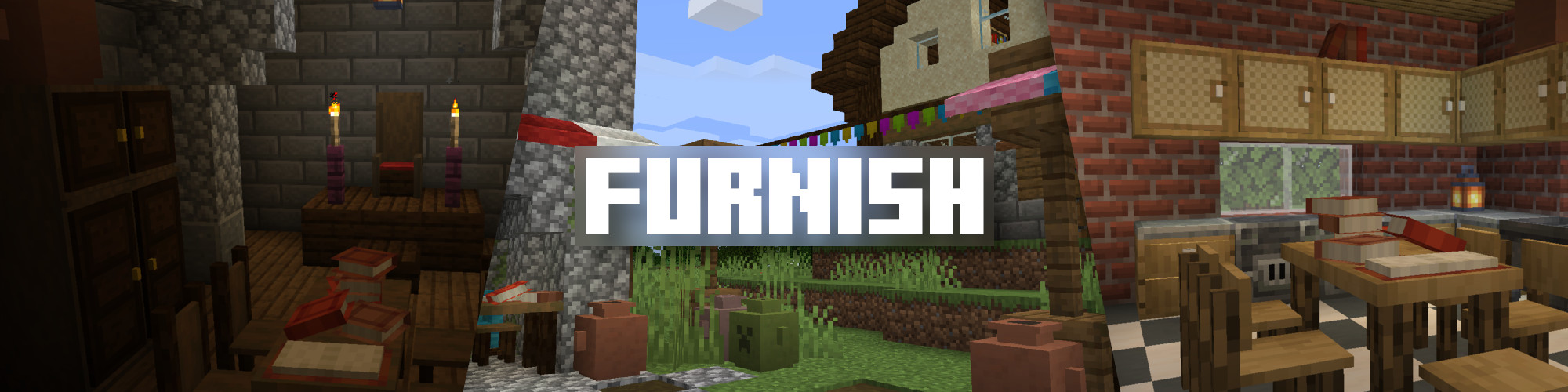
Furnish adds lovely and useful furniture to Minecraft.
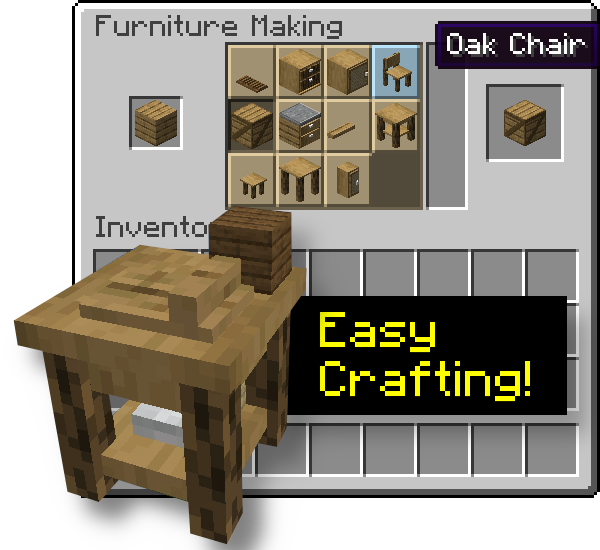
It has the advantage to not require a ton a crafting since everything happens in the Furniture Workbench, a Stonecutter-like crafting table.
** Since Furnish v28, you will need to install Sinytra Connector alongside Furnish to make it work on (Neo)Forge **
Please note that I only guarantee the integrity of the JAR files on Curse and Modrinth, not from the 3rd party sites which repost mods.
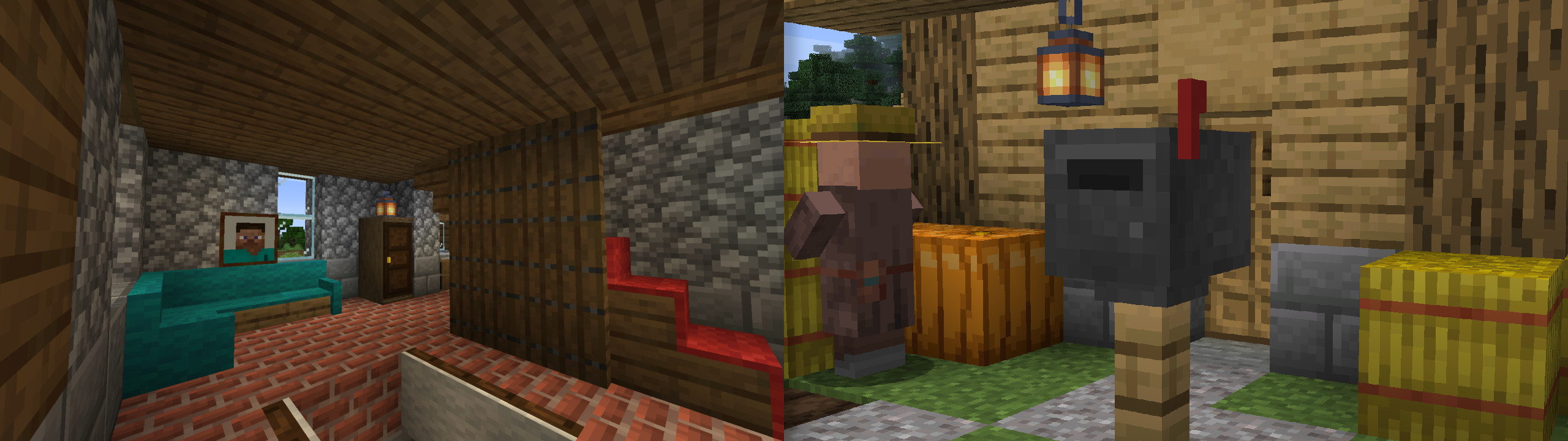
Here's a little spotlight video I made to present the mod and some upcoming features!
For mod/modpack makers, it's easy to add a recipe for your block in the worbench, with the new recipe type furnish:furniture_making.
Here's an example with Market Crates crates.
{
  "type": "furnish:furniture_making",
  "ingredient": {
    "item": "minecraft:acacia_planks"
  },
  "result": "marketcrates:acacia_crate",
  "count": 1
}
undefined
Every configuration of Furnish is done with native Minecraft datapack features.* Items tagged `#furnish:crate_blacklist` can't be put inside Crates (by default, this tag only contains Crates).* Items tagged `#furnish:music_discs` can be put in Disk Racks alongside all Record items.* Items tagged `#furnish:food` can be put in Plates alongside all edible items.* Items tagged `#furnish:mail` are the only items allowed in Mailboxes but you can enable all items to be mailed if you tag the Mailbox with the block tag `#furnish:bypasses_mail_tag`. (Furnish v22+)* Mailboxes can only be destroyed by op creative players. You can allow all creative players to destroy Mailboxes if you tag the Mailbox with the block tag `#furnish:non_op_creative_can_destroy`. (Furnish v22+)* All door blocks are tagged with `#furnish:can_knock_on`. If you wish to disable door knocking on server side, just remove all doors from this block tag. (Furnish v23+)* If you wish to disable door knocking sound **on client side**, you can enable the Door Silencer resource pack included with Furnish (no need to download it somewhere, it's packaged in the mod file). (Furnish v23+)* Lectern books can be popped out with Left Click (as in Minecraft Bedrock Edition). If you wish to disable that, remove the Lectern from the block tag `#furnish:can_pop_book`. (Furnish v23+)
You can, of course, include Furnish in your modpack, that's why I'm making it.
Furnish is part of my own modpack, The Cubic Upgrade, which aims to enhance Minecraft in every aspect: exploration, fighting, building, cooking, enchanting, engineering… take a look!
Project description from CurseForge.
Pick your setup
Choose the version and loader you play, then open the matching release.
Check the dependencies, then try the file in a copied instance before changing a world you care about.
Recent files
15 Apr 2026
23 Mar 2026
22 Feb 2026
1 Feb 2026
1 Sept 2024
1 Sept 2024
9 Jan 2024
9 Jan 2024
9 Jan 2024
4 Nov 2023
4 Nov 2023
4 Nov 2023
Looking for an older file? The official CurseForge project page is in Resources.
 mod
Expands stackable item counts beyond 64 using 64-bit storage, with support for inventories, commands, crafting, and recipe-book interactions.
 mod
you are blind, the world goes black and every sound sends out a wave that reveals the outlines around it.
 mod
Simple Tracking Compass is a Minecraft mod that adds a Compass to the top-left corner of your screen which lets you track other players.