Fabric API Needed by Zoomify 2.16.1+26.1
requiredMatching file found Matched file: [26.1.2] Fabric API 0.155.2+26.1.2

CurseForge · Minecraft mod
A zoom mod with infinite customizability.
Quick answer
Zoomify 2.16.1+26.1 targets 26.1, 26.1.1, 26.1.2 with Fabric. The project page does not say whether it belongs on the client. The project page does not say whether it belongs on the dedicated server. All 4 required mods have matching files.
Where it goes
The project page does not say whether it belongs on the client. The project page does not say whether it belongs on the dedicated server.
The source does not explicitly classify this release as client-only or server-only.
Zoomify 2.16.1+26.1. Change the file and its required mods may change too.
Install Fabric API, Fabric Language Kotlin, YetAnotherConfigLib, YetAnotherConfigLib (YACL) first. We found matching files for this game-version and loader setup. 2 come through another mod in the chain.
2 extra mods were pulled in by other dependencies. Indented rows show who needs each one. We only count dependency files that match this setup. A file for another loader does not fill the gap.
Before you install it
Built for Zoomify 2.16.1+26.1. Pick another file and the loader, install side or required mods may change.
Use Zoomify 2.16.1+26.1. It targets 26.1, 26.1.1, 26.1.2 with Fabric; another release may have different loader, side or dependency requirements.
Install Fabric API, Fabric Language Kotlin, YetAnotherConfigLib, YetAnotherConfigLib (YACL) first. We found matching files for this game-version and loader setup. 2 come through another mod in the chain.
The project page does not say whether it belongs on the client. The project page does not say whether it belongs on the dedicated server.
Use the “Get this file” button beside Zoomify 2.16.1+26.1. It opens that exact file at the source.
About this project



A zoom mod with infinite customizability.
Zoomify aims to provide the easiest, most configurable and most sexy looking zoom mod you will ever find.
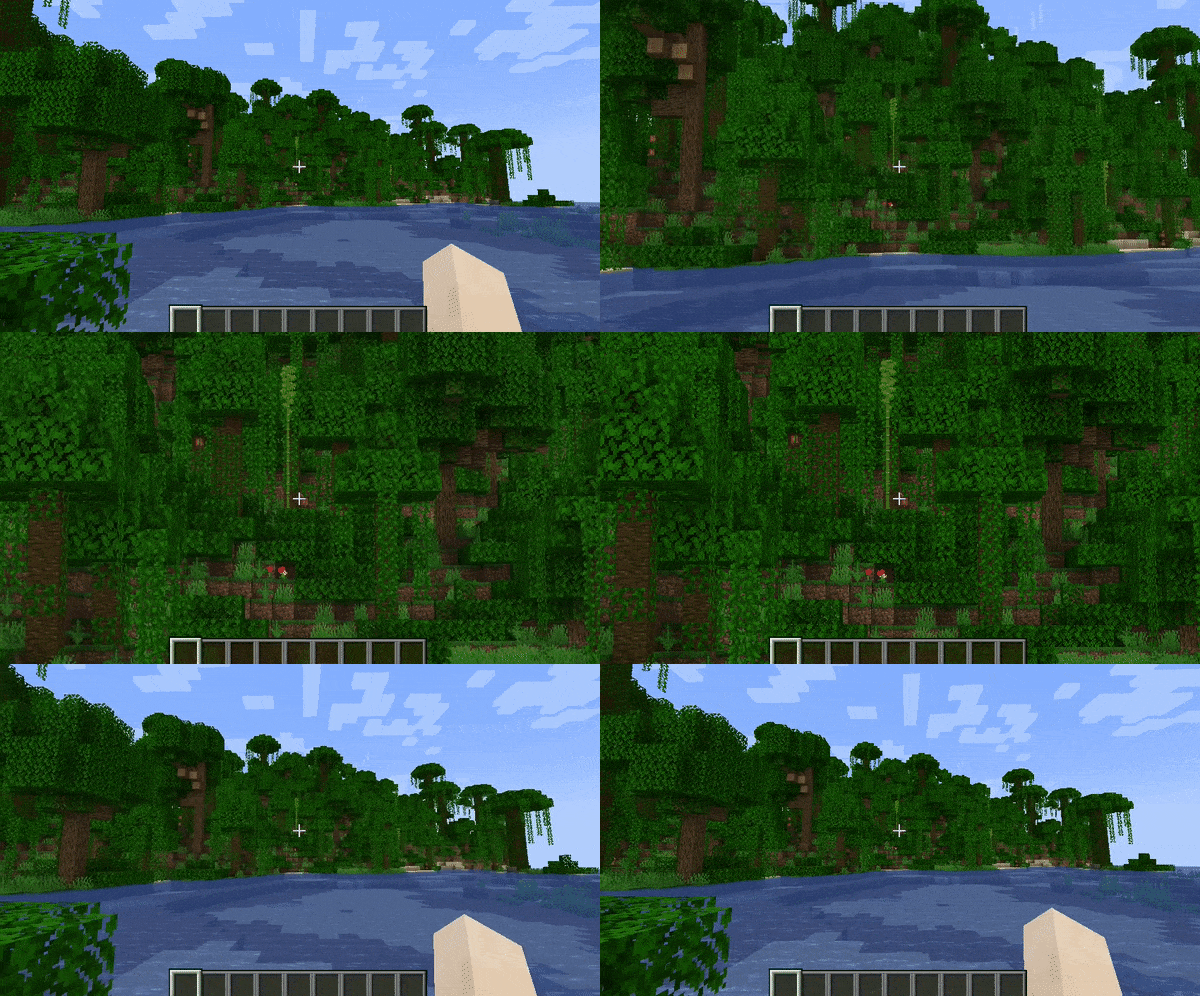
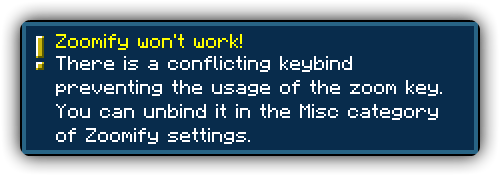
Initially, Minecraft has a keybind that overrides Zoomify by default.
Go to the controls menu and make sure the Zoomify keybind (default C)
isn't conflicting (goes red).
You can access the settings menu with two ways.
/zoomifyYou can zoom in further using your scroll wheel.
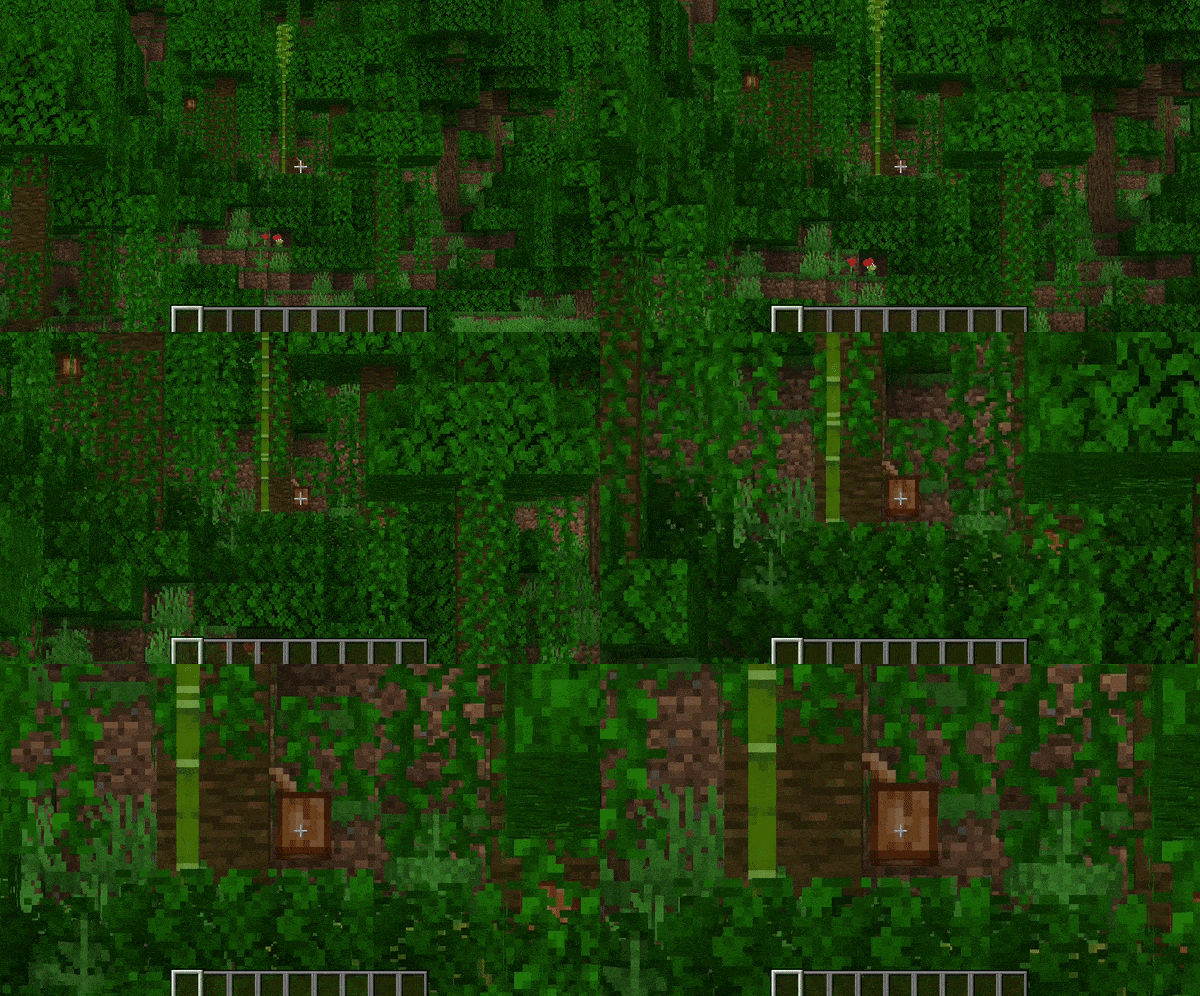
You can configure Zoomify to only be able to zoom in when you are holding or carrying a spyglass.
Or even just override the spyglass zoom with Zoomify!
Show the spyglass overlay and play spyglass sound effects when using Zoomify.
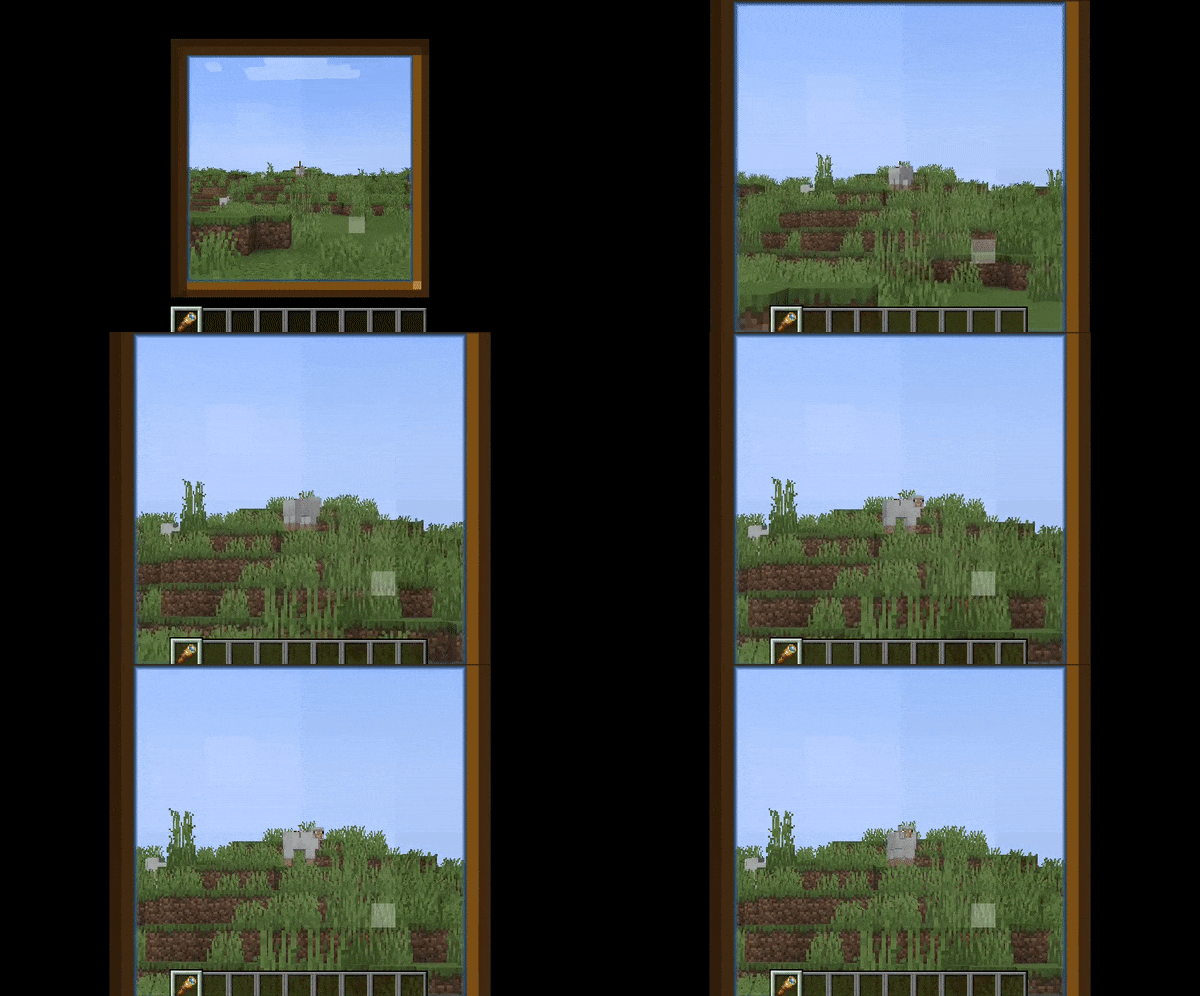
14 different transitions to choose from!
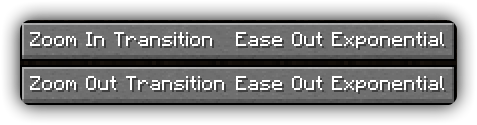
You can even pick what transition you would like for zooming in and out individually!
Reduce your mouse sensitivity based on the amount of zoom,
so you have fine control over your player.
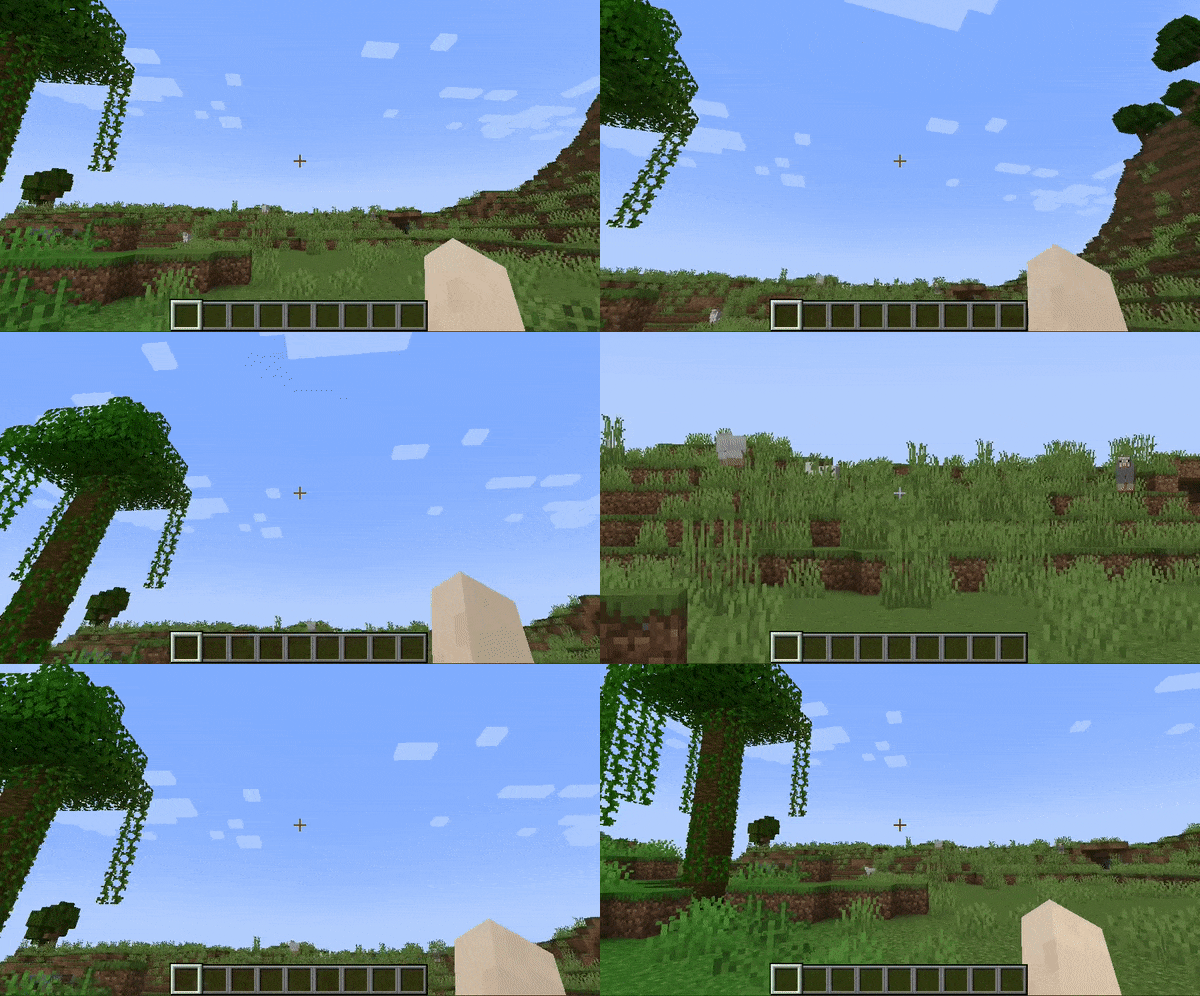
Reduce the view bobbing effect based on the amount of zoom,
so you can walk and zoom at the same time!
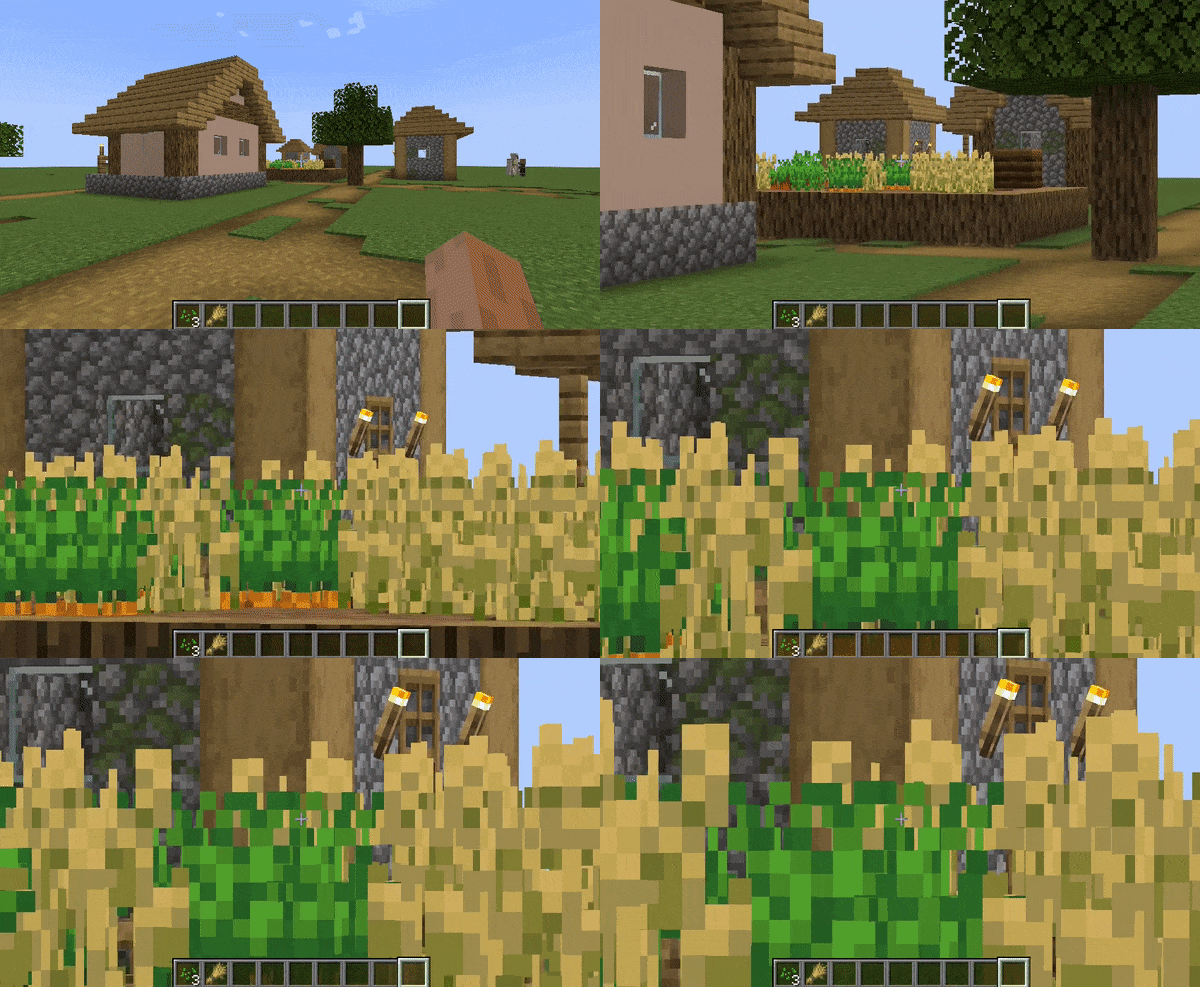
Make the mouse/camera smooth, like the zoom in OptiFine.
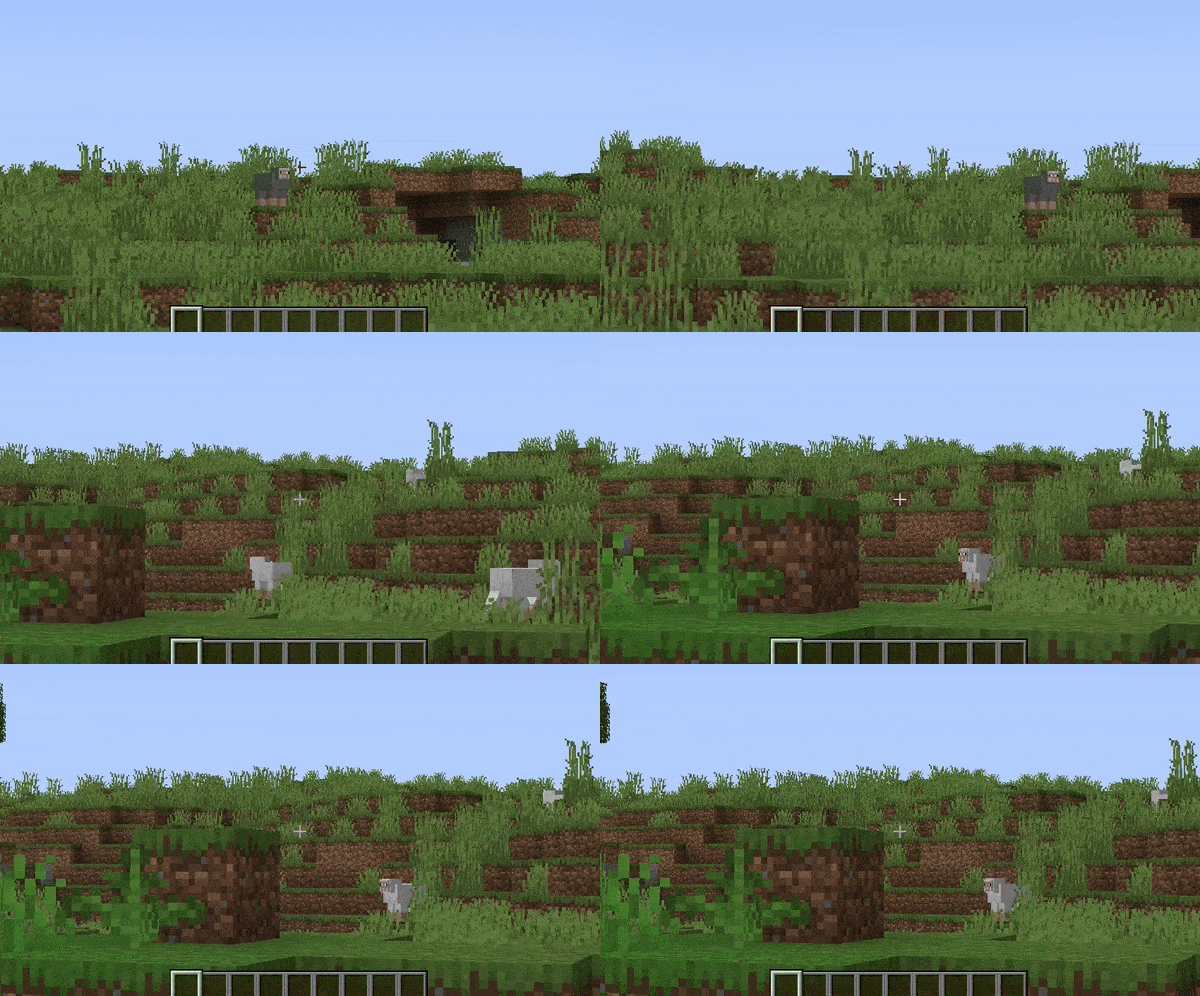
Turn off this setting to prevent your hand from also being zoomed in!
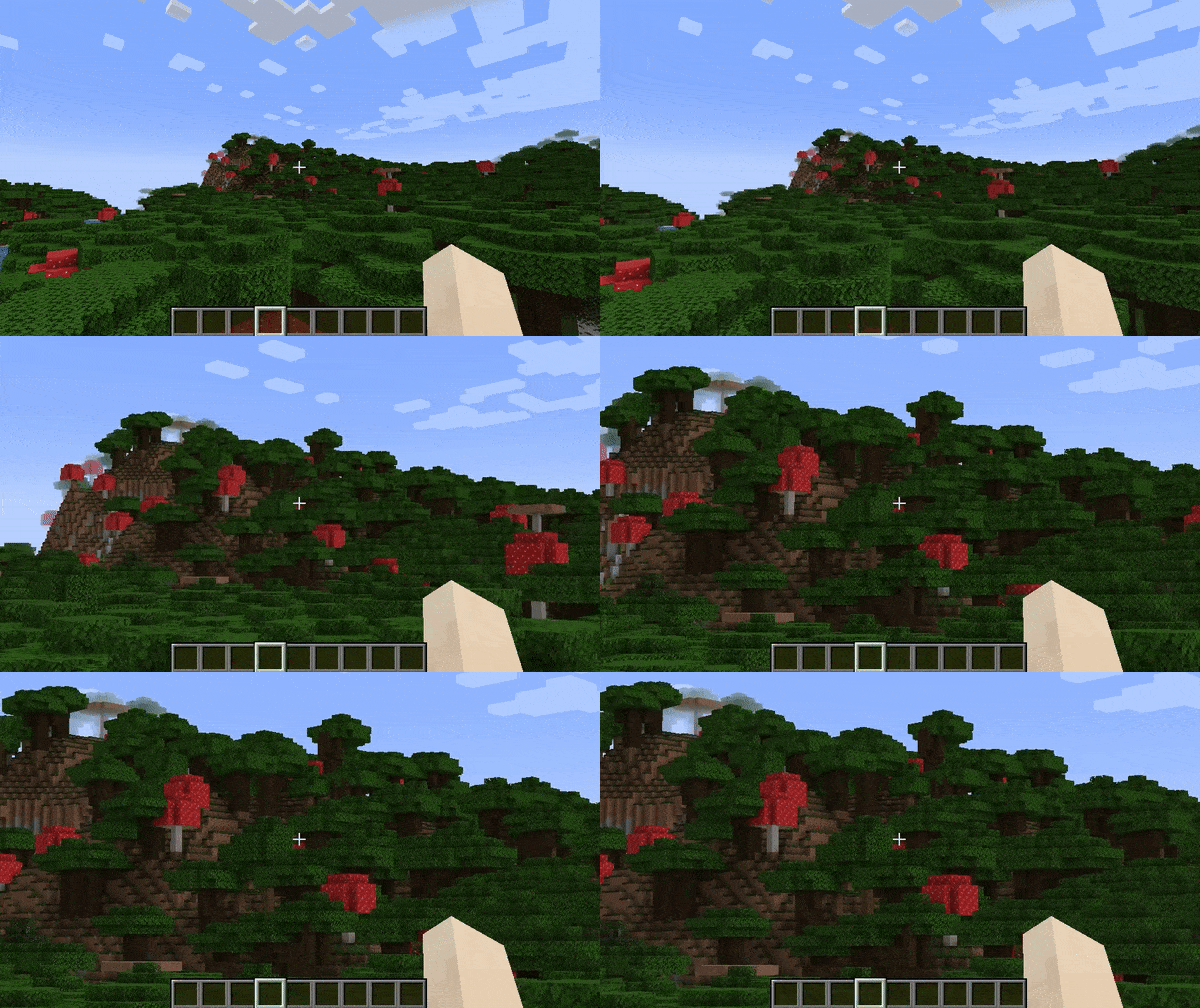
Completely separate zoom from normal Zoomify.
Aimed for content creators, features Hide HUD While Zooming option and longer zoom in times.
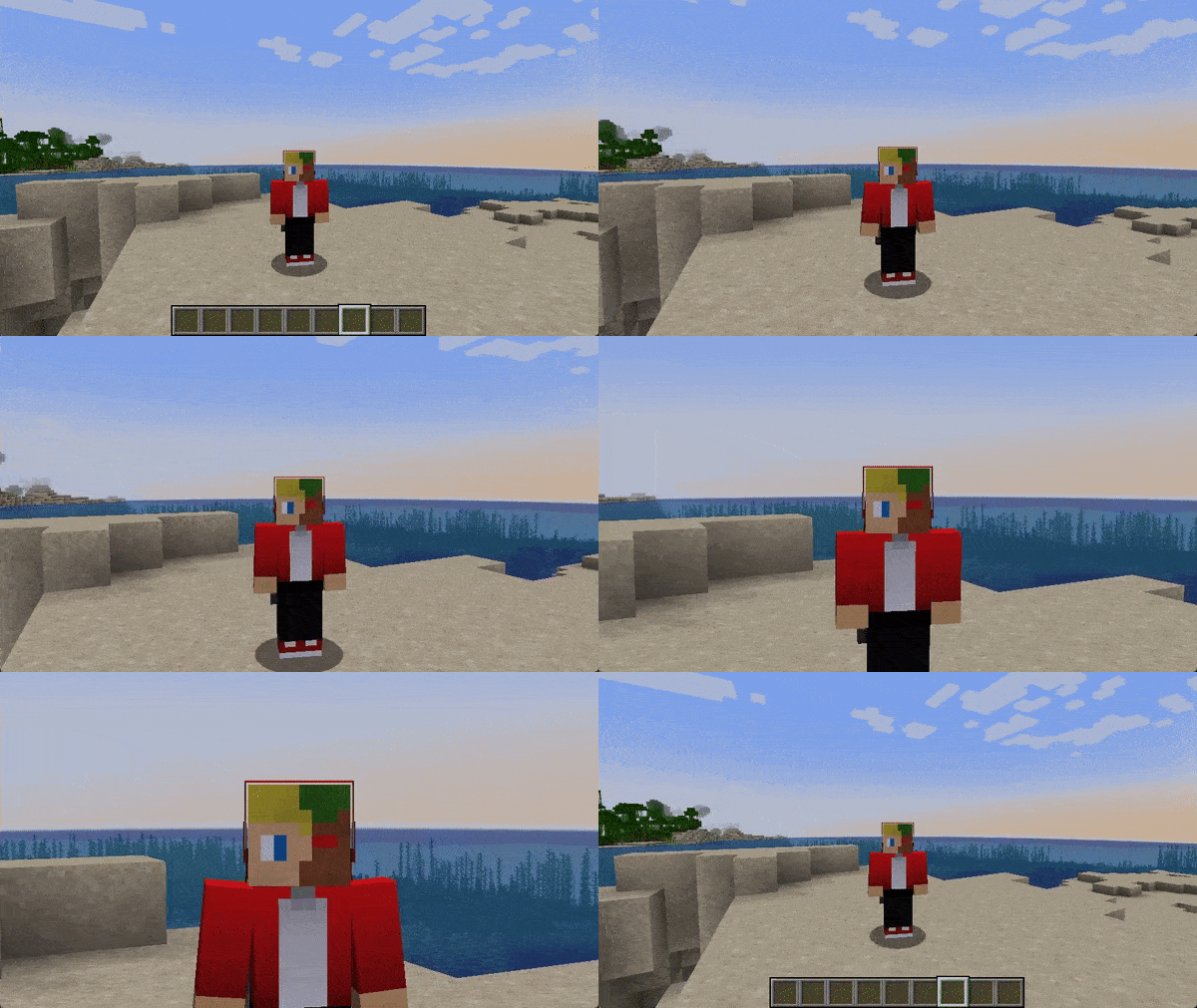
You can reset to default, make Zoomify behave like OptiFine and others!
On first launch, if a keybinding is conflicting with Zoomify's zoom, a notification will appear notifying them of this.
Absolutely NO hard-coded values. Everything about your zoom is configurable!
Instead of some stupid arbitrary value such as zoom speed, you can pick
the exact amount of seconds it will take to zoom in, with a separate setting for zooming out.
Languages in alphabetical order
Project description from CurseForge.
Pick your setup
Choose the version and loader you play, then open the matching release.
Showing the newest 12 of 31 game versions. Older files are in the list below.
Check the dependencies, then try the file in a copied instance before changing a world you care about.
Recent files
zoomify-2.16.1+26.1.jar
22 Jun 2026
zoomify-2.16.1+26.2.jar
22 Jun 2026
zoomify-2.16.0+26.1.jar
1 Apr 2026
zoomify-2.15.2+1.21.9.jar
8 Feb 2026
zoomify-2.15.2+1.21.11.jar
8 Feb 2026
zoomify-2.15.2+1.21.6.jar
8 Feb 2026
zoomify-2.15.2+1.21.5.jar
8 Feb 2026
zoomify-2.15.2+1.21.1.jar
8 Feb 2026
zoomify-2.15.2+1.20.6.jar
8 Feb 2026
zoomify-2.15.2+1.20.4.jar
8 Feb 2026
zoomify-2.15.2+1.20.1.jar
8 Feb 2026
zoomify-2.15.1+1.21.9.jar
15 Jan 2026
Looking for an older file? The official CurseForge project page is in Resources.
 mod
modWorld Finder is a client-side seed map and structure finder for vanilla Minecraft worlds, built as an in-game ChunkBase-style helper.
 mod
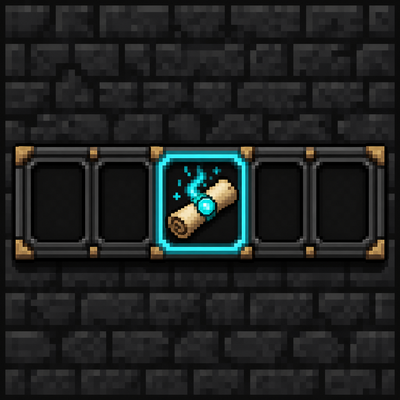
modA 9-slot scroll action bar for Iron’s Spells ‘n Spellbooks. Equip scrolls, cast with hotkeys, and see spell icons, cooldowns, mana, and keybinds on a HUD above your hotbar. Scrolls are never consumed.
 mod
modAutomatically place a light source from your inventory around you.



