Quick answer
Which KubeJS Additions release should I use?
Latest stable file KubeJS Additions NeoForge 1.21.1-6.0.0
Game version 1.21, 1.21.1
Loader NeoForge
KubeJS Additions NeoForge 1.21.1-6.0.0 targets 1.21, 1.21.1 with NeoForge. The project page does not say whether this file belongs on the client, dedicated server, or both. All 3 required mods have matching files.
Where it goes
Is KubeJS Additions required on the client, server, or both?
The project page does not say whether this file belongs on the client, dedicated server, or both.
Client Source doesn’t say
Dedicated server Source doesn’t say
Loader for this release NeoForge
Required install it here Optional supported, not mandatory Not supported do not install here Source doesn’t say do not assume
The source does not explicitly classify this release as client-only or server-only.
What else does KubeJS Additions NeoForge 1.21.1-6.0.0 need?
KubeJS Additions NeoForge 1.21.1-6.0.0. Change the file and its required mods may change too.
Install KubeJS, Better Advanced Tooltips, Rhino first. We found matching files for this game-version and loader setup. 4 come through another mod in the chain.
2 listed on this file 4 pulled in by those mods
KubeJS Needed by KubeJS Additions NeoForge 1.21.1-6.0.0 requiredMatching file found Matched file: KubeJS NeoForge 2101.7.2-build.381
Matching file found Matched file: 19.70.0.469 for NeoForge 1.21.1
Matching file found Matched file: better-advanced-tooltips-2101.1.0-build.5.jar
Matching file found Matched file: Rhino 2101.2.7-build.85
Matching file found Matched file: MezzConfig GUI mc1.21.1-0.5.5 for NeoForge
Matching file found Matched file: MezzConfig 0.6.10 for NeoForge 1.21.1
4
extra mods were pulled in by other dependencies.
Indented rows show who needs each one. We only count dependency files that match this setup. A file for another loader does not fill the gap.
Before you install it
Add KubeJS Additions without breaking your instance.
Built for KubeJS Additions NeoForge 1.21.1-6.0.0. Pick another file and the loader, install side or required mods may change.
- 01
Stick to this file
Use KubeJS Additions NeoForge 1.21.1-6.0.0. It targets 1.21, 1.21.1 with NeoForge; another release may have different loader, side or dependency requirements.
- 02
Bring the mods it needs
Install KubeJS, Better Advanced Tooltips, Rhino first. We found matching files for this game-version and loader setup. 4 come through another mod in the chain.
- 03
Put it on the correct side
The project page does not say whether this file belongs on the client, dedicated server, or both.
- 04
Pick the file you checked
Use the “Get this file” button beside KubeJS Additions NeoForge 1.21.1-6.0.0. It opens that exact file at the source.
About this project
What does KubeJS Additions add?
KubeJS Additions
Now with Jade Plugin Support & Custom JEI Categories/Recipe Types in 1.20.1!
More info found here
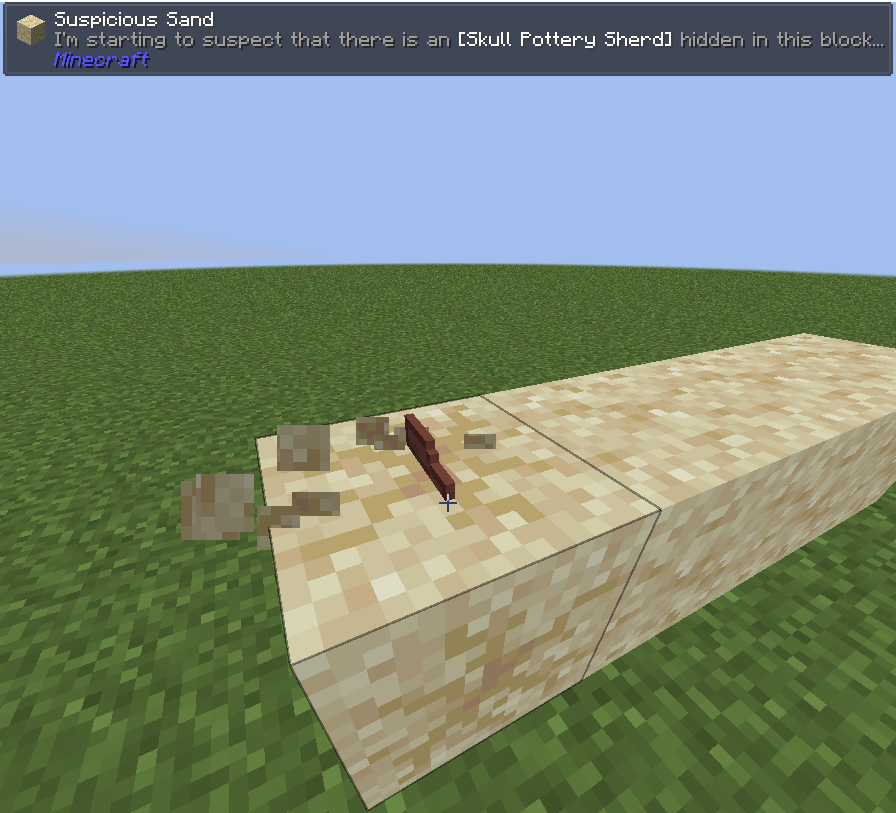
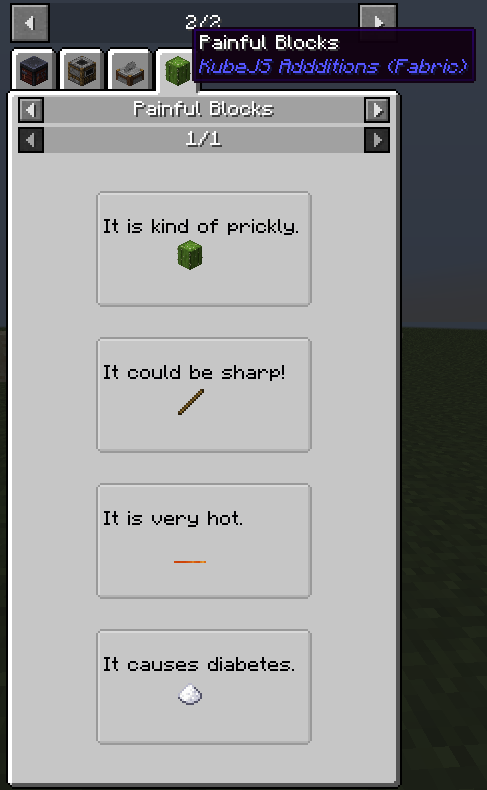
You can now listen to any Fabric or Arch event in 1.18.2+
Examples found on GitHub here
You can also find a full list of example events on KubeJS's discord in this thread.
Additions For 1.16.5 (as of v1.1.1):
- Most Wrapper Classes now have the same methods as their native Minecraft Classes.
- See mixin files located here for full method list
Additions For 1.18.2 (as of v2.0.1):
- Player Respawn Event (player.respawn)
- Player Clone Event (player.clone)
- Player Change Dimension Event (player.change_dimension)
- Entity Enter Chunk Event (entity.enter_chunk)
- Farmland Trample Event (block.trample)
Modifications:
- Fluid.of now accepts fluid tags.
- Recipes expecting FluidStacks can now use a FluidTag.
QOL Changes:
- Fluid.of will accept tags for recipes.
WorldJS Additions:
- Enabling/Disabling Force Loaded Chunks
- Listing all Force loaded Chunks
- Ticking Chunks
- Finding the nearest Biome to a position
- Finding the nearest Map Feature to a position
- Spawn a prebuilt netherportal at a location
- Select a random player on a server.
PlayerJS Additions:
- Force drop a specific item from inventory
- Get the mining speed for a specific block
- Check whether a player can harvest a specific block
- Check if a player can harm another player
- Force a player to interacting with an entity using a specific hand
- Force a player to attack an entity
- Disable a player's shield.
- Force player to sleep anywhere/wake up
- Find a player's bed position
- Add to a player's stats.
- Toggle a player's elytra
- get/set/modify food/saturation/exhaustion levels
- Magically give a player food/saturation
- Force player to eat specific item.
- Retrieve a player's enderchest inventory.
- Check/Remove/Give item cooldowns to the player.
- Get the ammo for a Bow-like item in a player's inventory.
- Get a player's armor level.
- Force a player to push another entity as if they were cramped together.
Project description from CurseForge.
Pick your setup
KubeJS Additions by Minecraft version and loader
Choose the version and loader you play, then open the matching release.
Minecraft version
1.21.1
1
loader build Minecraft version
1.21
1
loader build Minecraft version
1.20.1
3
loader builds Minecraft version
1.19.2
2
loader builds Minecraft version
1.18.2
2
loader builds Minecraft version
1.16.5
1
loader build Check the dependencies, then try the file in a copied instance before changing a world you care about.
Recent files
KubeJS Additions versions and loaders
kubejsadditions-neoforge-1.21.1-6.0.0.jar
21 Jun 2026
Client Source doesn’t say Server Source doesn’t say Dependencies 3 required · matched Listed on Release listing
Check the 1.21.1 · NeoForge setup → 1.211.21.1NeoForge release
kubejsadditions-forge-4.3.4.jar
14 Mar 2025
Client Source doesn’t say Server Source doesn’t say Dependencies 2 required · 2 unchecked Listed on Release listing
Check the 1.20.1 · Forge setup → kubejsadditions-fabric-4.3.4.jar
14 Mar 2025
Client Source doesn’t say Server Source doesn’t say Dependencies 2 required · 2 unchecked Listed on Release listing
Check the 1.20.1 · Fabric setup → kubejsadditions-forge-3.2.3.jar
16 Oct 2024
Client Source doesn’t say Server Source doesn’t say Dependencies 2 required · 2 unchecked Listed on Release listing
Check the 1.19.2 · Forge setup → kubejsadditions-fabric-3.2.3.jar
16 Oct 2024
Client Source doesn’t say Server Source doesn’t say Dependencies 2 required · 2 unchecked Listed on Release listing
Check the 1.19.2 · Fabric setup → kubejsadditions-forge-4.3.3.jar
16 Oct 2024
Client Source doesn’t say Server Source doesn’t say Dependencies 2 required · 2 unchecked Listed on Release listing
Check the 1.20.1 · Forge setup → kubejsadditions-fabric-4.3.3.jar
16 Oct 2024
Client Source doesn’t say Server Source doesn’t say Dependencies 2 required · 2 unchecked Listed on Release listing
Check the 1.20.1 · Fabric setup → kubejsadditions-forge-4.3.2.jar
14 Jun 2024
Client Source doesn’t say Server Source doesn’t say Dependencies 2 required · 2 unchecked Listed on Release listing
Check the 1.20.1 · Forge setup → kubejsadditions-fabric-4.3.2.jar
14 Jun 2024
Client Source doesn’t say Server Source doesn’t say Dependencies 2 required · 2 unchecked Listed on Release listing
Check the 1.20.1 · Fabric setup → kubejsadditions-forge-4.3.1.jar
14 Jun 2024
Client Source doesn’t say Server Source doesn’t say Dependencies 2 required · 2 unchecked Listed on Release listing
Check the 1.20.1 · Forge setup → kubejsadditions-fabric-4.3.1.jar
14 Jun 2024
Client Source doesn’t say Server Source doesn’t say Dependencies 2 required · 2 unchecked Listed on Release listing
Check the 1.20.1 · Fabric setup → kubejsadditions-forge-4.3.0.jar
21 May 2024
Client Source doesn’t say Server Source doesn’t say Dependencies 2 required · 2 unchecked Listed on Release listing
Check the 1.20.1 · Forge setup → 
 mod
mod mod
mod mod
mod