Catalogue (Fabric) Optional for Configured (Fabric) Configured 2.1.0
optionalMatching file found Matched file: Catalogue 1.7.0

CurseForge · Minecraft mod
A configuration library with automaticaly generated in-game menus!
Quick answer
Configured (Fabric) Configured 2.1.0 targets 1.19.3 with Fabric. The project page does not say whether this file belongs on the client, dedicated server, or both. No extra mods listed for this file.
Where it goes
The project page does not say whether this file belongs on the client, dedicated server, or both.
The source does not explicitly classify this release as client-only or server-only.
Configured 2.1.0. Change the file and its required mods may change too.
This file does not list any required mods. Do not add a library just because a different file uses it.
We only count dependency files that match this setup. A file for another loader does not fill the gap.
Before you install it
Built for Configured (Fabric) Configured 2.1.0. Pick another file and the loader, install side or required mods may change.
Use Configured 2.1.0. It targets 1.19.3 with Fabric; another release may have different loader, side or dependency requirements.
This file does not list any required mods. Do not add a library just because a different file uses it.
The project page does not say whether this file belongs on the client, dedicated server, or both.
Use the “Get this file” button beside Configured 2.1.0. It opens that exact file at the source.
About this project
This project page is now deprecated. Fabric versions for Minecraft 1.20.4+ can be downloaded from the main project page. This page will stay available for modpacks and legacy versions.




📖 About:
Configured for Fabric is a mod that provides a simple and straight forward configuration library for developers to easily enable customisation of their mod for players. Configured not only focuses on a high quality library for developers, it also creates a rich experience for players by automatically generating a modern and easy-to-use config GUI for any mods utilising this library. No need to spend hours creating your own GUI, this library will take care of it for you!
Note: To access any config GUI generated by Configured, you will need to install either  Catalogue (Fabric) or Mod Menu
✅ Features:
📦 Developers:
TODO, however you can take a look at a real example of Configured's SimpleConfig API being used for Goblin Traders (Fabric)
📷 Screenshots:
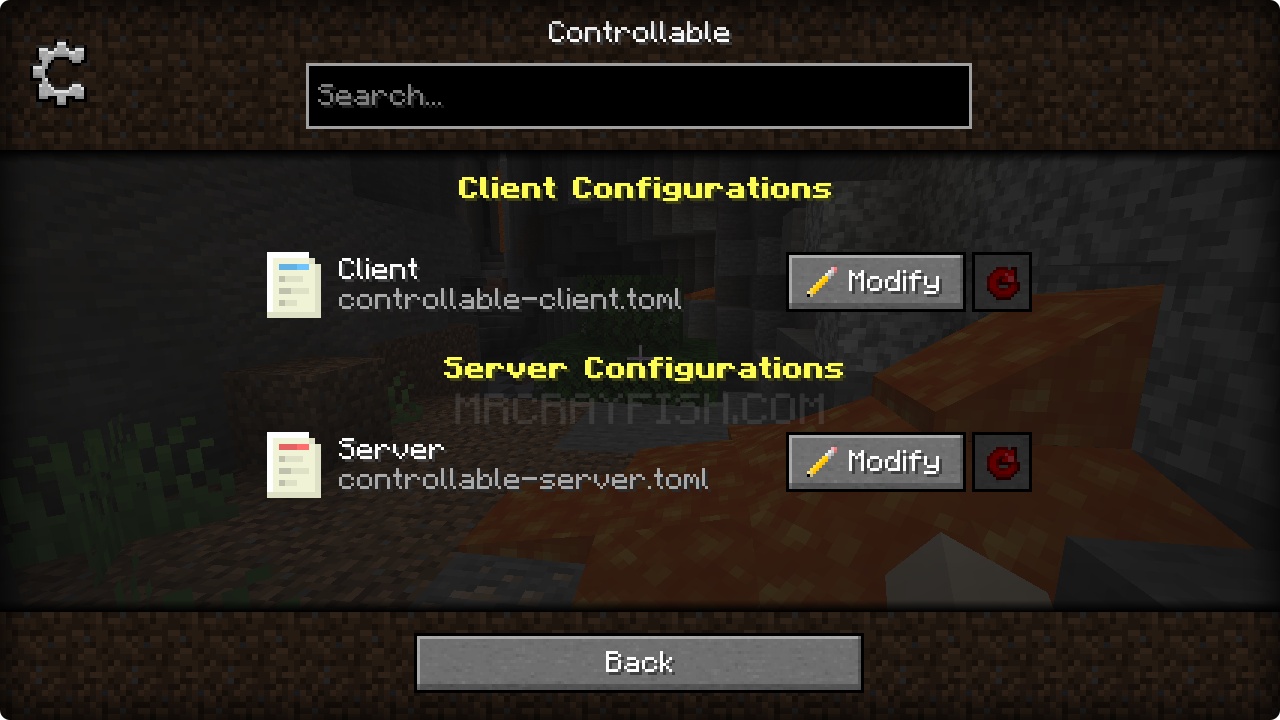
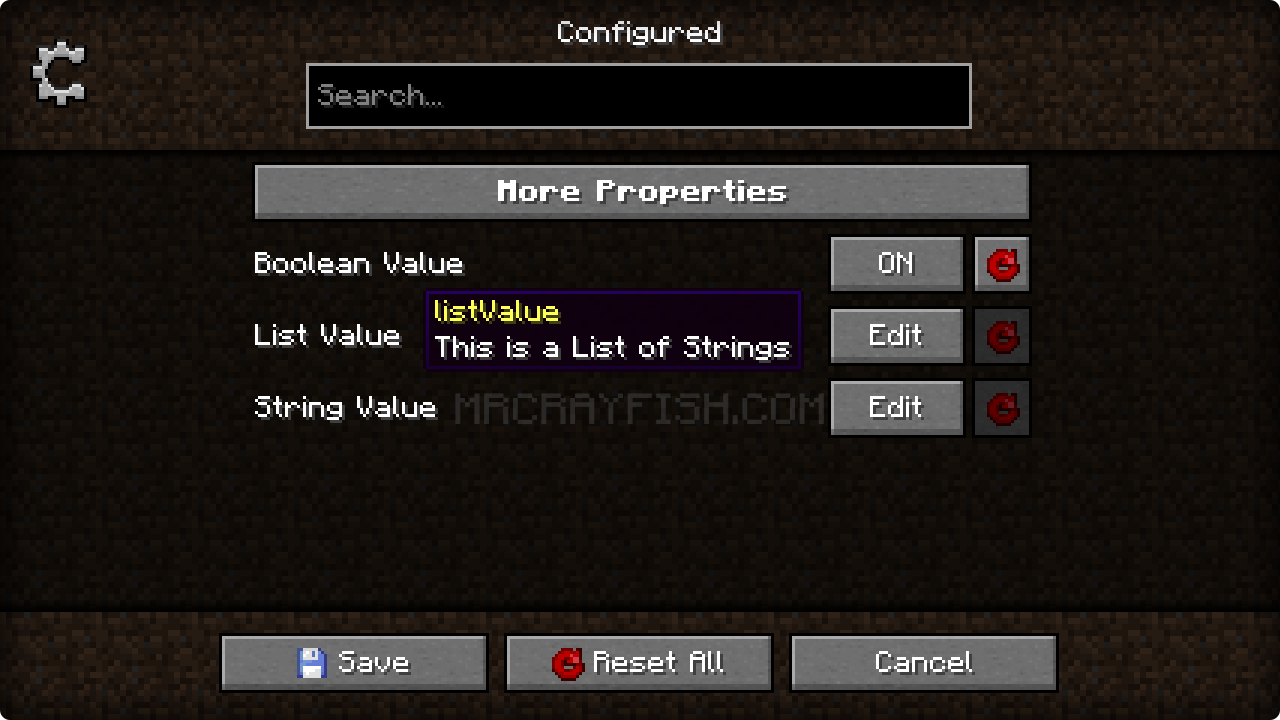
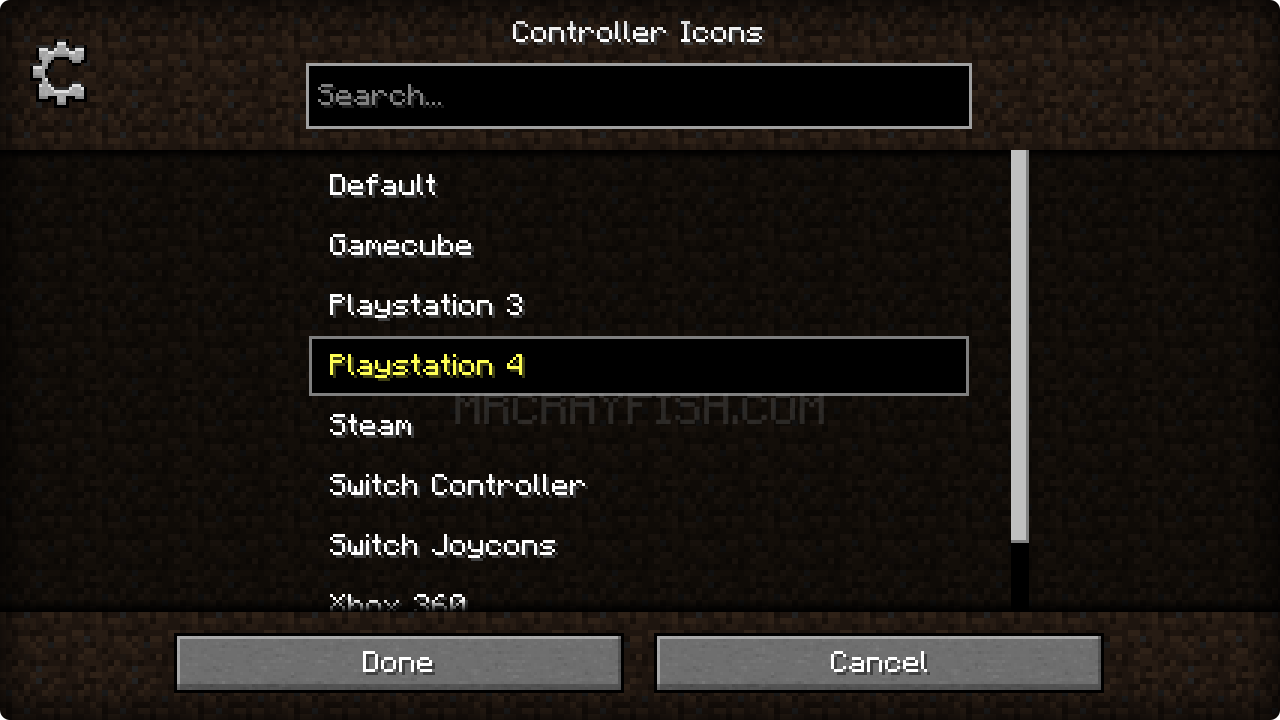
🙋♀️ Need Support or Want to Follow Mod Development:
The comment section isn't great for support, which is why MrCrayfish recommends you join the  Discord community. You can get help installing and configuring mods, resolving crashes and more! Plus you'll also get access to news about mod updates and development (before anywhere else!). Click the banner below to join 🔽

Project description from CurseForge.
Pick your setup
Choose the version and loader you play, then open the matching release.
Check the dependencies, then try the file in a copied instance before changing a world you care about.
Recent files
configured-fabric-2.1.0-1.19.3.jar
17 Mar 2023
configured-fabric-2.0.2-1.19.3.jar
12 Dec 2022
configured-fabric-2.0.0-1.19.2.jar
28 Sept 2022
Looking for an older file? The official CurseForge project page is in Resources.