Mod Menu Optional for RP Renames RPRenames-0.13.0+26.3
optionalMatching file found Matched file: v21.0.1 for 26.3

CurseForge · Minecraft mod
View all Resource Pack Renames in a new anvil GUI catalog!
Quick answer
RP Renames RPRenames-0.13.0+26.3 targets 26.3 with Fabric, NeoForge, Quilt. The project page does not say whether this file belongs on the client, dedicated server, or both. All 1 required mods have matching files.
Where it goes
The project page does not say whether this file belongs on the client, dedicated server, or both.
The source does not explicitly classify this release as client-only or server-only.
RPRenames-0.13.0+26.3. Change the file and its required mods may change too.
Install Fabric API first. We found matching files for this game-version and loader setup. 2 come through another mod in the chain.
2 extra mods were pulled in by other dependencies. Indented rows show who needs each one. We only count dependency files that match this setup. A file for another loader does not fill the gap.
Before you install it
Built for RP Renames RPRenames-0.13.0+26.3. Pick another file and the loader, install side or required mods may change.
Use RPRenames-0.13.0+26.3. It targets 26.3 with Fabric, NeoForge, Quilt; another release may have different loader, side or dependency requirements.
Install Fabric API first. We found matching files for this game-version and loader setup. 2 come through another mod in the chain.
The project page does not say whether this file belongs on the client, dedicated server, or both.
Use the “Get this file” button beside RPRenames-0.13.0+26.3. It opens that exact file at the source.
About this project



View Resource Pack Renames in a new anvil GUI catalog right in game!
This is a client side mod which makes it easy to find custom Resource Pack Renames for your items. It shows all possible renames right in game in anvil GUI, so you dont need to search for list of custom models on rp's site or whereever. Mod mainly intended for Vanilla Item Models, but it also has a CEM support.
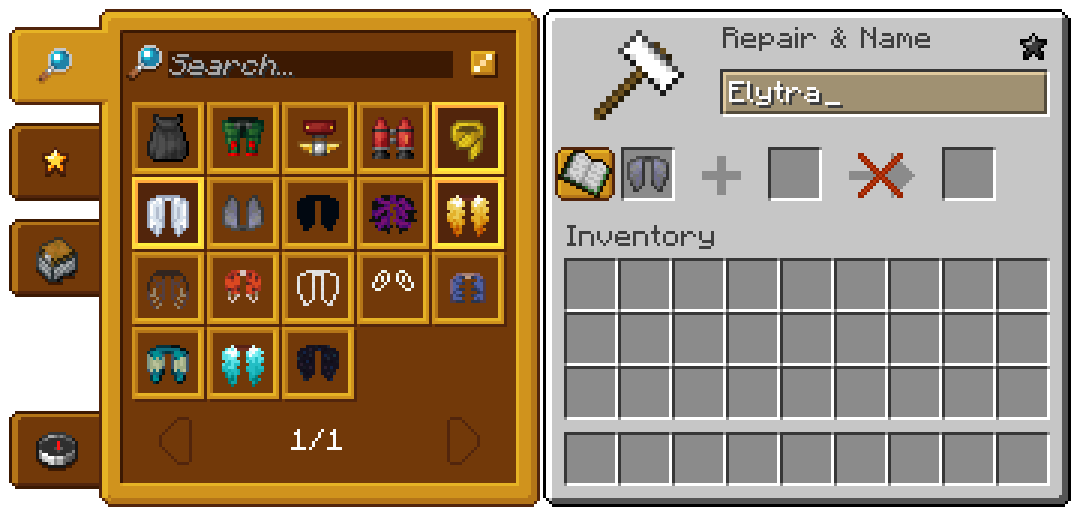
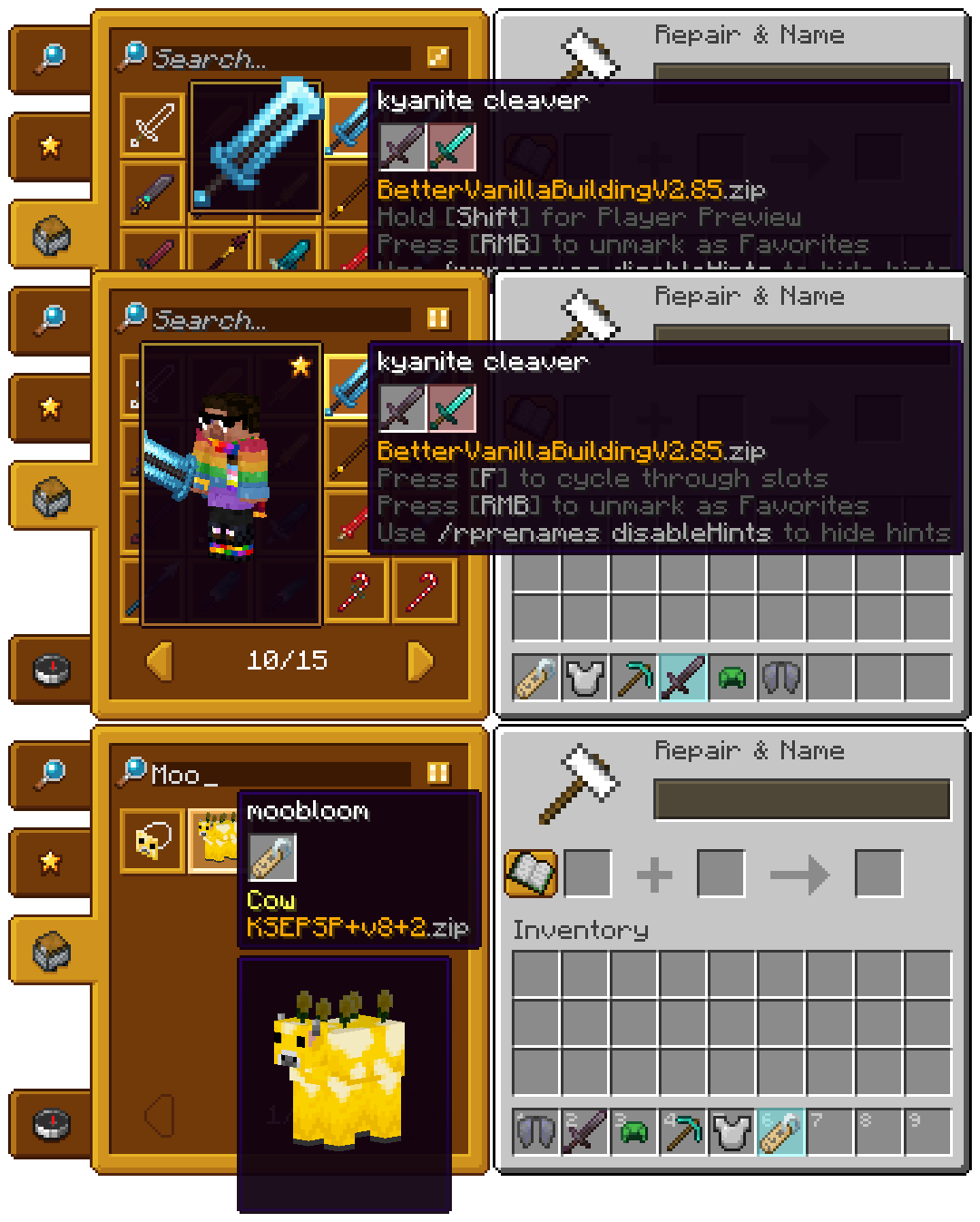
Creative Tab!
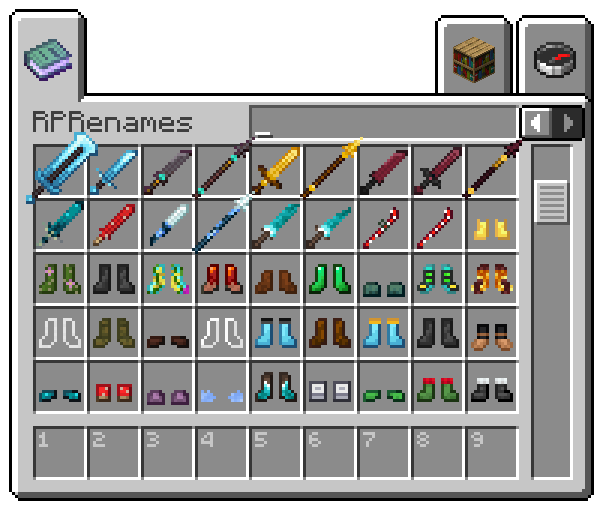
CEM Support!
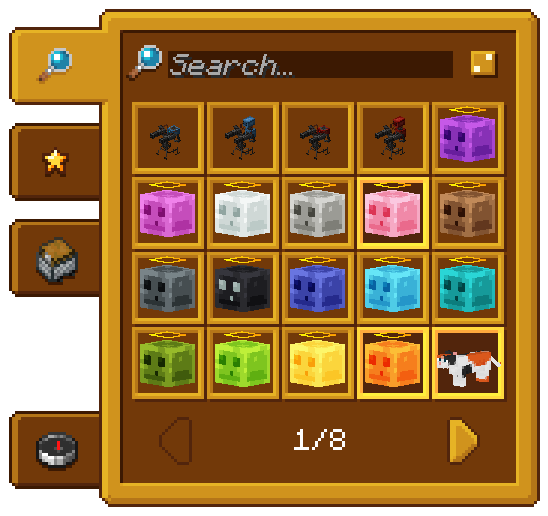
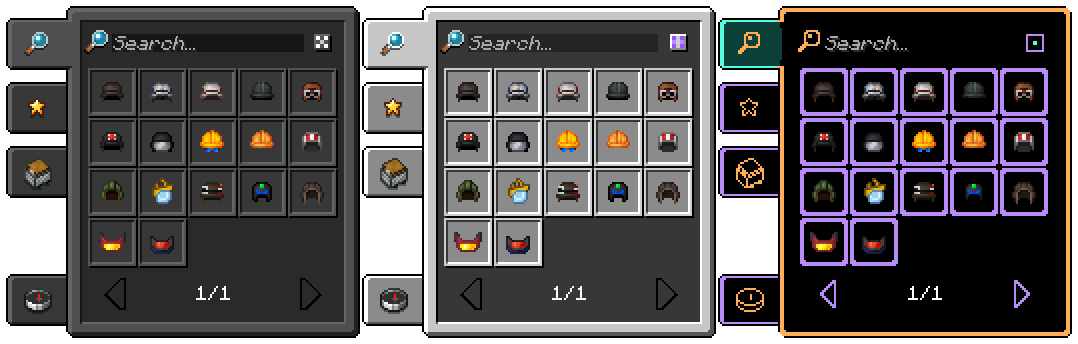
Project description from CurseForge.
Pick your setup
Choose the version and loader you play, then open the matching release.
Showing the newest 12 of 19 game versions. Older files are in the list below.
Check the dependencies, then try the file in a copied instance before changing a world you care about.
Recent files
RPRenames-0.13.0-26.3.jar
13 Nov 2026
RPRenames-26.2-0.12.2.jar
18 Jul 2026
RPRenames-26.2-0.12.1.jar
12 Jul 2026
RPRenames-26.1.2-0.12.0.jar
13 Jun 2026
RPRenames-26.1.1-0.11.0.jar
3 Apr 2026
RPRenames-1.21.10-0.10.2.jar
22 Mar 2026
RPRenames-1.21.11-0.10.2.jar
20 Mar 2026
RPRenames-1.21.8-0.10.1.jar
11 Mar 2026
RPRenames-1.21.5-0.10.0.jar
10 Mar 2026
RPRenames-1.21.1-0.9.2.jar
26 Nov 2024
RPRenames-1.21.1-0.9.1.4.jar
13 Oct 2024
RPRenames-1.21.1-0.9.1.3.jar
2 Oct 2024
Looking for an older file? The official CurseForge project page is in Resources.
 mod
Well-rounded client-side optimization mod. Extremely compatible Vulkan backend for 1.21.11-26.1.2. By Polyfrost, best with OneClient.
 mod
Adds a customizable, progression-based, vanilla-friendly recipe book for modded Minecraft.
 mod
Allows you to open happy ghast's inventory GUI Client-Side!