Fabric API Needed by Discord-MC-Chat 2.7.1-compat.3
requiredMatching file found Matched file: [26.3] Fabric API 0.166.0+26.3

CurseForge · Minecraft mod
Discord-MC-Chat (DMCC), formerly known as MC-Discord-Chat and MCDiscordChat (MCDC), is a practical and powerful Fabric and Quilt Minecraft <> Discord chat bridge inspired by BRForgers/DisFabric
Quick answer
Discord-MC-Chat 2.7.1-compat.3 targets 26.3 with Fabric, Quilt. The project page does not say whether this file belongs on the client, dedicated server, or both. All 1 required mods have matching files.
Where it goes
The project page does not say whether this file belongs on the client, dedicated server, or both.
The source does not explicitly classify this release as client-only or server-only.
Discord-MC-Chat 2.7.1-compat.3. Change the file and its required mods may change too.
Install Fabric API first. We found matching files for this game-version and loader setup.
We only count dependency files that match this setup. A file for another loader does not fill the gap.
Before you install it
Built for Discord-MC-Chat 2.7.1-compat.3. Pick another file and the loader, install side or required mods may change.
Use Discord-MC-Chat 2.7.1-compat.3. It targets 26.3 with Fabric, Quilt; another release may have different loader, side or dependency requirements.
Install Fabric API first. We found matching files for this game-version and loader setup.
The project page does not say whether this file belongs on the client, dedicated server, or both.
Use the “Get this file” button beside Discord-MC-Chat 2.7.1-compat.3. It opens that exact file at the source.
About this project
Language: English 中文







Discord-MC-Chat (DMCC), formerly known as MC-Discord-Chat and MCDiscordChat (MCDC), is a practical and powerful Fabric and Quilt Minecraft <> Discord chat bridge inspired by BRForgers/DisFabric
More information + Docs: Discord-MC-Chat Docs | Xujiayao's Blog
DMCC Discord Server is now public! Join now through: https://discord.gg/kbXkV6k2XU
Discord-MC-Chat (DMCC), formerly known as MC-Discord-Chat and MCDiscordChat (MCDC), is a practical and powerful Fabric and Quilt Minecraft <> Discord chat bridge inspired by BRForgers/DisFabric.

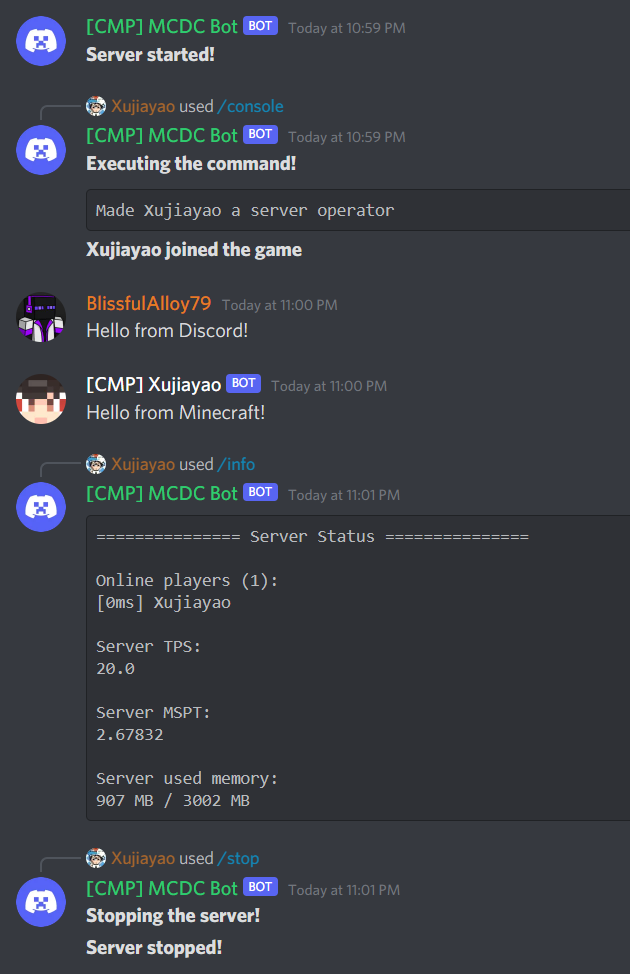
All releases can be downloaded at the following sites:
You can find the latest build JAR files at GitHub Actions.
If there is a bug or suggestion, or something you don't understand, you can submit an issue on GitHub.
DMCC Discord Server is now public! Join now through: https://discord.gg/kbXkV6k2XU
You are welcome to contribute to DMCC!
If you are interested in contributing to DMCC, you can submit a pull request on GitHub.
For code contributions, the build file is located in the /build/ folder.
For translation contributions, language files are located in the /wrapper/src/main/resources/lang/ folder. Copy en_us.json and rename the new one to your language code to get started. Please provide translations for the entire file for all keys.
Languages currently available:
| Code | Language |
|---|---|
de_de |
Deutsch (Deutschland) |
en_us |
English (US) |
es_es |
Español (España) |
fr_fr |
Français (France) |
it_it |
Italiano (Italia) |
ja_jp |
日本語(日本) |
ko_kr |
한국어(대한민국) |
no_no |
Norsk Bokmål (Norge) |
pl_pl |
Polski (Polska) |
pt_br |
Português (Brasil) |
ru_ru |
Русский (Россия) |
tr_tr |
Türkçe (Türkiye) |
zh_cn |
简体中文(中国大陆) |
zh_hk |
繁體中文(香港特別行政區) |
zh_tw |
繁體中文(台灣) |

This project is licensed under the MIT license.
Exceptionally, the src/main/java/top/xujiayao/discord_mc_chat/utils/MarkdownParser.java file was obtained from BRForgers/DisFabric on December 31, 2020, licensed under the Mozilla Public License 2.0 (MPL-2.0).
More details of the
src/main/java/top/xujiayao/discord_mc_chat/utils/MarkdownParser.javafile:Author: allanf181 (Allan Fernando)
Link to the original source:
https://github.com/BRForgers/DisFabric/blob/e0c7601405ee1b3f1de3c3168bc4ddd520501565/src/main/java/br/com/brforgers/mods/disfabric/utils/MarkdownParser.javaLink to the license:
https://github.com/BRForgers/DisFabric/blob/e0c7601405ee1b3f1de3c3168bc4ddd520501565/LICENSENote that the "Don't Be a Jerk" license used in the newly created project BRForgers/DisFabric-and-DisForge is separate from the old project BRForgers/DisFabric.
- Any recent changes in the project name and license do not retroactively affect the license terms of the code obtained at a specific moment before, that is, December 31, 2020.
- Any files obtained from BRForgers/DisFabric continue to be subject to the terms of the MPL-2.0 license only.
Link to the "Don't Be a Jerk" license:
https://github.com/BRForgers/DisFabric-and-DisForge/blob/d1468a6c9b50ba24a250ec370cf645d58dccdfd1/LICENSE.md
Project description from CurseForge.
Pick your setup
Choose the version and loader you play, then open the matching release.
Showing the newest 12 of 38 game versions. Older files are in the list below.
Check the dependencies, then try the file in a copied instance before changing a world you care about.
Recent files
Discord-MC-Chat-3.0.0-beta.3.jar
20 Sept 2026
Discord-MC-Chat-2.7.1.jar
17 Sept 2026
Discord-MC-Chat-3.0.0-beta.2.jar
19 Jun 2026
Discord-MC-Chat-2.7.1-compat.2.jar
19 Jun 2026
Discord-MC-Chat-3.0.0-beta.1-for-26.1.2.jar
28 Apr 2026
Discord-MC-Chat-3.0.0-beta.1-for-1.21.11.jar
28 Apr 2026
Discord-MC-Chat-2.7.1-compat.1.jar
25 Mar 2026
Discord-MC-Chat-2.7.1.jar
11 Dec 2025
Discord-MC-Chat-2.7.0.jar
6 Nov 2025
Discord-MC-Chat-2.6.0.jar
1 Oct 2025
Discord-MC-Chat-2.5.0.jar
21 Jun 2025
Discord-MC-Chat-2.4.1.jar
26 Mar 2025
Looking for an older file? The official CurseForge project page is in Resources.
 mod
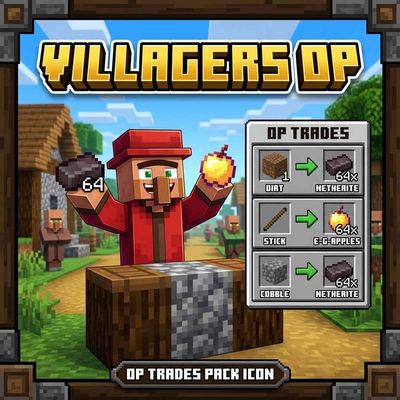
VillagersOP turns every Minecraft villager into a loot box! Each villager gets random, absurdly generous trades: Every villager is different. Now Officially PortedFor Java!
 mod
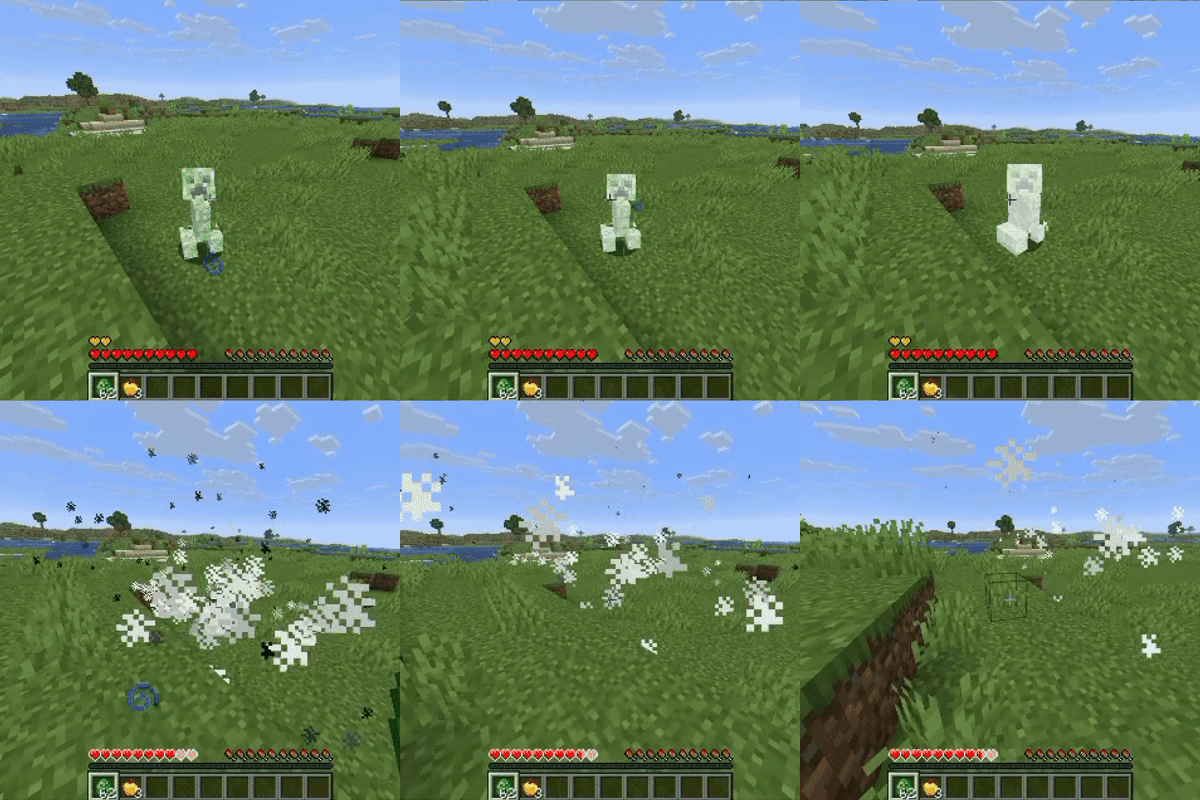
Stop grieving about griefing. Creepers keep the blast, you keep your builds.
 mod
Protects all the tamed pets like a guardian angle!