Cloth Config API (Fabric/Forge/NeoForge) Optional for bobby-5.2.15+mc26.2.jar
optionalMatching file found Matched file: [Fabric 26.2] v26.2.155

CurseForge · Minecraft mod
Allows for render distances greater than the server's view-distance setting.
Quick answer
bobby-5.2.15+mc26.2.jar targets 26.2 with Fabric. The project page does not say whether this file belongs on the client, dedicated server, or both. No extra mods listed for this file.
Where it goes
The project page does not say whether this file belongs on the client, dedicated server, or both.
The source does not explicitly classify this release as client-only or server-only.
bobby-5.2.15+mc26.2.jar. Change the file and its required mods may change too.
This file does not list any required mods. Do not add a library just because a different file uses it.
3 extra mods were pulled in by other dependencies. Indented rows show who needs each one. We only count dependency files that match this setup. A file for another loader does not fill the gap.
Before you install it
Built for bobby-5.2.15+mc26.2.jar. Pick another file and the loader, install side or required mods may change.
Use bobby-5.2.15+mc26.2.jar. It targets 26.2 with Fabric; another release may have different loader, side or dependency requirements.
This file does not list any required mods. Do not add a library just because a different file uses it.
The project page does not say whether this file belongs on the client, dedicated server, or both.
Use the “Get this file” button beside bobby-5.2.15+mc26.2.jar. It opens that exact file at the source.
About this project
Bobby is a Minecraft mod which allows for render distances greater than the server's view-distance setting.
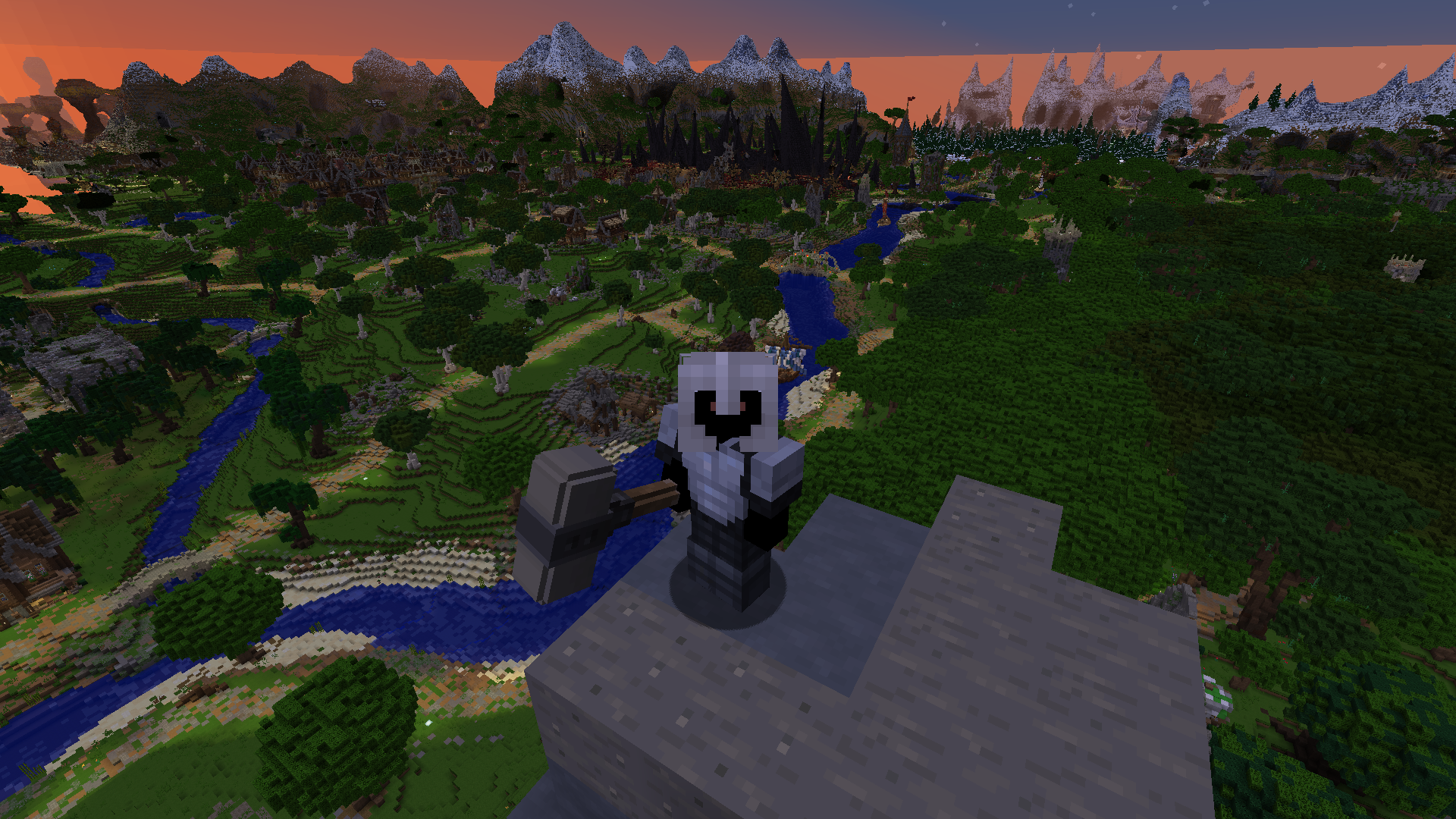
It accomplishes this goal by recording and storing (in .minecraft/.bobby) all chunks sent by the server which it then can load and display at a later point when the chunk is outside the server's view-distance.
Optionally, it can also use an existing single player world to load in chunks which the server has never sent before. To make use of this feature, simply rename the world folder (not the name of the world! the name of its folder!) to "bobby-fallback".
Bobby automatically reloads its config file when it is changed. For an in-game config screen, install ModMenu and ClothConfig.
Project description from CurseForge.
Pick your setup
Choose the version and loader you play, then open the matching release.
Showing the newest 12 of 35 game versions. Older files are in the list below.
Check the dependencies, then try the file in a copied instance before changing a world you care about.
Recent files
12 Jul 2026
12 Jul 2026
12 Jul 2026
12 Jul 2026
bobby-5.0.1.1.jar
12 Jul 2026
12 Jul 2026
20 Jun 2026
16 May 2026
26 Mar 2026
10 Dec 2025
30 Sept 2025
30 Sept 2025
Looking for an older file? The official CurseForge project page is in Resources.
 mod
modMiscellaneous tweaks for the "Sulidae" modpack.
 mod
modA NeoForge cultivation and personal storage mod featuring ten-stage progression, automation, personal realms, Spirit Swords, Immortal Furnaces, and optional cross-mod integration.
 mod
modA Create addon that brings living creatures into the factory. | 一个把活体生物接进工厂里的机械动力附属模组。