Minecraft version
Back to mods 
Modrinth · Minecraft mod
Panoramics
Allows you to take Panorama screenshots and uses them as the background on the title screen.
Choose a version Pick your version below, then grab the matching file.
Quick answer
Which Panoramics release should I use?
Latest stable file 1.0.1
Game version 1.20.1, 1.20.2, 1.20.3
Loader Fabric
Panoramics 1.0.1 targets 1.20.1, 1.20.2, 1.20.3 with Fabric. It must be installed on the client. Do not install it on the dedicated server. No extra mods listed for this file.
Where it goes
Is Panoramics required on the client, server, or both?
It must be installed on the client. Do not install it on the dedicated server.
Client Required
Dedicated server Not supported
Loader for this release Fabric
Required install it here Optional supported, not mandatory Not supported do not install here Source doesn’t say do not assume
This file is marked client-only.
What else does Panoramics 1.0.1 need?
1.0.1. Change the file and its required mods may change too.
This file does not list any required mods. Do not add a library just because a different file uses it.
This file does not list any required or optional mods.
Before you install it
Add Panoramics without breaking your instance.
Built for Panoramics 1.0.1. Pick another file and the loader, install side or required mods may change.
- 01
Stick to this file
Use 1.0.1. It targets 1.20.1, 1.20.2, 1.20.3 with Fabric; another release may have different loader, side or dependency requirements.
- 02
Bring the mods it needs
This file does not list any required mods. Do not add a library just because a different file uses it.
- 03
Put it on the correct side
It must be installed on the client. Do not install it on the dedicated server.
- 04
Pick the file you checked
Use the “Get this file” button beside 1.0.1. It opens that exact file at the source.
About this project
What does Panoramics add?
Allows you to take panorama screenshots and use them as the background on the title screen.
taking panoramas:
Use /panorama in-game (recommended to have higher render distance if you can see the chunk border). This takes a panoramic shot of your current surroundings and saves it to a folder inside your screenshots folder. The title screen background is chosen randomly from what is in that folder (or the default background if none are found).
adding external panoramas:
Take a panorama or copy one you already have made and replace the panorama_(0-5).png with the files you have. Folders dont need to follow any name format, they just need to be in the screenshots/panoramics folder, and have a sub-folder called screenshots (this is due to how saving panoramics work)
removing panoaramas:
delete or move it from the screenshots/panoramics folder.
Project description from Modrinth.
Pick your setup
Panoramics by Minecraft version and loader
Choose the version and loader you play, then open the matching release.
Minecraft version
1.20.3
1 loader buildMinecraft version
1.20.2
1 loader buildMinecraft version
1.20.1
1 loader buildCheck the dependencies, then try the file in a copied instance before changing a world you care about.
Recent files
Panoramics versions and loaders
1.0.1
panoramics-1.0.1.jar
21 Jul 2024
Client Required Server Not supported Dependencies No extras listed Listed on Release listing
Check the 1.20.4 · Fabric setup 1.20.11.20.21.20.31.20.4 release
1.0.0
panoramics-1.0.0.jar
25 Apr 2024
Client Required Server Not supported Dependencies No extras listed Listed on Release listing
Check the 1.20.4 · Fabric setup 1.20.11.20.4Fabric release
Looking for an older file? The official Modrinth project page is in Resources.
 mod
mod CurseForge + Modrinth · Minecraft
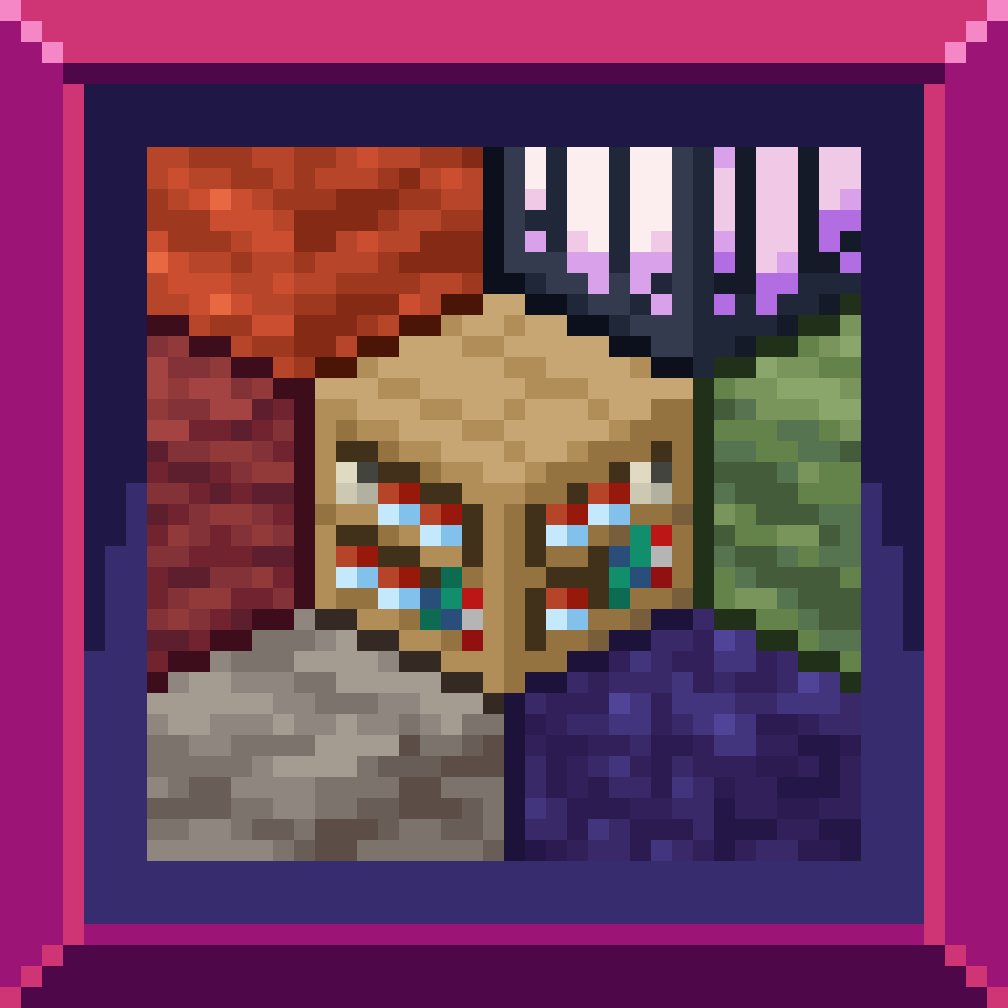
Excessive Building
Excessive Building is a mod designed to enchance the building experience while maintaining Minecraft's style.
 mod
mod CurseForge + Modrinth · Minecraft
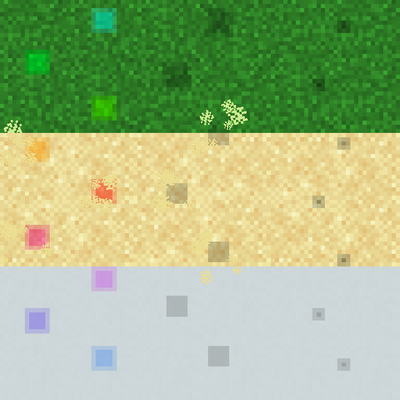
Imprint
Adds vanilla-style footprint particles for players and mobs.
 mod
mod CurseForge + Modrinth · Minecraft
Overgeared
A mod that aims at upgrading and overhauling the basic Minecraft's tools and armors crafting with the introduction of forging to make it more engaging.