HrdaNick Optional for HrdaTools 2.0
optionalMatching file found Matched file: 3.2

Modrinth · Minecraft mod
Useful Commands for Servers and Scripted SMPs
Quick answer
HrdaTools 2.0 targets 26.3, 26.2, 26.1.2 with bukkit, paper, purpur. The project page does not say whether this file belongs on the client, dedicated server, or both. No extra mods listed for this file.
Where it goes
The project page does not say whether this file belongs on the client, dedicated server, or both.
The source does not explicitly classify this release as client-only or server-only.
2.0 on 26.1. Every mod below is checked against that same setup.
This file does not list any required mods. Do not add a library just because a different file uses it.
5 extra mods were pulled in by other dependencies. Indented rows show who needs each one. We only count dependency files that match this setup. A file for another loader does not fill the gap.
Before you install it
Built for HrdaTools 2.0 on 26.1. Pick another file and the loader, install side or required mods may change.
Use 2.0. It targets 26.3, 26.2, 26.1.2 with bukkit, paper, purpur; another release may have different loader, side or dependency requirements.
This file does not list any required mods. Do not add a library just because a different file uses it.
The project page does not say whether this file belongs on the client, dedicated server, or both.
Use the “Get this file” button beside 2.0. It opens that exact file at the source.
About this project

HrdaTools is a versatile utility plugin designed for SMP servers and content creators who need advanced control over their world, items, and player interactions. Originally inspired by the "Unstable SMP" style of gameplay, it offers a unique mix of administration tools and immersive features.
 (https://www.neyhost.com/?ref=HRDA)
/vanish [player] – Become completely invisible. This hides you from the world, removes you from the TAB list, blocks your name from Tab-Complete, and sends a fake "left the game" message to others./hearts [player] <amount> – Set a player's maximum health (e.g., /hearts Hrda 10 for 10 hearts)./invincible [player] – Toggle a special "Fake Immortality" mode. Players stay at 0.5 hearts and cannot die from standard damage./invsee <player> [armor] – Peek into any player's inventory. Use the armor argument to open a protected preview of their equipment and off-hand./ec [player] – Access your own or someone else's Ender Chest./freeze <player/@a> [time] – Freezes or unfreezes a specific player or all players (@a)./kit save <name> – Save your current inventory (including armor and off-hand) as a kit./kit gui – Opens GUI with all kits and their previews./kit <name> <player|all> – Give a saved kit to a specific player or everyone online./kit delete <name> – Remove a kit from the database./enchant <target> <enchantment> <level> – Apply any enchantment up to level 255. Bypass all standard limits! Supports selectors (@a, @p, @s, @r)./durability <value> – Precisely set the durability of the item in your hand./book <sign|unsign|author|title> – Advanced book editing. Change authors, revert signed books to editable drafts, or change titles with color support./proximity – Quickly toggle the proximity system on or off./pvp [on/off] – Toggle global PvP on or off. Players without bypass permission cannot hit each other or deal projectile damage when disabled./build [on/off] – Toggle block breaking, placing, and bucket usage for players without bypass permission./mutechat – Instantly lock the chat for everyone except players with bypass permissions./toggletab – Instantly shows/hides player names in the TAB list for ultimate anonymity./clearall [survival|creative|adventure|offline|permission] – Clears inventory (including armor and off-hand) for specified players or based on their gamemode/permissions. Use offline to wipe all player data files./kickall [survival|creative|adventure|permission] [reason] – Kicks all specified players from the server with an optional custom reason./banall [survival|creative|adventure|permission] [reason] – Permanently bans all specified players and kicks them from the server./hrdatools reload – Reload the configuration file without restarting the server.The plugin comes with a config.yml (with automatic config updates via config-ver) that allows you to customize:
kits.db.hrdatools.admin – Access to all commands (default: OP).hrdatools.mutechat.bypass – Ability to speak when chat is muted.hrdatools.pvp.bypass – Ability to attack other players when PvP is disabled.hrdatools.build.bypass – Ability to break/place blocks and use buckets when building is disabled.hrdatools.kickall.bypass – Bypass for /kickall.hrdatools.banall.bypass – Bypass for /banall.hrdatools.clearall.bypass – Bypass for /clearall.hrdatools.freeze.bypass – Bypass for /freeze @a.hrdatools.pvp.bypass - Bypass for /pvphrdatools.build.bypass - Bypass for /buildFor working placeholders you need to have PAPI installed.
%hrdatools_chat_muted% – Shows if chat is muted or not (yes/no).%hrdatools_pvp% (or %hrdatools_pvp_enabled%) – Shows if global PvP is enabled or disabled (yes/no).%hrdatools_build% (or %hrdatools_build_enabled%) – Shows if building is enabled or disabled (yes/no).%hrdatools_is_frozen% – Shows if you are frozen or not (yes/no).%hrdatools_is_vanished% – Shows if you are vanished or not (yes/no).%hrdatools_is_invincible% – Shows if you have invincibility on or off (yes/no).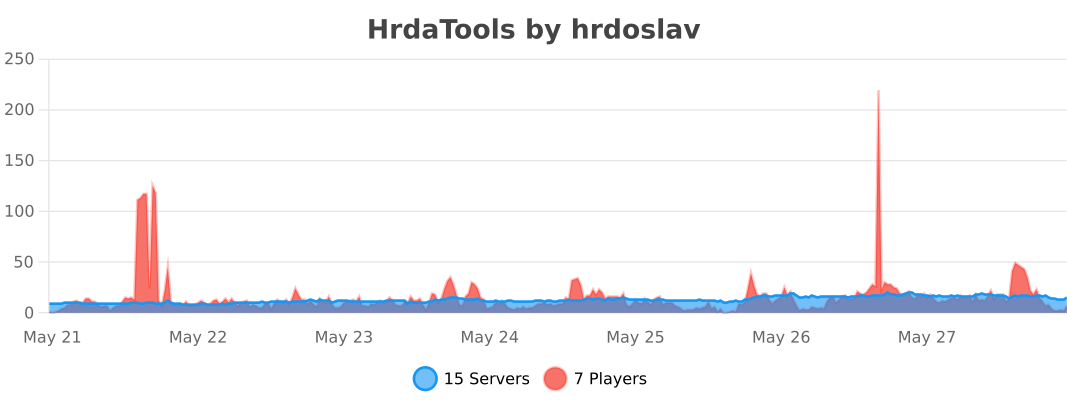
If you have any problems with the plugin, just message me on my Discord server: https://dsc.gg/hrda-plugins
Thanks for downloading!
Project description from Modrinth.
Pick your setup
Choose the version and loader you play, then open the matching release.
Showing the newest 12 of 17 game versions. Older files are in the list below.
Check the dependencies, then try the file in a copied instance before changing a world you care about.
Recent files
HrdaTools-2.0.jar
29 Nov 2026
HrdaTools-1.9.jar
28 Sept 2026
HrdaTools-1.8.jar
27 May 2026
HrdaTools-1.7.jar
12 May 2026
HrdaTools-1.6.jar
5 May 2026
HrdaTools-1.5.jar
8 Apr 2026
Looking for an older file? The official Modrinth project page is in Resources.
 mod
Provides Vanilla-style "fly by instrument" support for elytra flight
 mod
Overhauls the old advancement toast system, focusing on the presentation of advancements
 mod
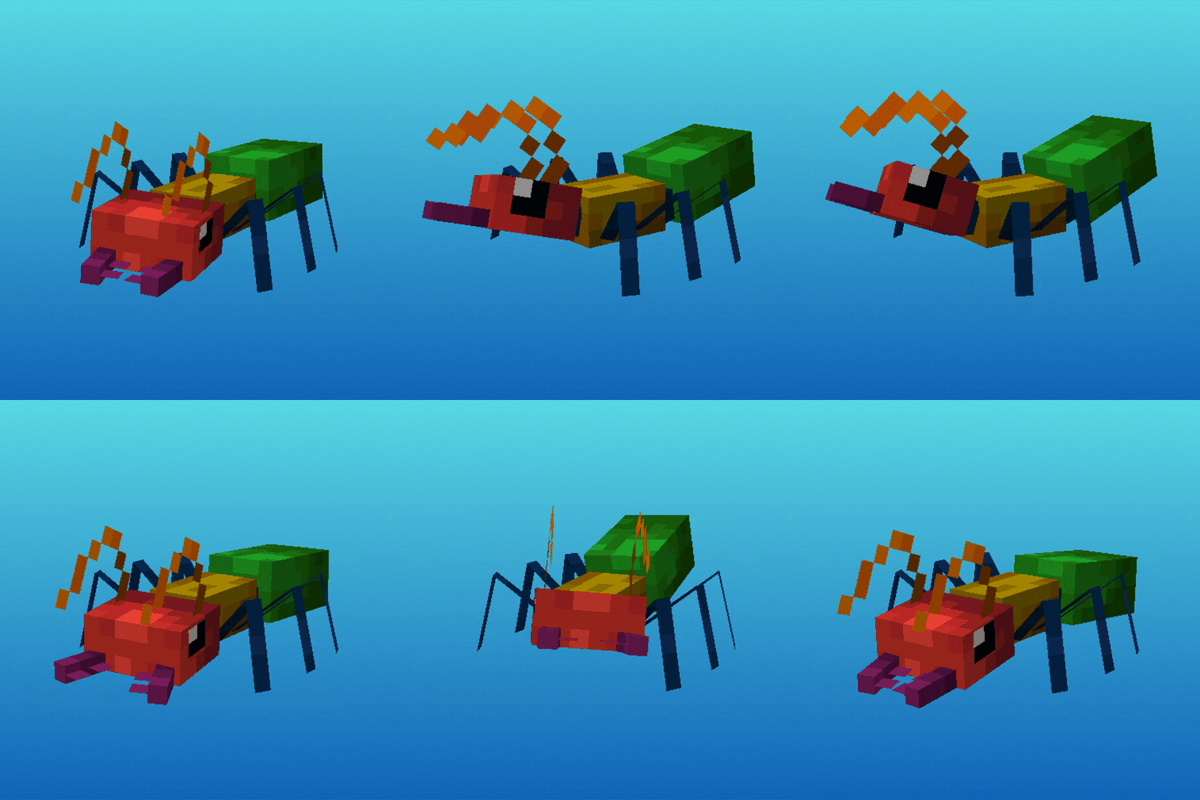
Adding 45+ mobs, 8+ bosses, 3 fleshed out dimensions, and more