GeckoLib Needed by RACCOONS! raccoons-1.4.0 cozy bandits update.jar
requiredMatching file found Matched file: Fabric 5.5.7

CurseForge · Minecraft mod
Hide your snacks. The raccoons are here.
Quick answer
RACCOONS! raccoons-1.4.0 cozy bandits update.jar targets 26.3 with Fabric. The project page does not say whether this file belongs on the client, dedicated server, or both. All 2 required mods have matching files.
Where it goes
The project page does not say whether this file belongs on the client, dedicated server, or both.
The source does not explicitly classify this release as client-only or server-only.
raccoons-1.4.0 cozy bandits update.jar. Change the file and its required mods may change too.
Install GeckoLib, Fabric API first. We found matching files for this game-version and loader setup.
We only count dependency files that match this setup. A file for another loader does not fill the gap.
Before you install it
Built for RACCOONS! raccoons-1.4.0 cozy bandits update.jar. Pick another file and the loader, install side or required mods may change.
Use raccoons-1.4.0 cozy bandits update.jar. It targets 26.3 with Fabric; another release may have different loader, side or dependency requirements.
Install GeckoLib, Fabric API first. We found matching files for this game-version and loader setup.
The project page does not say whether this file belongs on the client, dedicated server, or both.
Use the “Get this file” button beside raccoons-1.4.0 cozy bandits update.jar. It opens that exact file at the source.
About this project

Hide your snacks. The raccoons are here.
Befriend a raccoon with an apple, dress it up, and give it a cardboard box to nap in. Just keep an eye on your chests.


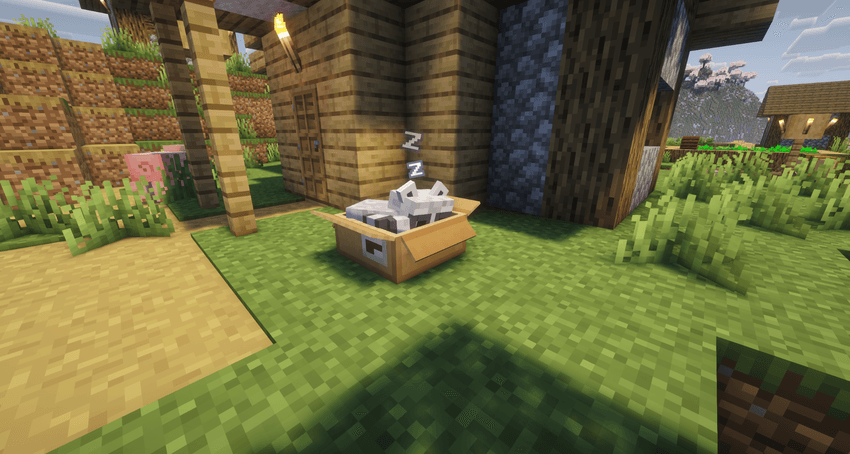
Home is a cardboard box.
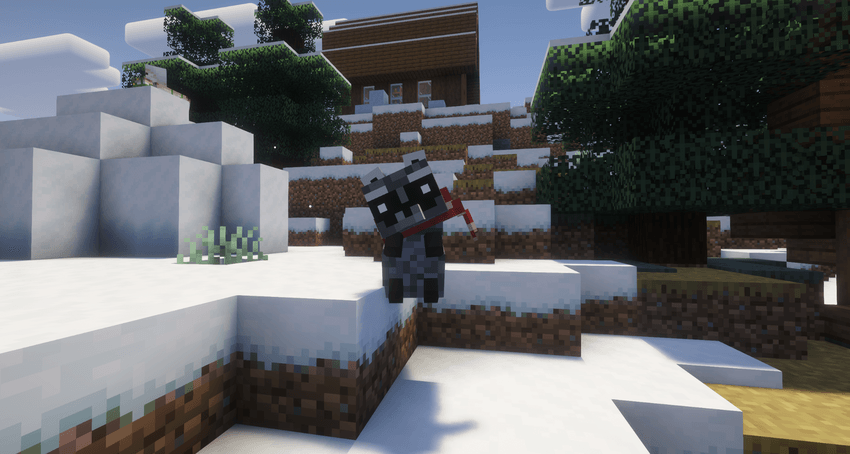
A red scarf for snowy days.
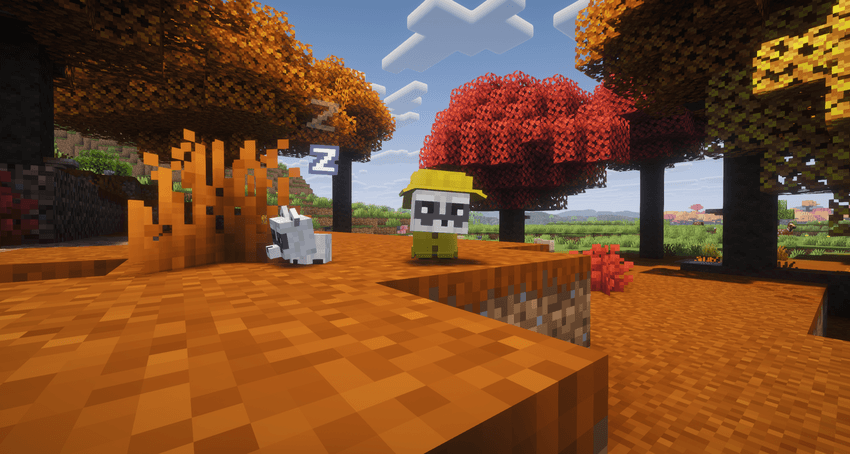
Raincoat on. Nap time for the little one.
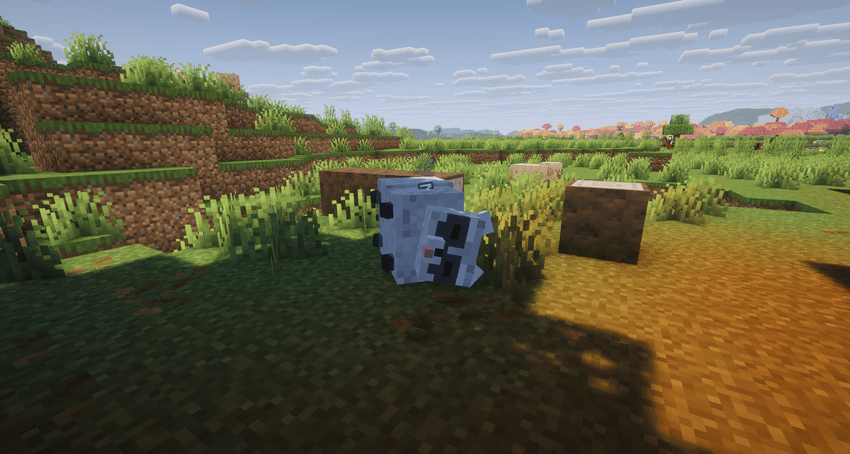
Five more minutes.



Found a bug? Use the Issues tab and include your Minecraft version, the mod version, and the steps to reproduce it. If the game crashed, include the crash report.
Project description from CurseForge.
Pick your setup
Choose the version and loader you play, then open the matching release.
Check the dependencies, then try the file in a copied instance before changing a world you care about.
Recent files
raccoons-1.4.0.jar
27 Nov 2026
30 Sept 2026
26 Jul 2026
23 Jul 2026
19 Jul 2026
Looking for an older file? The official CurseForge project page is in Resources.
 mod
Hide your snacks. The raccoons are here.
 mod
Five worktables and 901 building blocks, functional furniture, gardening and a Porter companion, with all nineteen expansion collections in one download.
 mod
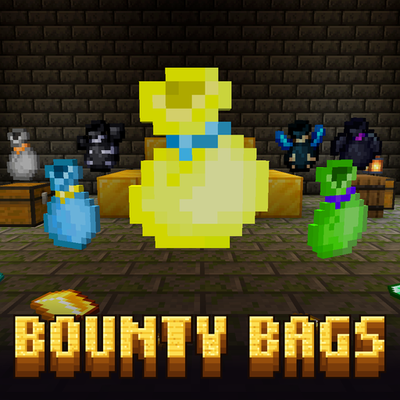
A tiered loot system where mobs drop progressively rarer bags (Legendary, Epic, Rare, Uncommon)