Pehkui Needed by Thematic 1.7.1+1.20.1-forge
requiredMatching file found Matched file: 3.8.2+1.20.1-forge

Modrinth · Minecraft mod
API/Core mod for the Thematic Superheroes Mod.
Quick answer
Thematic 1.7.1+1.20.1-forge targets 1.20, 1.20.1 with Forge. Installation on the client is optional. Installation on the dedicated server is optional. All 1 required mods have matching files.
Where it goes
Installation on the client is optional. Installation on the dedicated server is optional.
The source marks this as usable on both the client and server.
1.7.1+1.20.1-forge. Change the file and its required mods may change too.
Install Pehkui first. We found matching files for this game-version and loader setup.
We only count dependency files that match this setup. A file for another loader does not fill the gap.
Before you install it
Built for Thematic 1.7.1+1.20.1-forge. Pick another file and the loader, install side or required mods may change.
Use 1.7.1+1.20.1-forge. It targets 1.20, 1.20.1 with Forge; another release may have different loader, side or dependency requirements.
Install Pehkui first. We found matching files for this game-version and loader setup.
Installation on the client is optional. Installation on the dedicated server is optional.
Use the “Get this file” button beside 1.7.1+1.20.1-forge. It opens that exact file at the source.
About this project
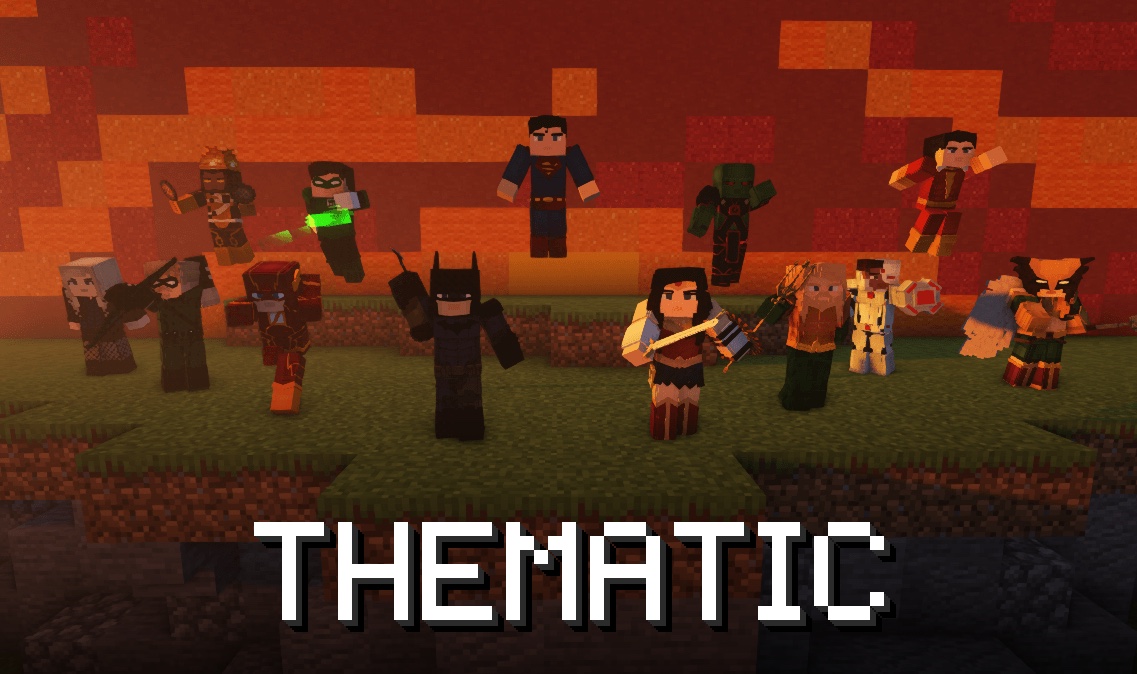
This is the core of Thematic. It runs the suits, abilities, the Suit Bench, the tablet, guns, mobs and the rest, but it has no superheroes of its own. Those come in packs.
Looking for the suits? Install Thematic: Heroes. The Modrinth App adds this core with it, so most players never need this page.
A pack adds content to Thematic: suits, abilities, items, blocks, mobs, status effects and more. You don't need to write Java or set up a mod project.
Thematic: Heroes is a pack built the same way, so every suit in it is an example you can open and copy.
Pack support arrives in Thematic 1.7.0.
.minecraft/thematic/packs/ while you work on it. Ability and suit edits apply on /reload, and /thematic packs reload tells you what changed. New suits and items need a restart.For autocomplete and type checks in VS Code, add thematic.d.ts to your project. The editor setup page shows how.
Upload it as a .zip, or as a .jar with no fabric.mod.json if a site only takes jars. Players drop it in their mods folder like any other mod. A pack that only changes abilities, effects or existing suits can also go in a world's datapacks folder.
Questions about packs? Ask in the Discord.
Team
Contributors
Supporters
fungi, bardock1, chasemate47, dempsity, devcoolfire, digitaldesign, gre3ves, hooper_3000, infernal_hulk, jcr2k3, karakent, milkincereal, misterymouse, ninjagamer11755, qualnard1_, realderpynarwhal, robin_cosmic, somebody576, spoonder_man, starbornwolf, stumpbunch05, wonderman21, yerd_
Credits last updated 2026-10-20.
Project description from Modrinth.
Pick your setup
Choose the version and loader you play, then open the matching release.
Check the dependencies, then try the file in a copied instance before changing a world you care about.
Recent files
thematic-neoforge-1.21.1-1.7.1.jar
13 Nov 2026
thematic-fabric-1.21.1-1.7.1.jar
13 Nov 2026
thematic-forge-1.20.1-1.7.1.jar
13 Nov 2026
thematic-fabric-1.20.1-1.7.1.jar
13 Nov 2026
thematic-neoforge-1.21.1-1.7.0.jar
31 Oct 2026
thematic-fabric-1.21.1-1.7.0.jar
31 Oct 2026
thematic-forge-1.20.1-1.7.0.jar
31 Oct 2026
thematic-fabric-1.20.1-1.7.0.jar
31 Oct 2026
thematic-fabric-1.20.1-1.6.8.jar
30 Sept 2026
thematic-fabric-1.20.1-1.6.7.jar
27 Aug 2026
thematic-fabric-1.20.1-1.6.6.jar
23 Aug 2026
thematic-fabric-1.20.1-1.6.5.jar
31 Jul 2026
Looking for an older file? The official Modrinth project page is in Resources.
 mod
KubeJS intergration for Create: The Factory Must Grow
 mod
Disposable public fixture for testing the Modpacks.ch GitHub catalogue flow
 mod
A simple currency/economy mod that allows you to safely trade in a multiplayer environment.