Patchouli Needed by CosmeticWeapons 1.1.0.1
requiredMatching file found Matched file: 1.21.1-93-neoforge
Modrinth · Minecraft mod
A CosmeticArmours Expansion Mod Adding New CosmeticWeapons into Your Minecraft Worlds!
Quick answer
CosmeticWeapons 1.1.0.1 targets 1.21.1 with NeoForge. Installation on the client is optional. Installation on the dedicated server is optional. All 1 required mods have matching files.
Where it goes
Installation on the client is optional. Installation on the dedicated server is optional.
The source marks this as usable on both the client and server.
1.1.0.1. Change the file and its required mods may change too.
Install Patchouli first. We found matching files for this game-version and loader setup. 1 comes through another mod in the chain.
1 extra mod was pulled in by another dependency. Indented rows show who needs each one. We only count dependency files that match this setup. A file for another loader does not fill the gap.
Before you install it
Built for CosmeticWeapons 1.1.0.1. Pick another file and the loader, install side or required mods may change.
Use 1.1.0.1. It targets 1.21.1 with NeoForge; another release may have different loader, side or dependency requirements.
Install Patchouli first. We found matching files for this game-version and loader setup. 1 comes through another mod in the chain.
Installation on the client is optional. Installation on the dedicated server is optional.
Use the “Get this file” button beside 1.1.0.1. It opens that exact file at the source.
About this project




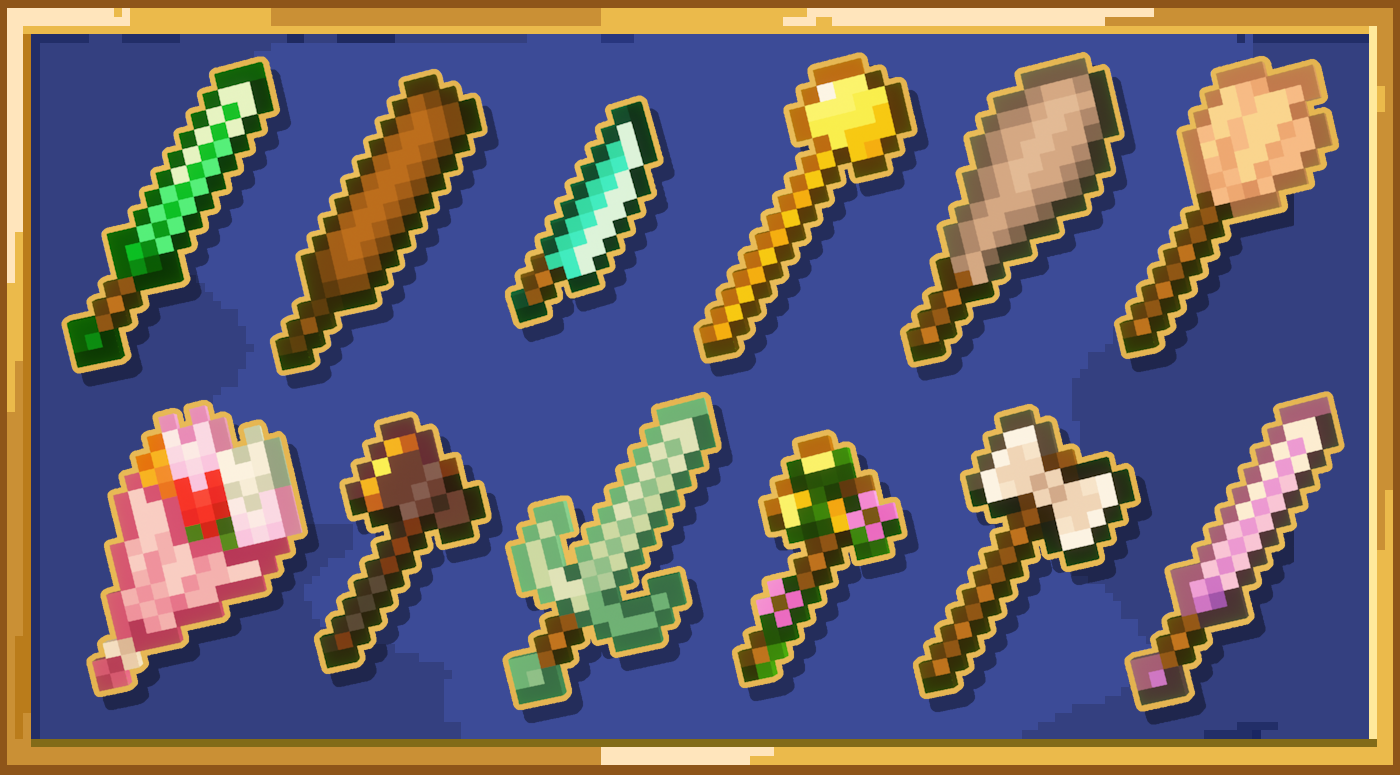



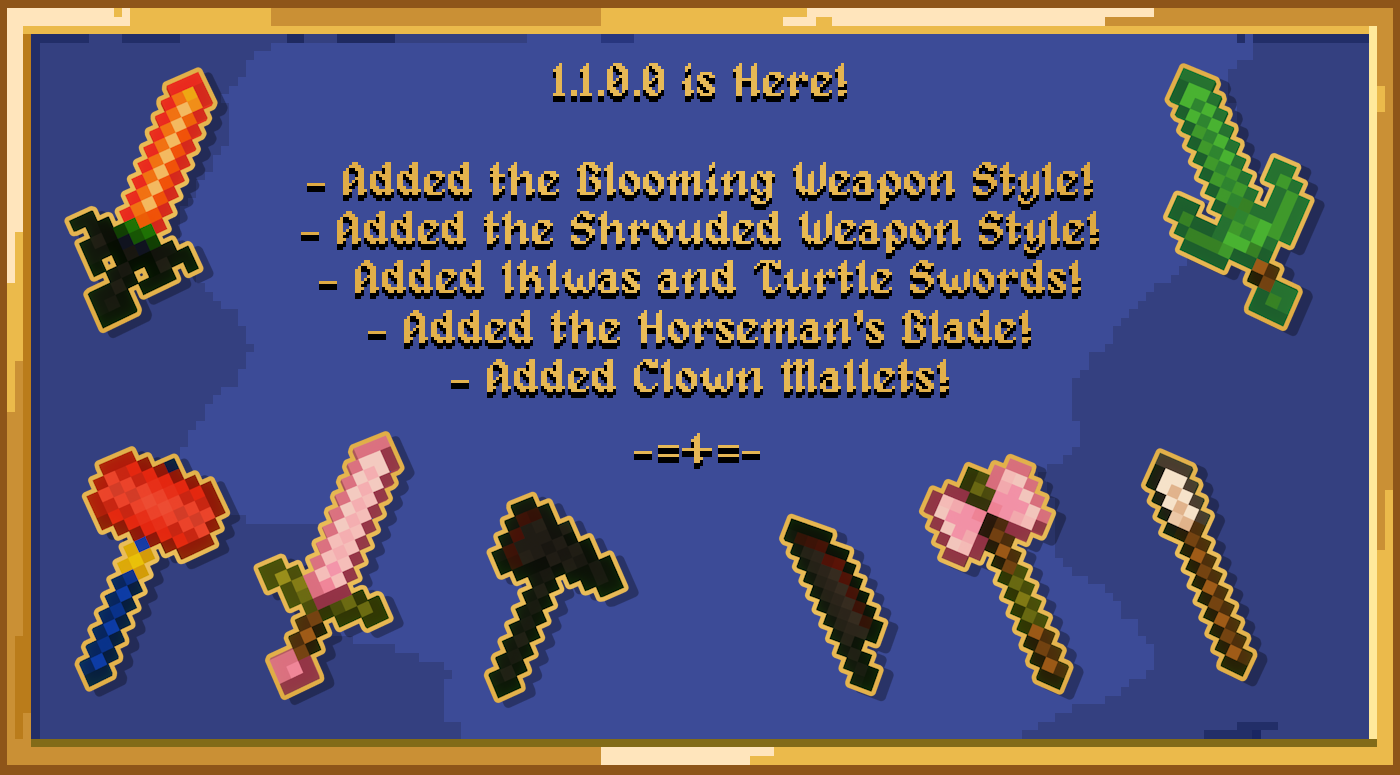
CosmeticWeapons is a CosmeticArmours expansion mod focused on adding new, balanced weapons to your Minecraft worlds, all designed to fit the vanilla Minecraft style for a seamless experience!
Show your individuality and style through the weapons you use! Wield knives, battleaxes, clubs and more! Customise even further using unique Weapon Styles! Perfect for roleplay and customisation!
Need to know how to craft something? Everything added by this mod is in the guidebook!
Feel free to join our Discord to submit your ideas!
Project description from Modrinth.
Pick your setup
Choose the version and loader you play, then open the matching release.
Check the dependencies, then try the file in a copied instance before changing a world you care about.
Recent files
CosmeticWeapons - 1.1.0.1 - 1.21.1 - NeoForge.jar
11 Nov 2025
CosmeticWeapons - 1.1.0.1 - 1.20.6 - NeoForge.jar
11 Nov 2025
CosmeticWeapons - 1.1.0.1 - 1.20.4 - NeoForge.jar
11 Nov 2025
CosmeticWeapons - 1.1.0.1 - 1.20.1 - Forge.jar
11 Nov 2025
CosmeticWeapons - 1.1.0.0 - 1.21.1 - NeoForge.jar
19 Sept 2025
CosmeticWeapons - 1.1.0.0 - 1.20.6 - NeoForge.jar
19 Sept 2025
CosmeticWeapons - 1.1.0.0 - 1.20.4 - NeoForge.jar
19 Sept 2025
CosmeticWeapons - 1.1.0.0 - 1.20.1 - Forge.jar
19 Sept 2025
CosmeticWeapons - 1.0.0.1 - 1.21.1 - NeoForge.jar
31 Jan 2025
CosmeticWeapons - 1.0.0.1 - 1.20.6 - NeoForge.jar
31 Jan 2025
CosmeticWeapons - 1.0.0.1 - 1.20.4 - NeoForge.jar
31 Jan 2025
CosmeticWeapons - 1.0.0.1 - 1.20.1 - Forge.jar
31 Jan 2025
Looking for an older file? The official Modrinth project page is in Resources.
 mod
modA technology NeoForge/Fabric mod with many machines.
 mod
modIndustrial tech mod: machines, FE, fluids, heat, logistics, late-game multiblocks and nanites
 mod
modAll-in-one mod that improves performance, reduces memory usage, and fixes many bugs. Compatible with all your favorite performance mods!