Common Lib Needed by Player Corpse 1.12.0
requiredMatching file found Matched file: 2.8.0
Vintage Story Mod DB · Vintage Story mod
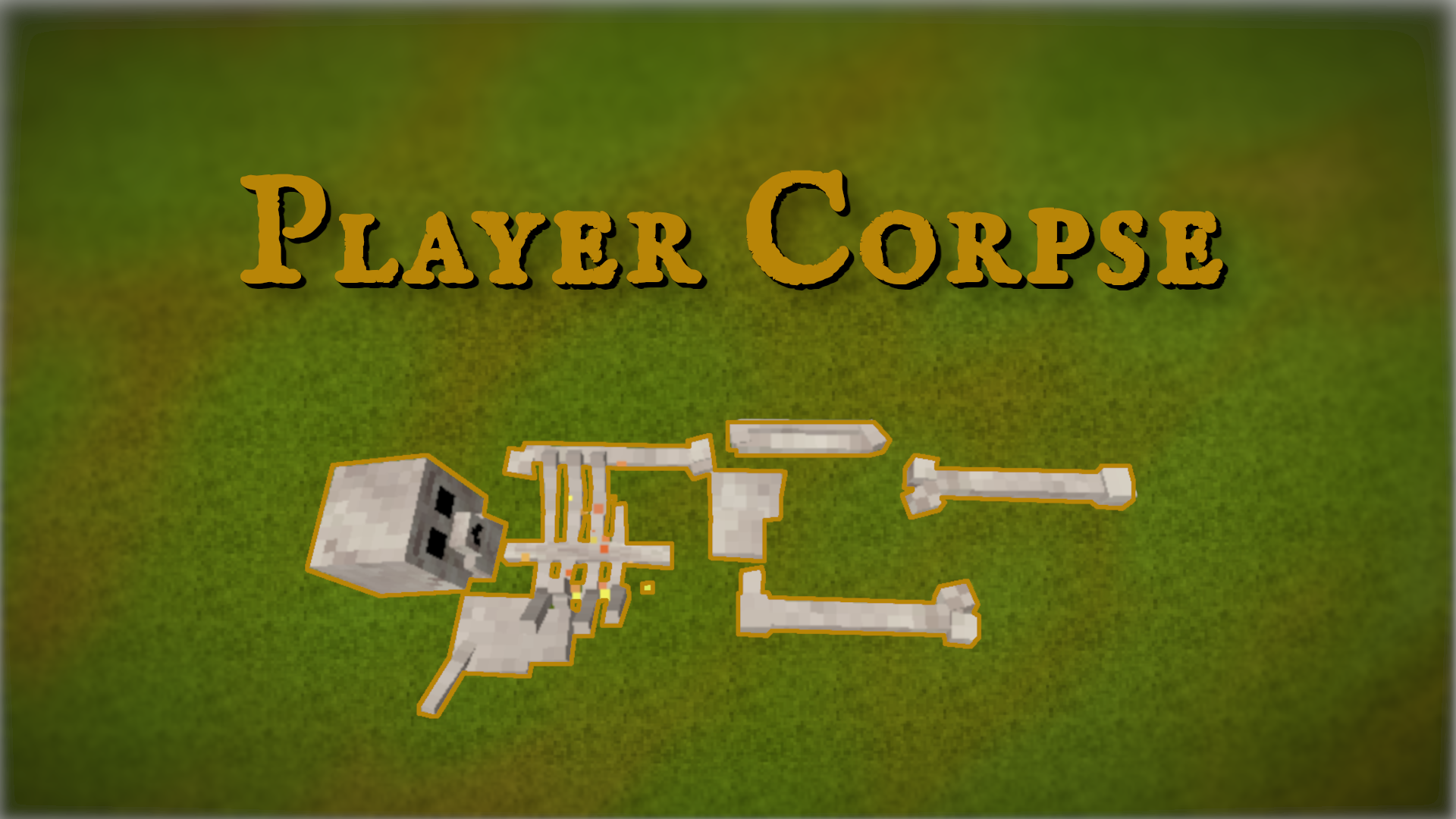
Requires CommonLib for VS 1.18+ The reimagined grave system. After the death of the player, the player's corpse will spawn in its place (at the moment it is a regular humanoud skeleton). You can go to it and collect things (by holding RMB), by default only
Quick answer
Player Corpse 1.12.0 targets 1.21.0, 1.21.1-rc.1, 1.21.1-rc.2. It must be installed on the client. Installation on the dedicated server is optional. All 1 required mods have matching files.
Where it goes
It must be installed on the client. Installation on the dedicated server is optional.
This release supports both sides, but the source does not require it on the server.
1.12.0. Change the file and its required mods may change too.
Install Common Lib first. We found matching files for this game-version and loader setup.
We only count dependency files that match this setup. A file for another loader does not fill the gap.
Before you install it
Built for Player Corpse 1.12.0. Pick another file and the loader, install side or required mods may change.
Use 1.12.0. It targets 1.21.0, 1.21.1-rc.1, 1.21.1-rc.2; another release may have different loader, side or dependency requirements.
Install Common Lib first. We found matching files for this game-version and loader setup.
It must be installed on the client. Installation on the dedicated server is optional.
Use the “Get this file” button beside 1.12.0. It opens that exact file at the source.
About this project




The reimagined grave system.
After the death of the player, the player's corpse will spawn in its place (at the moment it is a regular humanoud skeleton). You can go to it and collect things (by holding RMB), by default only its owner or a player in a creative can collect a corpse. Not despawning.
In addition, a waypoint will be created at the place of death. By default, it will try to resolve conflicts with known mods, for example supports StreamDC.
Since the game is an unpredictable thing, this mod also adds the ability to restore items lost at the last death using the /returnthings command. By default, the last 10 deaths are stored for each player.
Config can be edited at runtime via /cl config
For bug reports, it is better to use GitHub (Issue tracker link), there is a form for reporting.
If you're reporting bugs, please don't write "it doesn't work" or "it's crashing for me". At least specify the version of the mod and the library. If you have a crash - add crash text. If the mod does not work correctly, but does not crash - check client-main.txt and server-main.txt from %appdata%/VintagestoryData/Logs for errors.
Project description from Vintage Story Mod DB.
Pick your setup
Choose the version and loader you play, then open the matching release.
Showing the newest 12 of 60 game versions. Older files are in the list below.
Check the dependencies, then try the file in a copied instance before changing a world you care about.
Recent files
PlayerCorpse_VS1.21.1_net8_v1.12.0.zip
13 Sept 2025
PlayerCorpse_VS1.20.7_net7_v1.11.1.zip
21 Apr 2025
PlayerCorpse_VS1.20.0-rc.1_net7_v1.11.0.zip
9 Dec 2024
PlayerCorpse_VS1.19.7_net7_v1.10.1-rc.1.zip
26 May 2024
PlayerCorpse_VS1.19.7_net7_v1.10.0.zip
26 May 2024
PlayerCorpse_VS1.19.0-rc.5_net7_v1.9.0.zip
6 Jan 2024
PlayerCorpse_VS1.18.6_netstandard2.0_v1.8.0.zip
19 Jul 2023
PlayerCorpse_v1.18.6_v1.7.2.zip
3 Jul 2023
PlayerCorpse_v1.18.0-rc.1_v1.7.1.zip
8 Apr 2023
PlayerCorpse_v1.18.0-rc.1_v1.7.0.zip
5 Apr 2023
PlayerCorpse_v1.18.0-pre.5_v1.6.0-rc.1.zip
7 Mar 2023
PlayerCorpse_v1.17.9_v1.5.5.zip
2 Nov 2022
Looking for an older file? The official Vintage Story Mod DB project page is in Resources.
 mod
modChoose which recipe the survival crafting grid uses when several match.
 mod
modMod manager and dedicated server tool: updates, rollback, ModDB catalog, backups, remote control
modMod manager and dedicated server tool: updates, rollback, ModDB catalog, backups, remote control