Hytale version
Back to mods 
CurseForge · Hytale mod
Aures - Livestock Skins
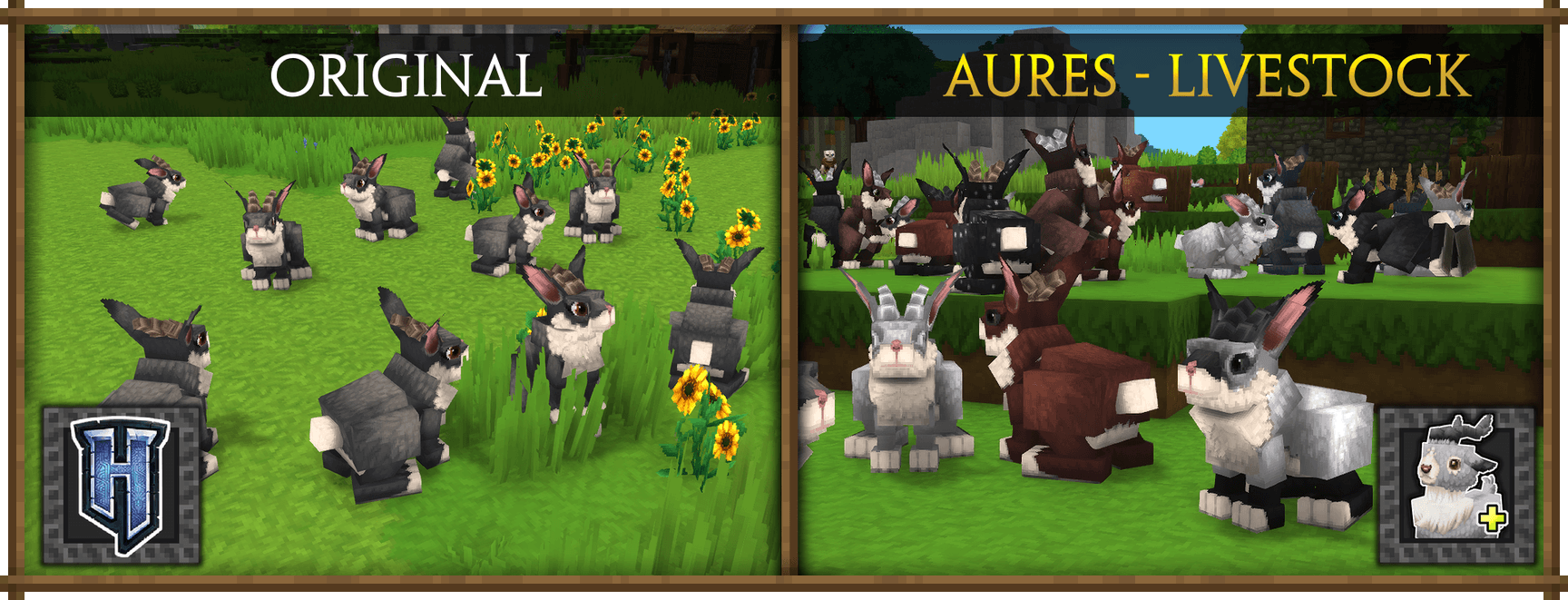
Adds a variety of colors and random variations for rabbits, mouflons, pigs, sheeps, rams, goats and other!
Choose a version Pick your version below, then grab the matching file.
Quick answer
Which Aures - Livestock Skins release should I use?
Latest stable file 0.5.1_Aures_Livestock_27_05_2026.zip
Game version 0.5
Mod system Built-in Hytale mod system
Aures - Livestock Skins 0.5.1_Aures_Livestock_27_05_2026.zip targets Hytale. Do not install it as a separate client mod. Enable it on the world host—the local server in singleplayer or the dedicated server in multiplayer. No required dependencies listed for this file.
Where it goes
Where should Aures - Livestock Skins be installed in Hytale?
Do not install it as a separate client mod. Enable it on the world host—the local server in singleplayer or the dedicated server in multiplayer.
Separate client mod Not supported
World host / dedicated server Required
Mod system for this release Built-in Hytale mod system
Required install it here Optional supported, not mandatory Not supported do not install here Source doesn’t say do not assume
Put Hytale mods on the world host or dedicated server. Singleplayer runs a local server too; Hytale does not use separate client mods.
What else does Aures - Livestock Skins 0.5.1_Aures_Livestock_27_05_2026.zip need?
0.5.1_Aures_Livestock_27_05_2026.zip. Change the file and its required mods may change too.
This file does not list any required mods. Do not add a library just because a different file uses it.
This file does not list any required or optional project dependencies. Check the creator notes before changing an existing world.
Before you install it
Add Aures - Livestock Skins without breaking your instance.
Built for Aures - Livestock Skins 0.5.1_Aures_Livestock_27_05_2026.zip. Pick another file and the loader, install side or required mods may change.
- 01
Stick to this file
Use 0.5.1_Aures_Livestock_27_05_2026.zip. It targets Hytale; another release may target a different game build or dependency set.
- 02
Bring the mods it needs
This file does not list any required mods. Do not add a library just because a different file uses it.
- 03
Enable it on the world host
Do not install it as a separate client mod. Enable it on the world host—the local server in singleplayer or the dedicated server in multiplayer.
- 04
Pick the file you checked
Use the “Get this file” button beside 0.5.1_Aures_Livestock_27_05_2026.zip. It opens that exact file at the source.
About this project
What does Aures - Livestock Skins add?
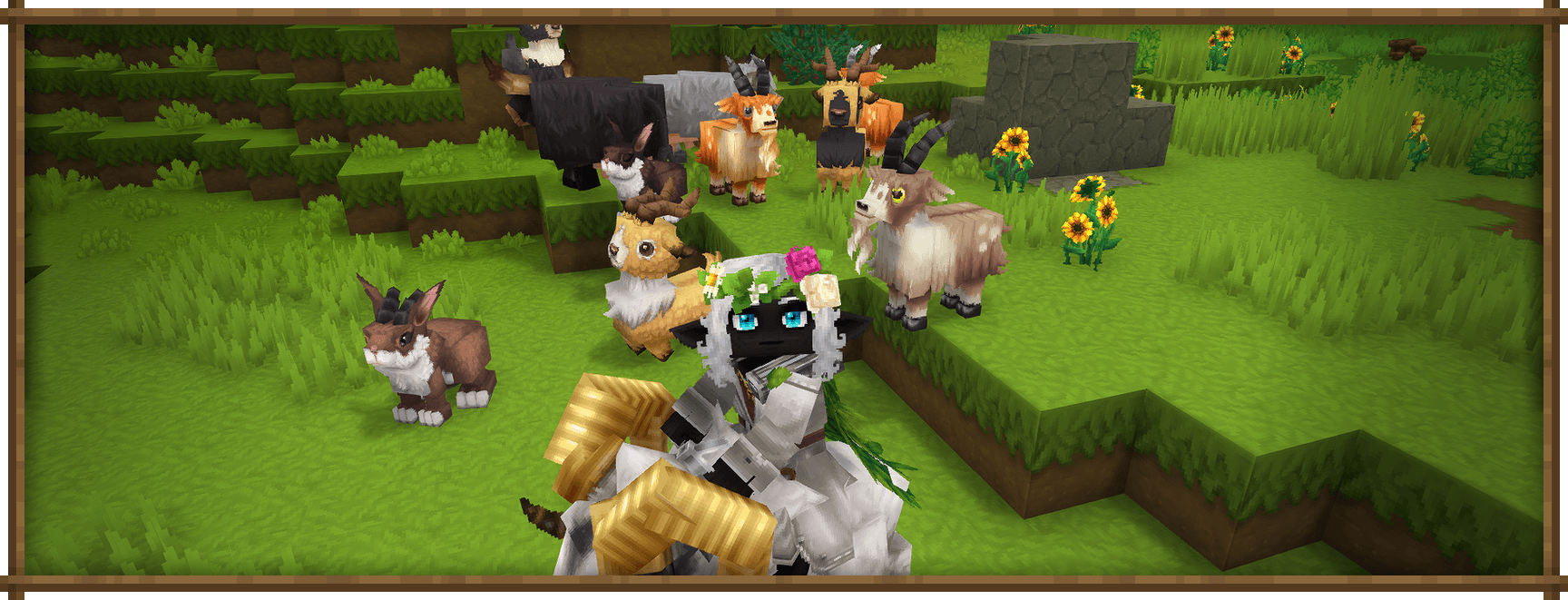





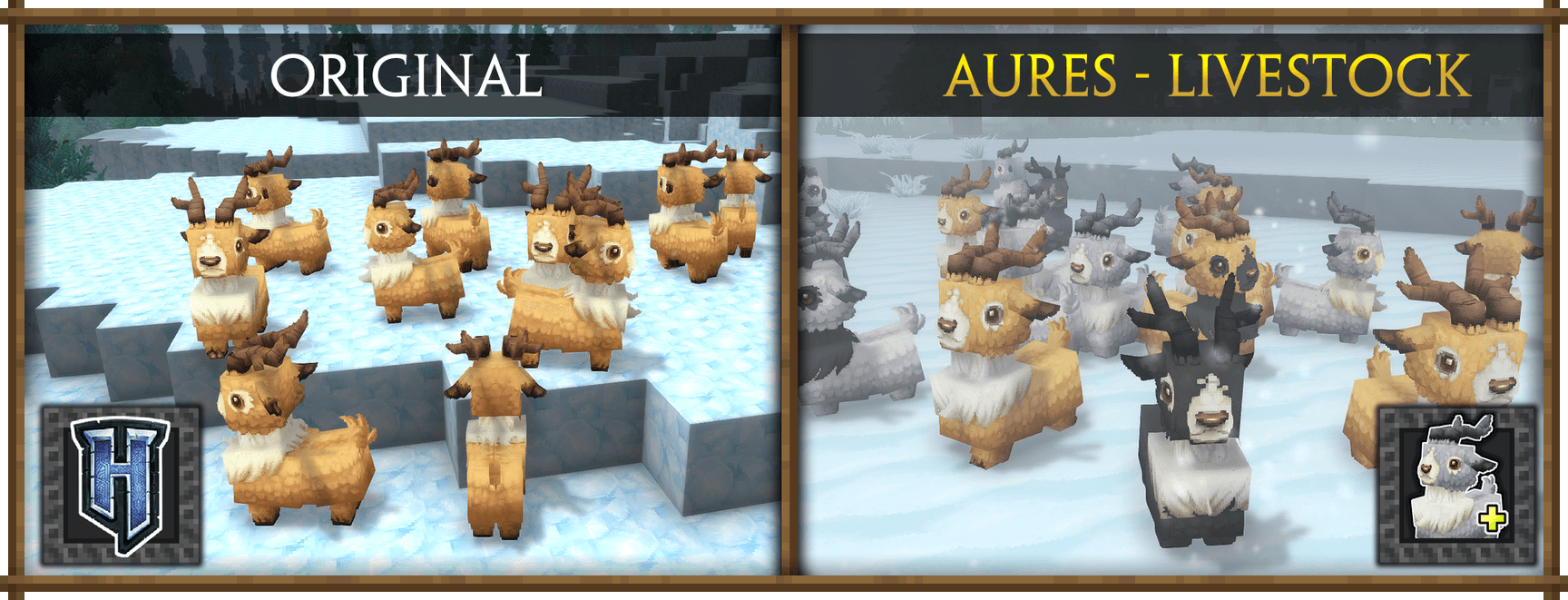
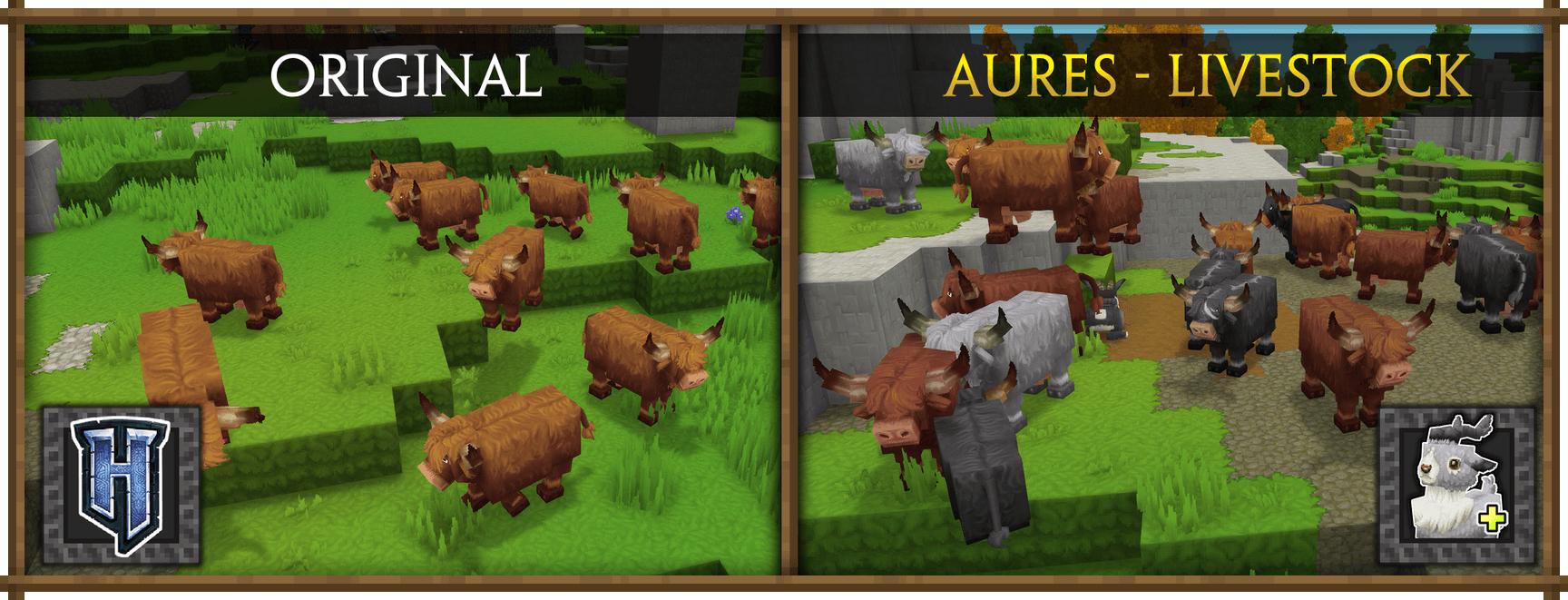
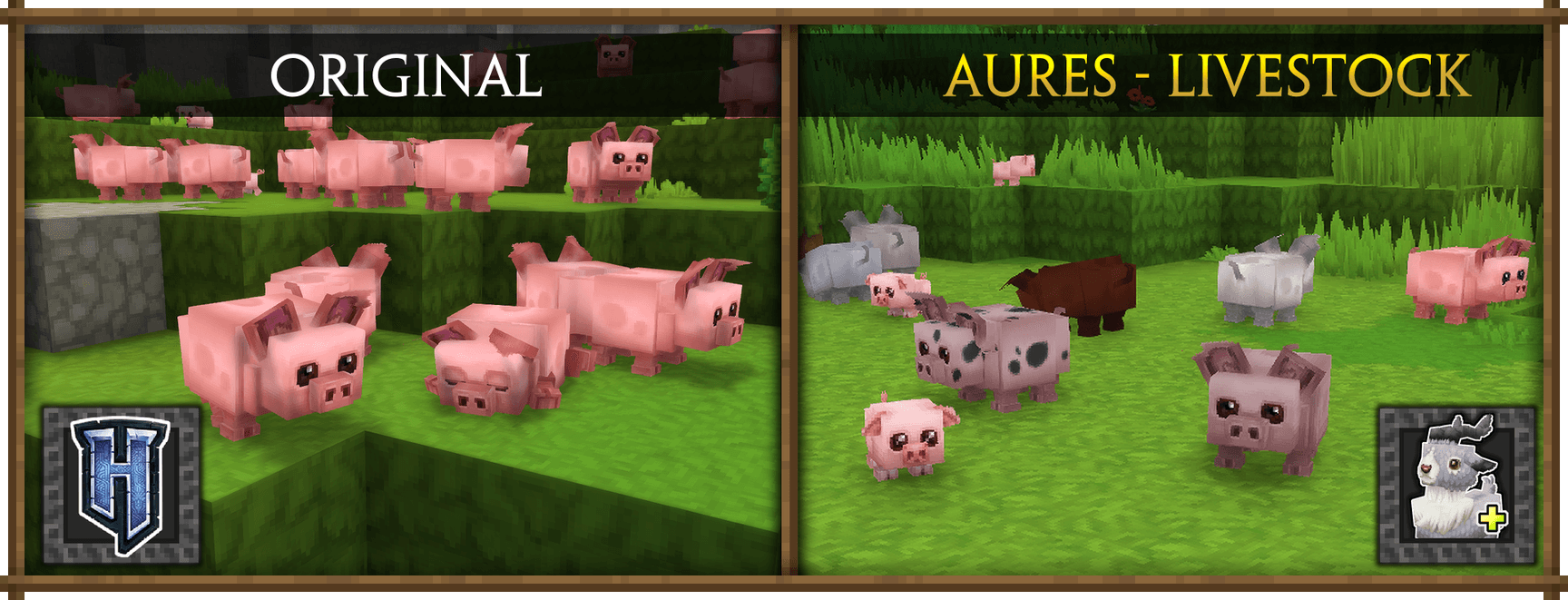
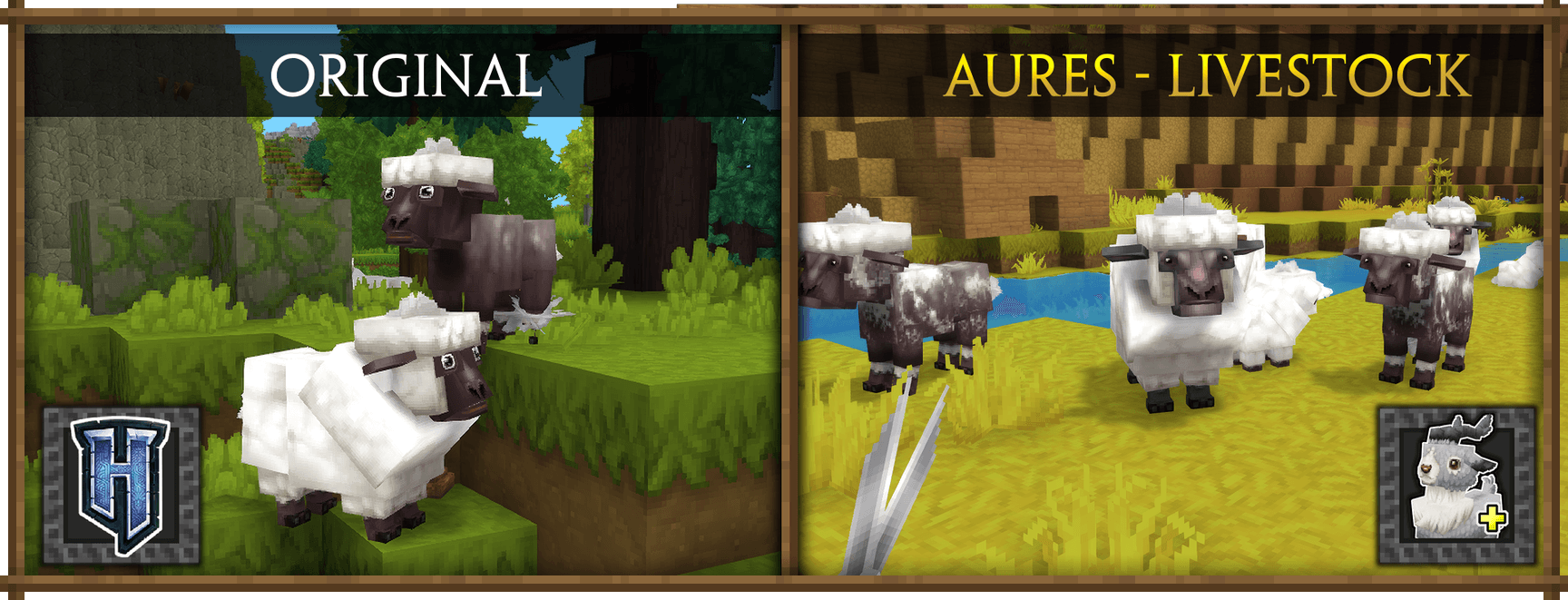
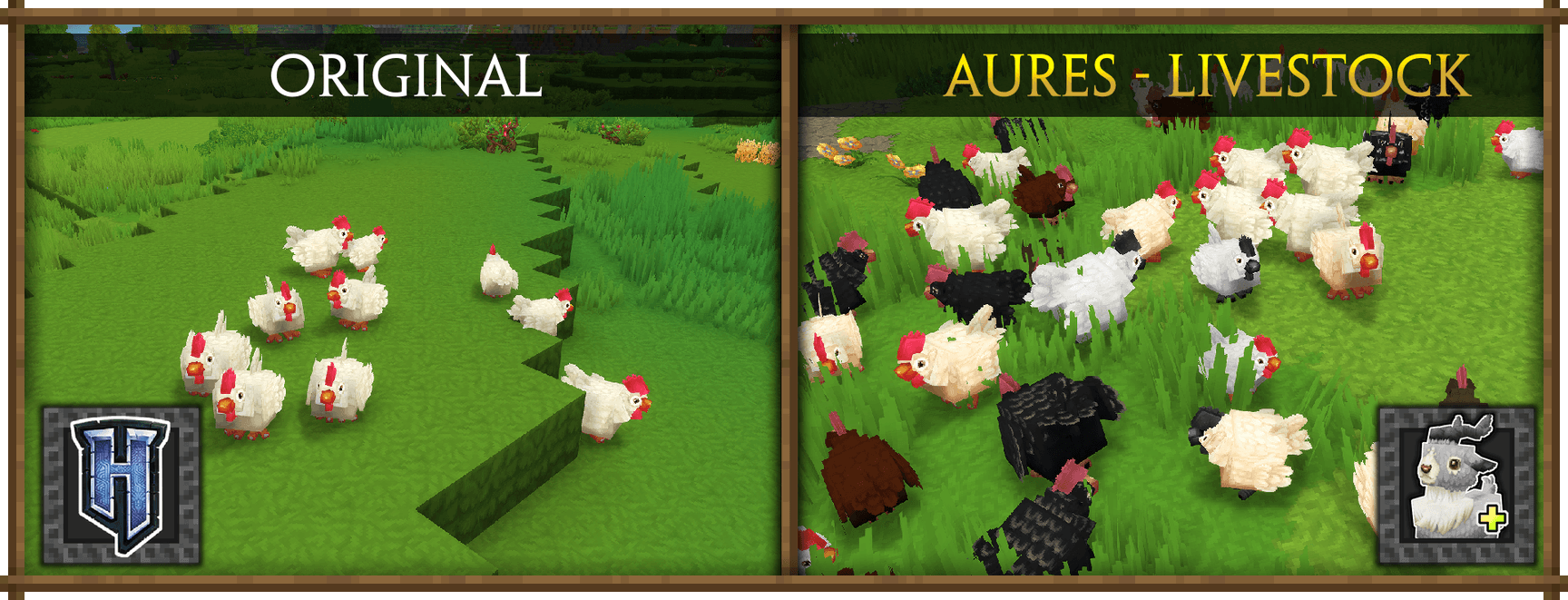
■ - This pack adds a variety of colors and random variations for many animals!
Features:
- Supports the following animals: Camel, Chicken, Cow, Goat, Mouflon, Pig, Rabbit, Ram, Sheep.
- Over 150+ new randomizable patterns;
- Perfect for collectors ! Almost every species has some very rare special variation.
- No model changes;
- The pack does not change the behavior in any way, only their appearance;
- The pack does not add new animals; these are still vanilla.
⚙️Installation
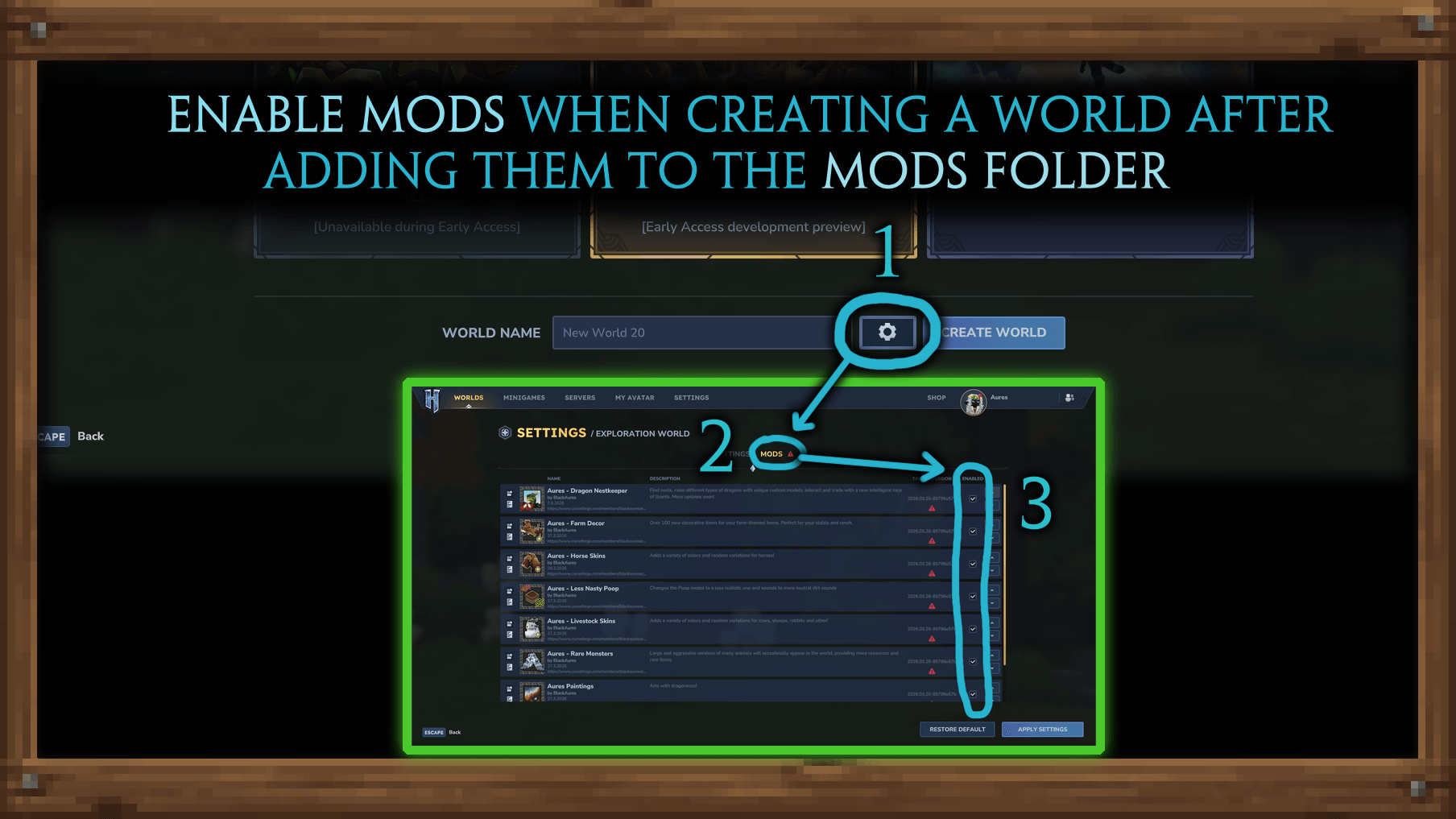
■┃- After downloading the mod, make sure to go to World Settings and check the boxes next to the desired mods before creating a world. This is important, otherwise the mod won't be enabled in the selected world.
■┃- Use Curseforge Launcher (preferably standalone) to conveniently download and easily install mods. Or manually add them to the mods folder.
■┃- If you are using the pre-release version, please note that mods are stored in Hytale_Game\data\pre-release\Mods, not in Hytale_Game\UserData\Mods.
■┃- To configure and edit mods, unzip them. You can customize absolutely everything within these files. If you need something specific, just ask in the chat.
■┃- For add mods for the old world, right-click on the world icon in the menu and you will see the same list of settings for enabling mods. Livestock Skins will apply new textures only to new animals.
📦 Compatibility & Recommended Mods
■ - This mod should be compatible with everything by default. It's made for use in any modpacks. Problems may arise only with similar mods that use the same files or with mods that change the UV on models.
However, there are mods that go especially very well with this one.
- Recommended Mods:
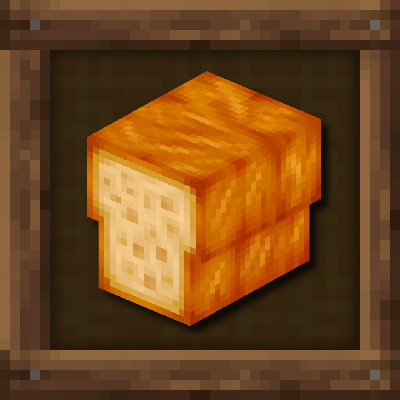
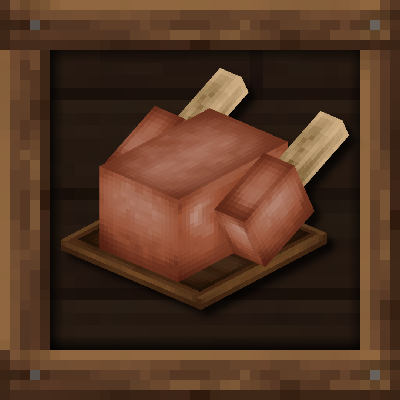
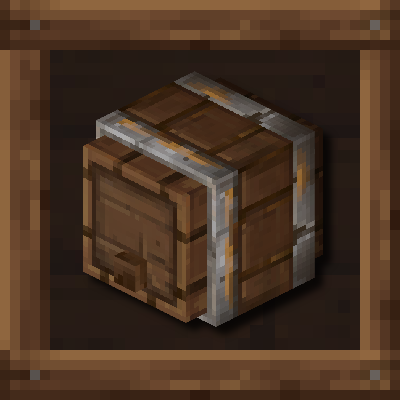
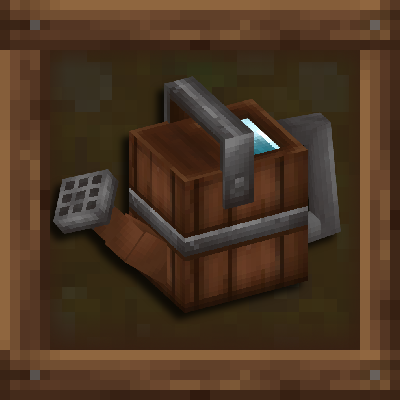
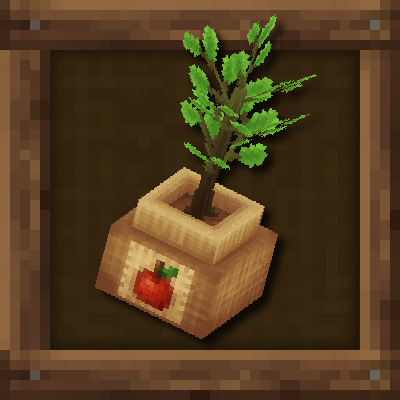
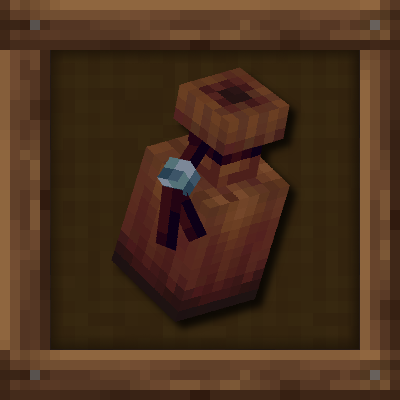
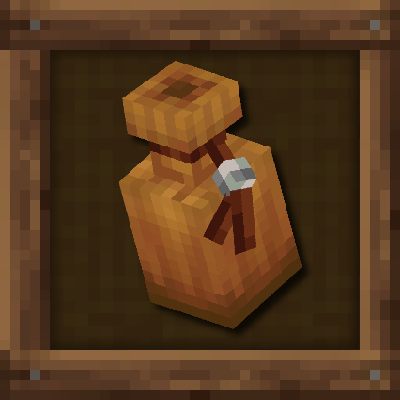
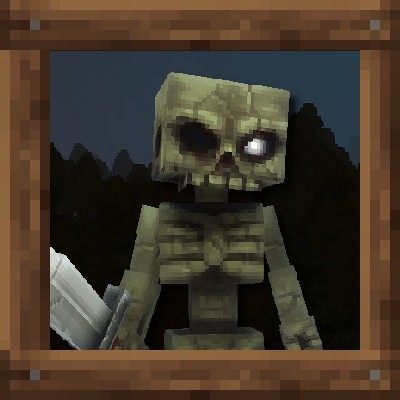
■ - This mod is potentially incompatible with any mods that alter the standard models and textures of the listed NPCs.
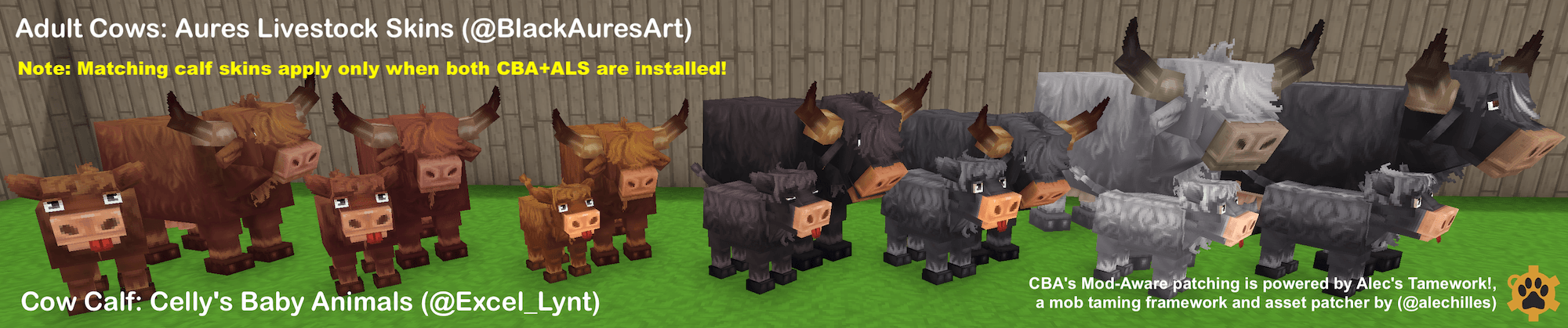
■ - Use Celly's Baby Animals to have baby skins. It is specifically compatible with my mod, and animals will grow up with the correct skin variant.
💬 Permissions
✔️ You are allowed to include this mod in Curseforge modpacks and use this mod in your videos. A link to the mod page in the description is highly appreciated.
❌ You are not allowed to reupload this mod to any other websites/launchers/apps, use any contents of this mod in other projects, put this mod behind any adfly-like links, sell this mod in any way or include in paid modpacks - this mod is free for all players.
■ - Our Discord for mods - https://discord.gg/aSRPHxHKPg
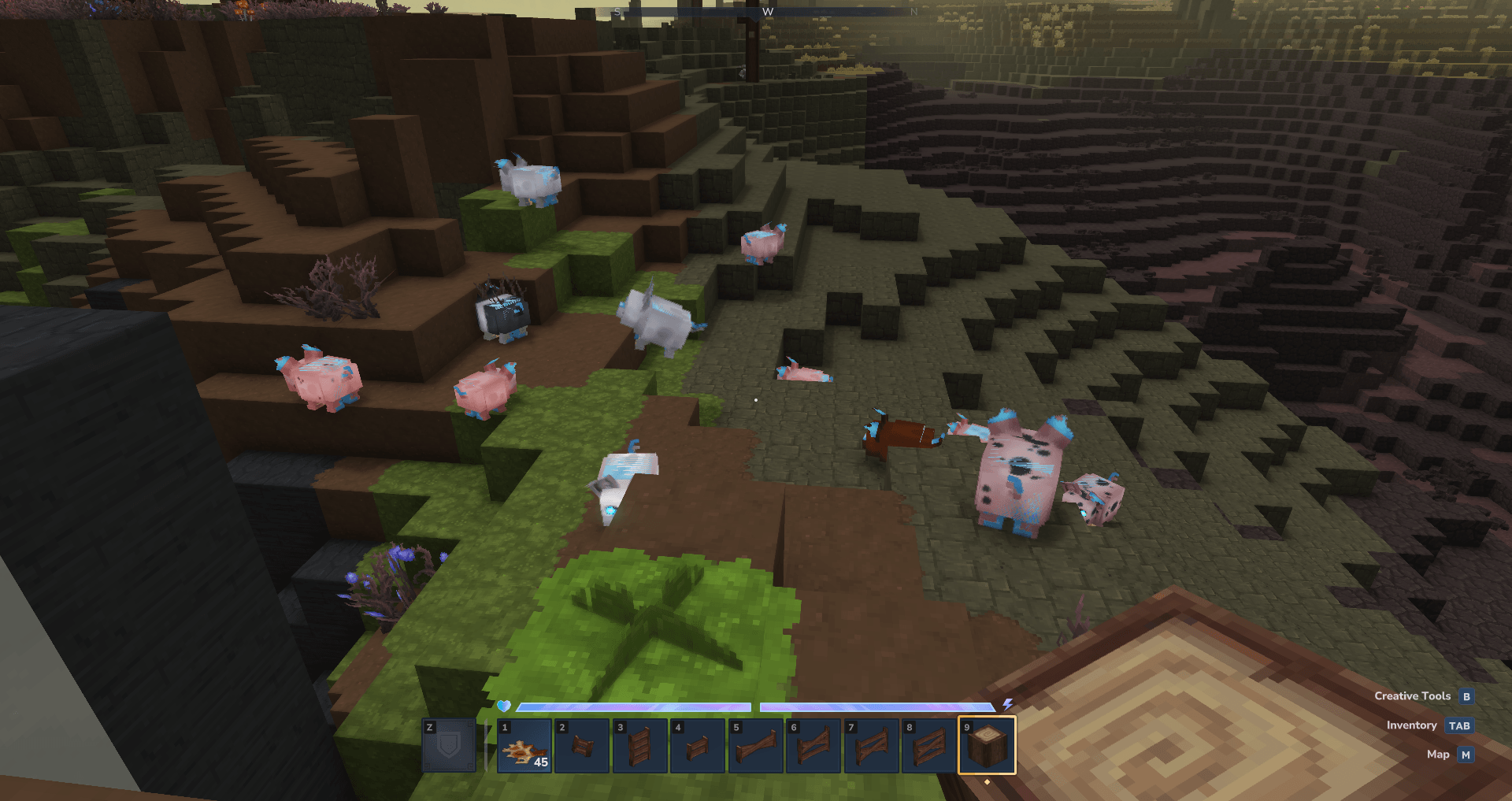
- For now, the only way to fix the flickering undead animals and double desert chicken issue is to wait for an official fix (which I have no control over). THIS IS A BUG IN THE BASIC GAME; I CAN'T FIX IT MYSELF
I'm honestly tired of messaging developers everywhere and tired of waiting for an official fix for this shit, so I'm just removing the cows, pigs, and chickens from the mod to get rid of the flickering. This is a problem for many mods. Your old animals will revert to their default appearance. I'll return these animals after they've been fixed
In version 0.6+, Hytale has finally fixed the issue.
Project description from CurseForge.
Pick your setup
Aures - Livestock Skins releases for each Hytale build.
Choose the version and loader you play, then open the matching release.
Check the dependencies, then try the file in a copied instance before changing a world you care about.
Recent files
Aures - Livestock Skins releases and Hytale builds
0.6.0_PRE-R_Aures_Livestock_06_06_2026.zip
6 Jun 2026
Client Not supported Server Required Dependencies No extras listed Listed on Project page
Check the 0.5 setup 0.5.1_Aures_Livestock_27_05_2026.zip
27 May 2026
Client Not supported Server Required Dependencies No extras listed Listed on Project page
Check the setup 5efa15f6d_PRE-R_Aures_Livestock_13_05_2026_NO_PIG_COW_CHICKEN.zip
13 May 2026
Client Not supported Server Required Dependencies No extras listed Listed on Project page
Check the setup 5efa15f6d_PRE-R_Aures_Livestock_13_05_2026_NO_PIG_COW_CHICKEN.zip
13 May 2026
Client Not supported Server Required Dependencies No extras listed Listed on Project page
Check the setup 5efa15f6d_PRE-R_Aures_Livestock_09_05_2026.zip
10 May 2026
Client Not supported Server Required Dependencies No extras listed Listed on Project page
Check the setup 89796e57b_Aures_Livestock_27_03_2026.zip
27 Mar 2026
Client Not supported Server Required Dependencies No extras listed Listed on Project page
Check the setup 9fdc5985d_PRE-RELEASE_Aures_Livestock_11_03_2026.zip
11 Mar 2026
Client Not supported Server Required Dependencies No extras listed Listed on Project page
Check the setup 1a311a592_Aures_Livestock_10_03_2026.zip
10 Mar 2026
Client Not supported Server Required Dependencies No extras listed Listed on Project page
Check the setup Aures_Livestock_17_02_2026.zip
17 Feb 2026
Client Not supported Server Required Dependencies No extras listed Listed on Project page
Check the setup Aures_Livestock_01.02.2026.zip
2 Feb 2026
Client Not supported Server Required Dependencies No extras listed Listed on Project page
Check the setup Aures_Livestock_14.01.2026.zip
14 Jan 2026
Client Not supported Server Required Dependencies No extras listed Listed on Project page
Check the setup Aures_Livestock.zip
11 Jan 2026
Client Not supported Server Required Dependencies No extras listed Listed on Project page
Check the setup Looking for an older file? The official CurseForge project page is in Resources.
 mod
mod CurseForge · Hytale
Custom Enchants
A Custom Enchants plugin that adds cool enchants applyable to armor and weapons.
 mod
mod CurseForge · Hytale
Endless Marriage (That One Cracked ASF Marriage Mod)
Featuring Shared Inventory, Marriage Buffs, Rings, Piggyback, Kissing, Homes
 mod
mod CurseForge · Hytale
Averion Ambient
Region-based ambient music system for your Hytale server. Define zones and assign your own music tracks to them — when a player enters a zone, their music automatically switches. Perfect for villages, dungeons, forests, and special places.