JET-1.10.5.jar
2 Apr 2026
Client Not supported Server Required Dependencies No extras listed Listed on Project page
Check the setup 
CurseForge · Hytale mod
A JEI mod for Hytale.
Quick answer
Just Enough Tales (JEI mod) JET-1.10.5.jar targets Hytale. Do not install it as a separate client mod. Enable it on the world host—the local server in singleplayer or the dedicated server in multiplayer. No required dependencies listed for this file.
Where it goes
Do not install it as a separate client mod. Enable it on the world host—the local server in singleplayer or the dedicated server in multiplayer.
Put Hytale mods on the world host or dedicated server. Singleplayer runs a local server too; Hytale does not use separate client mods.
JET-1.10.5.jar. Change the file and its required mods may change too.
This file does not list any required mods. Do not add a library just because a different file uses it.
This file does not list any required or optional project dependencies. Check the creator notes before changing an existing world.
Before you install it
Built for Just Enough Tales (JEI mod) JET-1.10.5.jar. Pick another file and the loader, install side or required mods may change.
Use JET-1.10.5.jar. It targets Hytale; another release may target a different game build or dependency set.
This file does not list any required mods. Do not add a library just because a different file uses it.
Do not install it as a separate client mod. Enable it on the world host—the local server in singleplayer or the dedicated server in multiplayer.
Use the “Get this file” button beside JET-1.10.5.jar. It opens that exact file at the source.
About this project

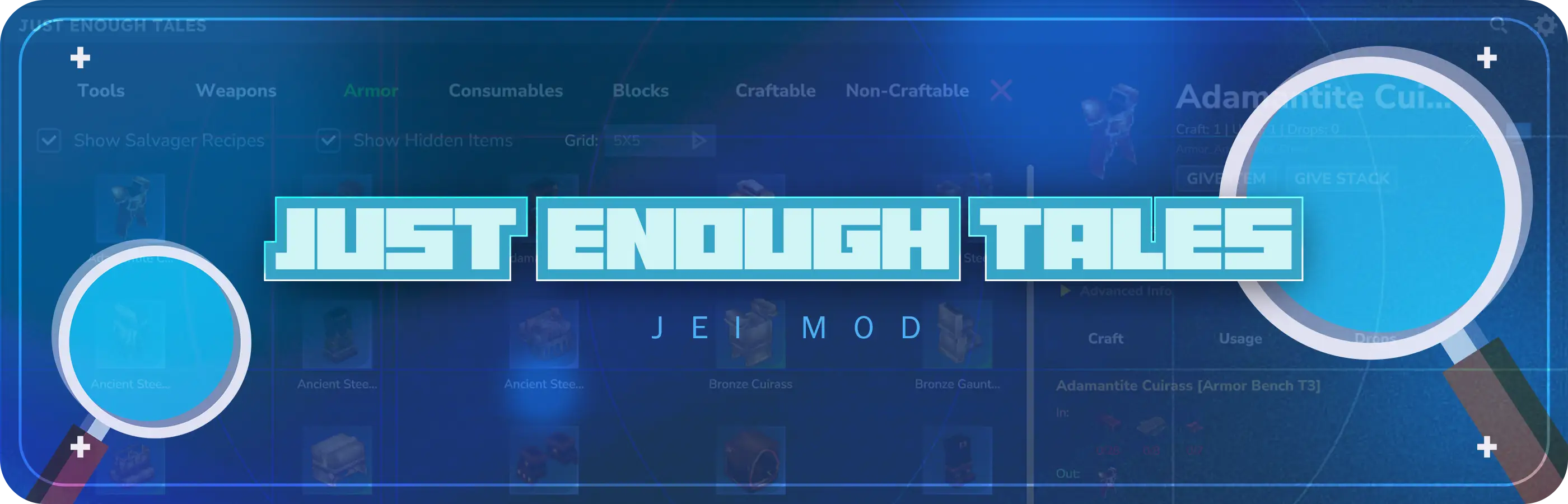

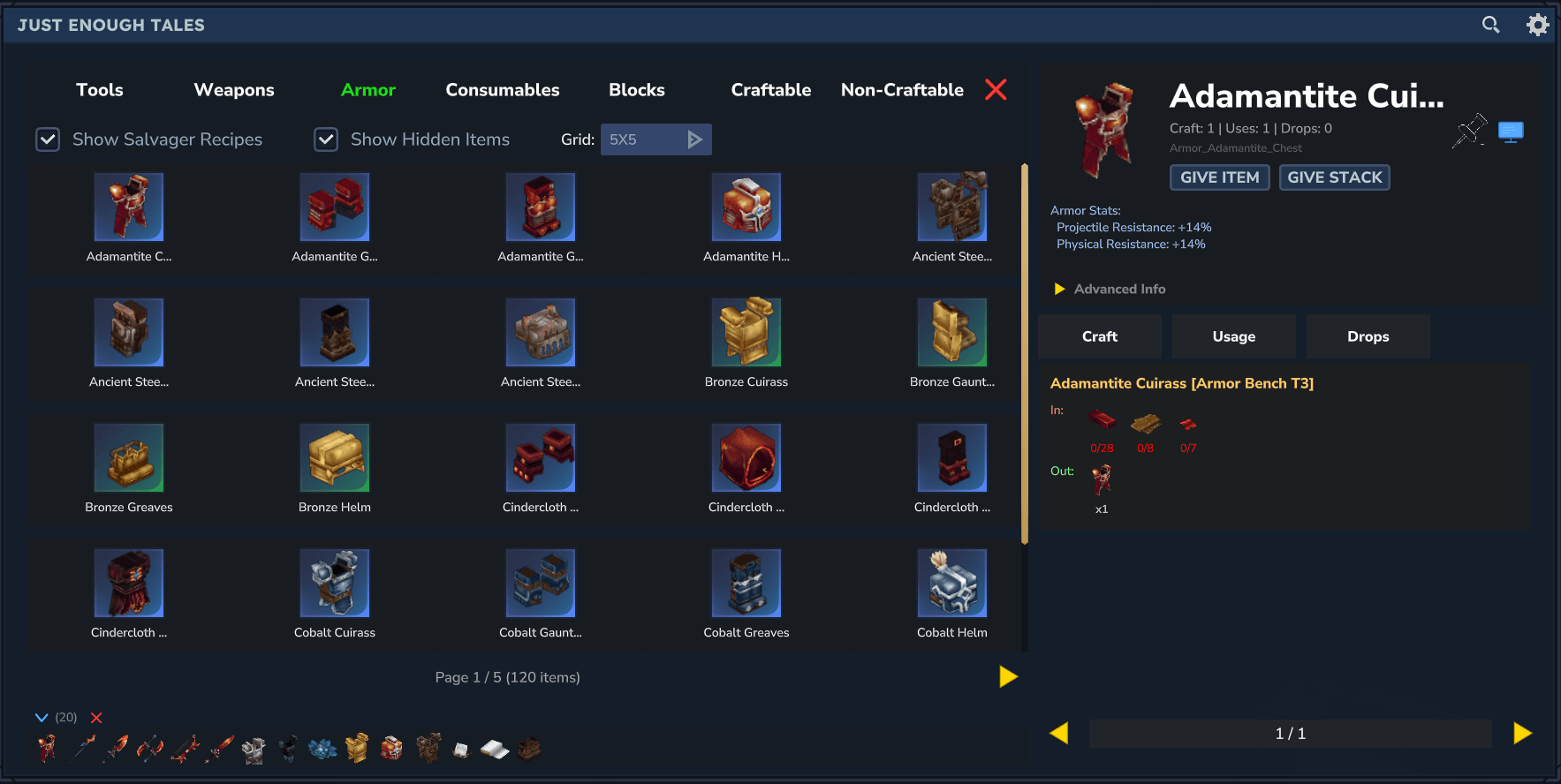
 The ultimate in-game item encyclopedia for Hytale. Browse every item, look up crafting recipes, check what items are used in, find where drops come from, track your inventory in real-time, and pin recipes to your HUD — all without leaving the game.
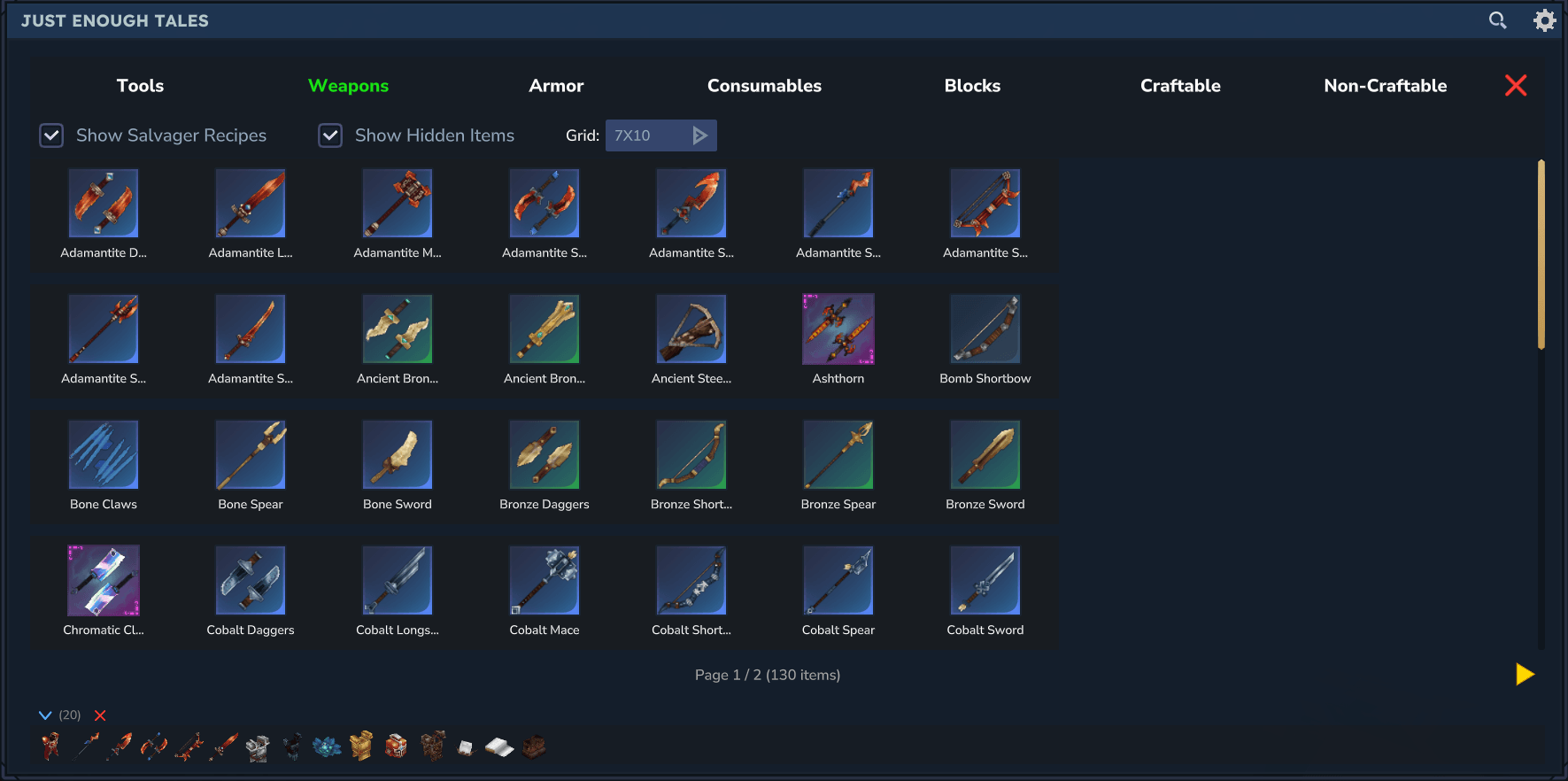
Browse every item in the game through a clean, grid-based interface. Items are displayed with their quality color and icon. Customize the grid layout to your liking with the built-in dropdown.
#weapon, #ore, #wood to filter by type@common for vanilla, @modname for mod items-sword hides anything matching "sword"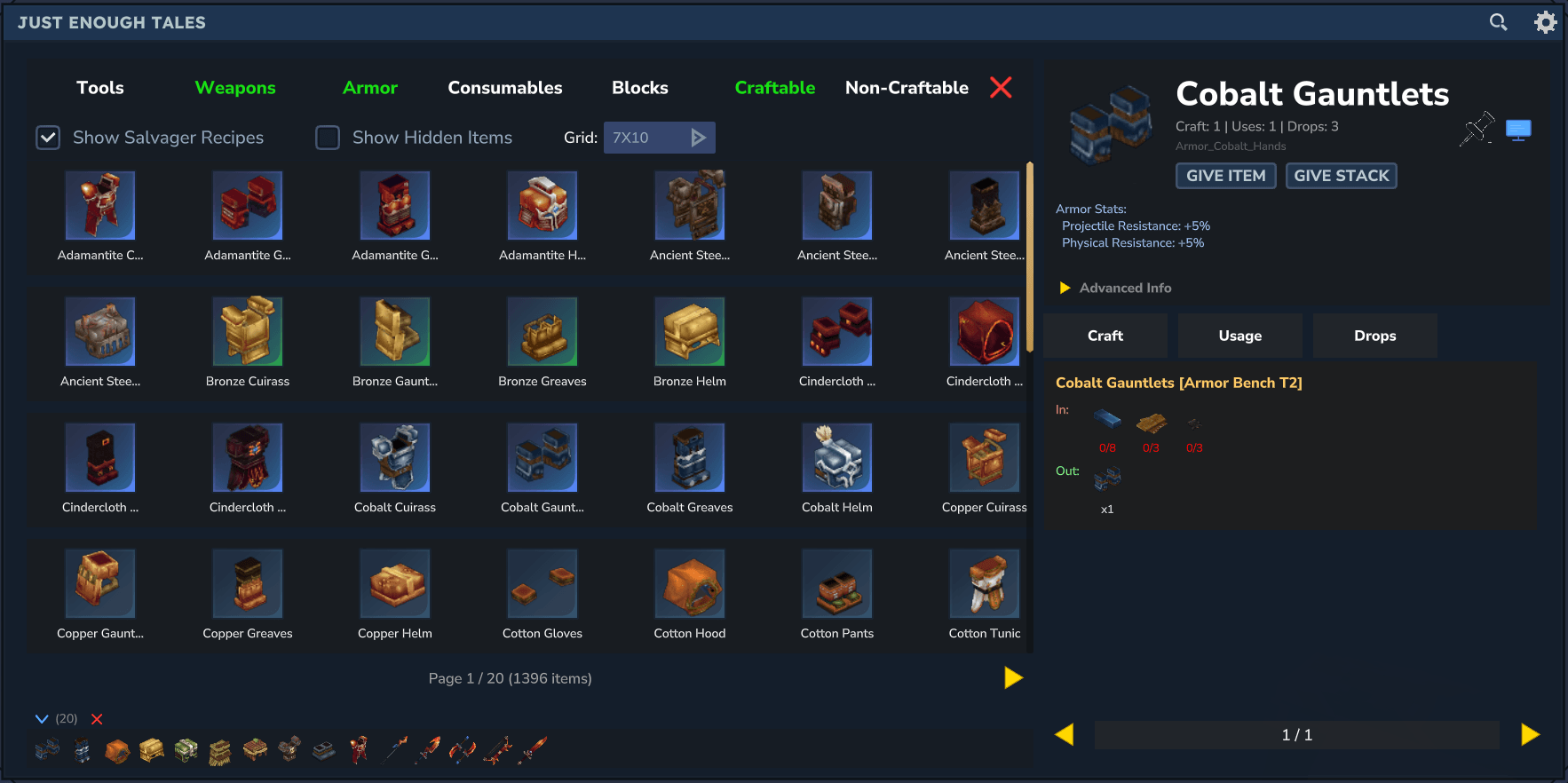
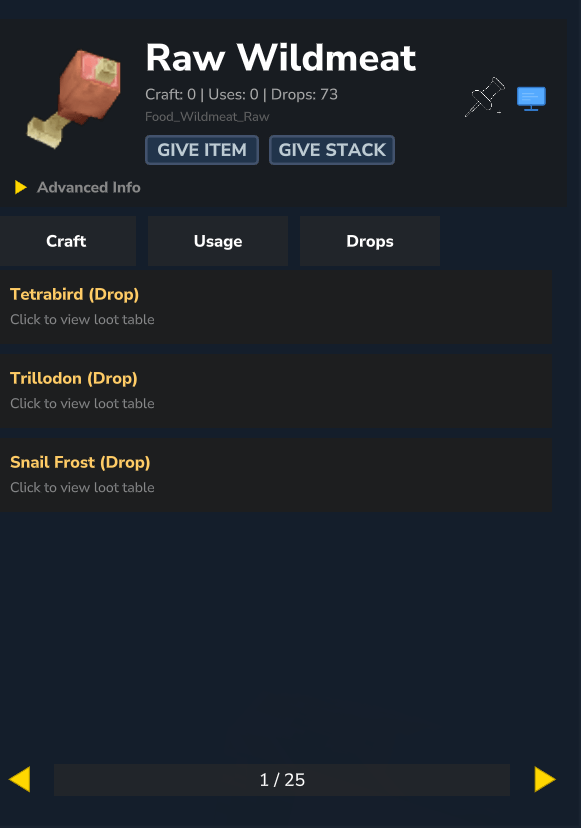
Select any item to open its detail panel:

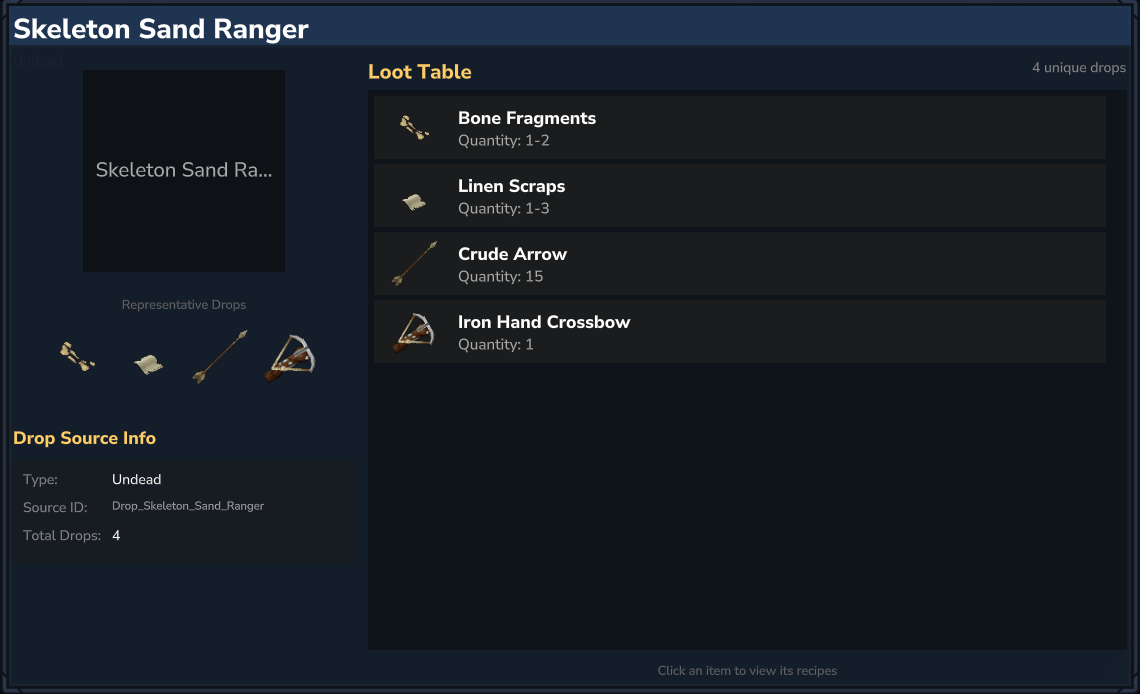
Click any drop source to open a detailed page showing everything that mob drops, organized by zone and tier. (Model display is still WIP)
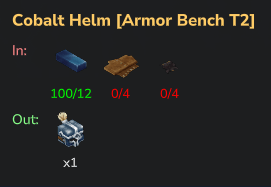
JET scans your inventory live and shows material counts next to each recipe ingredient — green when you have enough, red when you don't. No more guessing if you can craft something.
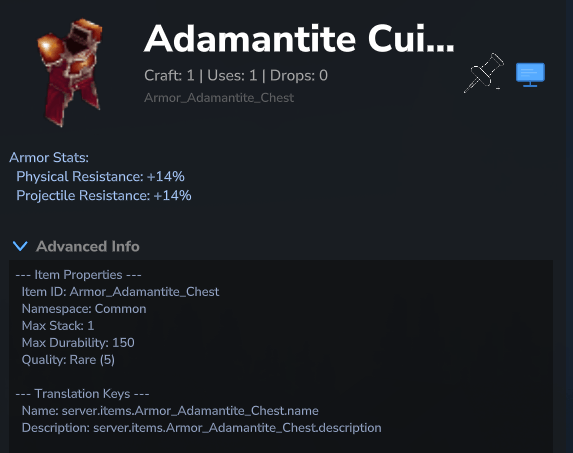
View weapon damage, armor resistance, tool properties, and quality info at a glance. Toggle the advanced info panel for technical details like resource types and translation keys.
Pin any recipe directly to your screen as a HUD overlay so you can track materials while exploring.
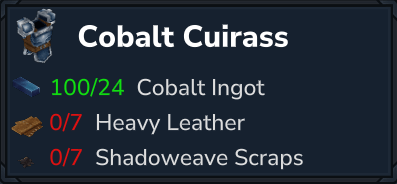
/pinned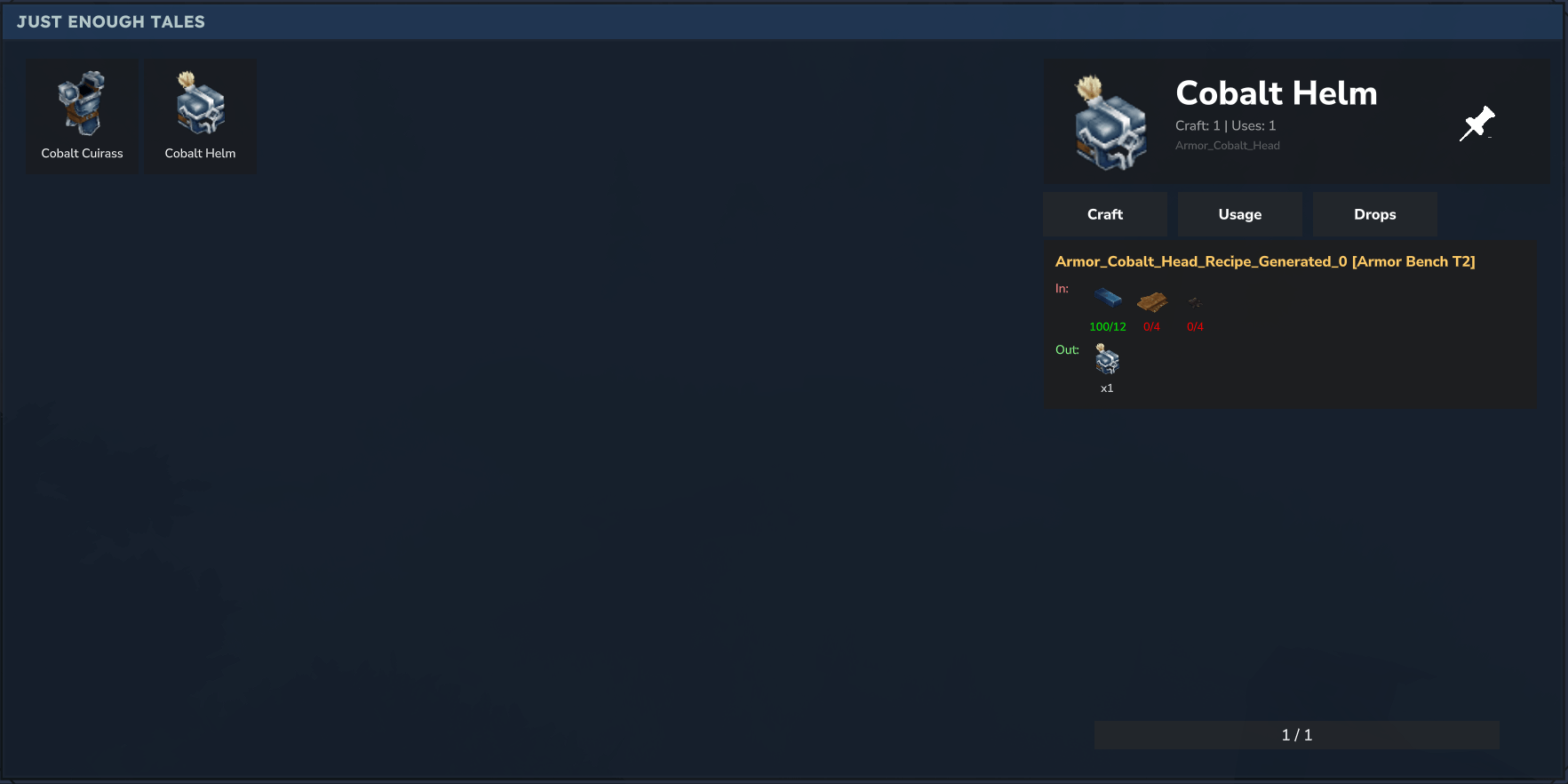
Configurable via the gear icon in the browser or /jetconfig:
| Command | Description |
|---|---|
/jet or /j |
Open the item browser |
/pinned or /p |
Open your pinned items |
/jetconfig or /jcfg |
Open settings |

Project description from CurseForge.
Recent files
2 Apr 2026
1 Mar 2026
24 Feb 2026
24 Feb 2026
23 Feb 2026
22 Feb 2026
21 Feb 2026
20 Feb 2026
19 Feb 2026
18 Feb 2026
17 Feb 2026
16 Feb 2026
Looking for an older file? The official CurseForge project page is in Resources.
 mod
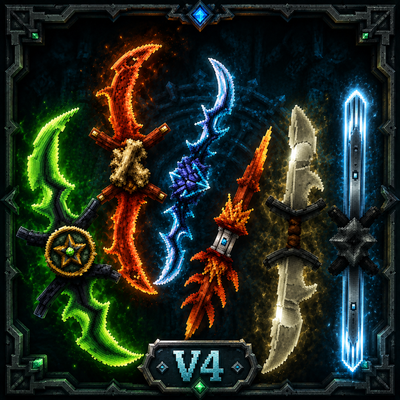
mod**Twinfang Glaives** adds a growing collection of dual-wielded glaives to Hytale.
 mod
modZeto Gambling adds fully functional fantasy casino machines to Hytale, including slot machines and claw machines with configurable rewards.
 mod
modA Custom Enchants plugin that adds cool enchants applyable to armor and weapons.