discord-link_1.5.2_earlyAccess.jar
19 Jan 2026
Client Not supported Server Required Dependencies No extras listed Listed on Project page
Check the setup 
CurseForge · Hytale mod
Connect your in-game chat to your Discord server for bi-directional communication and more! Includes support for webhooks and 3rd-party chat avatars.
Quick answer
Discord Link discord-link_1.5.2_earlyAccess.jar targets Hytale. Do not install it as a separate client mod. Enable it on the world host—the local server in singleplayer or the dedicated server in multiplayer. No required dependencies listed for this file.
Where it goes
Do not install it as a separate client mod. Enable it on the world host—the local server in singleplayer or the dedicated server in multiplayer.
Put Hytale mods on the world host or dedicated server. Singleplayer runs a local server too; Hytale does not use separate client mods.
discord-link_1.5.2_earlyAccess.jar. Change the file and its required mods may change too.
This file does not list any required mods. Do not add a library just because a different file uses it.
This file does not list any required or optional project dependencies. Check the creator notes before changing an existing world.
Before you install it
Built for Discord Link discord-link_1.5.2_earlyAccess.jar. Pick another file and the loader, install side or required mods may change.
Use discord-link_1.5.2_earlyAccess.jar. It targets Hytale; another release may target a different game build or dependency set.
This file does not list any required mods. Do not add a library just because a different file uses it.
Do not install it as a separate client mod. Enable it on the world host—the local server in singleplayer or the dedicated server in multiplayer.
Use the “Get this file” button beside discord-link_1.5.2_earlyAccess.jar. It opens that exact file at the source.
About this project
Straightforward mod that adds Discord integration to Hytale, letting you connect the in-game chat with a channel on your discord server, enabling bi-directional communication and more!
More features coming soon!
"[DiscordLink|P] Bot invite URL (click to add to your server):" in the server logs -- click this link and follow the prompts to invite the Bot (the application you set up in Step 1) to your Discord serverProject description from CurseForge.
Recent files
19 Jan 2026
17 Jan 2026
15 Jan 2026
14 Jan 2026
Looking for an older file? The official CurseForge project page is in Resources.
 mod
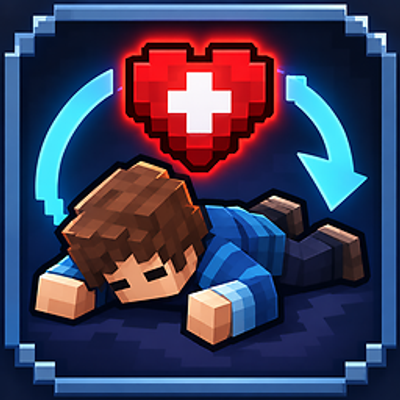
modMan Down! replaces instant death with a cooperative downed state. Get rescued by a friend, flop your way toward safety with the Death Flop™, or give up and die somewhere your loot won’t become a recovery mission. Down doesn’t mean dead.
 mod
modArcane Resonance lets adventurers return home, reach their friends, or establish camp through a seamless ritual powered by a forbidden arcane relic that keeps exploration immersive and command free.
 mod
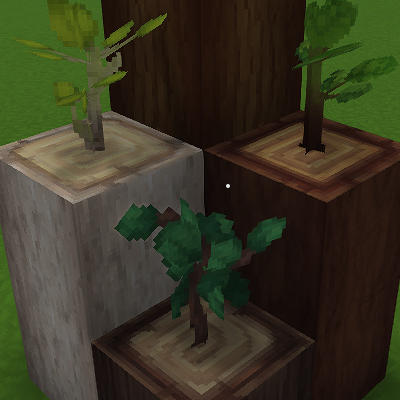
modAllows the user to Replant saplings on the logs.