HytaleCharts (v1.6.1).jar
9 Jun 2026
Client Not supported Server Required Dependencies No extras listed Listed on Project page
Check the setup 
CurseForge · Hytale mod
Display your player count for hytalecharts.com & allow players to vote in-game!
Quick answer
Vote & Player Counts - Hytalecharts HytaleCharts (v1.6.1).jar targets Hytale. Do not install it as a separate client mod. Enable it on the world host—the local server in singleplayer or the dedicated server in multiplayer. No required dependencies listed for this file.
Where it goes
Do not install it as a separate client mod. Enable it on the world host—the local server in singleplayer or the dedicated server in multiplayer.
Put Hytale mods on the world host or dedicated server. Singleplayer runs a local server too; Hytale does not use separate client mods.
HytaleCharts (v1.6.1).jar. Change the file and its required mods may change too.
This file does not list any required mods. Do not add a library just because a different file uses it.
This file does not list any required or optional project dependencies. Check the creator notes before changing an existing world.
Before you install it
Built for Vote & Player Counts - Hytalecharts HytaleCharts (v1.6.1).jar. Pick another file and the loader, install side or required mods may change.
Use HytaleCharts (v1.6.1).jar. It targets Hytale; another release may target a different game build or dependency set.
This file does not list any required mods. Do not add a library just because a different file uses it.
Do not install it as a separate client mod. Enable it on the world host—the local server in singleplayer or the dedicated server in multiplayer.
Use the “Get this file” button beside HytaleCharts (v1.6.1).jar. It opens that exact file at the source.
About this project
HytaleCharts - Server Status Plugin
Display real-time server status and player counts on https://hytalecharts.com
Overview
HytaleCharts is the premier server listing platform for Hytale servers. This official plugin connects your server to HytaleCharts, providing accurate online status and live player counts to help players find and join your server.
Features
Why Use This Plugin?
Without this plugin, HytaleCharts can only detect if your server is online via basic pings - it cannot show accurate player counts. With the plugin installed:
Installation
Configuration
┌────────┬────────────────────────────────────────────────┬──────────┐
│ Option │ Description │ Default │
├────────┼────────────────────────────────────────────────┼──────────┤
│ secret │ Your unique heartbeat secret from HytaleCharts │ Required │
├────────┼────────────────────────────────────────────────┼──────────┤
│ debug │ Enable debug logging for troubleshooting │ false │
└────────┴────────────────────────────────────────────────┴──────────┘
Requirements
Support
Privacy
This plugin currently sends:
HytaleCharts - Discover the best Hytale servers
Project description from CurseForge.
Recent files
9 Jun 2026
8 Apr 2026
19 Feb 2026
5 Feb 2026
19 Jan 2026
16 Jan 2026
Looking for an older file? The official CurseForge project page is in Resources.
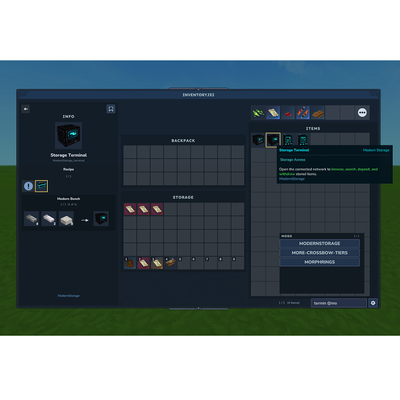 mod
modMinecraft JEI, but in Hytale. An item and recipe viewer, search by mod with autocomplete using @. Left click for recipe, Right click for Usages. Shift left click settings button for Cheat Mode (/give Item, useful for creative mode), can bookmark items.
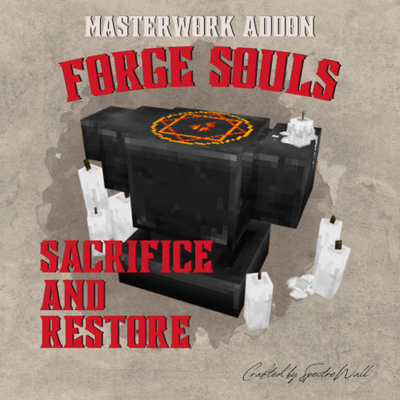 mod
modA Masterwork addon: release the souls of graded gear and use them to restore worn pieces to full durability.
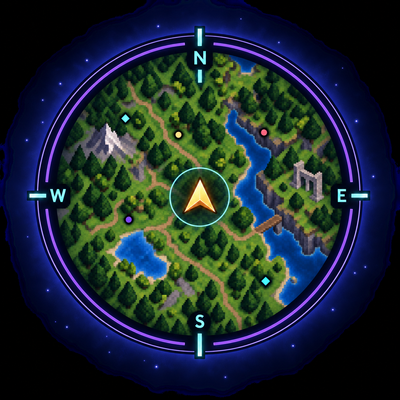 mod
modA lightweight, sophisticated and fully configurable Hytale minimap.