0.0.5
17 Jan 2026
Client Not supported Server Required Dependencies No extras listed Listed on Project page
Check the setup 
CurseForge · Hytale mod
Korean translation patch plugin
Quick answer
ZKoreanPatch 0.0.5 targets Hytale. Do not install it as a separate client mod. Enable it on the world host—the local server in singleplayer or the dedicated server in multiplayer. No required dependencies listed for this file.
Where it goes
Do not install it as a separate client mod. Enable it on the world host—the local server in singleplayer or the dedicated server in multiplayer.
Put Hytale mods on the world host or dedicated server. Singleplayer runs a local server too; Hytale does not use separate client mods.
0.0.5. Change the file and its required mods may change too.
This file does not list any required mods. Do not add a library just because a different file uses it.
This file does not list any required or optional project dependencies. Check the creator notes before changing an existing world.
Before you install it
Built for ZKoreanPatch 0.0.5. Pick another file and the loader, install side or required mods may change.
Use 0.0.5. It targets Hytale; another release may target a different game build or dependency set.
This file does not list any required mods. Do not add a library just because a different file uses it.
Do not install it as a separate client mod. Enable it on the world host—the local server in singleplayer or the dedicated server in multiplayer.
Use the “Get this file” button beside 0.0.5. It opens that exact file at the source.
About this project
[English]
This is a Hytale Korean Language Patch Plugin! 🧀
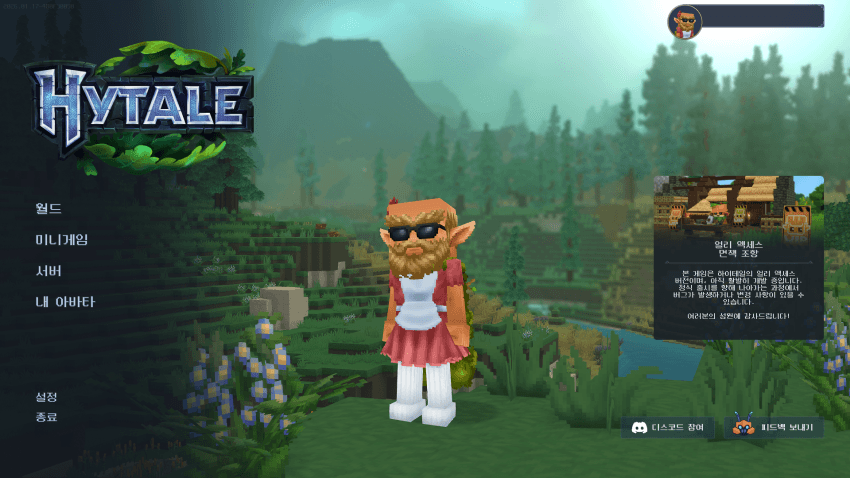
%appdata%/Hytale/UserData/Mods folderhttps://github.com/neodgm/neodgm - Font
https://github.com/Krash220/Hytale-Font-Fix - Font limitation bypass
[Korean]
하이테일 한국어 패치 플러그인입니다! 🧀
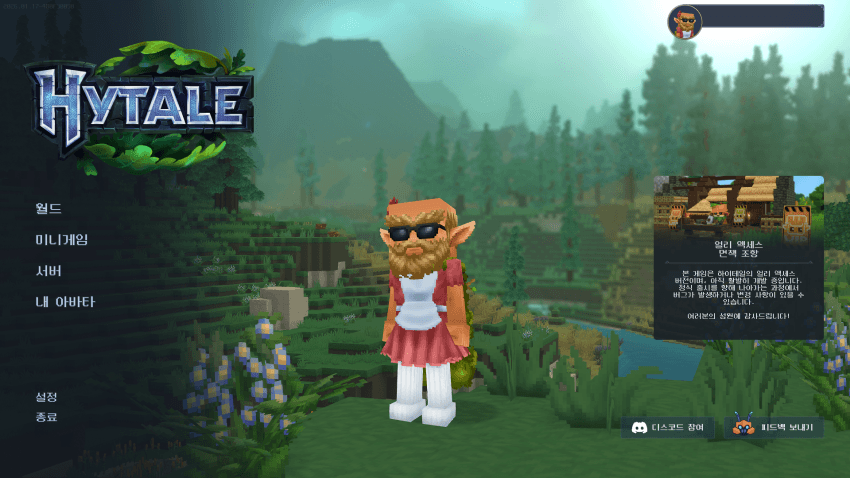
%appdata%/Hytale/UserData/Mods 폴더에 플러그인 파일을 넣기https://github.com/neodgm/neodgm - 폰트
https://github.com/Krash220/Hytale-Font-Fix - 폰트 제한 우회
Project description from CurseForge.
Recent files
17 Jan 2026
16 Jan 2026
Looking for an older file? The official CurseForge project page is in Resources.
 mod
modA tree resource generating plugin
 mod
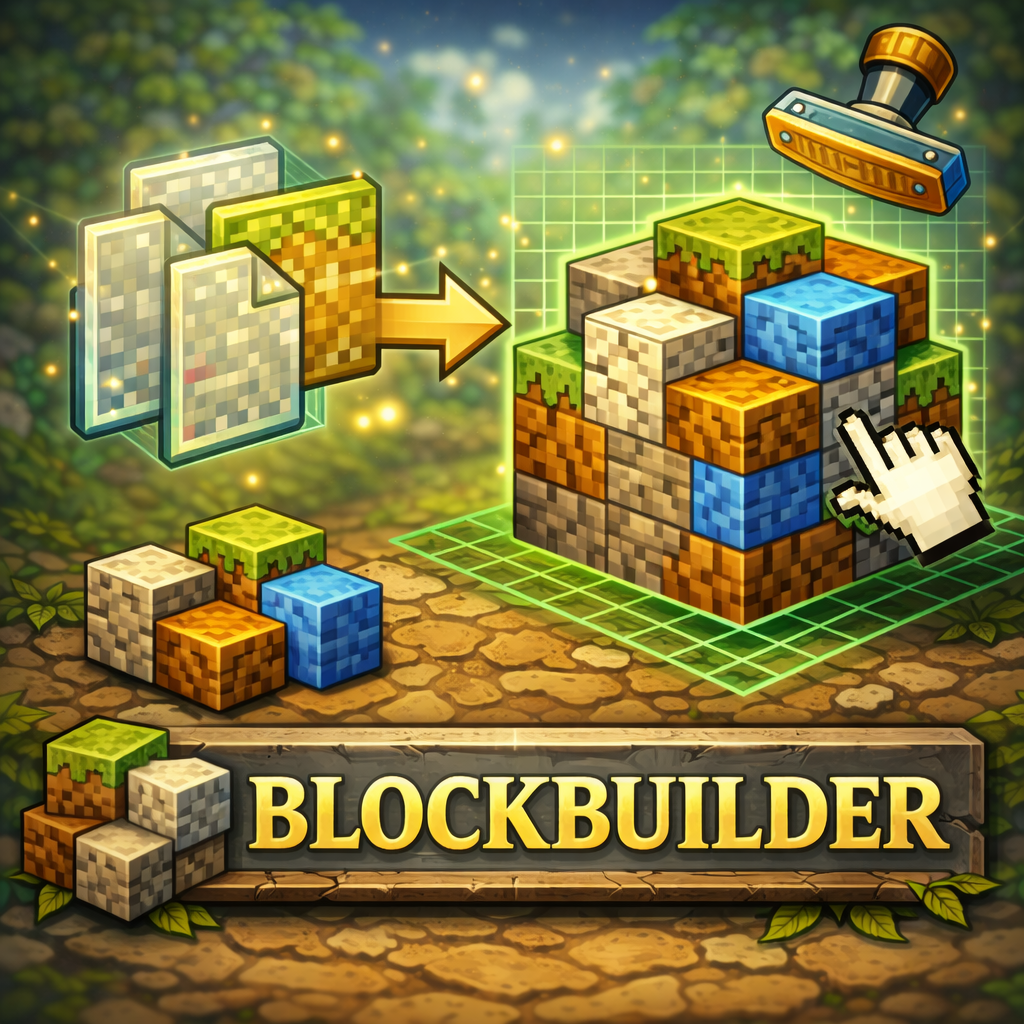
modAllows you to select in game blocks to place en masse. Features Copy Paste functionality
 mod
modEnhanced Hytale world map with persistent multiplayer exploration, configurable player visibility, and optional party and downed-player integrations.