HyCore 1.0.5
4 Mar 2026
Client Not supported Server Required Dependencies No extras listed Listed on Project page
Check the setup 
CurseForge · Hytale mod
HyCore adds a server-wide night skip vote at 7:30 PM. Players have 30 seconds to vote; if votes exceed 50% + 1, night is skipped. No vote counts as No. Sleeping remains enabled. Includes a toggleable server time clock with /clock.
Quick answer
TheHyCore HyCore 1.0.5 targets Hytale. Do not install it as a separate client mod. Enable it on the world host—the local server in singleplayer or the dedicated server in multiplayer. No required dependencies listed for this file.
Where it goes
Do not install it as a separate client mod. Enable it on the world host—the local server in singleplayer or the dedicated server in multiplayer.
Put Hytale mods on the world host or dedicated server. Singleplayer runs a local server too; Hytale does not use separate client mods.
HyCore 1.0.5. Change the file and its required mods may change too.
This file does not list any required mods. Do not add a library just because a different file uses it.
This file does not list any required or optional project dependencies. Check the creator notes before changing an existing world.
Before you install it
Built for TheHyCore HyCore 1.0.5. Pick another file and the loader, install side or required mods may change.
Use HyCore 1.0.5. It targets Hytale; another release may target a different game build or dependency set.
This file does not list any required mods. Do not add a library just because a different file uses it.
Do not install it as a separate client mod. Enable it on the world host—the local server in singleplayer or the dedicated server in multiplayer.
Use the “Get this file” button beside HyCore 1.0.5. It opens that exact file at the source.
About this project

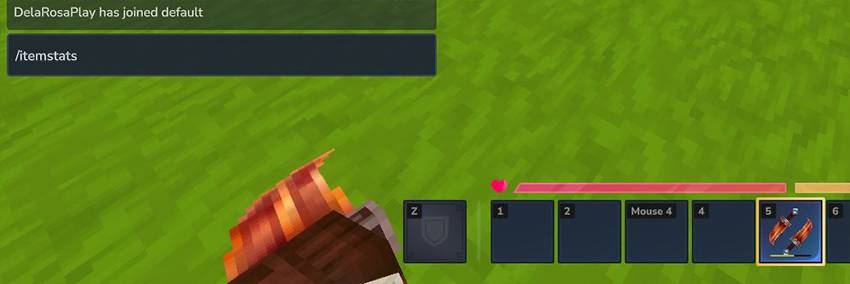
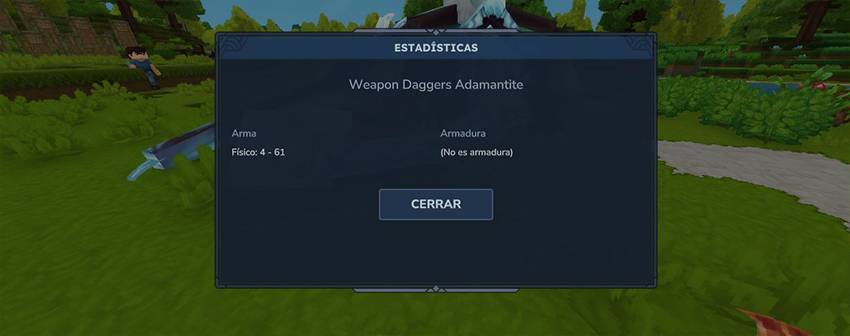
Adds a dropped item attraction (magnet) system that can be enabled globally for the entire server or individually per player using commands.
Main Command:/hymagnet
These commands control the default magnet behavior for the whole server:
/hymagnet on | enable – Enable the magnet globally/hymagnet off | disable – Disable the magnet globally/hymagnet toggle – Toggle the global magnet state/hymagnet status – Displays enabled state, radius, and speed/hymagnet radius <number> – Sets the attraction radius/hymagnet speed <0-1> – Sets the attraction speedThese commands apply a UUID-based override and do not affect the global server setting:
/hymagnet me on – Enable the magnet for yourself/hymagnet me off – Disable the magnet for yourselfVanilla+ quality-of-life mod
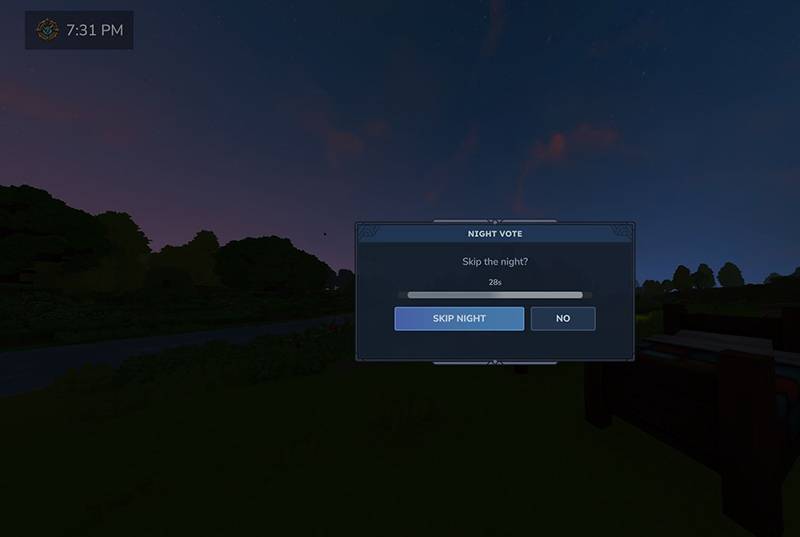
At 7:30 PM (in-game time), HyCore automatically starts a server-wide vote to skip the night.
HyCore includes a clean and minimal server time clock HUD.
.jarmods/ folderAn option has been added that allows the player to enable or disable the floating window that appears when the vote to skip the night starts.
If the player is in combat, this window will not appear.
In both cases, voting will still be possible via text, but not through the voting window.
Additionally, Spanish and English language support has been added.
The server administrator can set a default language, and each player can change it individually, allowing full support for multi-language servers.
Project description from CurseForge.
Recent files
4 Mar 2026
31 Jan 2026
22 Jan 2026
21 Jan 2026
20 Jan 2026
20 Jan 2026
Looking for an older file? The official CurseForge project page is in Resources.
 mod
modAdds 4 Seasons to the world, Greenhouse blocks, Seasonal Farming, Seasonal Fishing, Customizable Weather. It also adds Snow, (WIP) temperature system, Blood Moon ,Configurable Settings, and an optional Seasons Spellbook.
 mod
modSave and reload checkpoints for Hytale speedrun practice, including your character, world blocks, nearby entities, and realm timers.
 mod
modA lightweight target health HUD mod for Hytale. Shows a colored bar with the target's health, name, distance and attitude towards the player.