security-chest-0.0.2.jar
24 Jan 2026
Client Not supported Server Required Dependencies No extras listed Listed on Project page
Check the setup 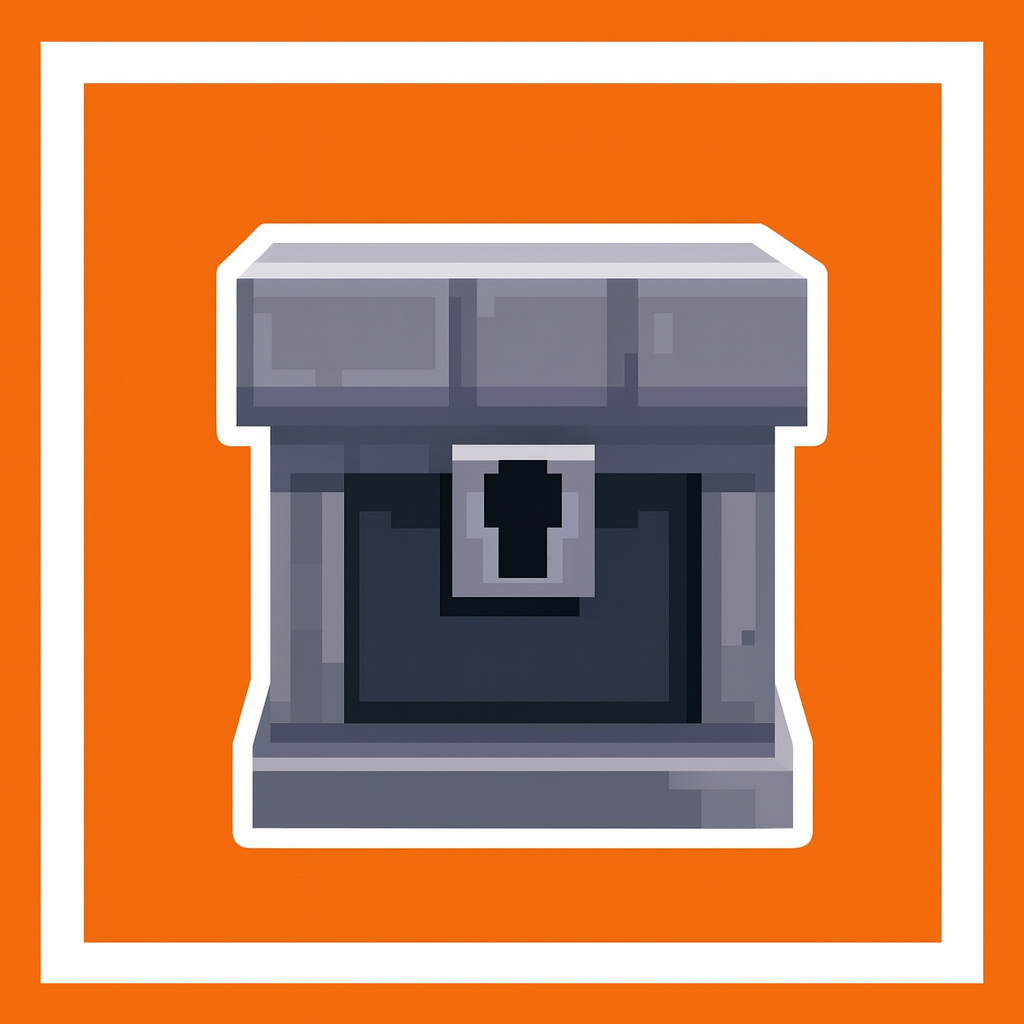
CurseForge · Hytale mod
A chest with password!
Quick answer
SecurityChest security-chest-0.0.2.jar targets Hytale. Do not install it as a separate client mod. Enable it on the world host—the local server in singleplayer or the dedicated server in multiplayer. No required dependencies listed for this file.
Where it goes
Do not install it as a separate client mod. Enable it on the world host—the local server in singleplayer or the dedicated server in multiplayer.
Put Hytale mods on the world host or dedicated server. Singleplayer runs a local server too; Hytale does not use separate client mods.
security-chest-0.0.2.jar. Change the file and its required mods may change too.
This file does not list any required mods. Do not add a library just because a different file uses it.
This file does not list any required or optional project dependencies. Check the creator notes before changing an existing world.
Before you install it
Built for SecurityChest security-chest-0.0.2.jar. Pick another file and the loader, install side or required mods may change.
Use security-chest-0.0.2.jar. It targets Hytale; another release may target a different game build or dependency set.
This file does not list any required mods. Do not add a library just because a different file uses it.
Do not install it as a separate client mod. Enable it on the world host—the local server in singleplayer or the dedicated server in multiplayer.
Use the “Get this file” button beside security-chest-0.0.2.jar. It opens that exact file at the source.
About this project
EN:
This Mod/Plugin, allows you to craft a security chest with password. You will need a security key to change or set a password to the chest. Other players cant break it, only the owner. The owner is the person that use the security key first and set the first password, since the the password only the owner can change it
For use the Security key to change o set password, you need to do right click with the security key on the security chest.
If the chest has not a password, anyone can be owner or enter to chest with any pass.
ES:
Este mod/plugin te permite crear un cofre de seguridad con contraseña. Necesitarás una llave de seguridad para cambiar o establecer una contraseña para el cofre. Otros jugadores no pueden abrirlo, solo el propietario. El propietario es la persona que utiliza la llave de seguridad por primera vez y establece la primera contraseña, ya que solo él puede cambiarla.
Para utilizar la llave de seguridad para cambiar o establecer la contraseña, debes hacer clic con el botón derecho del ratón con la llave de seguridad sobre el cofre de seguridad.
Si el cofre no tiene contraseña, cualquiera puede ser el propietario o acceder al cofre con cualquier contraseña.
Video Tutorial:
Roadmap:
Project description from CurseForge.
Recent files
24 Jan 2026
23 Jan 2026
23 Jan 2026
Looking for an older file? The official CurseForge project page is in Resources.
 mod
modTurn gathered resources into permanent progression through configurable item collections, milestones, rewards, and prestige.
 mod
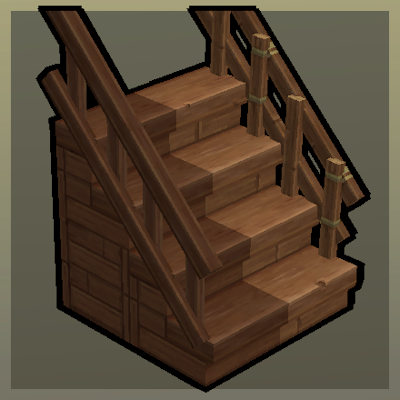
modUpgradable Stairs with Railings!
 mod
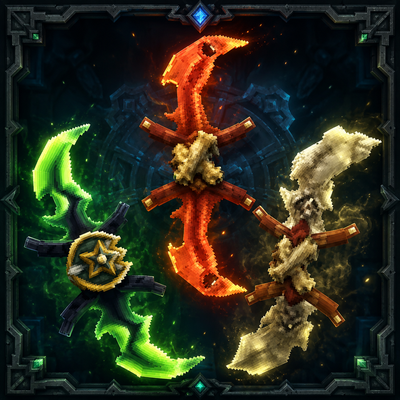
mod**Twinfang Glaives** adds a growing collection of dual-wielded glaives to Hytale.