NameTags-1.0.0.jar
25 Jan 2026
Client Not supported Server Required Dependencies No extras listed Listed on Project page
Check the setup 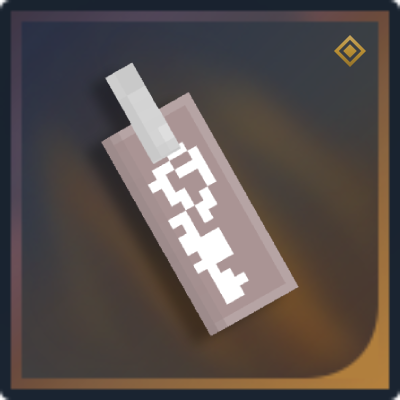
CurseForge · Hytale mod
Adds functional name tags to Hytale!
Quick answer
NameTags-1.0.0.jar targets Hytale. Do not install it as a separate client mod. Enable it on the world host—the local server in singleplayer or the dedicated server in multiplayer. No required dependencies listed for this file.
Where it goes
Do not install it as a separate client mod. Enable it on the world host—the local server in singleplayer or the dedicated server in multiplayer.
Put Hytale mods on the world host or dedicated server. Singleplayer runs a local server too; Hytale does not use separate client mods.
NameTags-1.0.0.jar. Change the file and its required mods may change too.
This file does not list any required mods. Do not add a library just because a different file uses it.
This file does not list any required or optional project dependencies. Check the creator notes before changing an existing world.
Before you install it
Built for NameTags-1.0.0.jar. Pick another file and the loader, install side or required mods may change.
Use NameTags-1.0.0.jar. It targets Hytale; another release may target a different game build or dependency set.
This file does not list any required mods. Do not add a library just because a different file uses it.
Do not install it as a separate client mod. Enable it on the world host—the local server in singleplayer or the dedicated server in multiplayer.
Use the “Get this file” button beside NameTags-1.0.0.jar. It opens that exact file at the source.
About this project
Adds ability to name your pets!
Crafting Recipe can be found in the Workbench under Tools.
First Hytale mod! Let me know if you find any issues.
Project description from CurseForge.
Recent files
25 Jan 2026
Looking for an older file? The official CurseForge project page is in Resources.
 mod
modAuthentic Japanese props and items for Creative and Exploration mode
 mod
modLink, name, share and manage your teleporters your way. No config files. No complexity. Just warp.
 mod
modTales of Shinobi is a Hytale RPG mod centered around ninja arts and elemental manipulation. Become a master of the shadows, weave ancient hand seals, and control nature to dominate the battlefield.