Hytale version
Back to mods 
CurseForge · Hytale mod
Scrawl
Draw arrows, icons and numbers on floors and walls with chalk, in 7 colours, with glow chalk and messages.
Choose a version Pick your version below, then grab the matching file.
Quick answer
Which Scrawl release matches 0.7?
Best match for your filters Scrawl-1.0.0.jar
Game version 0.7
Mod system Built-in Hytale mod system
Scrawl-1.0.0.jar targets 0.7. Do not install it as a separate client mod. Enable it on the world host—the local server in singleplayer or the dedicated server in multiplayer. No required dependencies listed for this file.
Where it goes
Where should Scrawl be installed in Hytale?
Do not install it as a separate client mod. Enable it on the world host—the local server in singleplayer or the dedicated server in multiplayer.
Separate client mod Not supported
World host / dedicated server Required
Mod system for this release Built-in Hytale mod system
Required install it here Optional supported, not mandatory Not supported do not install here Source doesn’t say do not assume
Put Hytale mods on the world host or dedicated server. Singleplayer runs a local server too; Hytale does not use separate client mods.
What else does Scrawl-1.0.0.jar need?
Scrawl-1.0.0.jar on 0.7. Every mod below is checked against that same setup.
This file does not list any required mods. Do not add a library just because a different file uses it.
This file does not list any required or optional project dependencies. Check the creator notes before changing an existing world.
Before you install it
Add Scrawl without breaking your instance.
Built for Scrawl-1.0.0.jar on 0.7. Pick another file and the loader, install side or required mods may change.
- 01
Stick to this file
Use Scrawl-1.0.0.jar. It targets 0.7; another release may target a different game build or dependency set.
- 02
Bring the mods it needs
This file does not list any required mods. Do not add a library just because a different file uses it.
- 03
Enable it on the world host
Do not install it as a separate client mod. Enable it on the world host—the local server in singleplayer or the dedicated server in multiplayer.
- 04
Pick the file you checked
Use the “Get this file” button beside Scrawl-1.0.0.jar. It opens that exact file at the source.
About this project
What does Scrawl add?
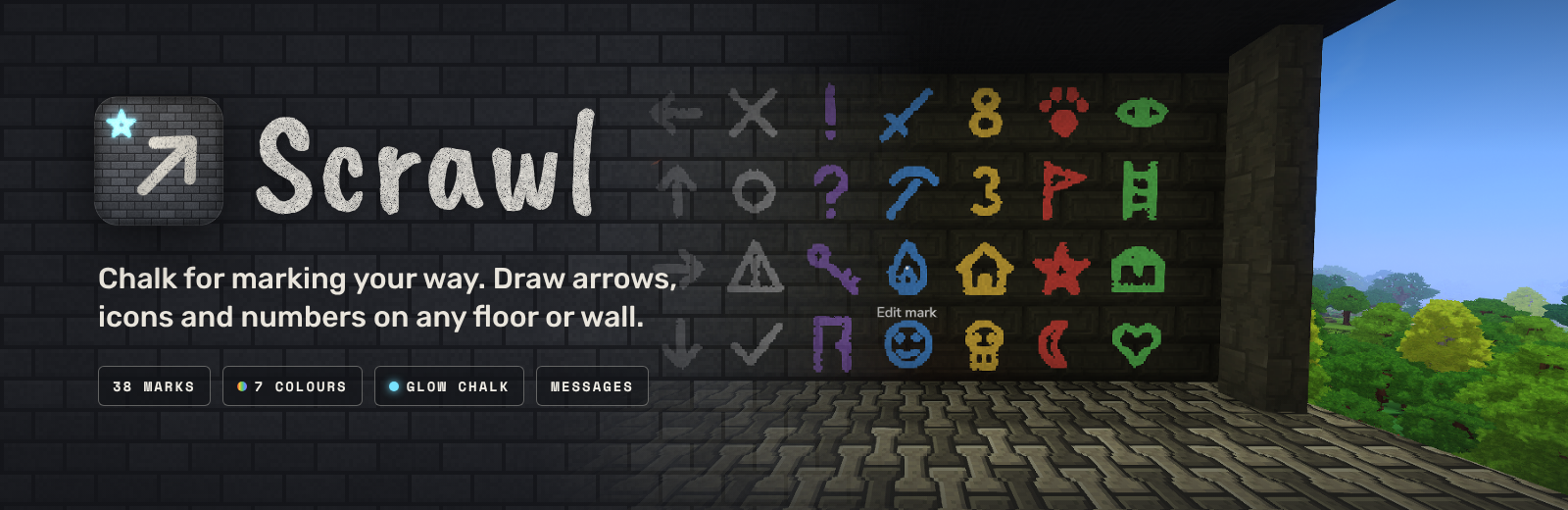
Chalk for marking your way in Hytale.
Craft a stick of chalk and draw on any floor or wall. Mark the way out of a cave, label your chests, warn friends about a drop, or number the rooms of a base. Glow chalk lights up dark places, and any mark can carry a short message for the next person who walks by.
Available in English, Spanish, French, Portuguese (Brazil), Russian, Ukrainian and Chinese (Simplified). Scrawl follows your game's language setting.

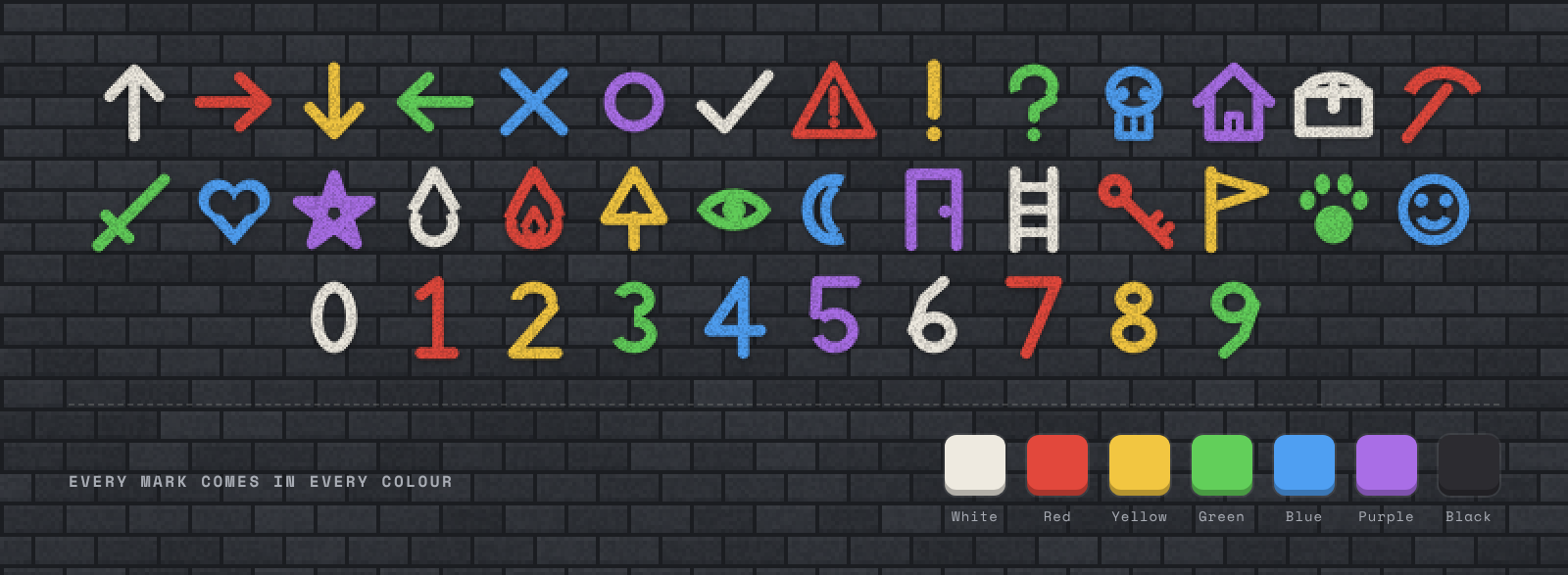
- 38 marks: arrows, a cross, circle, tick, warning sign, question and exclamation marks, a skull, house, chest, pickaxe, sword, heart, star, water, fire, tree, eye, moon, door, ladder, key, flag, paw print, smiley and the numbers 0 to 9.
- 7 colours: white, red, yellow, green, blue, purple and black.
- Floors and walls: draw on the ground or straight onto a wall.
- What you see is what you draw: the chalk in your hand shows the mark you picked while you place it.
- Chalk wears down: each mark uses a little of the stick, so one stick lasts a long time.
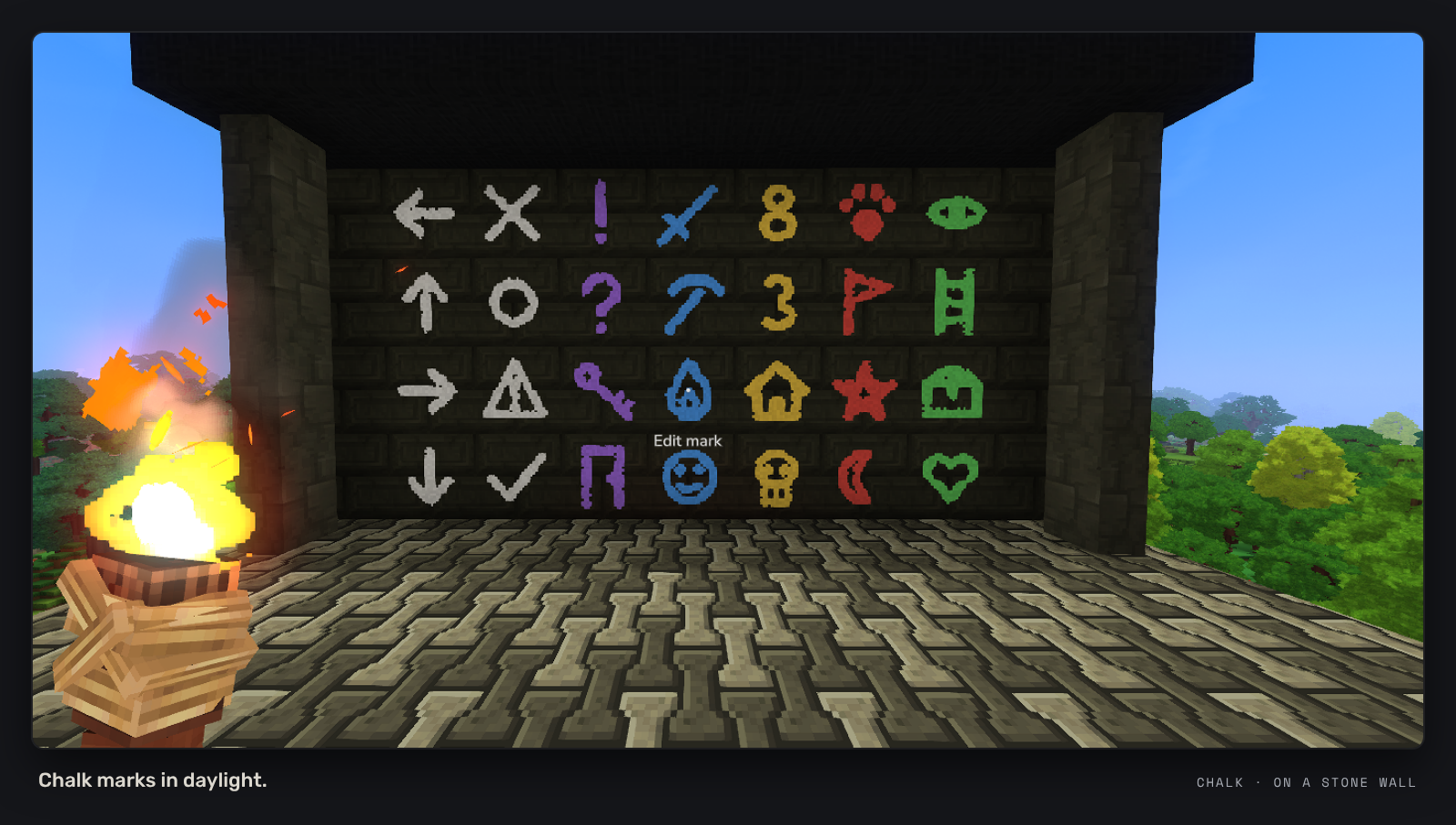

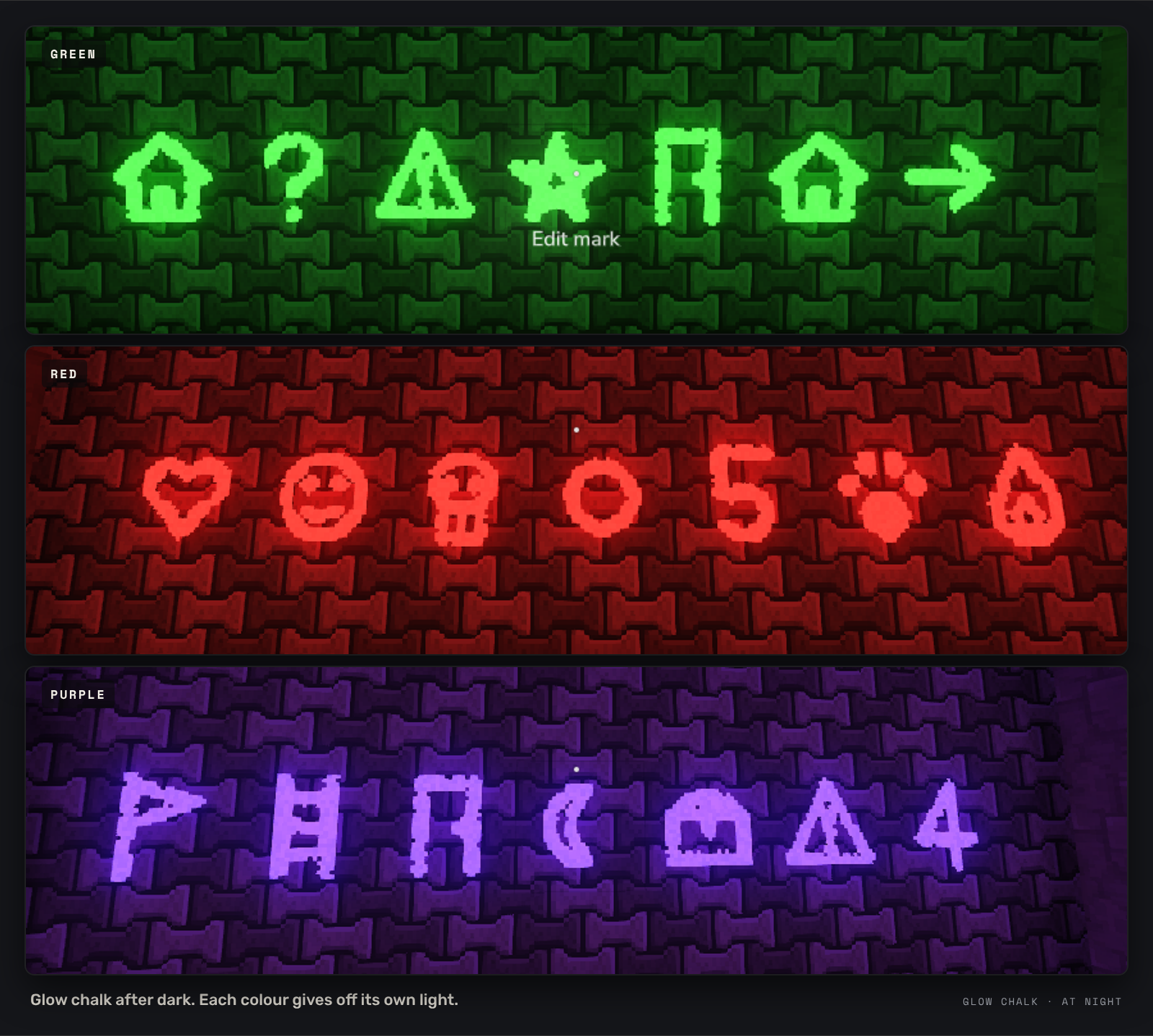
- Glow chalk marks stay bright in the dark and give off light in their own colour.
- Leave a trail through a cave and follow it back out, or light up a sign over your door.
- Same 38 marks and 7 colours as normal chalk.

- Add a short message to any mark (up to 60 characters).
- Anyone who looks at the mark from within 6 blocks sees the message, along with who wrote it.
- Rubbing out a mark removes its message too.

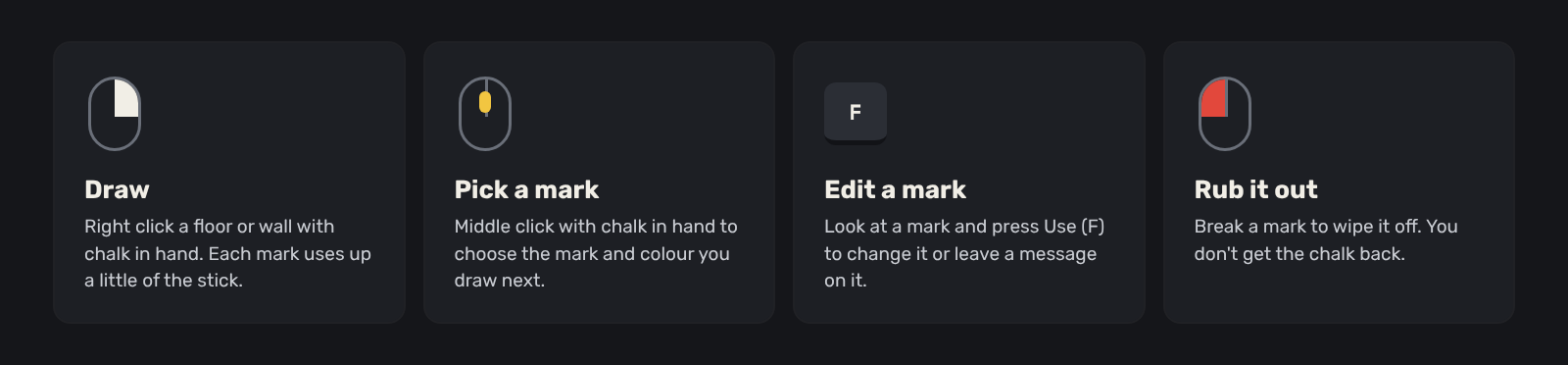
- Hold chalk and middle click to pick a mark and a colour.
- Right click a floor or wall to draw it.
- Look at a mark and press Use (F) to change it or write a message on it.
- Break a mark to rub it out. You don't get the chalk back.

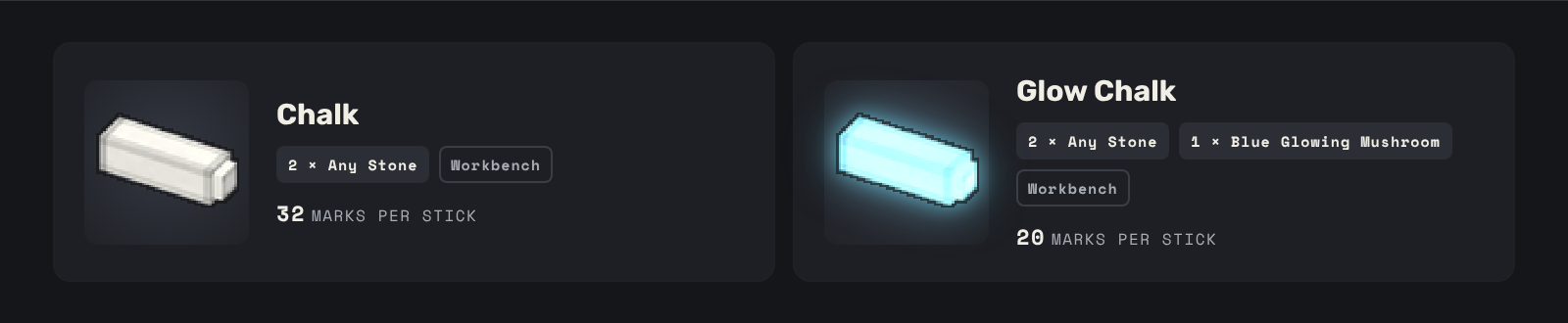
| Item | Recipe (Workbench) | Marks per stick |
|---|---|---|
| Chalk | 2 Any Stone | 32 |
| Glow Chalk | 2 Any Stone, 1 Blue Glowing Mushroom | 20 |

- Drop the Scrawl jar into your
Modsfolder. - Enable Scrawl for your world.
- Craft some chalk at a Workbench and start drawing.
- Built for Hytale 0.7.x
- No commands and nothing to set up. Works on its own, no other mods needed.
- Works in multiplayer. Everyone sees the same marks and messages, and each player sees the menus in their own language.
Found a bug or have an idea for a new mark? Leave a comment. A screenshot and what you were doing help a lot.
Project description from CurseForge.
Pick your setup
Scrawl releases for each Hytale build.
Choose the version and loader you play, then open the matching release.
Check the dependencies, then try the file in a copied instance before changing a world you care about.
Recent files
Scrawl releases and Hytale builds
Scrawl-1.0.0.jar
21 Oct 2026
Client Not supported Server Required Dependencies No extras listed Listed on Project page
Check the 0.7 setup 0.7 release
Looking for an older file? The official CurseForge project page is in Resources.
 mod
mod CurseForge · Hytale
HedgeTale - Dark Arts & Old Magic
Bring witchcraft and the unknown to Hytale. Become a Hedgewitch or Witch Hunter, uncover ancient secrets, explore mysterious places, and grow your power.
 mod
mod CurseForge · Hytale
Sky's Prismatic Armory
💎 Prismatic Armor & Weapons for Hytale
 mod
mod CurseForge · Hytale
Control Core
An in-game control panel for server owners: edit config.json, mod settings, player preferences, permissions and key binds for commands.