Create Optional for Block Prints blockprints-merged-1.21.1-2.4.0.jar
optionalMatching file found Matched file: Create 6.0.10 for mc1.21.1

CurseForge · Minecraft mod
A fully client side schematic mod for uploading, sharing, and downloading schematics from Blockprints.io! Builds are persisted with your UUID and can be accessed and redownloaded easily between worlds. Available for Forge and Fabric!
Quick answer
Block Prints blockprints-merged-1.21.1-2.4.0.jar targets 1.21.1 with Fabric, NeoForge. The project page does not say whether this file belongs on the client, dedicated server, or both. No extra mods listed for this file.
Where it goes
The project page does not say whether this file belongs on the client, dedicated server, or both.
The source does not explicitly classify this release as client-only or server-only.
blockprints-merged-1.21.1-2.4.0.jar. Change the file and its required mods may change too.
This file does not list any required mods. Do not add a library just because a different file uses it.
We only count dependency files that match this setup. A file for another loader does not fill the gap.
Before you install it
Built for Block Prints blockprints-merged-1.21.1-2.4.0.jar. Pick another file and the loader, install side or required mods may change.
Use blockprints-merged-1.21.1-2.4.0.jar. It targets 1.21.1 with Fabric, NeoForge; another release may have different loader, side or dependency requirements.
This file does not list any required mods. Do not add a library just because a different file uses it.
The project page does not say whether this file belongs on the client, dedicated server, or both.
Use the “Get this file” button beside blockprints-merged-1.21.1-2.4.0.jar. It opens that exact file at the source.
About this project
BlockPrints is a fully client side schematic mod for storing your builds online, privately or publicly! Builds are uploaded toBlockprints.io and can be accessed with your in-game UUID anywhere.
Supports forge and fabric!
The in-game UI can be accessed by hotkey, ~ by default.
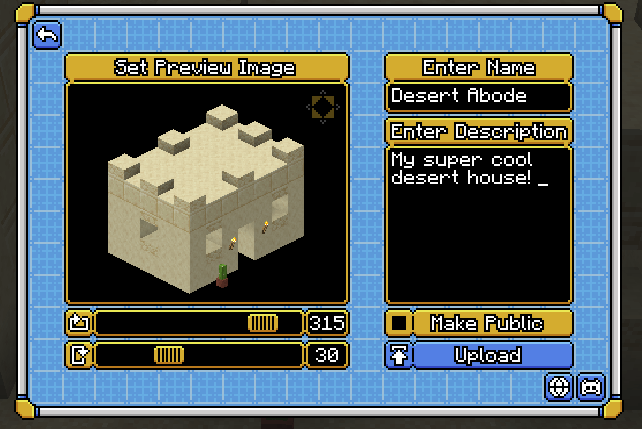
Capture your build in-game and upload it!
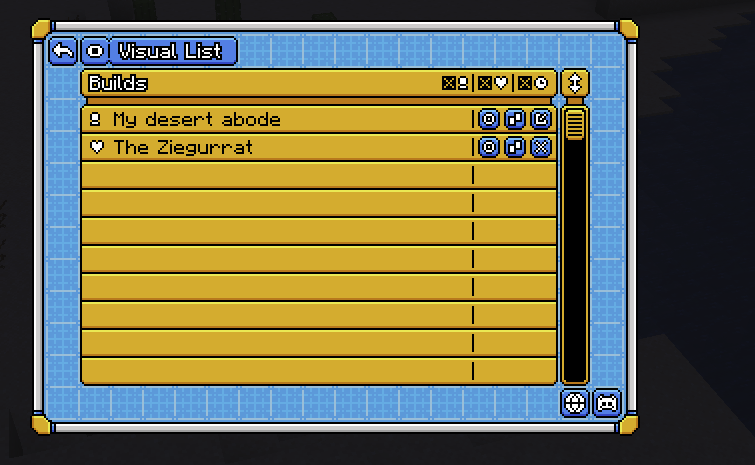
View your favorites or edit your builds from any world
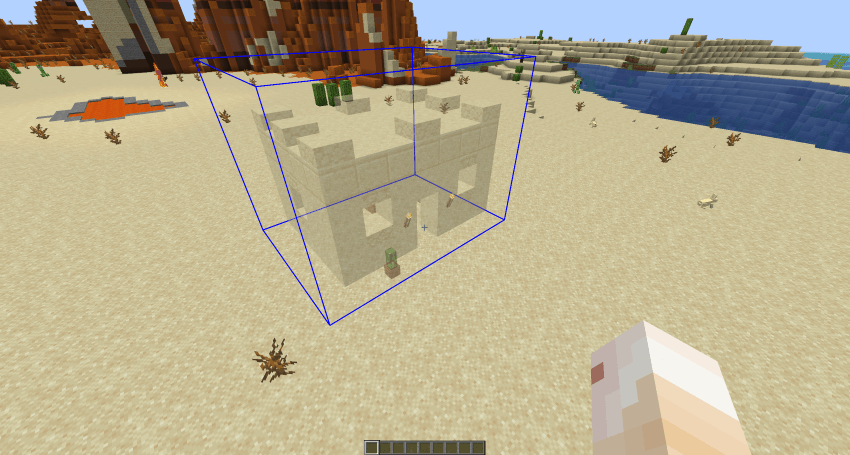
Visualize builds in-game for easy construction!
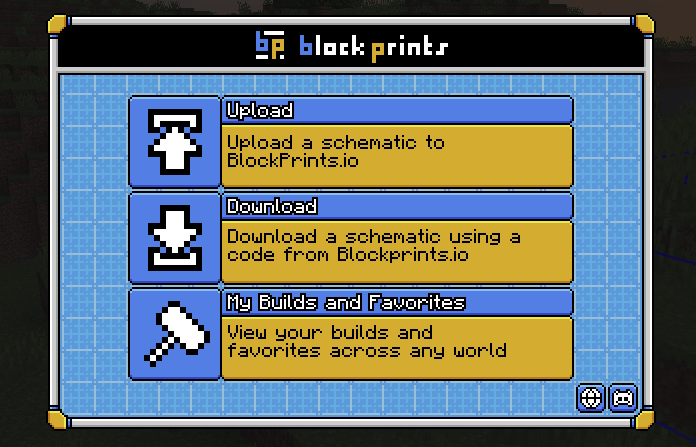
Share your builds publicly at Blockprints.io or download them into your game via a code!
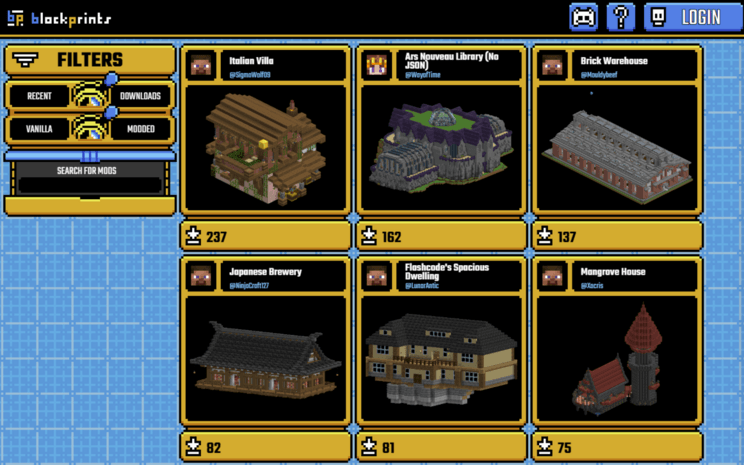
Join the discord for support, to share your builds, or contribute!
Project description from CurseForge.
Pick your setup
Choose the version and loader you play, then open the matching release.
Check the dependencies, then try the file in a copied instance before changing a world you care about.
Recent files
7 Feb 2026
14 Sept 2025
11 Apr 2025
11 Apr 2025
11 Apr 2025
15 Mar 2025
10 Mar 2025
25 Feb 2025
18 Feb 2025
9 Feb 2025
14 Nov 2024
6 Oct 2024
Looking for an older file? The official CurseForge project page is in Resources.
 mod
modA mod to produce meat synthetically with create mod
 mod
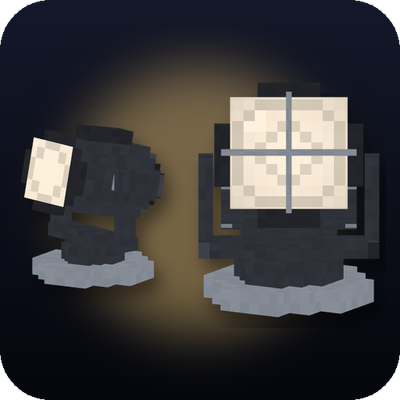
modAimable spotlights, floodlights, searchlights and soft panels with colored light and visible beams.
 mod
modServer side mod : Create your city