GeckoLib Needed by The Cryptid cryptid_vx-1.0.0-1.20.1.jar
requiredMatching file found Matched file: geckolib-forge-1.20.1-4.8.4.jar
CurseForge · Minecraft mod
This mod adds a horror entity to Minecraft named the Cryptid.
Quick answer
The Cryptid cryptid_vx-1.0.0-1.20.1.jar targets 1.20.1 with Forge. The project page does not say whether this file belongs on the client, dedicated server, or both. All 1 required mods have matching files.
Where it goes
The project page does not say whether this file belongs on the client, dedicated server, or both.
The source does not explicitly classify this release as client-only or server-only.
cryptid_vx-1.0.0-1.20.1.jar. Change the file and its required mods may change too.
Install GeckoLib first. We found matching files for this game-version and loader setup.
We only count dependency files that match this setup. A file for another loader does not fill the gap.
Before you install it
Built for The Cryptid cryptid_vx-1.0.0-1.20.1.jar. Pick another file and the loader, install side or required mods may change.
Use cryptid_vx-1.0.0-1.20.1.jar. It targets 1.20.1 with Forge; another release may have different loader, side or dependency requirements.
Install GeckoLib first. We found matching files for this game-version and loader setup.
The project page does not say whether this file belongs on the client, dedicated server, or both.
Use the “Get this file” button beside cryptid_vx-1.0.0-1.20.1.jar. It opens that exact file at the source.
About this project
If you find the music/jumpscare sounds to be too loud, you can turn them down; they are a part of the "Jukebox/Note Block" sound option in the options menu.
The Cryptid:
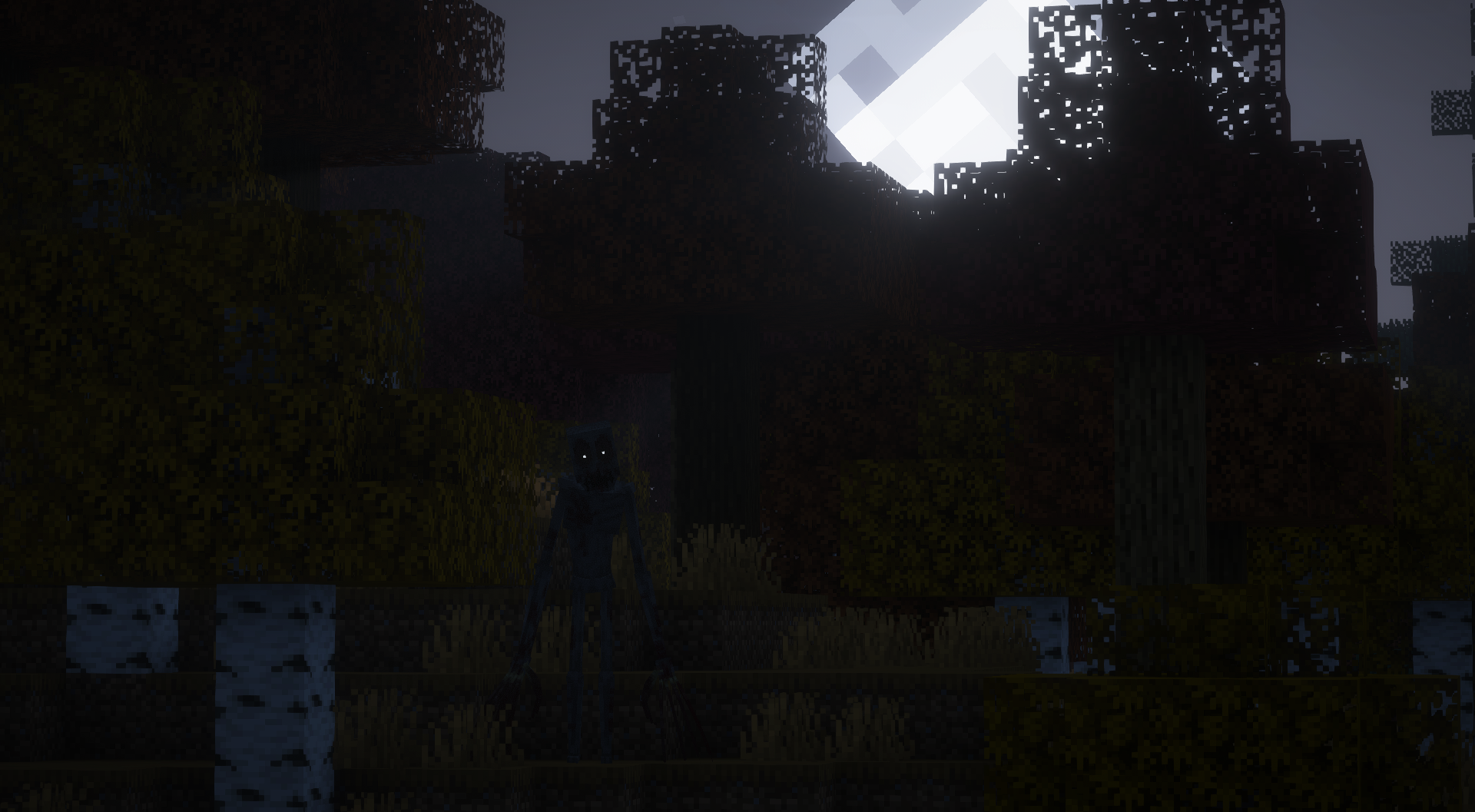
The Cryptid has a multitude of different things he can do after spawning:
Like pacing while watching the player, stalking the player by following them in the distance, watching the player in the distance, etc.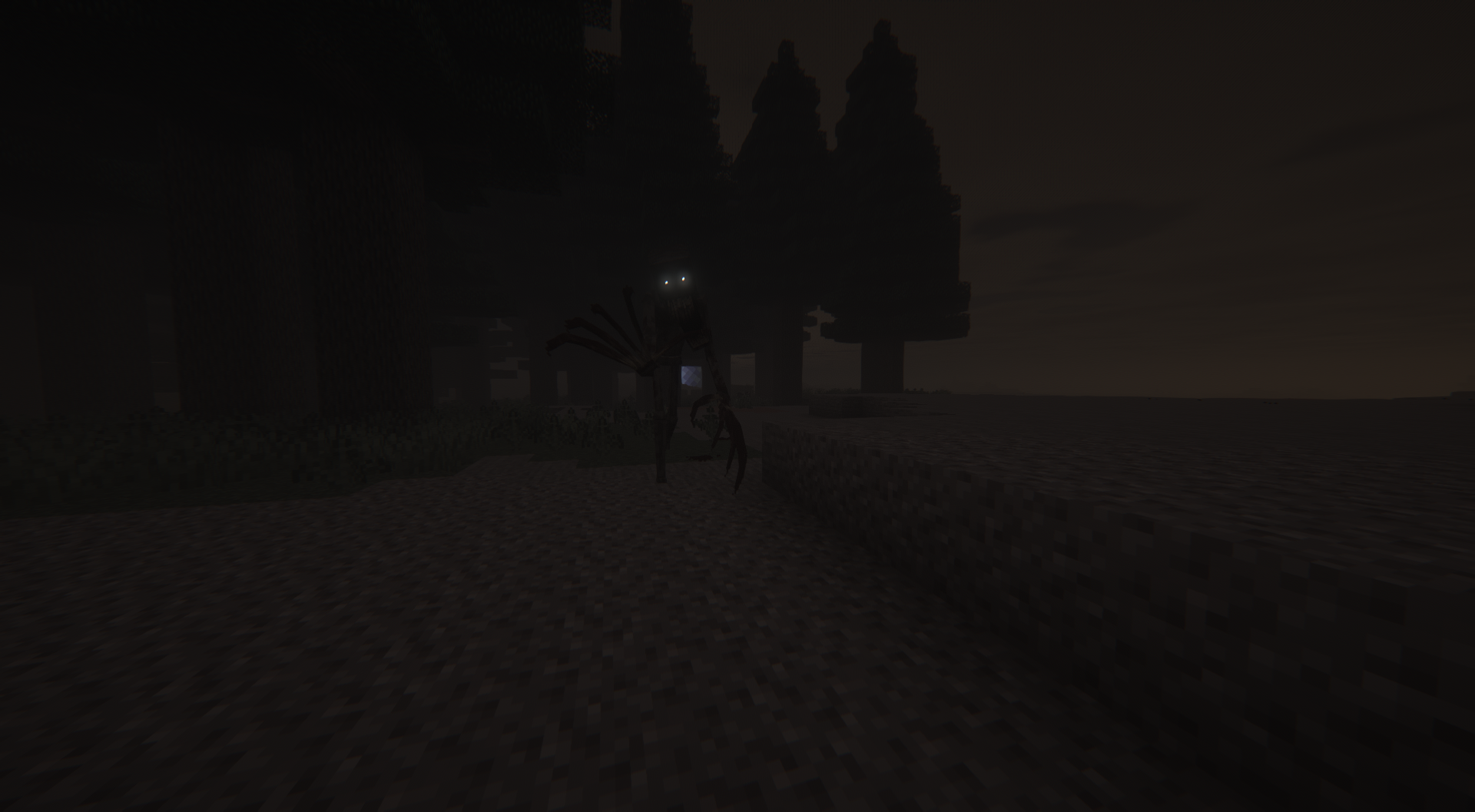
If the Cryptid isn't interacted with for long enough, he will either disappear, become angry and chase the player nearest to him, do a random event, or change his "AI".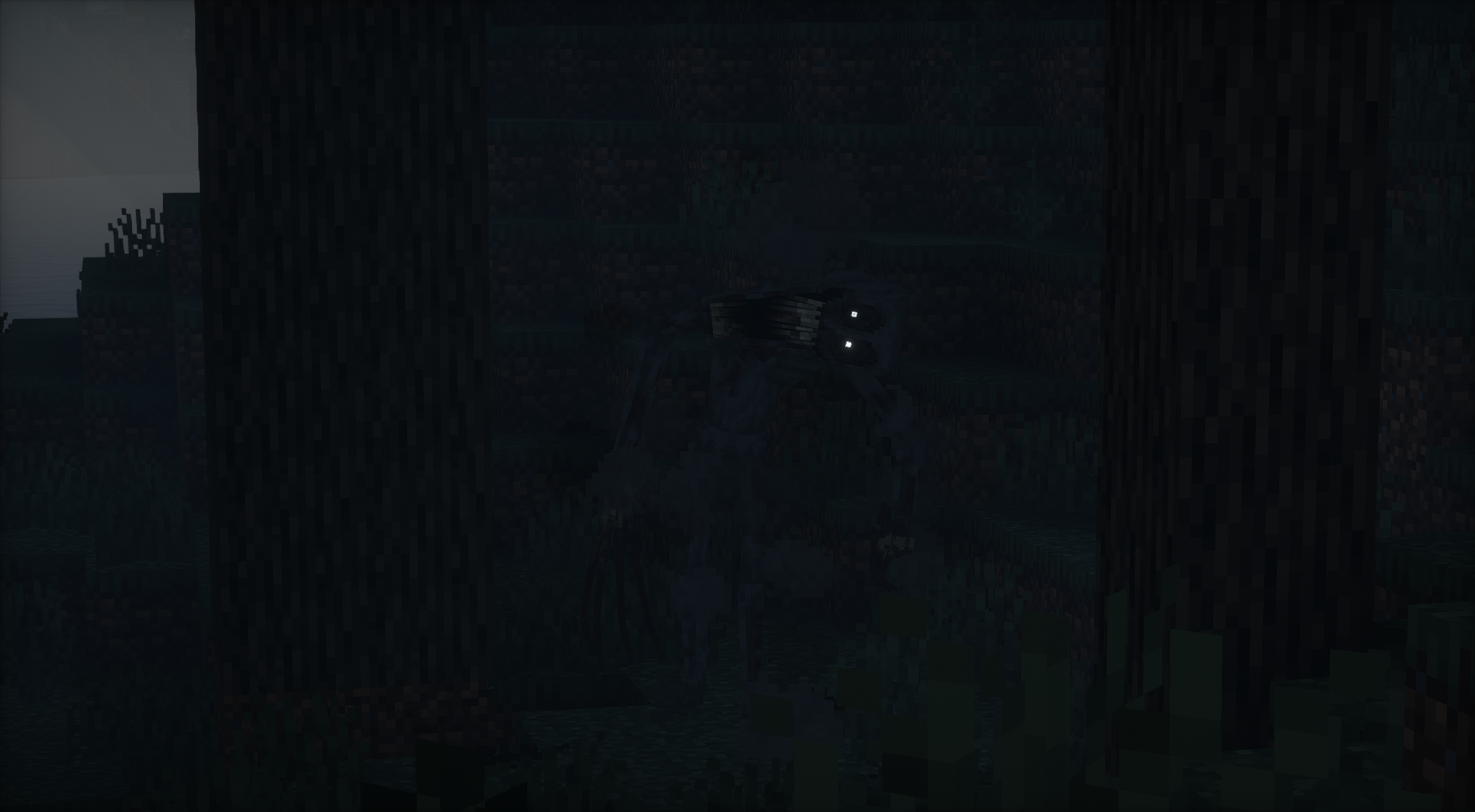
When looked at, the Cryptid has a chance of either disappearing or doing a "random event".
The Cryptid has a random chance of grabbing you if he hits you and also has a chance of throwing you.
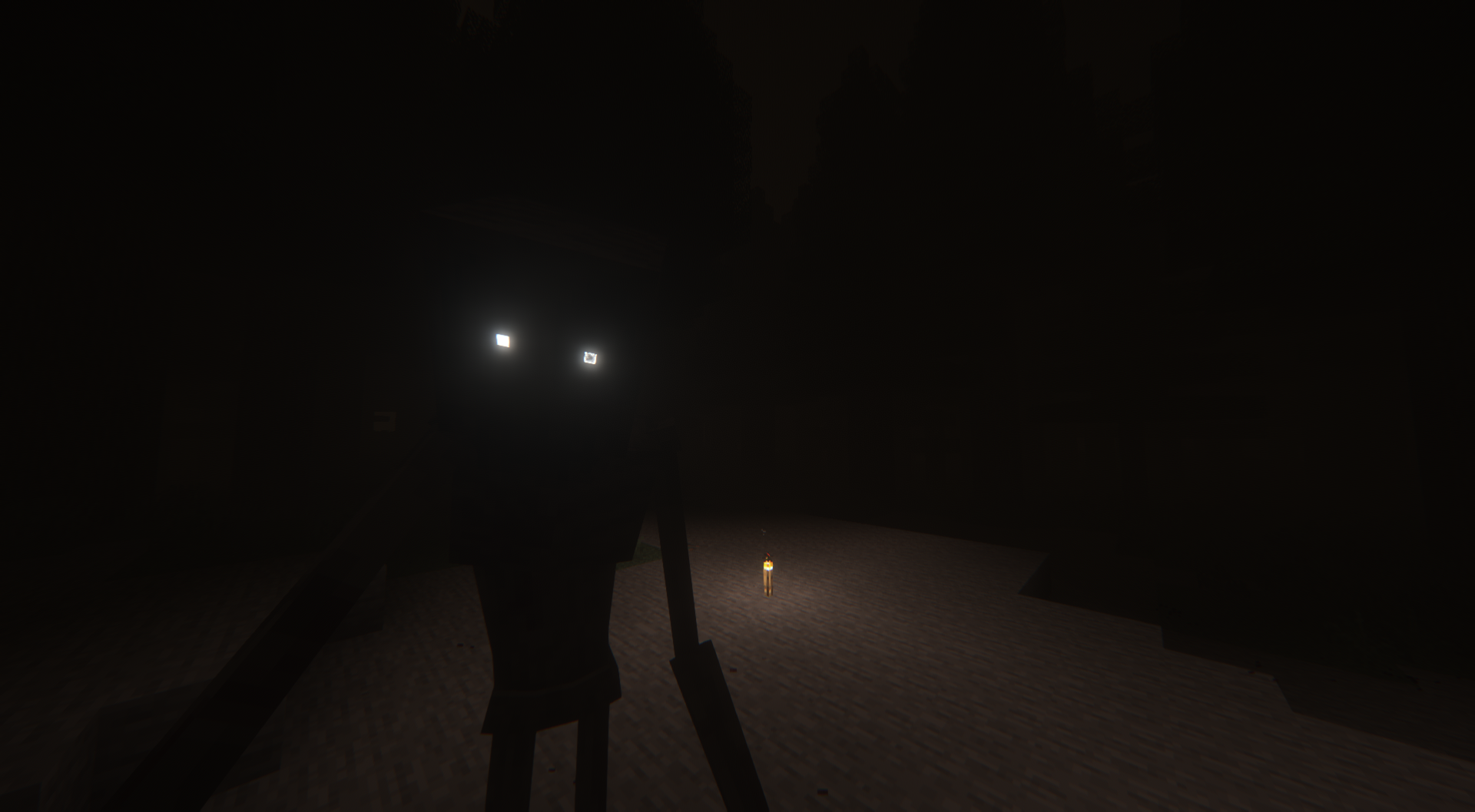
The Cryptid can produce sounds when he's nearby, such as claw scraping or twig snapping, however, these sounds may not always originate from the Cryptid and can occur randomly, making it difficult to determine whether they are caused by him or not. The same applies to the new ambient sounds that may also occur.
At first the Cryptid's goal will not be to kill the player but to scare them, however, over time the Cryptid will be willing to kill the player more and more until that's what he plans to do every time you encounter him, and once he kills the player, he will go back to only wanting to scare the player.
To use the config, you have to go into your Minecraft game directory, then go into the "config" folder and it should be there. You can edit the config with Notepad, Notepad++, or any code editor you may have installed.
Or, alternatively, you can install the Configured mod and access the config menu by finding the mod in the "mods" tab in the pause menu and opening the config that way.
Config Settings:
1: "Cryptid Spawntime Min" A random number is generated between min and max for the spawn time, the spawn numbers are in seconds, so set how many seconds you want it to take for him to spawn on min and max.
2: "Cryptid Spawntime Max" A random number is generated between min and max for the spawn time, the spawn numbers are in seconds, so set how many seconds you want it to take for him to spawn on min and max.
3: "Cryptid Spawn Chance" If you want a higher chance of the cryptid spawning set the spawn chance to a lower number, if you want a lower chance for the cryptid to spawn set the spawn chance to a higher number.
4: "Cryptid Chase Music" If set to true then chase music will play when the Cryptid "chases" the player, if set to false there will be no chase music.
5: "Regenerate Blocks If Broken By Cryptid" If set to true then blocks broken by the Cryptid will regenerate after a short period of time, if set to false then the blocks broken by the Cryptid will not regenerate.
6: "Cryptid Chase Time Min" A random number is generated between min and max for the chase time, the chase numbers are in minutes and a bit over so like 1:15 so set how many minutes you want it to take for him to disappear on min and max.
7: "Cryptid Chase Time Max" A random number is generated between min and max for the chase time, the chase numbers are in minutes and a bit over so like 1:15 so set how many minutes you want it to take for him to disappear on min and max.
8: "Cryptid Chase Vignette" If true, a vignette will slowly fade in the closer the Cryptid is while chasing the player.
9: "Alternate Chase Theme" If set to true then an alternate chase music track will play, if set to false the default chase music track will play.
10: "Don't Spawn Cryptid On First Day" If set to true then the Cryptid will not spawn on the first day of a world, if set to false then the Cryptid will be able to spawn on the first day of a world.
11: "Cryptid Max Spawn Distance" A random number is generated between 20 and the set config number for the spawn distance, spawn distance is in blocks so 100 would be 100 blocks away etc.
(This mod is made for Forge.)
(Report any bugs or issues you find here: Issue tracker)
Credits:
Mod Creator: Voxla
Mod Director: Lord0wnage
Default Chase Track Composer: Whirlygig
If you want to keep up to date with mods I'm working on, have any questions, or just want to join to see sneak peeks about mods or anything, feel free to join the Discord.

Project description from CurseForge.
Pick your setup
Choose the version and loader you play, then open the matching release.
Check the dependencies, then try the file in a copied instance before changing a world you care about.
Recent files
8 Jul 2025
8 Jul 2025
Looking for an older file? The official CurseForge project page is in Resources.
 mod
modThis mod ports the Super Hostile mode from the April Fools "Java Edition 2.0" snapshot to 1.20.1.
 mod
modMestre Mandou lets you capture mobs with the Master Staff and turn them into permanent troops. Create groups, organize, summon, store, and move your army. Fallen mobs enter recovery and return later. Minecraft 1.20.1 Forge.
 mod
modA Curios-based trinket mod: a speed belt, warrior charm, dragon guardian ring, and an endlessly upgradable Core of Myriad.