The Lost Cities Needed by Pomkots World pomkotsworld-forge-0.0.1-alpha.1.jar
requiredMatching file found Matched file: LostCities - 1.20-7.5.9
CurseForge · Minecraft mod
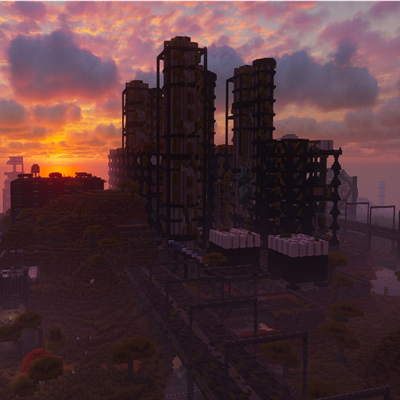
Generates a sci-fi flavored, post-apocalyptic world. This is an add-on for Lost Cities.
Quick answer
Pomkots World pomkotsworld-forge-0.0.1-alpha.1.jar targets 1.20.1 with Forge. The project page does not say whether this file belongs on the client, dedicated server, or both. All 1 required mods have matching files.
Where it goes
The project page does not say whether this file belongs on the client, dedicated server, or both.
The source does not explicitly classify this release as client-only or server-only.
pomkotsworld-forge-0.0.1-alpha.1.jar. Change the file and its required mods may change too.
Install The Lost Cities first. We found matching files for this game-version and loader setup. 4 come through another mod in the chain.
4 extra mods were pulled in by other dependencies. Indented rows show who needs each one. We only count dependency files that match this setup. A file for another loader does not fill the gap.
Before you install it
Built for Pomkots World pomkotsworld-forge-0.0.1-alpha.1.jar. Pick another file and the loader, install side or required mods may change.
Use pomkotsworld-forge-0.0.1-alpha.1.jar. It targets 1.20.1 with Forge; another release may have different loader, side or dependency requirements.
Install The Lost Cities first. We found matching files for this game-version and loader setup. 4 come through another mod in the chain.
The project page does not say whether this file belongs on the client, dedicated server, or both.
Use the “Get this file” button beside pomkotsworld-forge-0.0.1-alpha.1.jar. It opens that exact file at the source.
About this project
This is an add-on for Lost Cities that generates a sci-fi flavored, post-apocalyptic world!
This is one of the elements to support the Survival Mode integration of Pomkots Mechs, a high-speed custom mech mod
…and more!
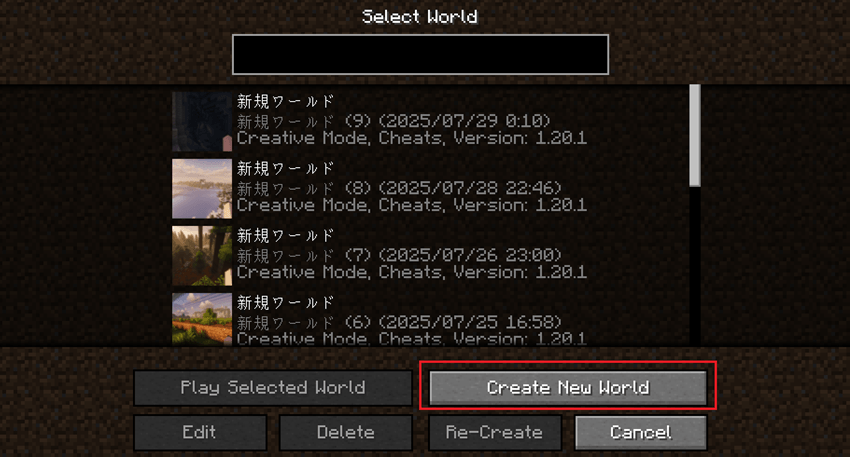
1.Start by creating a new world.
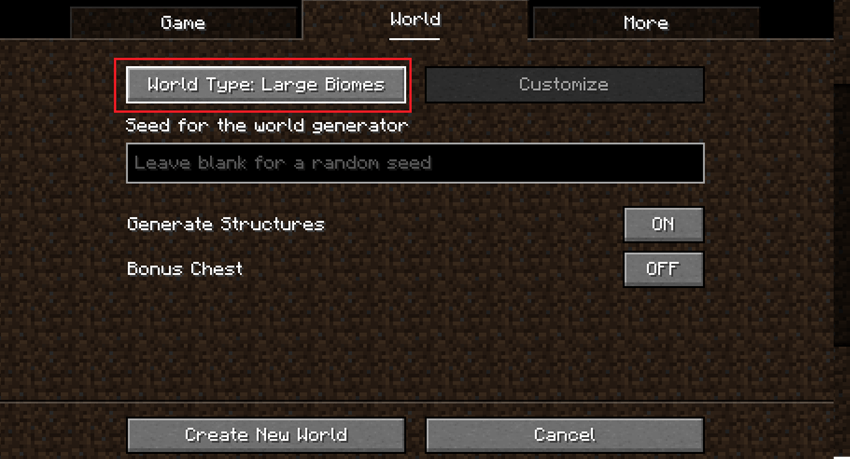
2.Set the World Type to Large Biomes (recommended).
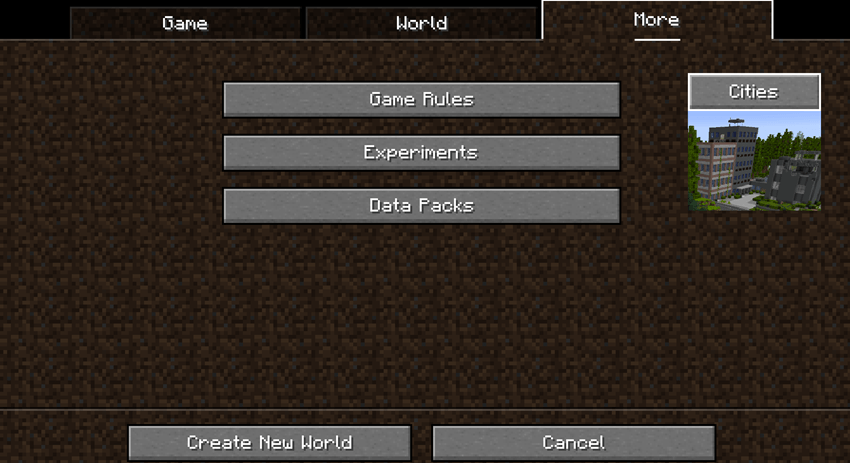
3.Go to the More tab and click the Cities button.
4.Click the Profile button several times until you select rarecities. (You can use other profiles too, but this one is recommended!)
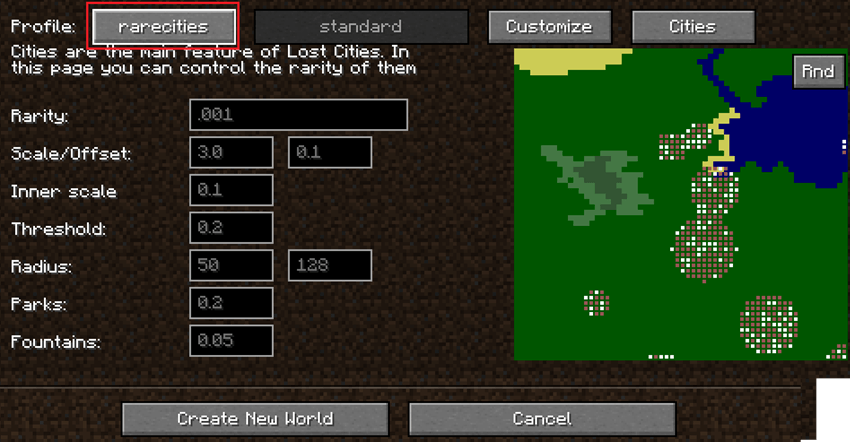
5.Click the Customize button once. Then, click the setting that says standard several times until you see pomkotsmechs:pomkotsworld.
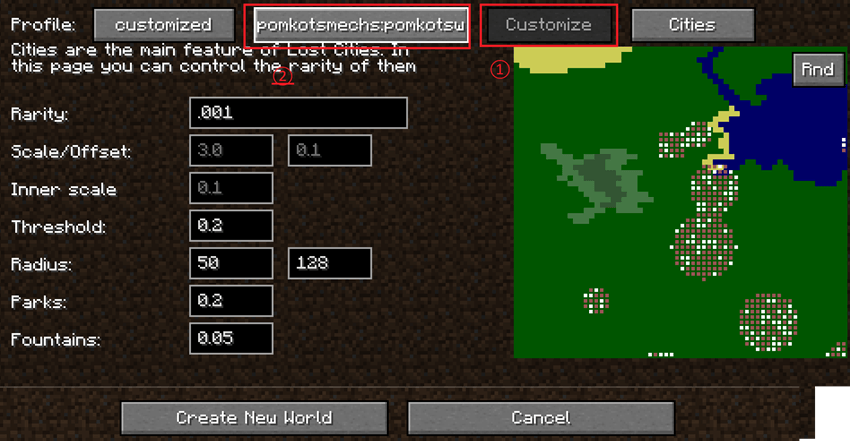
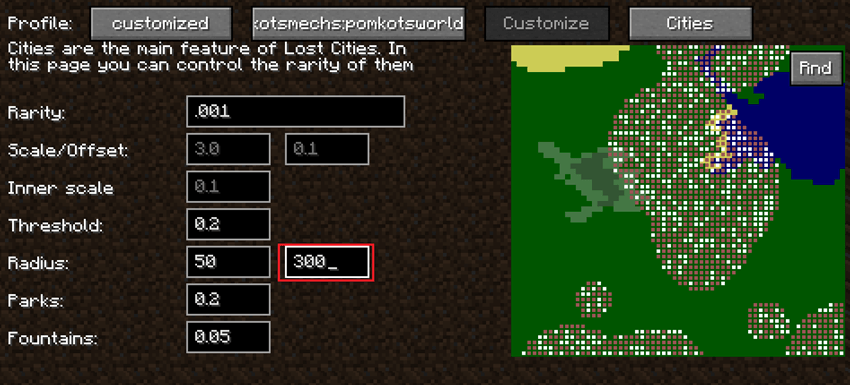
6.Set the Radius to 300. (Recommended: sets the max radius of a city to 300 blocks.)
7.Click the Cities button.
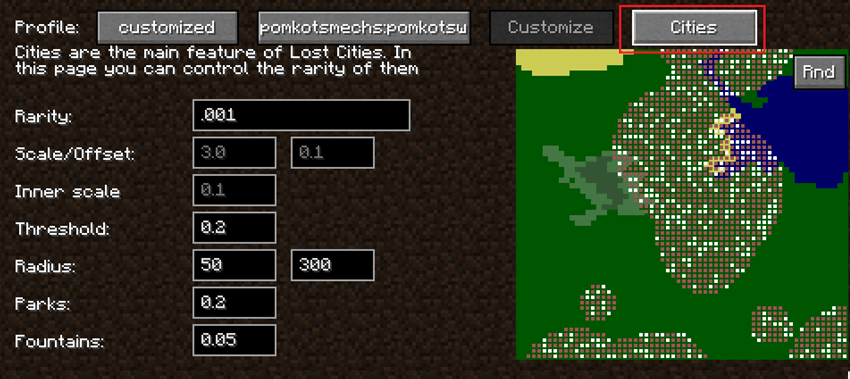
8.Adjust the building generation settings to your liking. (Check the Lost Cities documentation for more detail!)
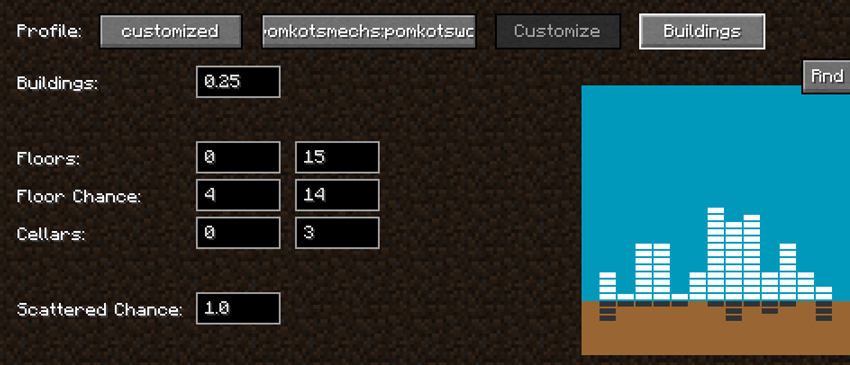
Lost Cities official usage:https://www.mcjty.eu/docs/mods/lost-cities/
Huge, ultra-super thanks to McJty for creating the amazing mod Lost Cities! It’s a mod full of infinite possibilities and incredible potential. Wishing continued success and prosperity of Lost Cities!
Pine-san(@Pining_Pine on X): Thanks for providing Aircraft and Warship!
Project description from CurseForge.
Pick your setup
Choose the version and loader you play, then open the matching release.
Check the dependencies, then try the file in a copied instance before changing a world you care about.
Recent files
3 Aug 2025
Looking for an older file? The official CurseForge project page is in Resources.
 mod
A Overhaul of world Gen, and Progression
 mod
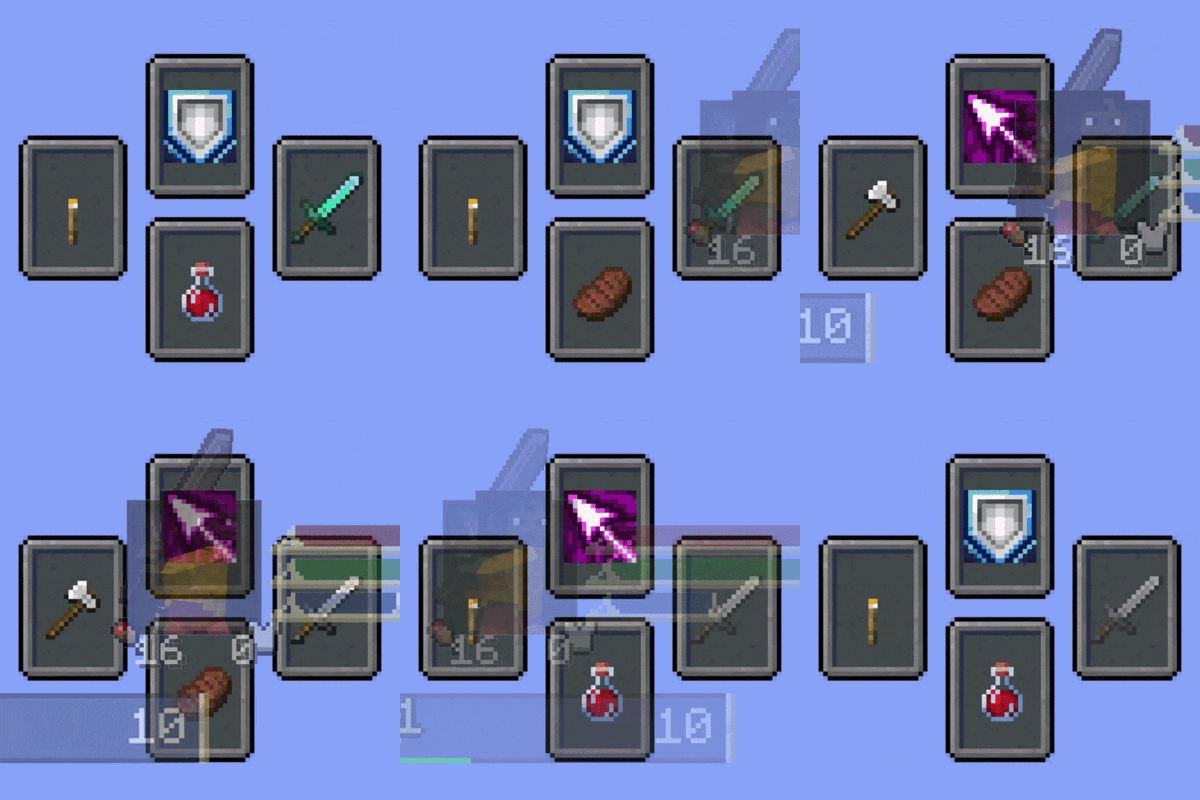
Adds a soulslike HUD featuring equipment slots, boss bar, status gauges and team display.
 mod
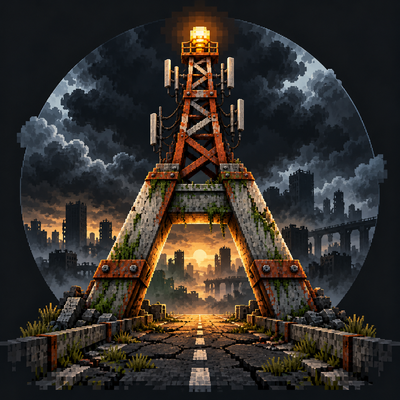
Afterfall transforms Minecraft into a persistent zombie-survival world built around scavenging, injuries, vehicles, evolving cities, failing utilities, factions, and rebuilding civilization. Inspired by Project Zomboid.