EMI Optional for wd's Selling Bin selling_bin-1.6-NEOFORGE-26.3.jar
optionalNo matching file
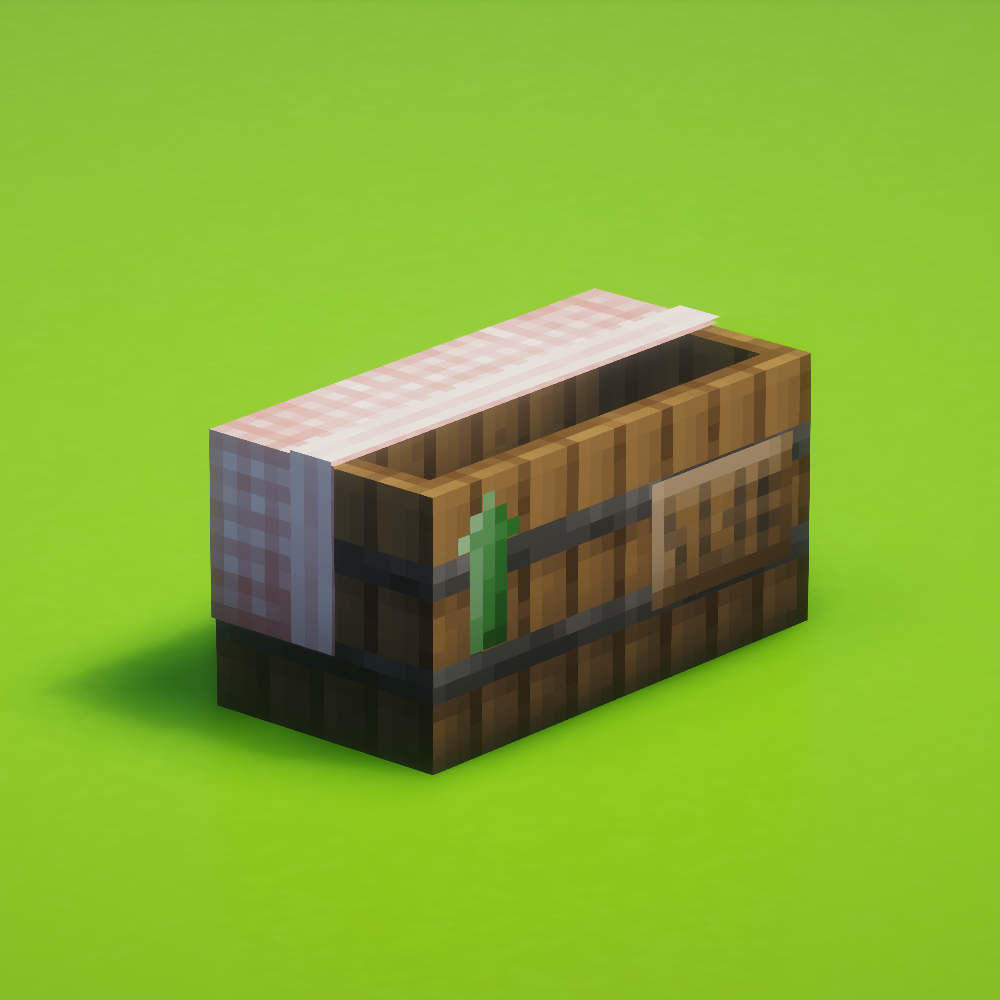
CurseForge · Minecraft mod
A data-driven selling bin mod
Quick answer
wd's Selling Bin selling_bin-1.6-NEOFORGE-26.3.jar targets 26.3 with NeoForge. The project page does not say whether this file belongs on the client, dedicated server, or both. No extra mods listed for this file.
Where it goes
The project page does not say whether this file belongs on the client, dedicated server, or both.
The source does not explicitly classify this release as client-only or server-only.
selling_bin-1.6-NEOFORGE-26.3.jar. Change the file and its required mods may change too.
This file does not list any required mods. Do not add a library just because a different file uses it.
5 extra mods were pulled in by other dependencies. Indented rows show who needs each one. We only count dependency files that match this setup. A file for another loader does not fill the gap.
Before you install it
Built for wd's Selling Bin selling_bin-1.6-NEOFORGE-26.3.jar. Pick another file and the loader, install side or required mods may change.
Use selling_bin-1.6-NEOFORGE-26.3.jar. It targets 26.3 with NeoForge; another release may have different loader, side or dependency requirements.
This file does not list any required mods. Do not add a library just because a different file uses it.
The project page does not say whether this file belongs on the client, dedicated server, or both.
Use the “Get this file” button beside selling_bin-1.6-NEOFORGE-26.3.jar. It opens that exact file at the source.
About this project
[❗] 👷♀️ This mod does not include any trades by default! Scroll down or check the wiki for built-in datapacks you can use and instructions on how to make your own.
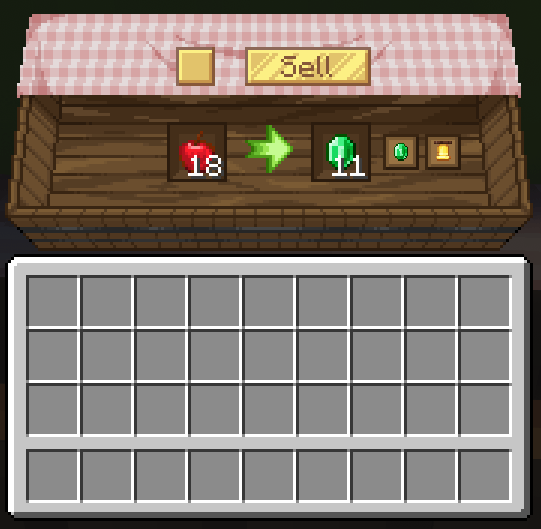
Leftover from selling is stored inside the bin so nothing is lost!
Mods > wd's Selling Bin > Config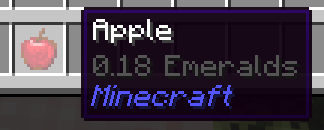
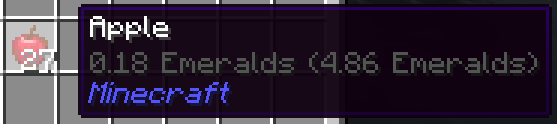
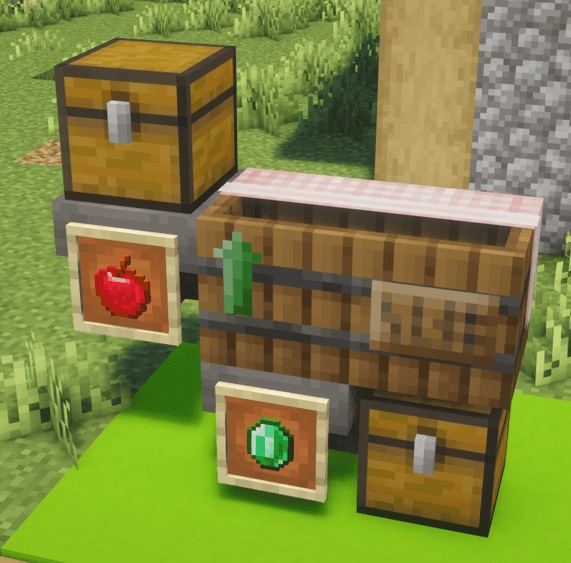
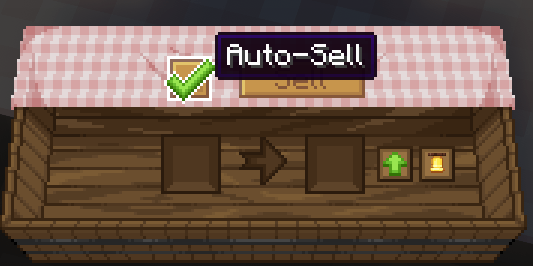
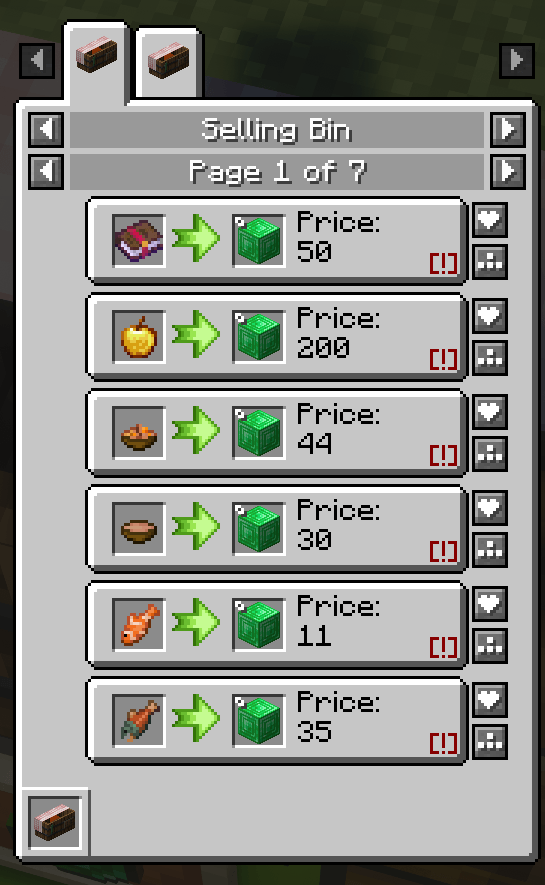
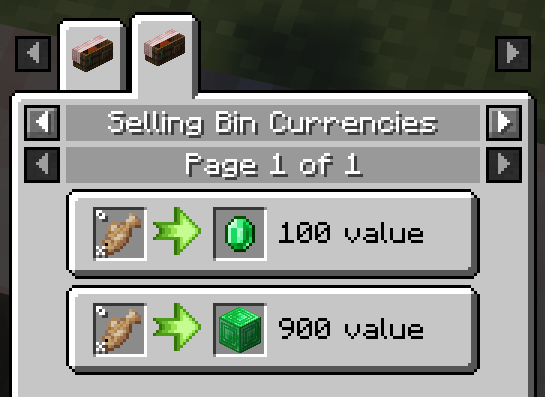
There are a few built-in datapacks you can select right from the world creation screen, under the Data Packs area!
You can also use the /datapack enable command inside the world
The price of an item is calculated using processors. Processors allow for nbt-based valueing, for example, if an item is damaged or has an enchantment.
Got a compatibility suggestion? Let me know on discord 💸
Check the wiki for the list of processors you can use directly in the datapack jsons and their properties.
wd's Selling bin also features a global sales multiplier, in case you want to use one of the built-in datapacks but think the prices across the board are too high/low.
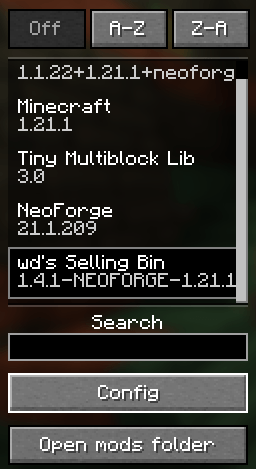
Simply access the mod menu and click config on the bottom left.
For editing the available trades please refer to the wiki.
Please reference the wiki when making a datapack https://github.com/wdiscute/Selling-Bin/wiki
Project description from CurseForge.
Pick your setup
Choose the version and loader you play, then open the matching release.
Check the dependencies, then try the file in a copied instance before changing a world you care about.
Recent files
3 Oct 2026
4 Sept 2026
4 Sept 2026
31 Aug 2026
23 Aug 2026
8 Jun 2026
1 May 2026
22 Apr 2026
22 Apr 2026
21 Apr 2026
8 Apr 2026
7 Apr 2026
Looking for an older file? The official CurseForge project page is in Resources.
 mod
modComplete overhaul of the minecraft inventory
 mod
modSeals your items and XP in a gravestone when you die, with biome-themed graves, naturally forming cemeteries, and tameable Ghost companions.
 mod
modCompatibility mod for Tensura & Solo Leveling SLR